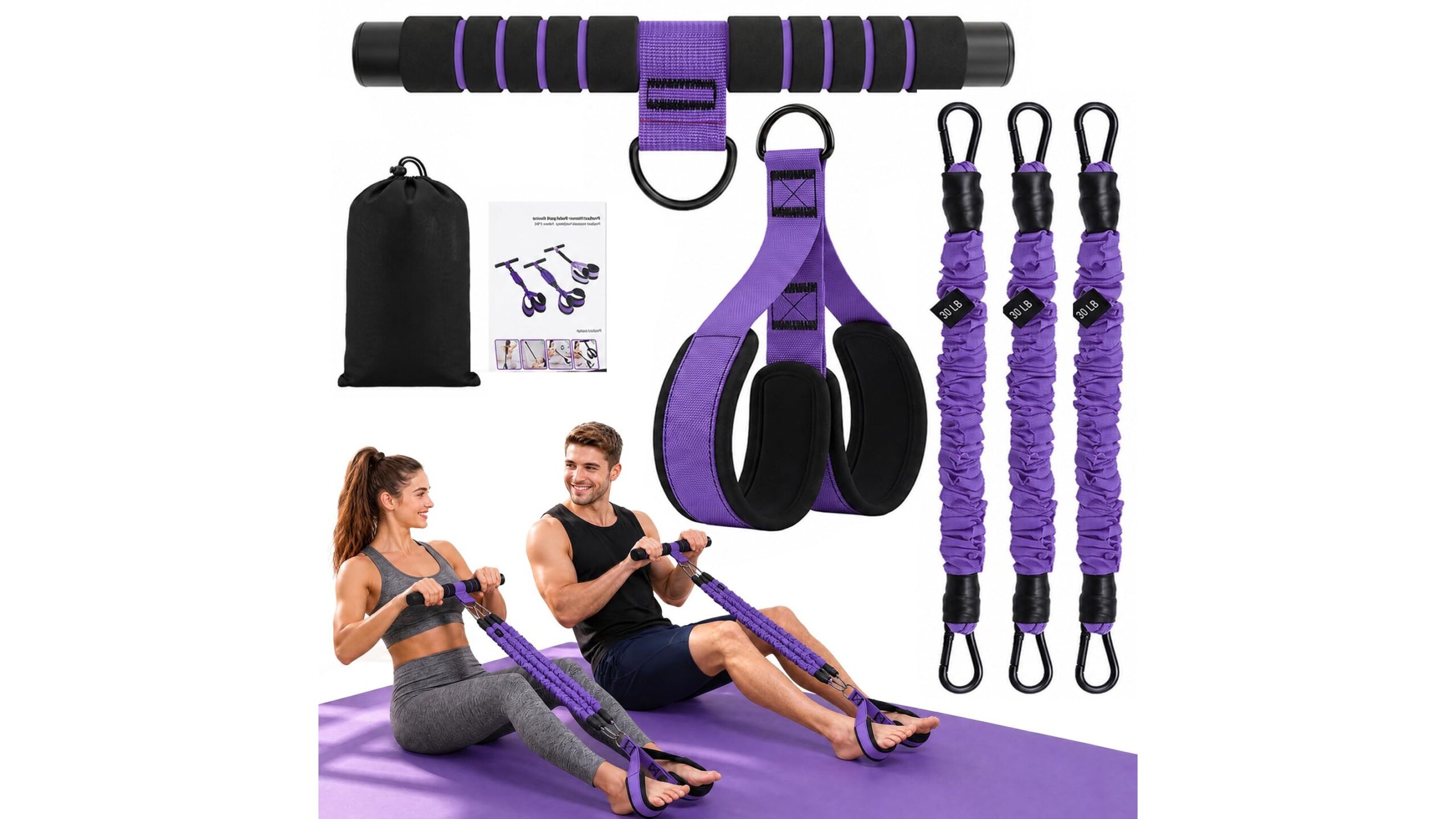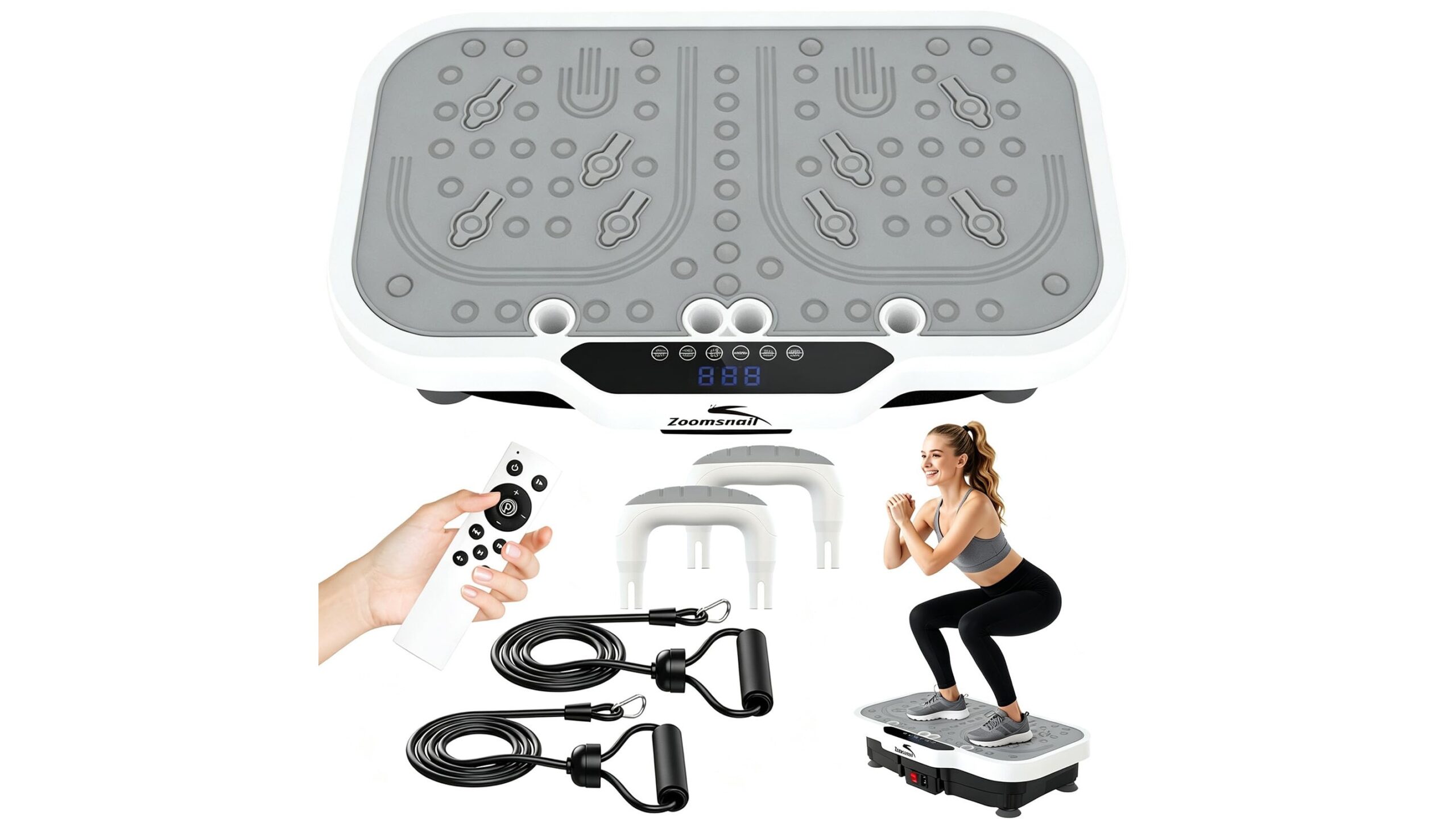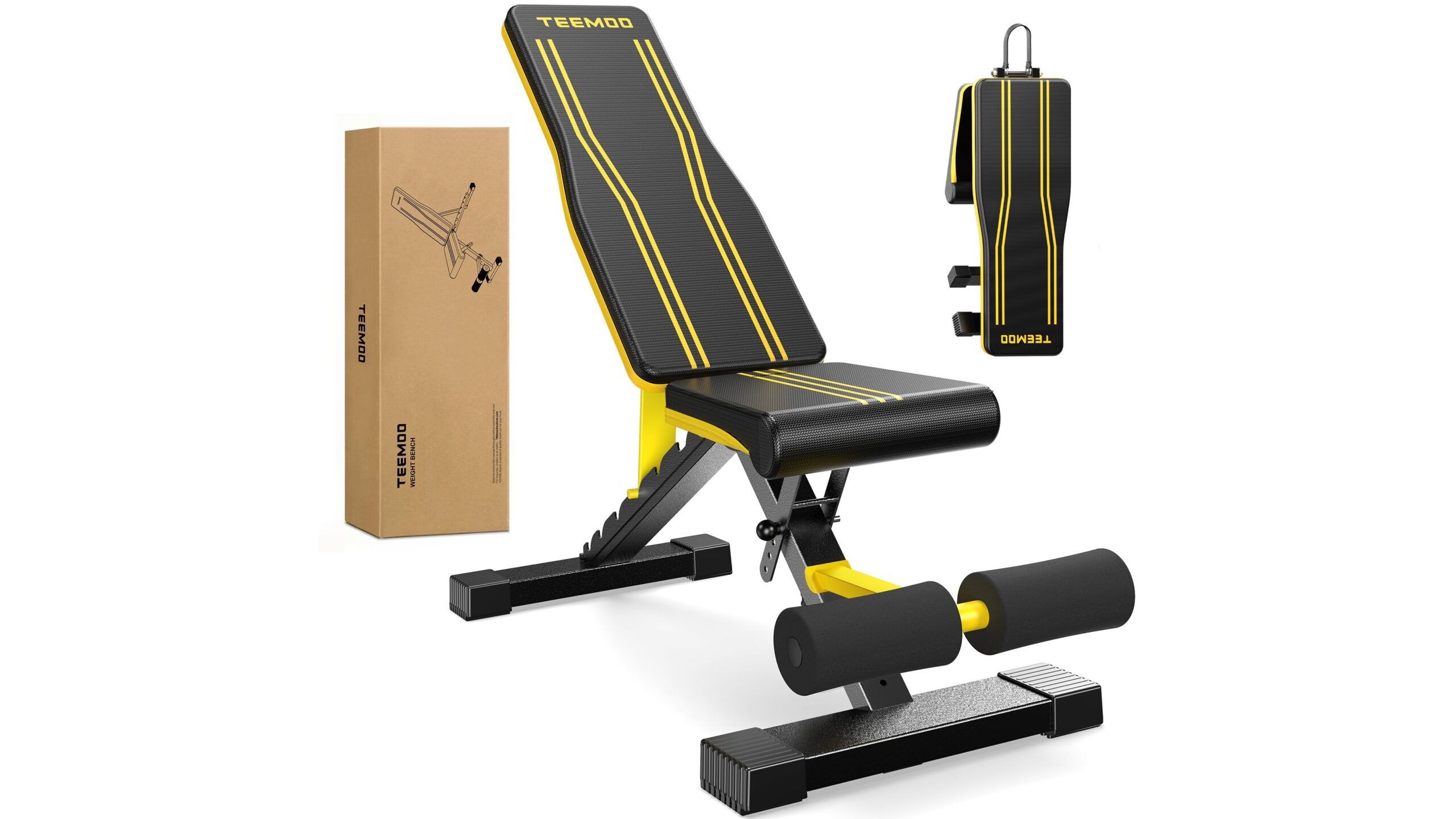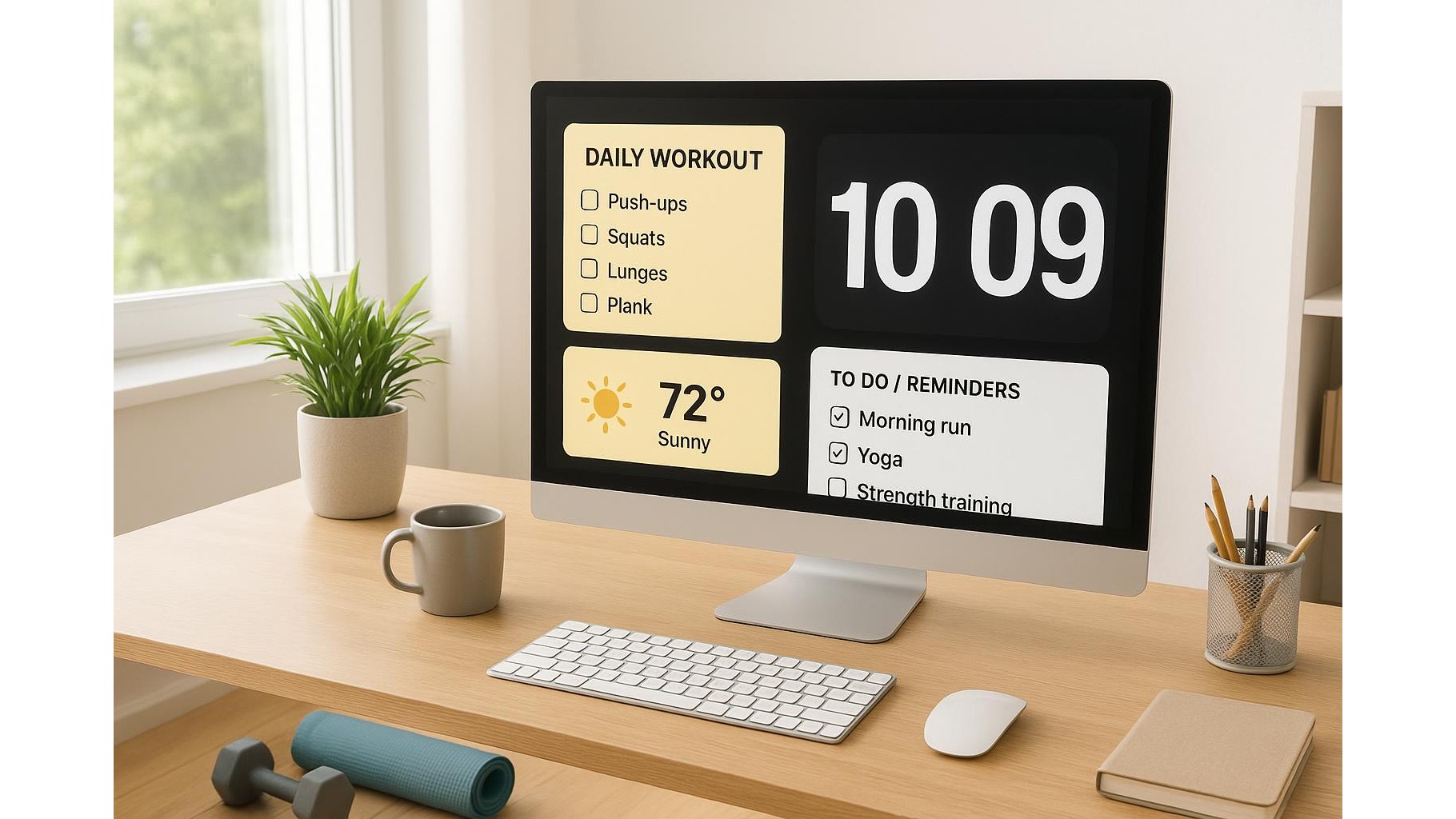
Building a consistent home workout habit is often less about equipment and more about simple systems. One of the easiest systems you can create is a minimalist workout dashboard using only the basic widgets that already live on your laptop or desktop: clock, notes, weather and reminders. With a bit of intention, your screen can quietly become a home workout command center that keeps you organised and motivated without installing any extra fitness apps.
Designing your minimalist workout dashboard
The first step is to treat your desktop like a small fitness cockpit. Place a clock widget where you can see it at a glance, a notes widget for your plan, a reminder or to‑do widget for tasks, and a weather widget if outdoor sessions matter to you. Keep the layout clean: avoid overlapping and leave some empty space so your brain can instantly read the information. The goal is not to create a flashy interface, but a calm, functional layout that lowers friction every time you think about training.
Using the clock widget to time your training
Your clock widget can be more than a display of the current time. Turn it into a habit anchor. Set fixed training windows, such as 7:00–7:20 or 18:30–18:50, and place the clock where it is clearly visible whenever you are at the computer. Some operating systems allow world‑clock or multiple‑time‑zone views: dedicate one of those clocks to your “Workout Time” label, so you associate that visual cue with moving your body. You can also combine the clock with gentle alarms or system notifications to signal the start of your warm‑up or the end of a work block when you want to do a quick set of squats or push‑ups.
Notes widgets as simple workout programs
A notes widget is perfect for storing your home workout routine in plain sight. Instead of hiding your program in a document or a dedicated app you never open, keep a short list of exercises on the desktop: for example, “Day A: squats, push‑ups, rows, planks” and “Day B: hip hinges, presses, lunges, core” with reps and sets. You can create a weekly template, highlight progression targets, and quickly edit the text as you improve. Because the note is always visible, you remove the decision fatigue of asking “What should I do today?”—you simply glance at the widget and start. This ultra‑light approach is ideal for beginners and for experienced lifters running simple strength or mobility plans.
Reminders and to‑dos for adherence and recovery
The reminder or to‑do widget is your accountability partner. Add recurring reminders such as “15‑minute mobility break”, “Strength session” or “Evening stretch” on specific days. Include tasks that support recovery—”Prepare water bottle”, “Lay out resistance bands”, “Lights‑out by 23:00″—so your system covers both training and rest. Marking these small tasks as completed gives you micro‑wins that reinforce the identity of someone who trains consistently. Keep wording neutral and encouraging rather than guilt‑based; your command center should reduce stress, not add pressure.
Weather widget for planning indoor and outdoor sessions
The weather widget becomes surprisingly powerful when you mix indoor and outdoor workouts. A quick glance at temperature, rain and wind helps you decide if today is better for an indoor strength circuit or an outdoor run or walk. You can scan the weekly forecast on your desktop and block your calendar accordingly: sunny days for cardio outside, cooler or rainy days for dumbbells, bodyweight or resistance bands at home. This kind of environment‑based planning makes your routine more realistic, because it adapts to actual conditions rather than a rigid schedule that you might abandon when the weather changes.
Keeping it simple and sustainable
When your screen shows only a clock, notes, reminders and weather, all tuned to your training, you build a low‑friction system that nudges you to move without noisy notifications or complex dashboards. Start with one or two widgets, refine the layout over a week, and adjust your routines as you learn what fits your lifestyle. The beauty of this minimalist command center is that it runs on tools you already have, costs nothing, and stays stable even as you change workout styles. Over time, these small visual cues on your desktop can quietly support a consistent, effective home fitness habit.