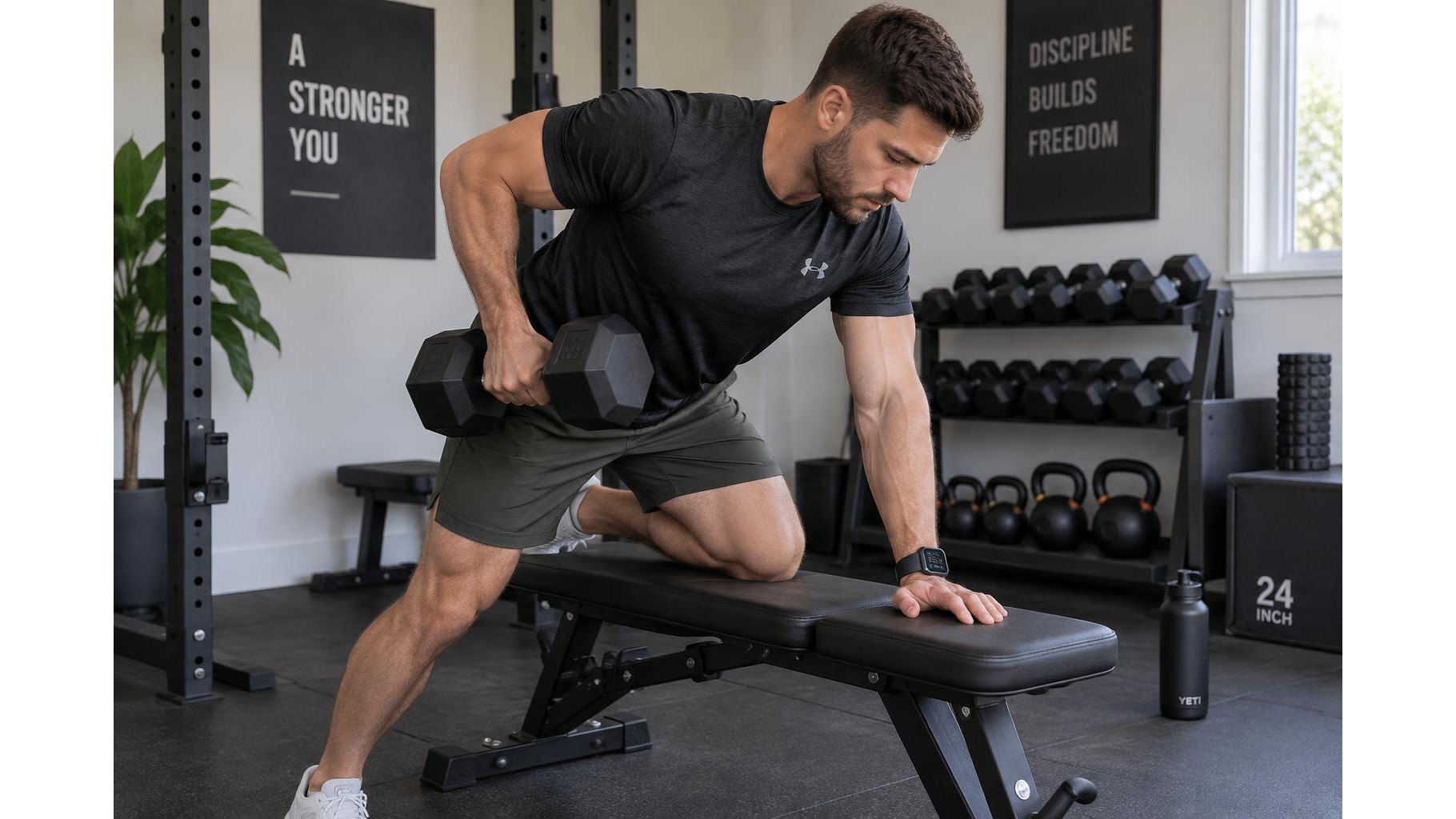
A smartwatch can bring useful structure to a home strength workout, especially when you want consistent work intervals and rest periods without checking your phone. The key is to treat it as a simple session timer and training log, not as a coach that dictates every rep. Set it up before you begin, keep the screen quiet between sets and use its data as context rather than a scorecard.
Choose a strength-friendly workout mode
Look for a built-in strength training or indoor workout mode. Depending on the watch, it may record duration, heart rate, estimated calories and, sometimes, repetitions or exercises. If no strength option is available, a general workout or cardio mode can still capture session time and heart-rate trends. Check that the mode does not automatically start GPS: location tracking is unnecessary for most indoor lifting and may drain the battery. Wear the watch snugly above the wrist bone, where its optical sensor can maintain contact, while making sure it does not interfere with your grip or wrist position.
Set work and rest intervals before training
Choose a timing format that matches the session rather than trying to make every exercise fit one rigid interval. For example, set a work period long enough for a controlled set, followed by a rest period that lets you recover. A timer with repeating work-and-rest blocks is convenient for circuits; for heavier lifts, use a rest timer that you start after each set so recovery can vary. Add a brief transition interval if you need to change equipment. Test the alerts before your workout, then select a quiet vibration instead of a loud sound if other people are nearby.
Use alerts without letting them rush your reps
Let the watch signal the end of a planned interval, but do not treat that alert as a command to stop a rep mid-movement. Finish the repetition safely, rack the weight and then begin resting. Likewise, the next interval should not force you to lift before you are ready. If your breathing is still unsettled or your technique feels compromised, extend the rest. The timer is there to make pacing visible and repeatable, not to override good form, safe effort or recovery. Disable unnecessary notifications so messages and app alerts do not interrupt concentration.
Read heart rate and other metrics in context
Heart rate can show how demanding a session feels overall and how quickly you settle between sets, but wrist sensors may lag during short, intense efforts. Gripping a dumbbell, bending the wrist, sweat and movement can also affect readings. Strength training naturally includes bursts of effort and pauses, so an average heart rate can hide what happened set by set. Estimated calories are also rough estimates, not a precise measure of energy use. Use these numbers to compare similar sessions over time, alongside your exercise, load, repetitions and perceived effort. Do not use them alone to judge whether a workout was effective.
Keep tracking simple and consistent
Before starting, check battery level, fit and the selected activity. During training, glance at the display only when it is safe; avoid trying to log every repetition if doing so disrupts your setup or focus. Afterward, review the basics: total duration, completed intervals and any heart-rate pattern that seems useful. If the watch supports manual laps or set markers, use them consistently for exercises you want to compare. A short note in a training log can fill in what the device cannot reliably capture, such as load, technique and how hard the final set felt.
Make the watch support the workout
A smartwatch works best as a low-distraction aid: set a sensible timer, use quiet alerts, and let recovery and form guide decisions. Treat heart rate, calories and automatic rep counts as estimates, then compare like with like over several weeks. A clear record of exercises, sets and effort will tell you more about strength progress than any single screen of numbers. Keep the device in the background, and let the training—not the notifications—set the pace.