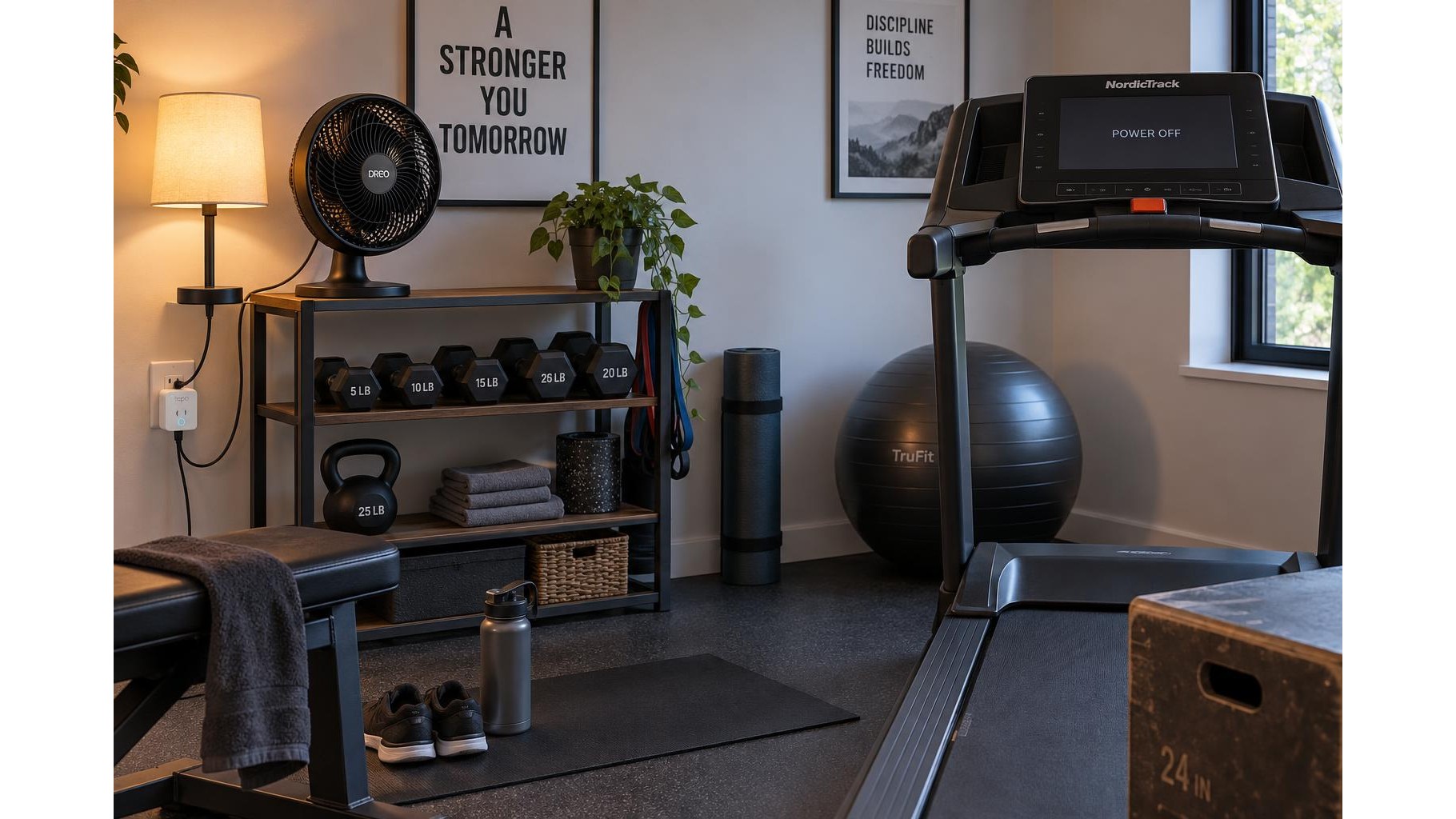
A little preparation can make it easier to start a home workout on time. A smart plug can switch compatible accessories on and off according to a schedule, helping your room feel ready without adding another task to your routine. Use it for simple items such as a lamp or fan, and treat it as a convenience tool—not as a substitute for safe equipment operation.
Choose accessories that suit scheduled control
Start with accessories that have a straightforward on/off function and are designed for unattended operation. A room lamp can provide useful light before an early session, while a fan can help circulate air in a workout space. Check that each accessory resumes the intended state after power is restored: some electronic devices remain off, while others restart automatically. Test this behaviour while you are present before relying on a schedule. Avoid plugging in anything whose safe use depends on a person being physically present to start, supervise, or stop it.
Check ratings and compatibility first
Before connecting anything, compare the smart plug’s rated voltage, current and maximum wattage with the accessory’s label or manual. The combined load must stay within the plug’s limits, and high-draw devices require particular care. Do not assume that a plug is suitable for a motor simply because its wattage appears low; motors can have a higher start-up load. Follow both manufacturers’ instructions, use a properly grounded outlet where required, and keep the plug and connections away from sweat, water and damp floors. If the rating or compatibility is unclear, do not use that pairing.
Build a simple pre-workout schedule
Choose a schedule that supports your actual training habits rather than adding unnecessary automation. For example, set a lamp to turn on 10–15 minutes before a usual morning session, or have a compatible fan start shortly before you enter the room. Set an automatic off time with enough margin for your workout and cooldown, then turn the accessory off manually if you finish early. If your routine changes from day to day, use a timer or app control instead of creating several confusing schedules. Check the schedule after a power or Wi-Fi interruption, since settings and behaviour vary by device.
Keep workout equipment under direct control
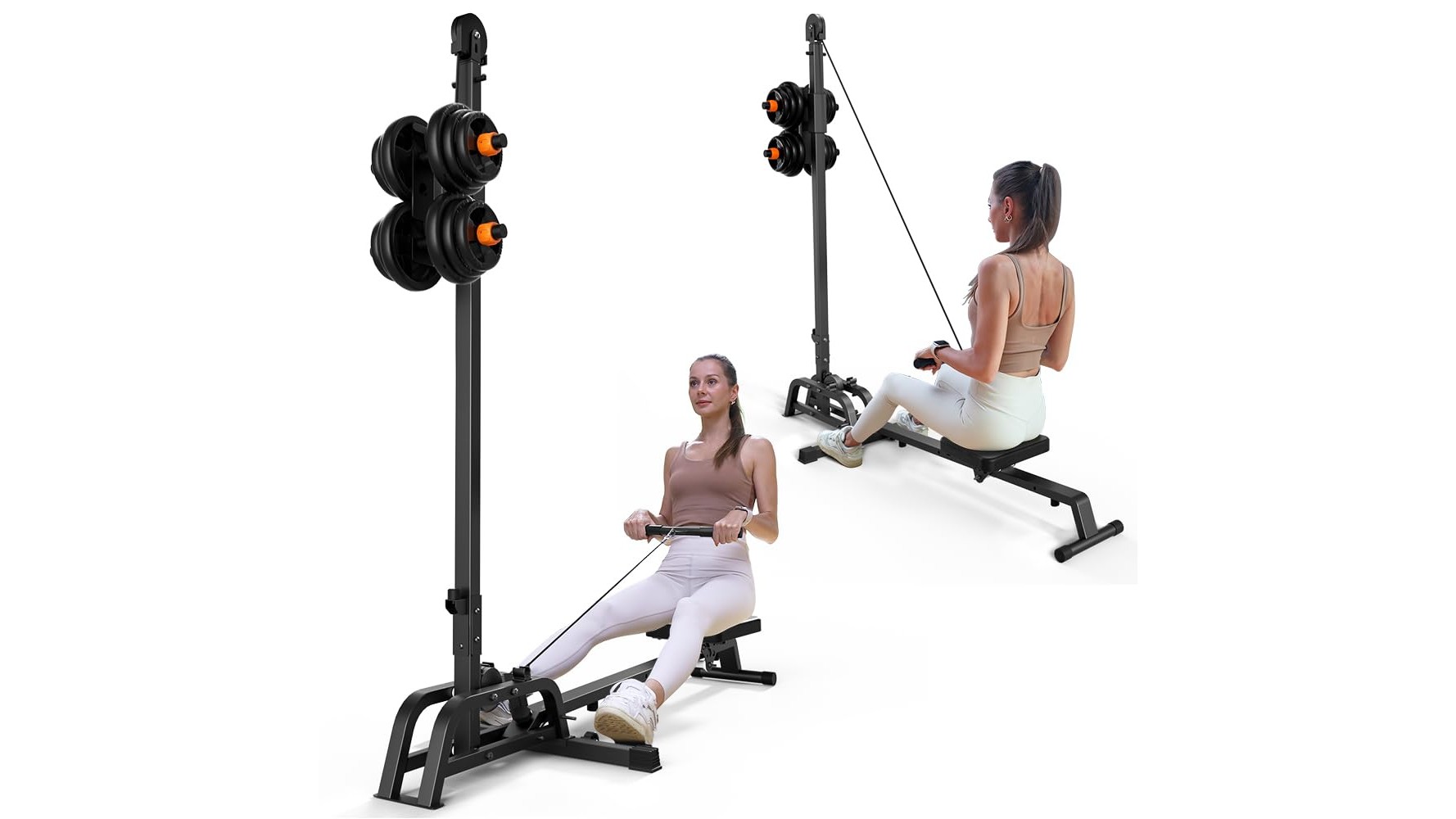
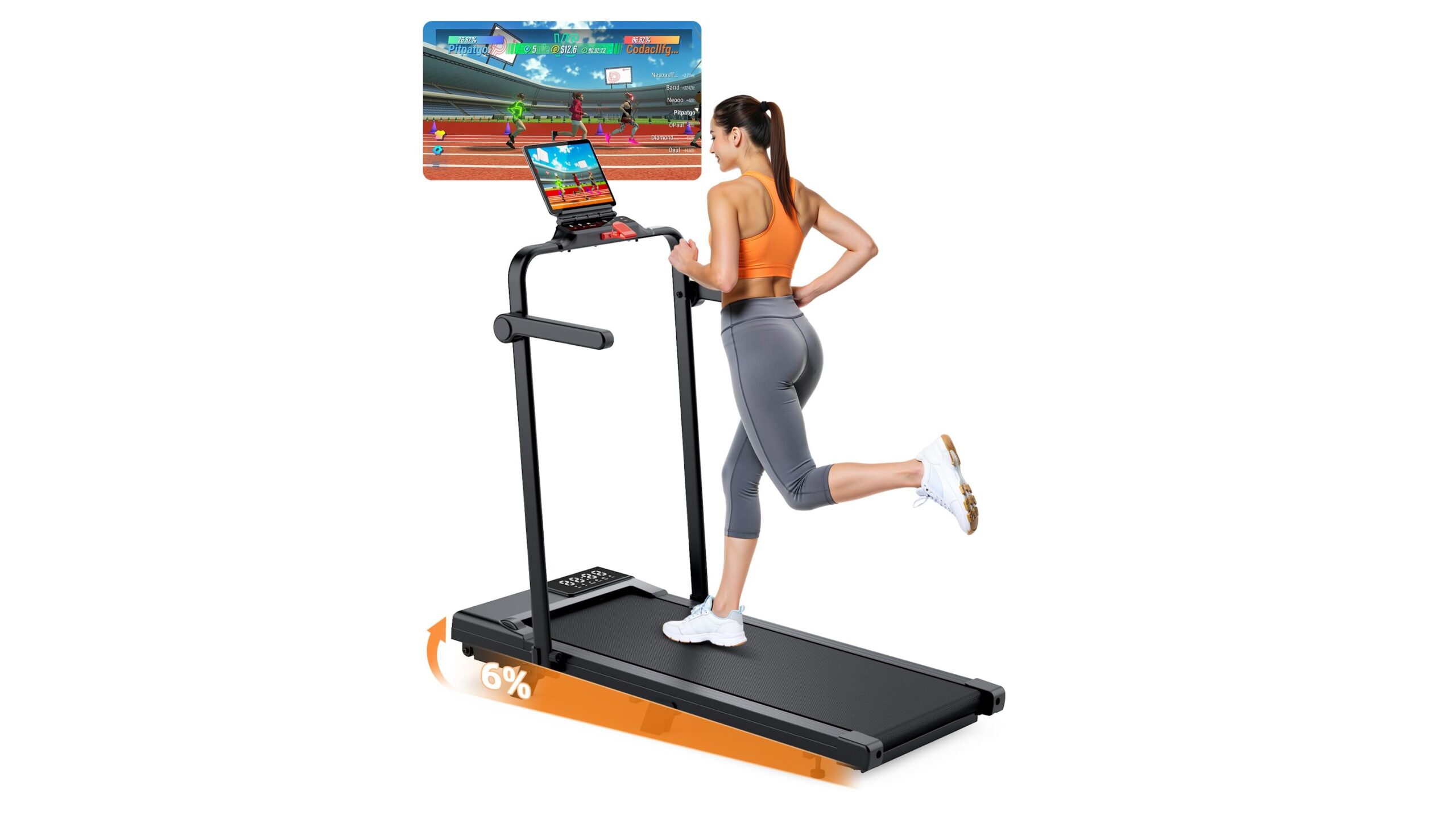
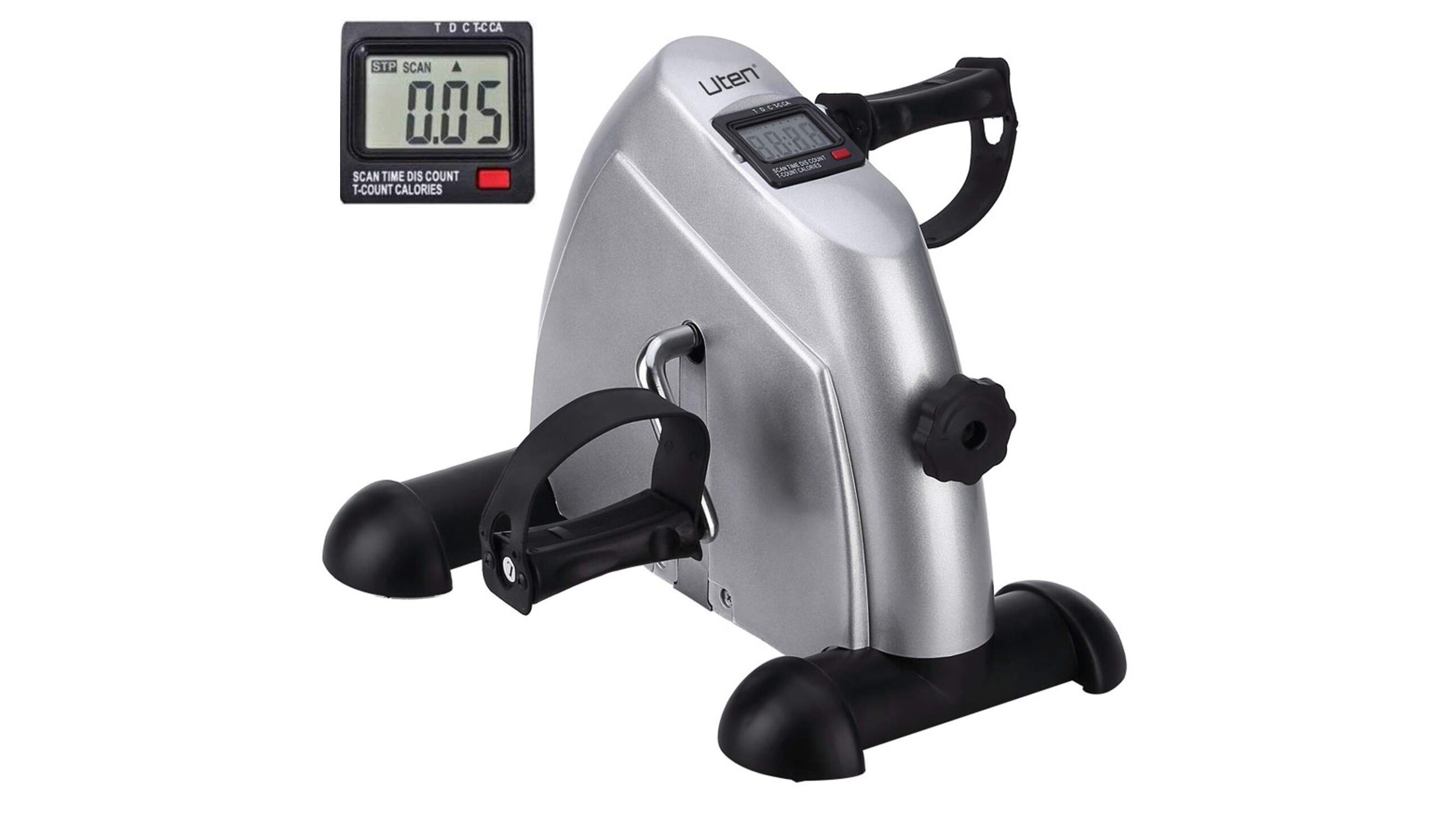
Never remotely switch a treadmill, exercise bike, rowing machine, or other powered fitness equipment unless its manufacturer explicitly permits that kind of control. A smart plug should not be used as an emergency stop, a safety interlock, or a way to start equipment while nobody is present. Do not use remote switching for heaters, heated accessories, or appliances that could create a fire or injury risk if left unattended. Keep the workout machine’s own controls accessible, and disconnect it according to its manual when required. A scheduled accessory should make the room more comfortable, not operate the workout itself.
Test the setup and review it regularly
Run the first few scheduled cycles while you are at home. Confirm that the lamp or fan switches as expected, that the plug remains cool, and that cables are clear of moving parts and walkways. Recheck the plug and accessory ratings if you change equipment, and inspect for damage, loose connections or signs of overheating. Keep manual control available in case the app, network or schedule fails. If a plug trips, feels hot, smells unusual or behaves inconsistently, unplug it when safe and stop using it until the cause is resolved.
Used thoughtfully, a smart plug can reduce small barriers to starting a workout by preparing suitable lighting or airflow on schedule. Verify compatibility, keep loads within their ratings, and reserve remote switching for low-risk accessories. Leave fitness machines and other potentially hazardous equipment under direct, manufacturer-approved control.