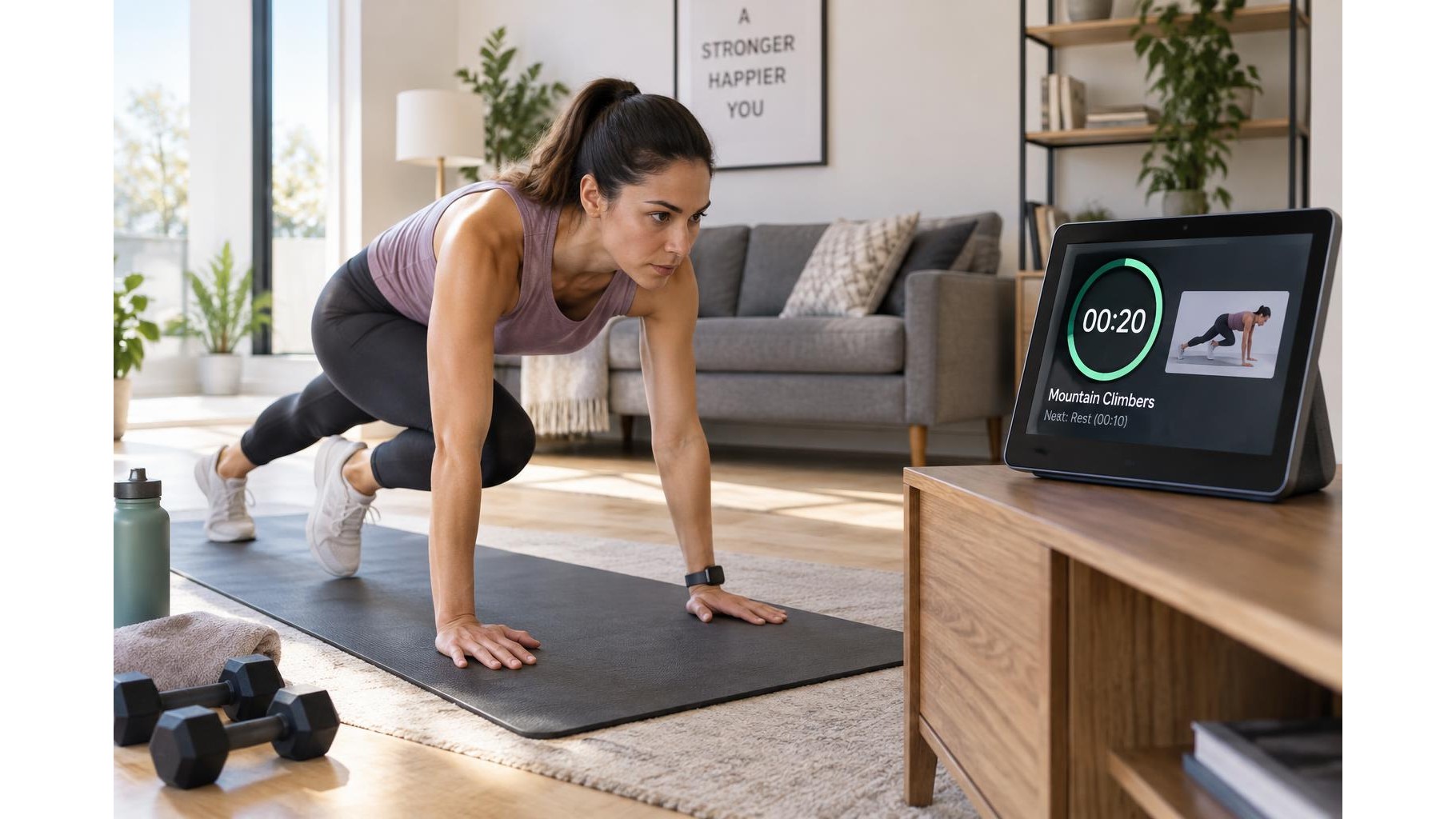
A smart display can keep a workout moving by showing a countdown, exercise cues and rest periods where you can see them at a glance. Set it up before you start, use voice controls when practical, and position it safely outside your training area. A few simple adjustments can make the screen easier to follow without interrupting your session or handling your phone with sweaty hands.
Choose a safe, readable position
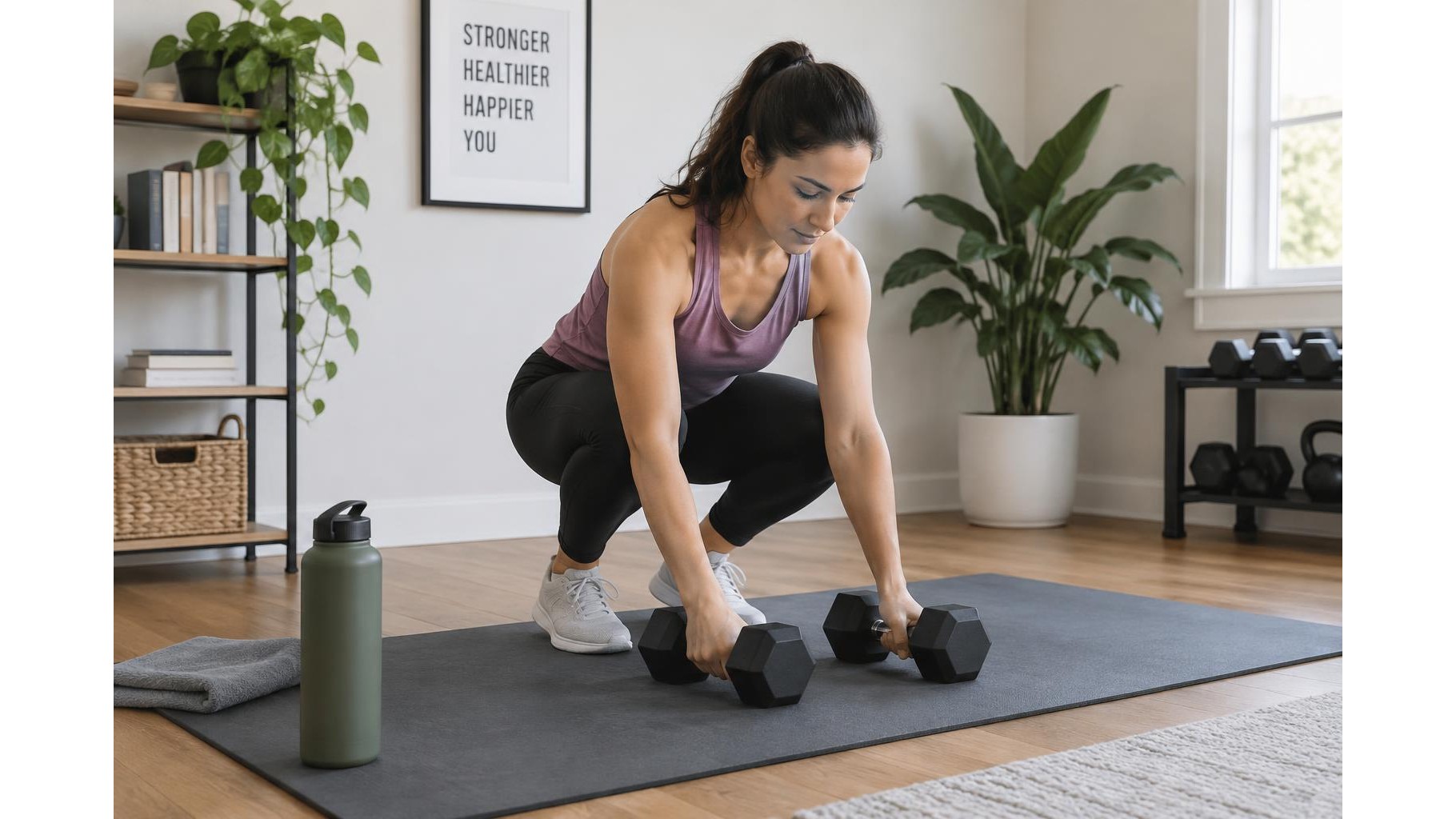
Place the display on a stable surface near your workout space, but away from weights, water bottles and the path of moving equipment. Aim for a clear view from the positions you use most, such as the mat or bench. Keep the screen around eye level when possible so you do not need to crane your neck during floor exercises. Check visibility from both standing and seated positions, and avoid direct sunlight or strong reflections. Keep cables secured and out of the way; never balance a display on unstable gym equipment.
Build a simple interval plan
Before training, decide how long you will work and how much rest you need. For example, set a timer for 40 seconds of movement followed by 20 seconds of rest, repeated for several rounds. If your display supports routines or compatible timer apps, create the sequence in advance and test it once. Otherwise, use a basic countdown and tell yourself the next exercise before each interval. Keep the plan short enough to remember, especially when you are learning a new routine. A written list beside the screen can help you move smoothly between exercises.
Use voice commands thoughtfully
Hands-free control is useful when your hands are occupied, but commands vary by device and app. Try the built-in help prompt to learn how to start, pause, resume or reset a timer, then practise those commands before a challenging set. Speak clearly from your normal training position and leave a brief pause for the display to respond. Background music, fans and television audio can interfere with recognition, so lower competing sound if needed. Do not rely on voice controls for safety-critical timing; use a visible countdown and stop if the device fails to respond.
Make exercise cues easy to scan
Use concise prompts rather than long instructions. A cue such as “slow lowering, steady breathing” is easier to read between repetitions than a paragraph of coaching. If the display can show a routine, arrange exercises in the order you will perform them and include key details such as reps, equipment and rest duration. Choose large text and a bright, comfortable screen setting. For unfamiliar movements, review the full demonstration before the workout, not while attempting the exercise. Keep the display stationary and look at it only when you can do so without compromising balance or form.
Protect privacy and reduce distractions
Review the device’s privacy controls before placing it in a personal workout area. Use available camera shutters or camera and microphone controls when you do not need those features, and check whether voice recordings or activity history can be reviewed or deleted. Disable notifications that might interrupt a set, and consider a focused routine or do-not-disturb setting if available. Keep the display connected to a trusted network and avoid sharing personal workout information unnecessarily. Privacy options differ by device, so consult its settings rather than assuming a particular control is present.
With a safe position, a tested interval plan and clear on-screen cues, a smart display can make home training easier to follow while keeping your hands free. Practise the timer controls, keep instructions brief, and check privacy and notification settings before each session. Treat the screen as a helpful prompt—not a substitute for good technique, attentive movement or a reliable backup timer.