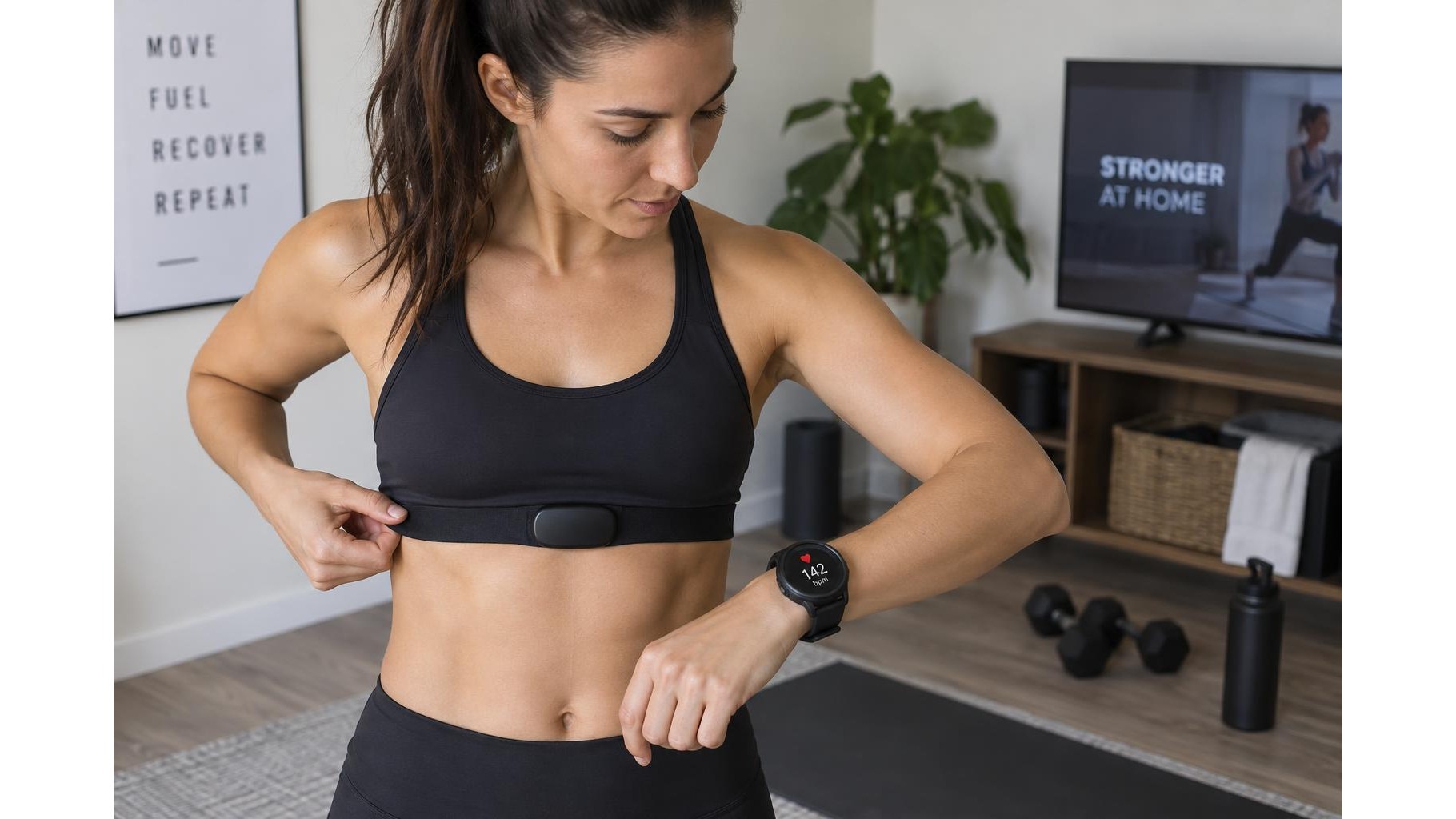
A chest strap can give you a clearer picture of how hard you are working during home training, particularly when movement makes wrist-based readings less consistent. It is not a measure of fitness on its own, though: useful data depends on a good fit, compatible equipment and sensible interpretation. This practical guide covers setup, signal quality and common readings so you can use heart rate as one training tool rather than a verdict on every workout.
Check compatibility before pairing
Confirm that your strap and receiving device use a connection standard they share, typically Bluetooth, ANT+ or both. A strap may pair with a watch, cycling computer, phone app or compatible exercise machine, but support varies by model. Check the device’s sensor settings or manual and, if you plan to use an app, verify that it accepts external heart-rate sensors. Some straps can connect to more than one device at once; others have limits. Pair through the device’s sensor menu, rather than relying only on your phone’s general Bluetooth screen, and remove old or duplicate sensor entries if the connection behaves unpredictably.
Fit the strap and prepare the sensors
Wear the strap directly against your skin, positioned snugly around the chest below the pectoral muscles. It should not slide when you move, but it should still feel comfortable enough for breathing. Before exercise, moisten the electrode areas on the inside of the strap with water; dry skin can delay a stable reading, especially in a cool room. Fasten the buckle securely and check that the sensor sits centrally. If your strap has an adjustable length, make small changes rather than overtightening. A quick check in the receiving app or watch should show a plausible resting value before you begin.
Improve signal quality during a session
Give the strap a few minutes to settle, then confirm that the displayed rate responds as you warm up. Keep the strap clean: rinse it after sweaty sessions and follow the maker’s care instructions for washing the textile and handling the sensor. Salt, dried sweat, a loose fit or a worn strap can contribute to dropouts or erratic spikes. Keep the receiving device within its stated connection range and avoid starting several apps that compete for the same sensor. If the reading disappears, pause safely, re-wet the electrodes and check the fastening before assuming that your body has changed dramatically.
Understand the numbers in context
Heart rate is usually displayed in beats per minute (bpm). During steady cardio, a gradual rise as effort increases is common; during recovery, the rate should trend down, although the pace varies between people and sessions. Use repeated workouts to compare similar efforts, not to treat one number as a universal target. Heat, hydration, fatigue, stress, illness, medication and caffeine can all affect readings. Maximum-heart-rate formulas and app-generated zones are estimates, not personalised medical assessments. If you use zones, check how the device defines them and consider professional guidance when precise training prescription matters.
Troubleshoot without chasing every fluctuation
When a value looks unlikely, check the basics in order: contact with skin, strap position, electrode moisture, battery condition and the active connection. Restarting the app or device and removing then re-pairing the sensor can resolve a stubborn connection issue. Compare the reading with how you feel and with the session’s pace or resistance. A brief spike during movement may be a signal artefact; persistent unusual readings deserve more attention. Stop exercising if you feel unwell, regardless of what the monitor displays, and seek medical advice for concerning symptoms.
For reliable home-training data, wear the strap correctly, maintain its contact surfaces and pair it with a compatible receiver before you start. Treat heart rate as helpful context alongside effort, pace, resistance and recovery—not as an exact measure of calories, performance or health. Consistent conditions and sensible comparisons make the data far more useful than reacting to every momentary change.