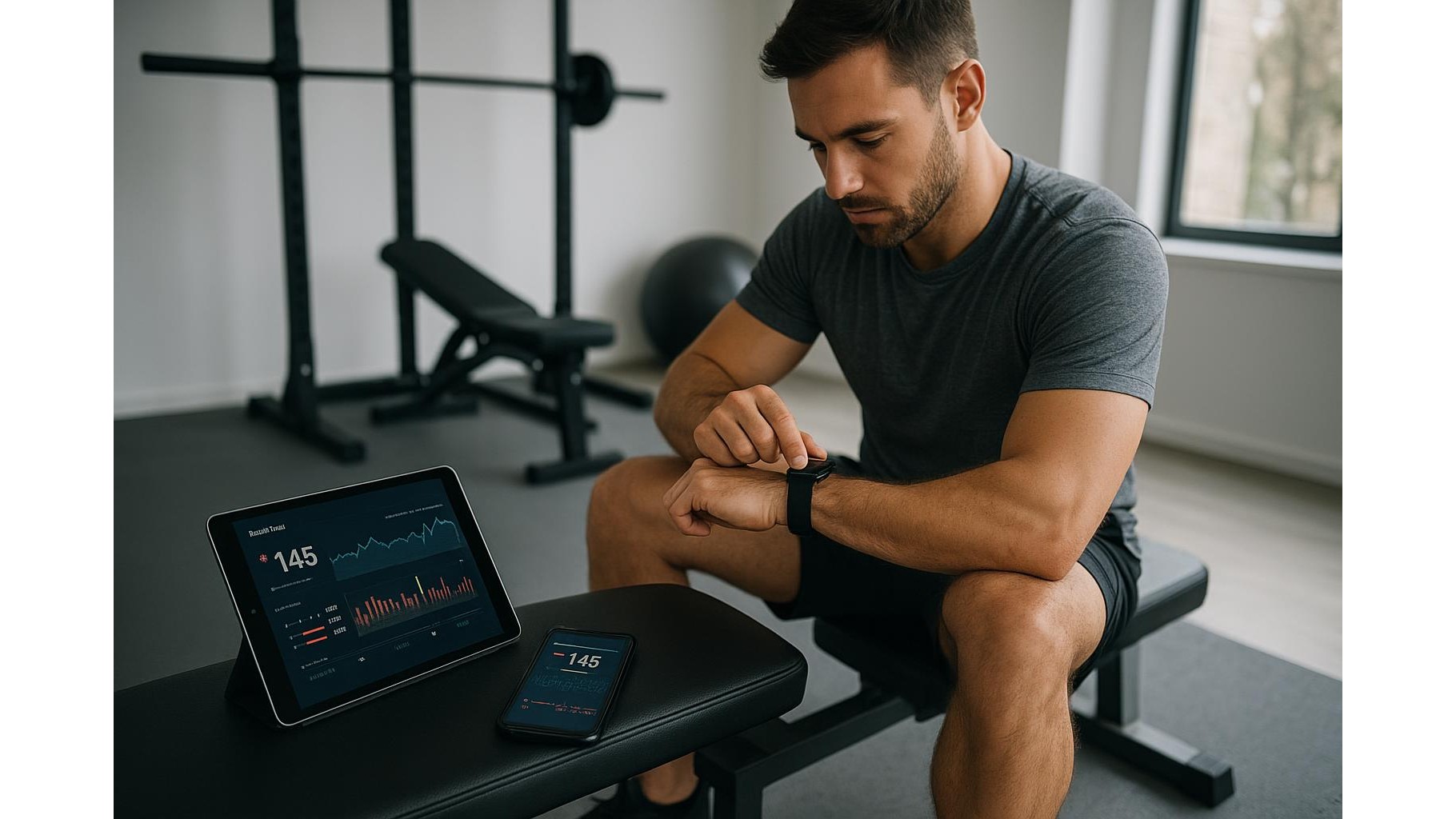
If you train in a modern home gym, you probably bounce between phone, tablet and smartwatch all the time. One moment you are starting a HIIT timer on your watch, the next you are checking form cues on your tablet or logging weights on your phone. Without a plan, your workout data quickly becomes a mess: mismatched sets, duplicated steps, missing heart rate records and inconsistent calories. This guide shows you how to keep everything in sync so your training history stays clean, accurate and useful across every screen in your home gym.
Choose a primary fitness platform as your data hub
The first step to smooth cross-device workout syncing is choosing a single platform as your central hub. On iOS, that usually means Apple Health; on Android, Google Fit or a big ecosystem app like Samsung Health or Strava. Every other app and device should either read from or write to this hub. For example, if you track strength sessions in a lifting app on your phone, daily activity on your watch and yoga on your tablet, make sure all three are connected to the same central service. This reduces duplicate entries and keeps your workout history accurate when you switch from phone to tablet mid-session. In your settings, always disable secondary data sources that try to track steps or calories separately, so only one device is counted as the main tracker.
Connect watch, phone and tablet to the same accounts
Once you have chosen your primary platform, connect every device to the same account and login. Install your main fitness app on phone and tablet, then sign in with the same credentials. On your smartwatch, open its companion app on your phone and link it to the same fitness services (for example, linking your watch to Apple Health or Google Fit). Make sure Bluetooth is enabled and, if relevant, Wi‑Fi is configured so the watch can sync whenever you finish a workout. On your tablet, open the app after each training block so it can pull the latest data from the cloud before you start logging sets. This way, if you log a warm‑up on your phone and the main lifts on your tablet, the final workout appears as one complete, consistent session.
Standardise what you track: sets, reps, steps, heart rate and calories
For consistent home training data, decide exactly what you want each device to track. Many people let their watch record steps, heart rate and calories, while the phone or tablet handles detailed sets, reps and weights. In app settings, turn off automatic workout detection on secondary devices, so you don’t get double entries when your phone and watch both try to log the same run. Create a simple personal rule: for example, “watch = cardio and daily activity; phone/tablet = strength and mobility.” Use the same exercise names and templates across devices to avoid “Squat” on one screen and “Back Squat” on another being treated as separate movements. This level of standardisation makes progress charts and PR tracking much more reliable.
Set up automatic sync and fix conflicts after every session
Most modern fitness apps support automatic syncing over the cloud, but you still need to check that it actually happens. In each app’s settings, ensure background sync is enabled on both Wi‑Fi and mobile data. On your watch’s companion app, confirm that workout uploads are set to automatic, not manual. After a training session in your home gym, give your devices a minute or two connected to Wi‑Fi or Bluetooth, then open your main app on your phone and tablet to force a refresh. If you see duplicates or missing data, clean them up straight away: delete duplicate sessions, merge partial logs (for example, warm‑up on phone and main work on tablet) and correct any unrealistic heart rate or calorie spikes. This quick post‑workout habit keeps your training history neat instead of letting errors pile up.
Use backup, exports and periodic clean‑ups to protect your data
Even when syncing works, it is wise to protect your training history with regular backups and exports. Many fitness platforms let you export your workouts as CSV or GPX files. Schedule a monthly export from your primary hub (Apple Health, Google Fit or similar) and store it in your cloud drive. This way, if you switch phone, tablet or watch, you can restore your core data or import it into a new ecosystem without starting from zero. Every few weeks, review your logs for obvious issues: overlapping workouts, strange calorie numbers, or sessions recorded with the wrong activity type. Tidying these up keeps your stats, personal records and long‑term trends trustworthy, which is vital if you use your home workouts to chase specific goals like fat loss, muscle gain or endurance.
Keeping your home workout data consistent across phone, tablet and watch is mostly about clear rules and a bit of routine. Choose a primary fitness hub, connect every device to the same accounts, define which device tracks which metrics, enable automatic syncing and spend a minute after each session checking for errors. Combined with regular backups and occasional clean‑ups, this approach gives you a clean, reliable picture of your training progress—no matter which screen you prefer to use in your home gym.