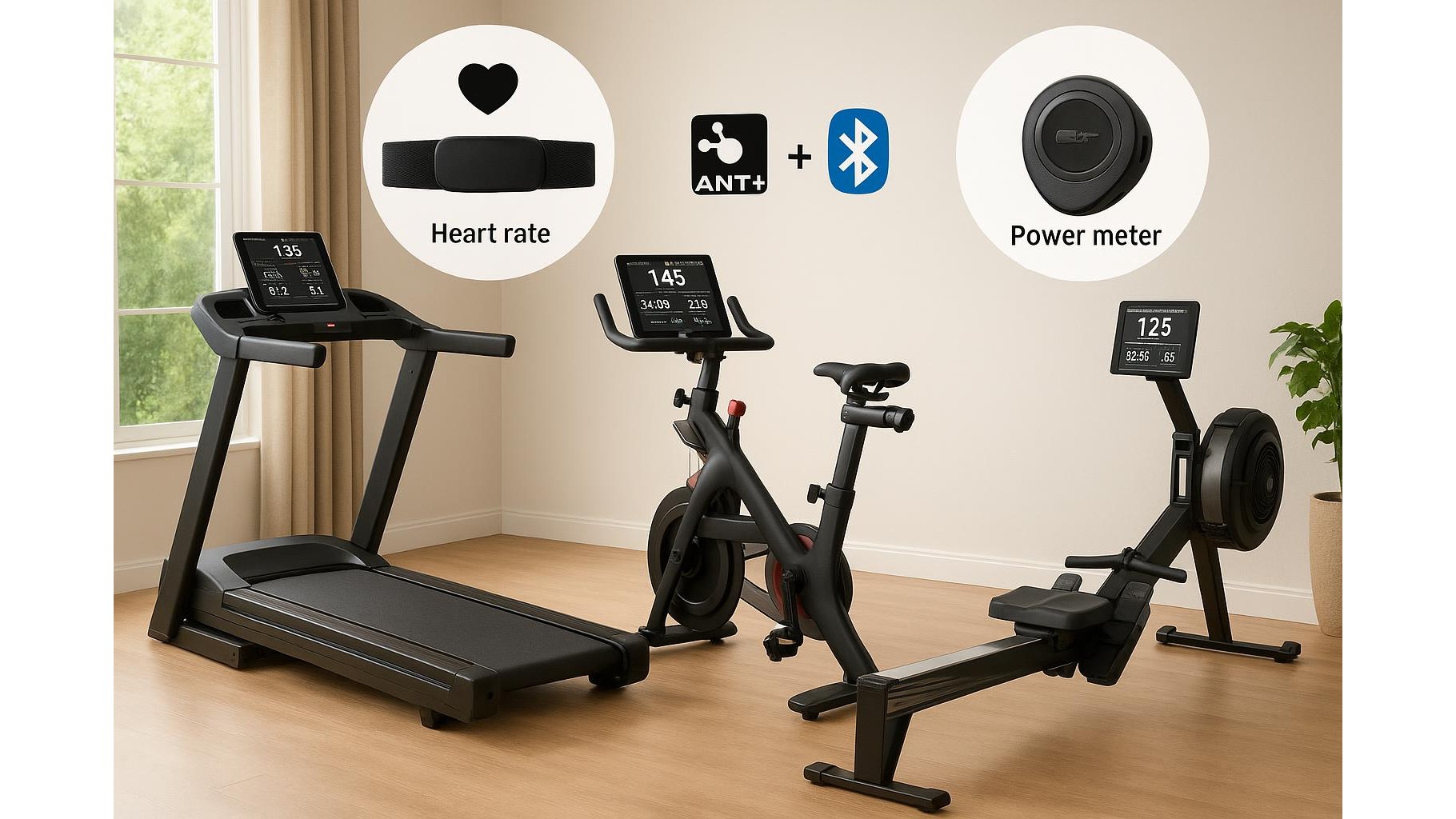
Building a smart home gym today almost always means dealing with ANT+ and Bluetooth. Your heart rate strap, power meter, indoor bike and treadmill all talk to apps and watches using one (or both) of these wireless standards. Understanding how they differ is the key to avoiding dropouts, pairing issues and compatibility surprises when you press start on your next workout.
What are ANT+ and Bluetooth in practical terms?
Both ANT+ and Bluetooth are low‑energy wireless protocols designed for fitness sensors. ANT+ was created specifically for sports, with profiles for heart rate, cycling power, speed and cadence. It shines when you want to connect one sensor to multiple receivers at the same time, like broadcasting heart rate to a bike computer, a watch and a cardio machine. Bluetooth, on the other hand, is built into almost every modern smartphone, tablet and smart TV, which makes it the default for most apps. Current devices often support both, but how they implement connections can change your setup experience dramatically.
Heart rate straps: which connection should you use?
For a heart rate monitor strap in a home gym, the safest choice is a model that supports dual‑band communication (both ANT+ and Bluetooth). Bluetooth is ideal when you mainly train with a phone app or tablet, because every device supports it and pairing is simple. ANT+ is extremely useful if you have a Garmin or multisport watch and also want to send the same heart rate signal to a bike computer or treadmill console at the same time. In practice, this means fewer gadgets strapped to your body and more flexibility: one strap, many screens. If you experience dropouts over Bluetooth in a crowded 2.4 GHz environment, switching your strap or watch to ANT+ can often stabilise the signal.
Power meters and indoor cycling trainers at home
With power meters and smart trainers, the ANT+ vs Bluetooth choice affects both data reliability and how many apps you can run. ANT+ excels for a dedicated indoor bike corner where you pair your trainer with a bike computer or watch and maybe a wall‑mounted screen via an ANT+ USB dongle. It lets multiple receivers read the same power data without fighting over the connection. Bluetooth is better if you only ever use a single app on one device, like running Zwift or an interval app on your iPad. Many smart trainers broadcast one or more Bluetooth channels plus ANT+ simultaneously, so the smartest strategy is often: use Bluetooth for your main training app, and ANT+ for backup recording on a watch or head unit.
Cardio machines, watches and app compatibility
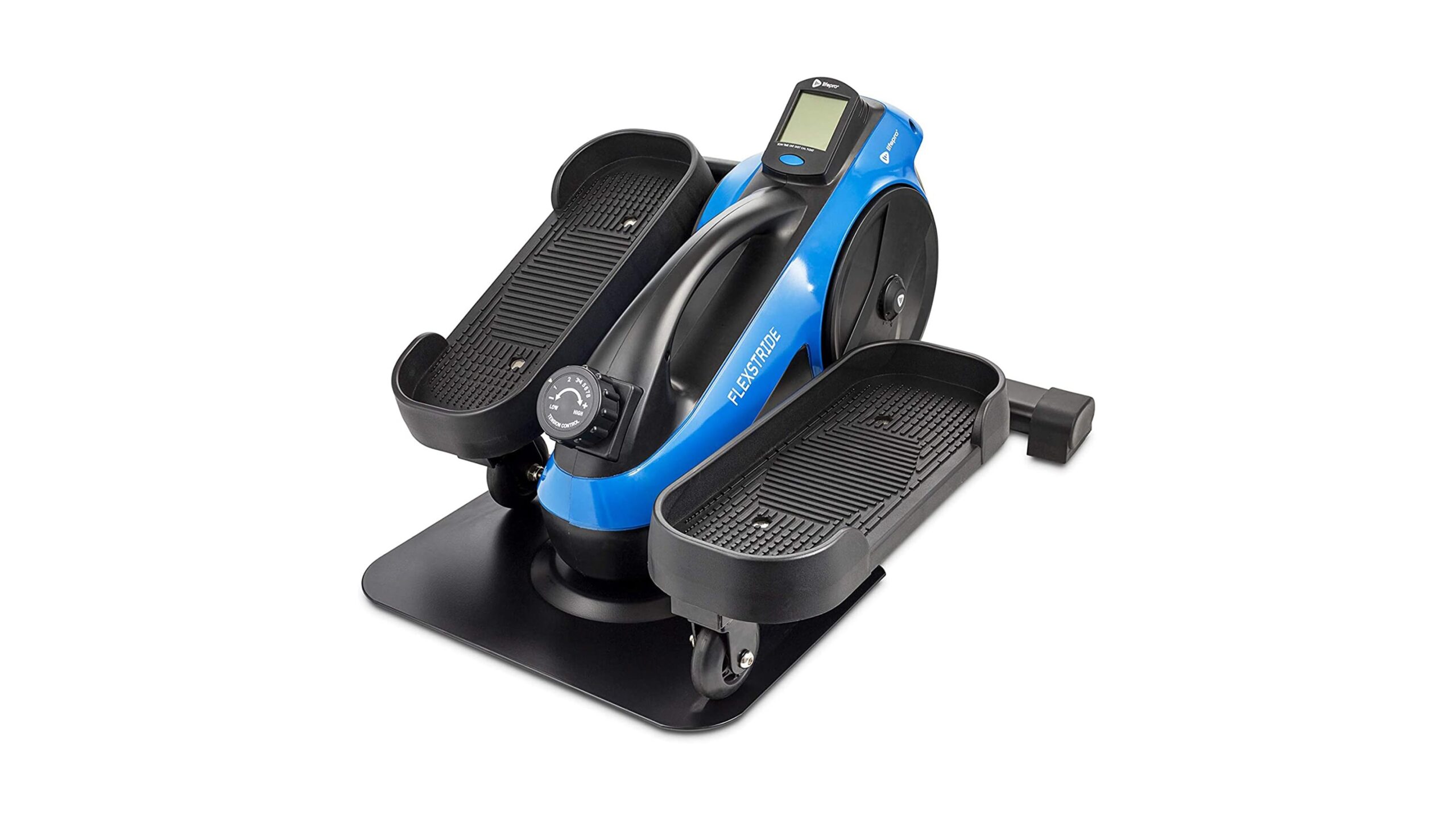
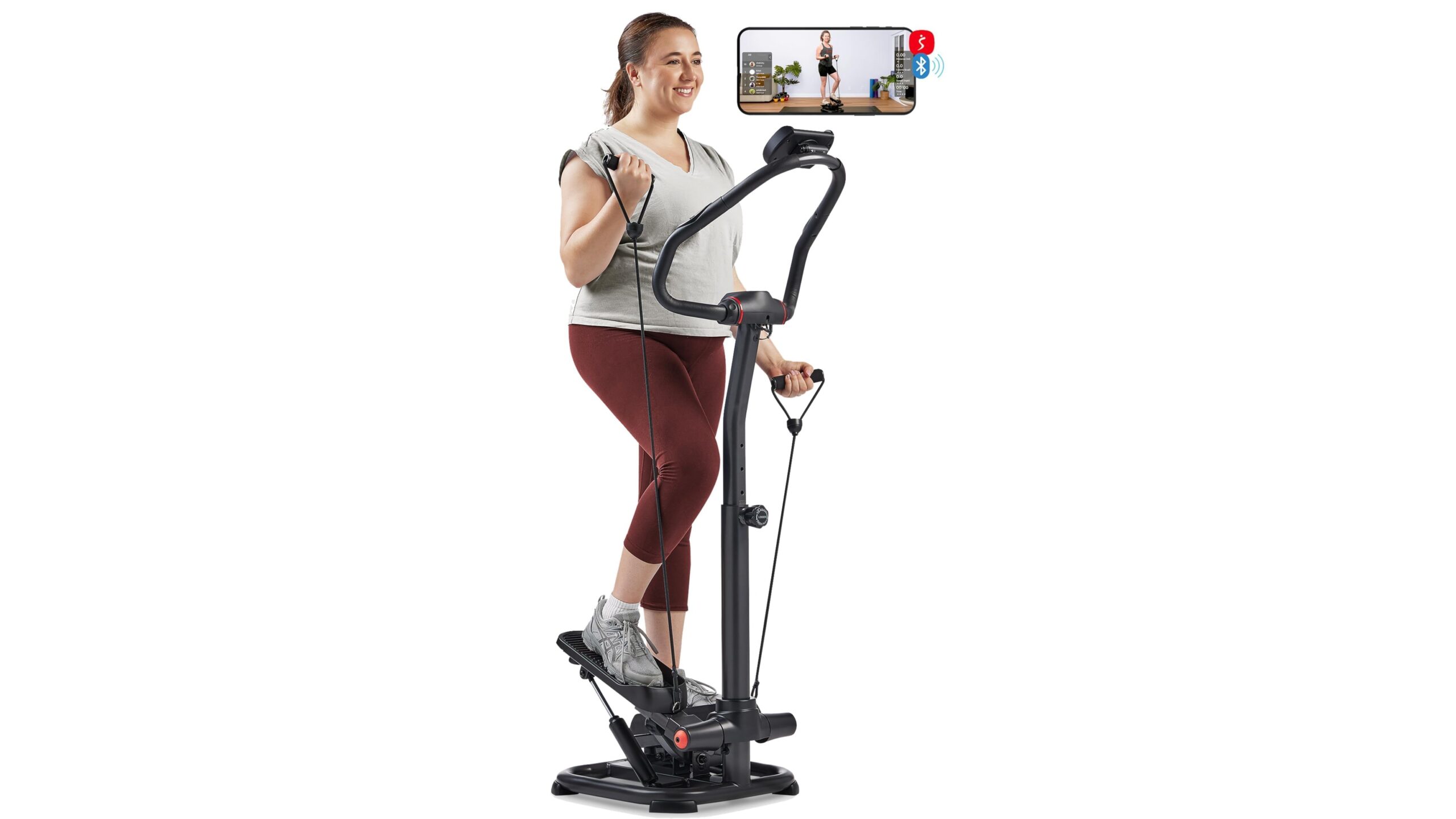
Home treadmills, ellipticals and exercise bikes vary widely in how they communicate. Some only have Bluetooth for proprietary apps; others can read external Bluetooth heart rate straps; a few higher‑end consoles also support ANT+. Before you buy, always check whether the console can receive external signals or only broadcast its own speed and incline. Watches are just as important: many sports watches still favour ANT+ for sensor pairing, while most lifestyle smartwatches are Bluetooth‑only. Matching the protocol of your watch with your strap and cardio machine helps you avoid awkward workarounds like wearing two devices or running extra bridge apps during every session.
Connection stability and avoiding interference
In a typical home, Wi‑Fi routers, Bluetooth headphones, smart speakers and even microwaves share the crowded 2.4 GHz band. Both Bluetooth and ANT+ live there, so interference can cause signal dropouts. ANT+ generally uses very small, frequent data packets and can be more robust over distance, especially when you add a USB extension cable to place an ANT+ dongle close to your trainer or treadmill. Bluetooth connects as a one‑to‑one link with slightly higher bandwidth, which is perfect for apps but more sensitive to obstacles and distance. For a rock‑solid setup, keep your receiving device within a couple of metres, minimise walls or metal between sensor and receiver, and, if possible, separate your Wi‑Fi channel from your training space.
How to choose the right setup for your home gym
The simplest rule: prioritise dual‑band (ANT+ and Bluetooth) sensors whenever possible. This gives you freedom to change apps, watches or machines without replacing every accessory. If your training is app‑centric on a phone or tablet, focus on Bluetooth‑strong devices. If you rely heavily on a sports watch or bike computer and want to view the same workout on multiple screens, lean into ANT+. For cardio machines, favour models that can at least read Bluetooth heart rate so you are not locked into chest‑strapping proprietary hardware. With a bit of planning around these two protocols, you can build a home gym that just connects and lets you focus on the workout, not the wireless settings.
In summary, ANT+ offers multi‑device flexibility and solid performance for dedicated training ecosystems, while Bluetooth guarantees broad compatibility with phones, tablets and TVs. Choosing dual‑band sensors and checking the wireless standards of your home cardio machines and watches before buying will prevent most compatibility headaches. Invest a few minutes understanding these basics and you will enjoy stable connections, accurate data and a smoother training experience in your home gym.