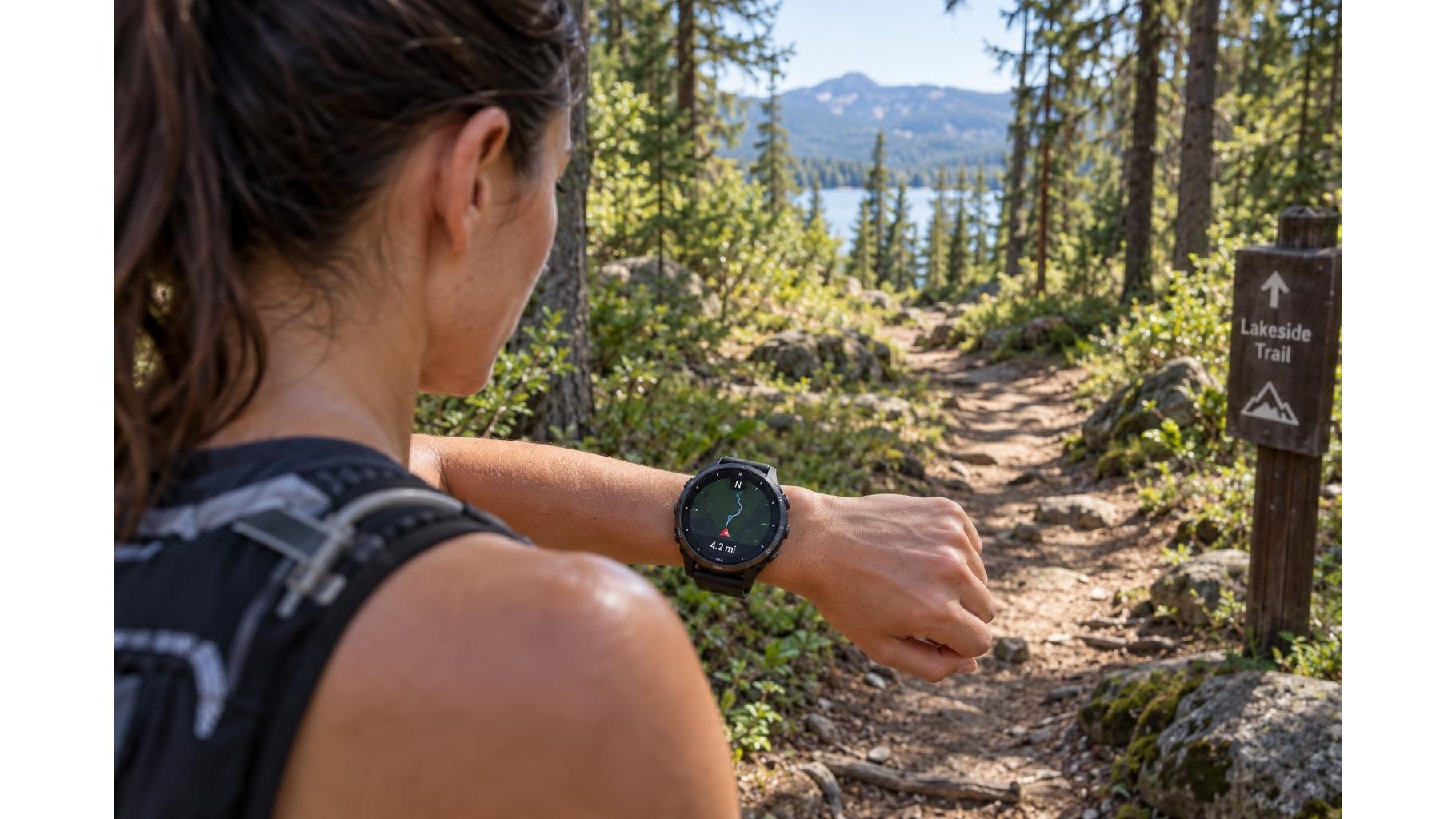
Your smartwatch can do more outdoors than record pace and heart rate. Its compass, GPS tracking and route tools can help you follow a planned workout, understand where you have been and review your session afterwards. A few checks before setting off make these features more reliable, but they should support—not replace—good navigation judgment.
Check the compass before you head out
Find the compass in your watch’s navigation or sensor settings, then check whether it needs calibration. Follow the on-screen instructions, which may ask you to move the watch in a particular pattern. Keep it away from magnetic clasps, speakers and other objects that can interfere with its reading. If the display offers a choice, set the preferred north reference—often magnetic or true north—and make sure you understand which one you are viewing. A compass indicates direction, not your location, and it works best when you are moving or can hold your wrist level and steady.
Set up GPS recording for your workout
Before starting a run, hike or ride, open the relevant activity and wait for the watch to acquire a satellite signal. Starting with a clear view of the sky can help it establish your position sooner; tall buildings, dense tree cover and steep terrain may delay or weaken reception. Review the activity’s GPS mode: some watches offer a more accurate multi-band or all-systems option, while a standard mode may use less battery. Choose based on the route and the session, rather than assuming the most intensive setting is always necessary.
Use route tools with a plan
If your watch supports route guidance, load or create the route in its companion app and sync it before leaving. Check that the map or course appears on the watch and that turn alerts are enabled if you rely on them. A breadcrumb trail can show the path you have followed, while a course line may help you compare your position with a planned route. Zoom, screen size and mapping detail vary between devices, so practise with these controls on a familiar route first. Download maps or route data in advance when the feature allows it.
Balance accuracy with battery life
Continuous GPS use consumes more power than simply wearing the watch, and navigation screens, frequent map updates, music playback and notifications can add to the drain. Start with a well-charged device and consider disabling non-essential features for a long outing. If your watch offers GPS recording intervals or power-saving modes, understand how they affect the track: fewer location points may extend battery life but make turns and distance estimates less precise. For remote or lengthy trips, carry a backup power source if appropriate and keep a separate plan for emergencies.
Review route data thoughtfully
After your workout, sync the activity and look at the recorded track, distance, pace and elevation where available. GPS traces can drift around buildings, under trees or in narrow valleys, so treat small discrepancies as estimates rather than proof that you took a wrong turn. Compare the track with your intended course and note places where signal quality may have changed. Use route history to learn about timing and effort, not to judge every split as exact. Keep software and map data current, and confirm that the watch’s time, units and location permissions are set correctly.
Used thoughtfully, a smartwatch’s compass and GPS can make outdoor training easier to plan and review. Calibrate and configure the watch, allow it to find a signal, manage battery use and check recorded data with realistic expectations. Most importantly, stay aware of your surroundings, carry suitable navigation resources for the conditions, and be prepared to change your route if weather, terrain or safety calls for it.