Starting a workout should not mean fumbling through apps while your heart rate climbs. A small, inexpensive NFC tag can open a warm-up, timer, playlist or training log with a quick tap of your phone. Set up a few simple shortcuts and you can build a reliable workout checklist that takes seconds to launch and stays out of the way once you begin.
Choose tags and check your phone
NFC stickers or cards are inexpensive and can store a small amount of information, such as a web link or an automation trigger. Before buying, check that your phone supports NFC and that its operating system can read tags or run shortcuts. Most recent smartphones can do this, though the exact setup differs between iPhone and Android. Search for compatible NFC stickers, such as NTAG213 or NTAG215 formats, and choose adhesive tags if you plan to mount them. You usually do not need a tag with a large memory: the tag simply tells your phone what to open, while the checklist or playlist remains online or in an app.
Build a short, useful checklist
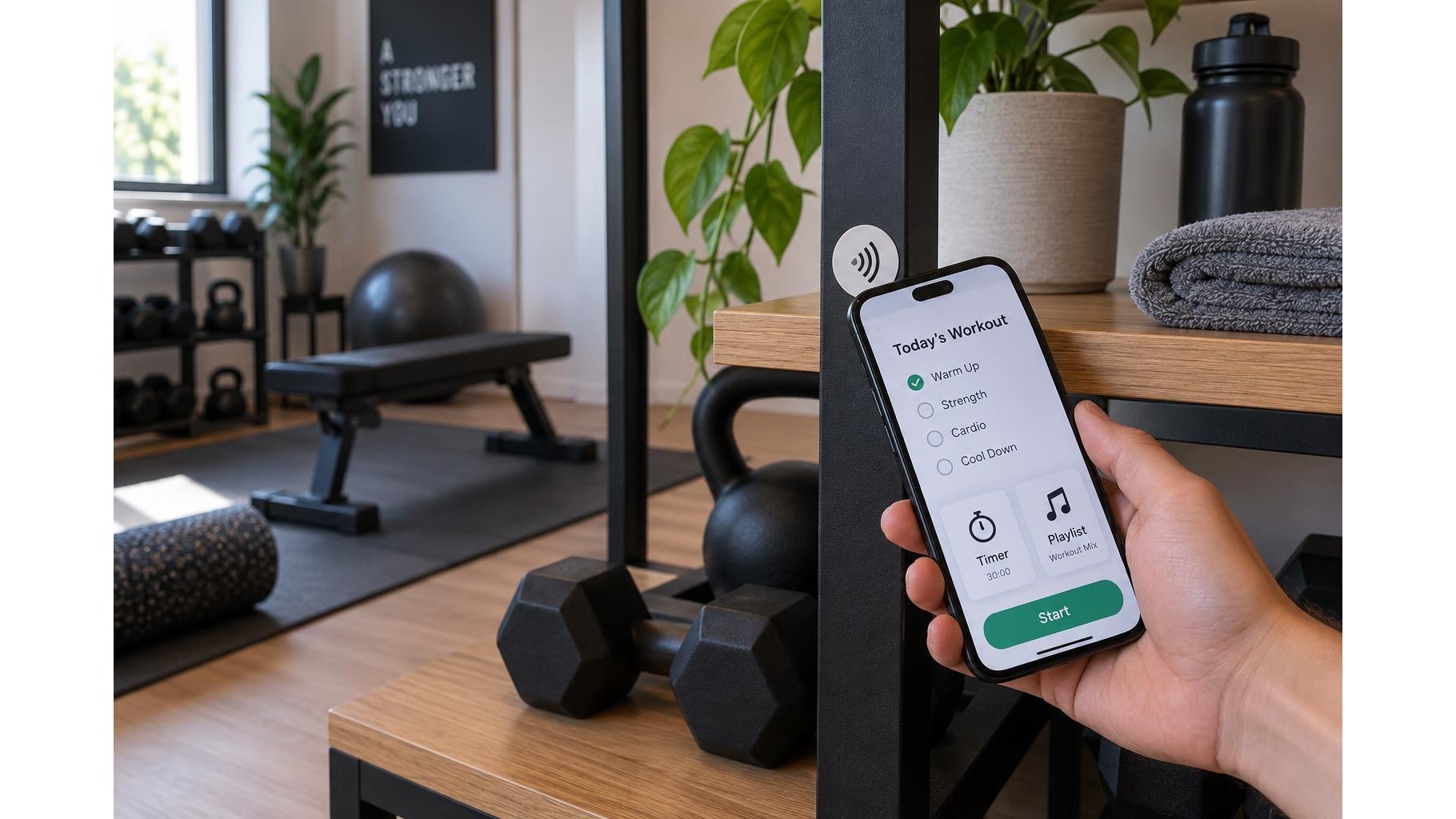
Decide what you want to launch before writing or programming any tags. A practical sequence might be a five-minute mobility warm-up, a workout timer, a training playlist and a log for recording sets. You can put these steps in one checklist page or assign a separate tag to each task. Keep the instructions brief and specific—for example, “hip hinges, arm circles, then two light sets”—so you can follow them without reading a long screen. If your phone supports automation shortcuts, configure a tag to open the relevant app or page. Otherwise, write a web address to the tag or use a compatible NFC app to link it to your chosen resource.
Program and test each tag
Use your phone’s shortcut or NFC-writing app to assign one action to each tag. Name each shortcut clearly, such as “Warm-up” or “Training log,” and test it before fixing the tag in place. Check that the link opens the correct page, the timer starts as intended and the playlist is available when you need it. Some automations may ask for confirmation rather than running completely hands-free; check the prompts in advance. Keep a backup route, such as a saved home-screen shortcut, in case a tag is damaged or your phone’s NFC reader is unavailable.
Place tags where they are safe and easy to tap
Put tags at natural transition points: near the entrance to your workout space, beside your water bottle station or on a stable shelf by your training log. Avoid placing them on moving equipment, near hinges, on hot surfaces or where sweat and cleaning products could peel or damage them. Do not attach a tag where it could catch on clothing or interfere with a lift. Metal can affect NFC performance, so test a tag on the exact surface before relying on it; a spacer or non-metallic backing may help. Keep tags away from children and pets if small stickers could be pulled off.
Make the workflow interruption-proof
Use one tap to launch the next action, then put your phone somewhere secure and out of your lifting path. Set the timer before starting a set, use a playlist that can continue without further taps, and log results during rest periods or after training rather than between repetitions. Turn on Do Not Disturb if notifications tend to break your focus. A tag should remove friction, not create another device task, so avoid a complicated chain of pop-ups or several tags that all do the same thing. Review your flow after a few sessions and remove steps you consistently ignore.
Keep it simple and refine it
Start with one tag for your warm-up and another for your timer or training log. Once those work reliably, add a playlist or a post-workout mobility routine. Check the tags periodically, especially if a linked page changes or a sticker begins to lift. With clear labels, safe placement and tested shortcuts, NFC turns the start of a home workout into a quick, repeatable routine rather than a search through your phone.
A small set of well-placed NFC tags can make your home workout checklist faster to launch and easier to follow. Choose compatible tags, test every action, mount them safely and keep your phone interactions to a minimum once training begins.