A tablet can make a home workout easier to follow, but only if it stays visible without pulling your attention away from the room. A good setup gives you clear coaching cues at a glance while keeping your footing, equipment and exit routes in view. Before pressing play, choose a stable position, check the screen and notifications, and make a quick safety scan.
Choose a safe, visible position
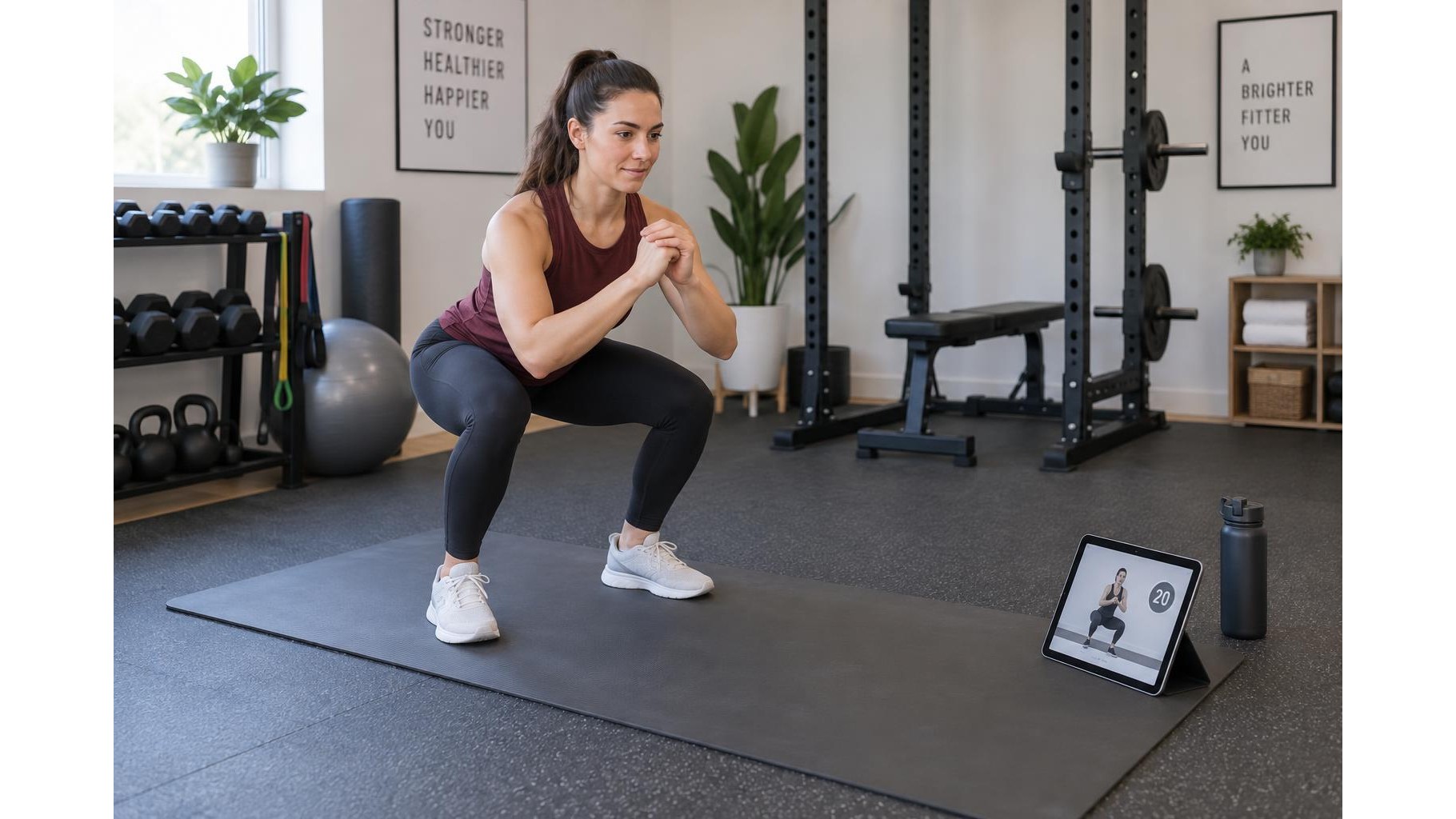
Place the tablet where you can read it from your normal exercise position without turning sharply or stepping out of your stance. A spot just beyond the edge of your mat or beside the workout area is often more practical than placing it directly in front of your feet. Keep it clear of dumbbells, benches and moving parts, and avoid locations where a jump, lunge or swinging arm could knock it over. If you use a stand, make sure its base is stable and does not narrow a walkway. Test the view from the floor, standing and kneeling positions you will use.
Set the screen for quick glances
Adjust the angle to reduce reflections and keep text and demonstrations legible from a comfortable distance. A slightly elevated screen can help during floor exercises, but it should not be so high that you repeatedly crane your neck. Set brightness to suit the room: bright enough to read, but not so intense that it creates glare or distracts you in a dim space. Increase text size or choose a clearer display mode if the app allows it. Before the session, open the workout and check that timers, captions and movement instructions are readable without leaning toward the device.
Keep cables and walkways clear
Route the charging cable away from your mat and any path you may use during the workout. A cable stretched across a floor is a trip hazard, even if it is connected only for a short session. Charge the tablet beforehand where possible; otherwise, position the charger near a wall and secure the cable along the edge of the room. Keep water bottles, towels and spare weights out of the route between exercises. Leave enough space to step back, turn and move to the next station without contacting the tablet or its stand.
Silence interruptions before you begin
Enable Do Not Disturb or Focus mode so calls, message banners and alerts do not cover a coaching cue at a crucial moment. Check that alarms or other alerts you need remain available, and confirm that the workout app has the permissions it needs for audio or video. Set the volume before starting, then make sure spoken coaching can be heard without masking important sounds around you. If you use headphones, keep the volume moderate so you can still notice a timer, a person entering the room or an unexpected noise.
Make a quick privacy and safety check
Workout videos may use the camera or microphone, so review the app’s permissions and close features you do not need. Check the camera frame before recording or joining a live class: remove private documents, personal photographs or anything else you do not want visible. Lock the tablet securely in its holder and confirm the screen will not slip when tapped. Finally, look around the entire exercise area for loose cables, pets, children, unstable furniture and objects underfoot. If anything has changed since you set up, pause and clear it before moving.
A tablet should support your workout, not become an obstacle or a source of distraction. Position it for easy glances, keep the display comfortable to read, silence unnecessary notifications and leave cables and walkways unobstructed. A brief privacy and room check before each session helps you follow the coaching while staying aware of your surroundings.