A smartwatch can help you hold a steady pace, remember intervals and notice when effort is climbing. It can also buzz with messages and app updates just as you settle into a set. The solution is to treat your watch as a training instrument: choose a few cues that serve the workout, silence the rest and interpret sensor readings in context.
Silence distractions before you start
Set up a workout or focus mode before you begin. Disable incoming message previews, social apps, calendar reminders and non-essential calls, while keeping emergency contacts available if that suits your needs. Check that the watch is set to vibrate or display only the alerts you have chosen. A quick pre-session review prevents an unexpected notification from breaking concentration mid-set. If your device offers separate profiles, save one for training rather than changing settings every time.
Choose alerts that support pacing
Useful workout notifications are specific and predictable. A timer can mark work and recovery periods during intervals or remind you to rest between strength sets. Lap cues can help runners or cyclists check distance and split pace without constantly looking at the screen. For steady sessions, a pace or elapsed-time alert may be enough. Avoid stacking several cues that report the same information: frequent buzzing can become noise rather than guidance.
Customise cues for each workout
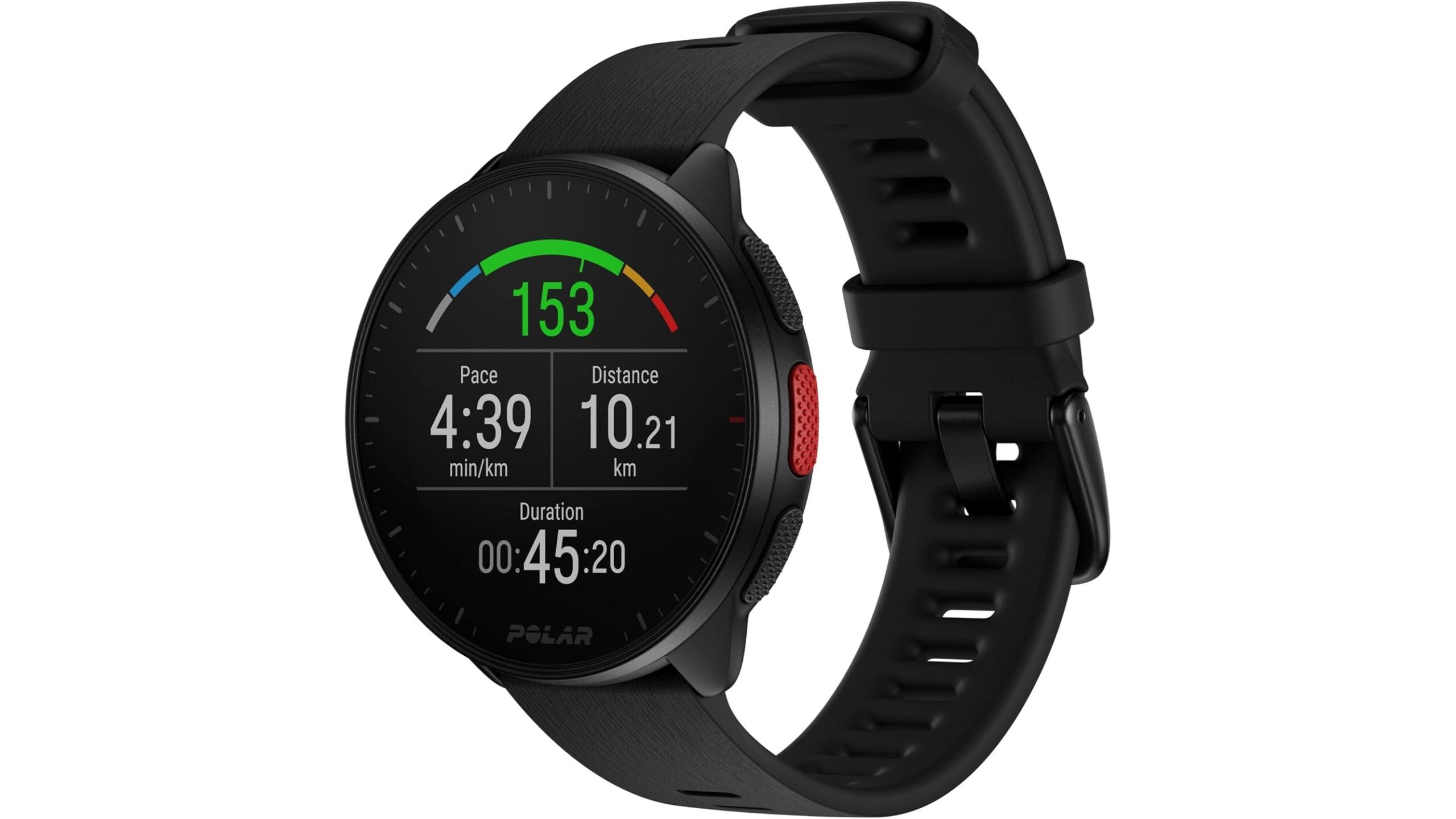
Match alerts to the session’s purpose. For interval training, set clear work and recovery durations, and use a distinct vibration if your watch supports it. On an easy run, turn off pace targets if they encourage you to push harder than planned; a lap cue or elapsed-time reminder may be more useful. In the gym, use a rest timer between sets and keep notifications off during lifts. A running watch such as the Polar Pacer GPS Running Watch with Wrist Heart Rate lists lap, stopwatch, pace, distance and wrist heart-rate functions, which can support a focused run when configured to your preferences.
Set heart-rate alerts with sensible limits
Heart-rate alerts can provide a prompt to ease off or check how hard you are working, particularly during steady aerobic training. Use zones that make sense for your fitness and goals, rather than relying blindly on a generic maximum-heart-rate estimate. Wrist sensors may lag during rapid changes in intensity, and readings can be affected by movement, fit, temperature, skin contact or other individual factors. If a number seems surprising, check the watch fit and how you feel; do not treat one reading as a diagnosis or a substitute for professional advice.
Keep the screen secondary to your effort
Decide in advance when you will look at the display—for example, at a lap, during a recovery interval or after a set. Tighten the strap enough for stable contact without making it uncomfortable, and clean the sensor area as advised by the manufacturer. If alerts become distracting, reduce their frequency or switch to a simple vibration. For strength training, technique and safe control of the weight matter more than chasing a wearable metric; pause if you feel unwell, regardless of what the watch says.
Make alerts serve the session
Smartwatch alerts work best when they are few, relevant and tailored to the workout. Silence everyday interruptions, choose timers or lap cues that match your plan, and use heart-rate prompts as estimates rather than absolute instructions. Review your settings after a session and keep only the cues that genuinely helped. With that balance, the watch can support pacing without taking your attention away from training.