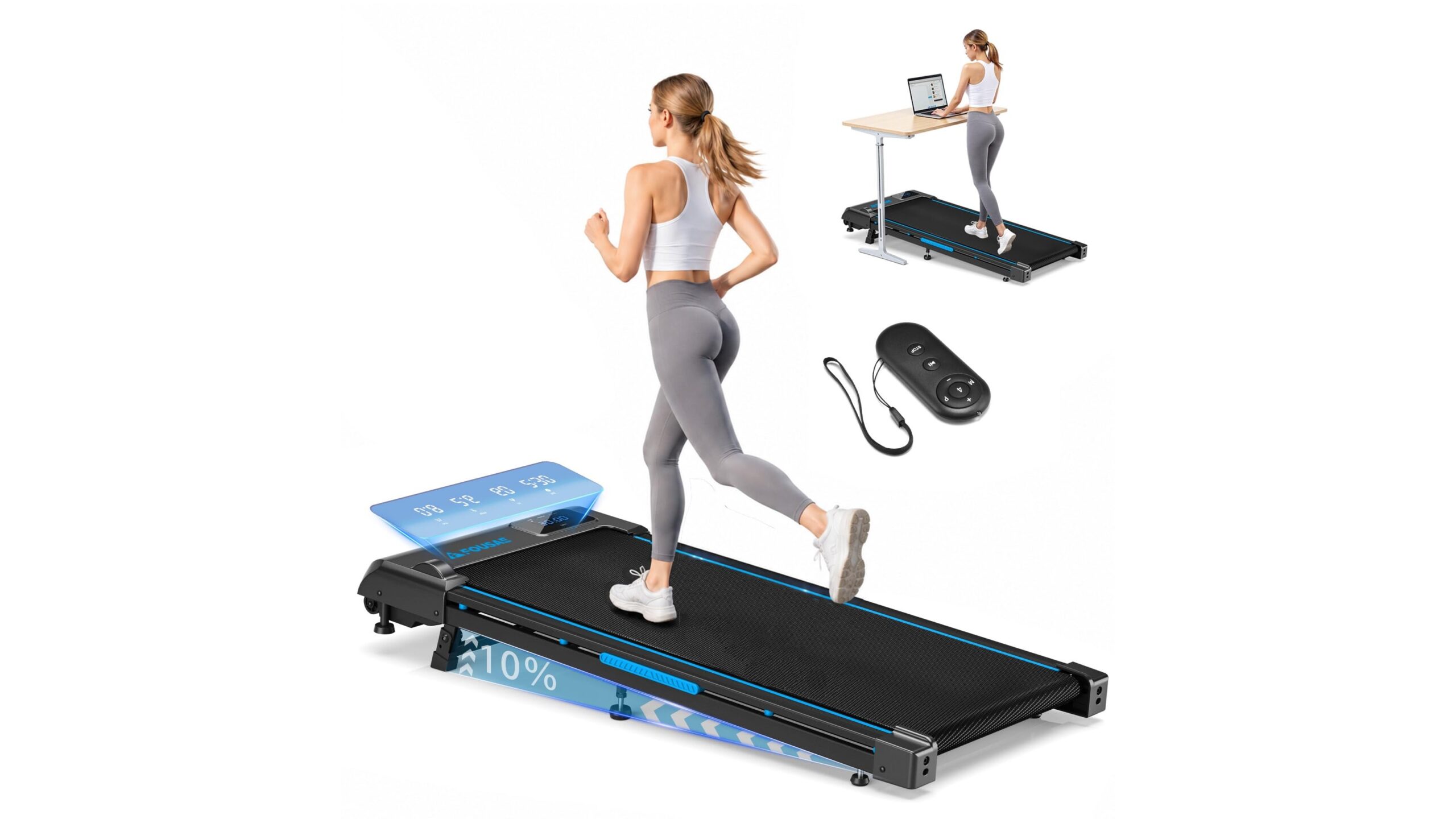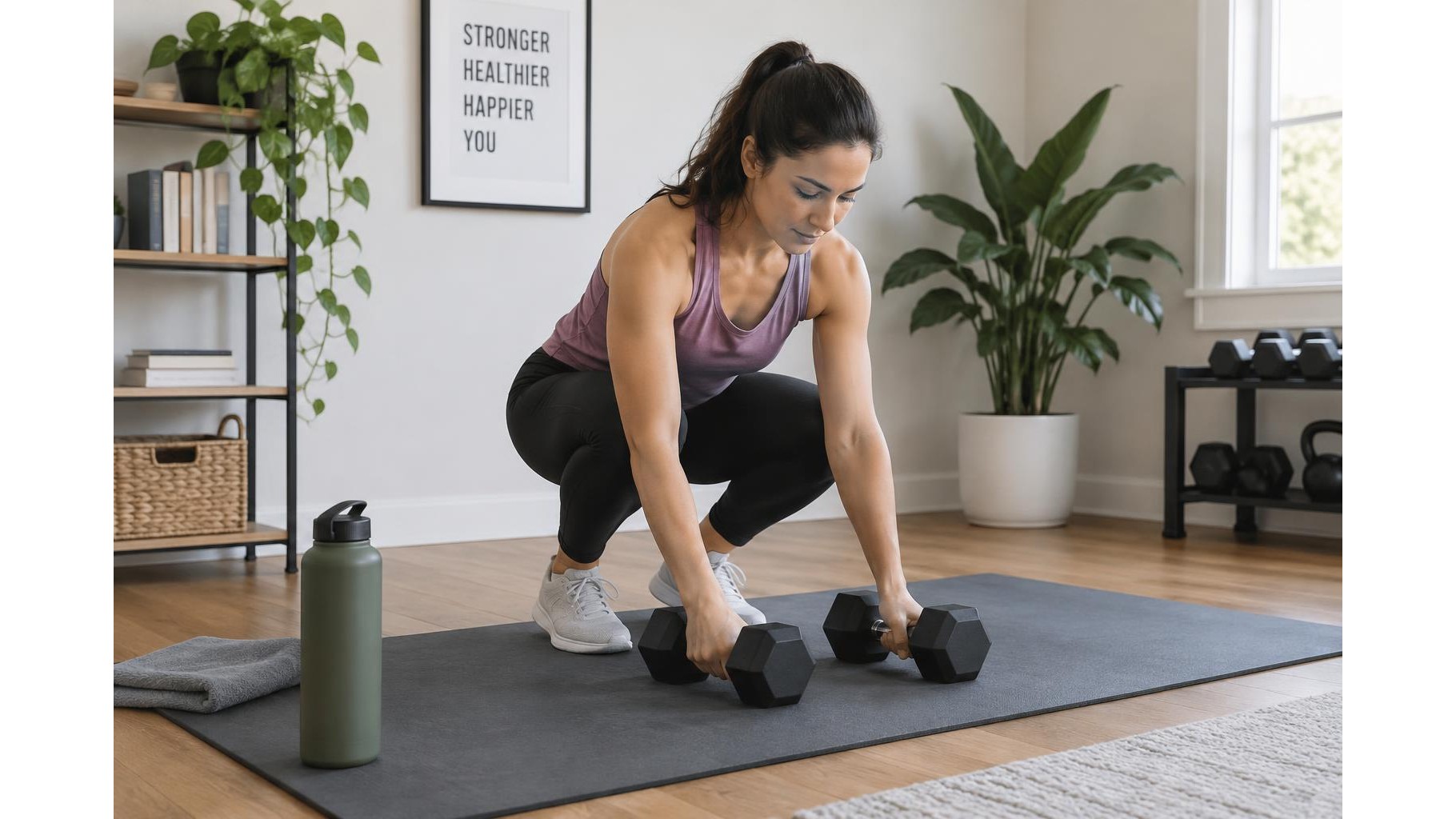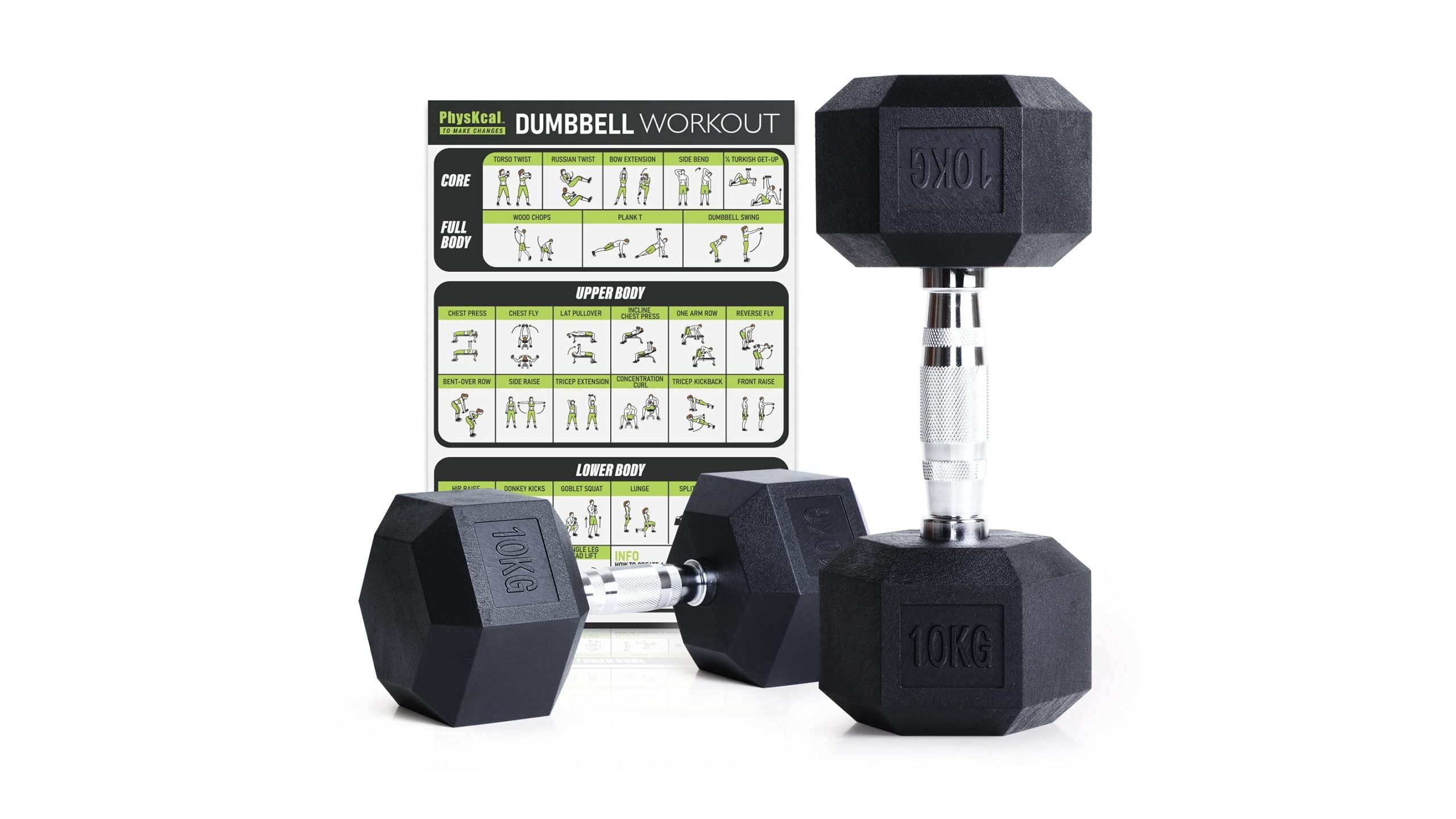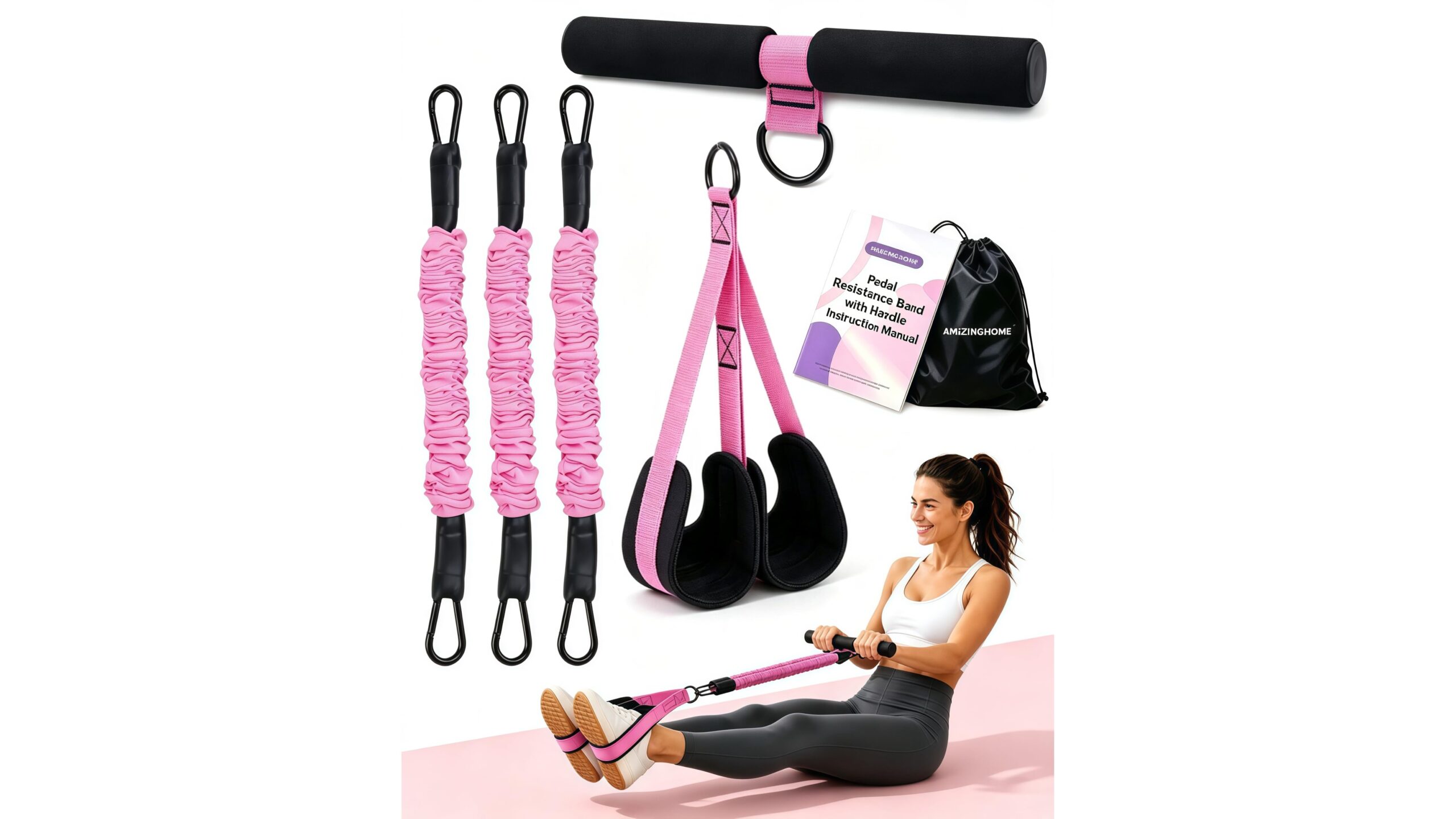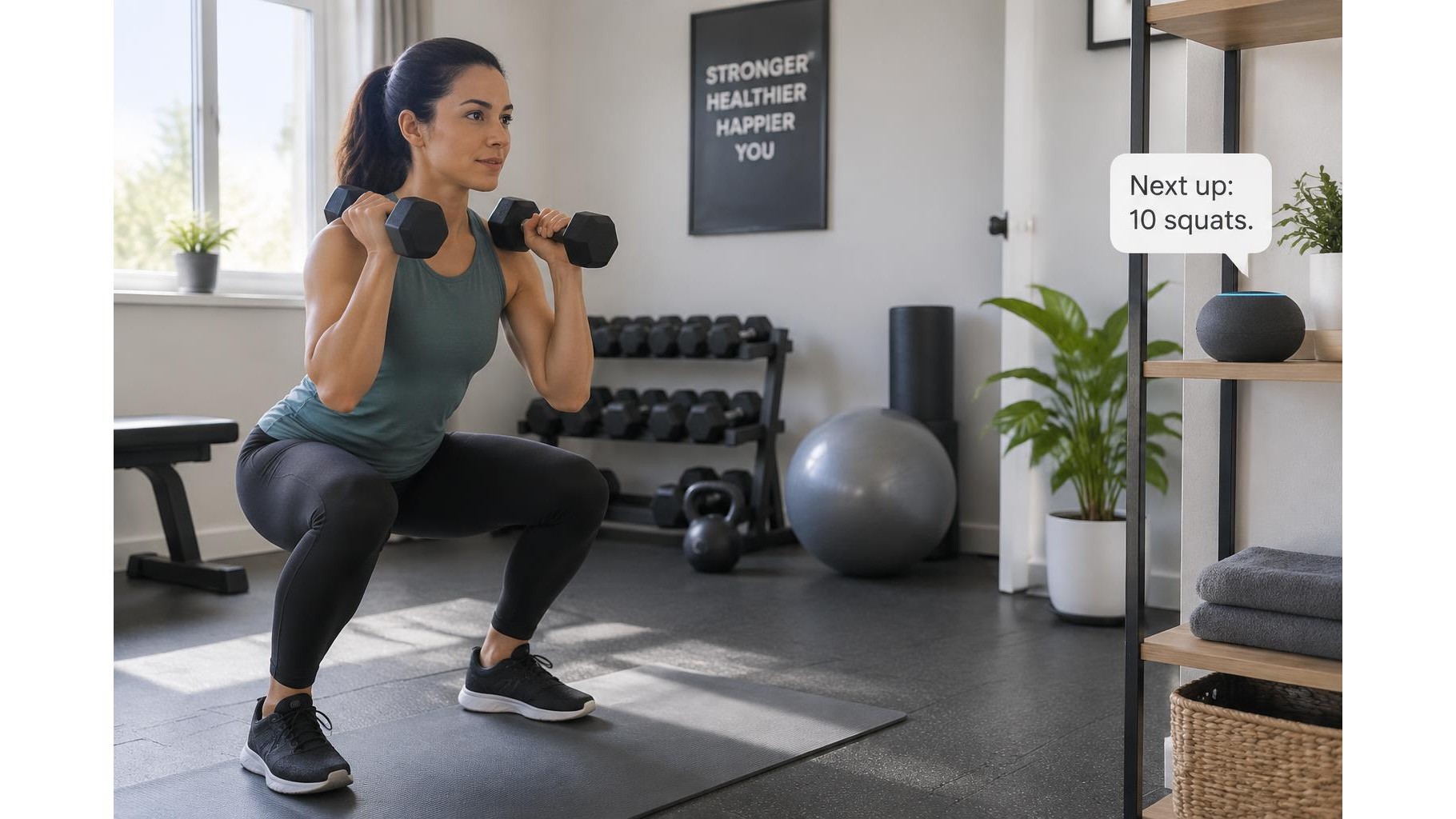
A smart speaker can act as a simple voice-controlled workout companion, helping you start a timer, change the music or hear your next interval without reaching for a phone with sweaty hands. A little preparation makes voice cues more reliable and keeps your session focused. Use the speaker for convenient prompts, while relying on your own judgement for exercise form, rest and safety.
Choose a practical spot and prepare your workout
Place the speaker on a stable, dry surface where it can hear you clearly but is away from weights, water and the edge of a bench. Avoid putting it directly beside a loud fan or speaker, since background noise can make voice recognition less dependable. Before training, connect it to Wi-Fi, complete its setup in the companion app and check that its microphone is enabled. Create a short plan in advance: for example, a warm-up, three rounds of work intervals and a cool-down. If you use a specific timer, music or fitness service, confirm that it is available and linked in the app before the session begins. Keep a phone or watch nearby as a backup for commands that the speaker does not understand.
Use short, clear timer commands
Simple requests are usually easier to understand than a long sequence of instructions. Try commands such as “Set a timer for 30 seconds,” “Set a five-minute timer,” or “How much time is left?” For interval training, set separate work and rest timers, or use a compatible interval-timer feature if your speaker’s services support one. Say the duration and purpose distinctly, then listen for confirmation before starting a demanding movement. If you need a repeating sequence, test it before the workout: not every assistant can run a custom interval routine natively. A reliable fallback is to use one timer for each block and speak the next command during a planned rest period.
Set up music and spoken cues
Start a playlist before you begin moving, then use brief commands such as “Play my workout playlist,” “Pause,” “Skip,” or “Turn the volume down.” Keep the volume high enough to hear cues but low enough to remain aware of your surroundings. For hands-free coaching, ask for a reminder or announcement at a planned point, where supported, such as a cue to switch sides or begin the cool-down. You can also use a routine in the speaker’s app to combine a spoken message with music or a timer. Check how the routine behaves first: announcements may interrupt playback, and some services require particular wording or account permissions.
Make commands dependable mid-session
Reduce the need to talk while breathing hard by grouping setup tasks before your first set. Start the playlist, choose the volume and prepare timers while you are still at rest. During exercise, use a consistent wake word, pause briefly, then give one command at a time. If the speaker misses you, repeat the request more clearly rather than shouting from across the room. A quiet room, a clear line between you and the device, and familiar command phrasing can all help. Avoid depending on voice control for safety-critical actions or complicated coaching; keep equipment arranged safely and stop if you need to adjust anything that could affect your balance or form.
Review privacy and household settings
Voice assistants listen for a wake word, and their companion apps usually provide controls for microphone access, voice recordings and data retention. Review these options during setup and choose settings that suit your comfort level. Many devices have a physical microphone mute button; use it when you do not want voice input, remembering that hands-free commands will not work while the microphone is muted. Check whether guests or household members can use the speaker, and avoid speaking sensitive information near it. If you enable voice purchasing or linked services, review their permissions and purchase safeguards so a workout command cannot accidentally trigger an unrelated action.
A smart speaker works best as a hands-free convenience, not as a substitute for a training plan or attentive movement. Prepare the room, test your timers and routines, choose a comfortable volume and review privacy settings before your session. Short commands can then help you manage music, intervals and reminders while keeping your hands free. Start with a simple workout and refine the setup as you learn which cues are genuinely useful.