
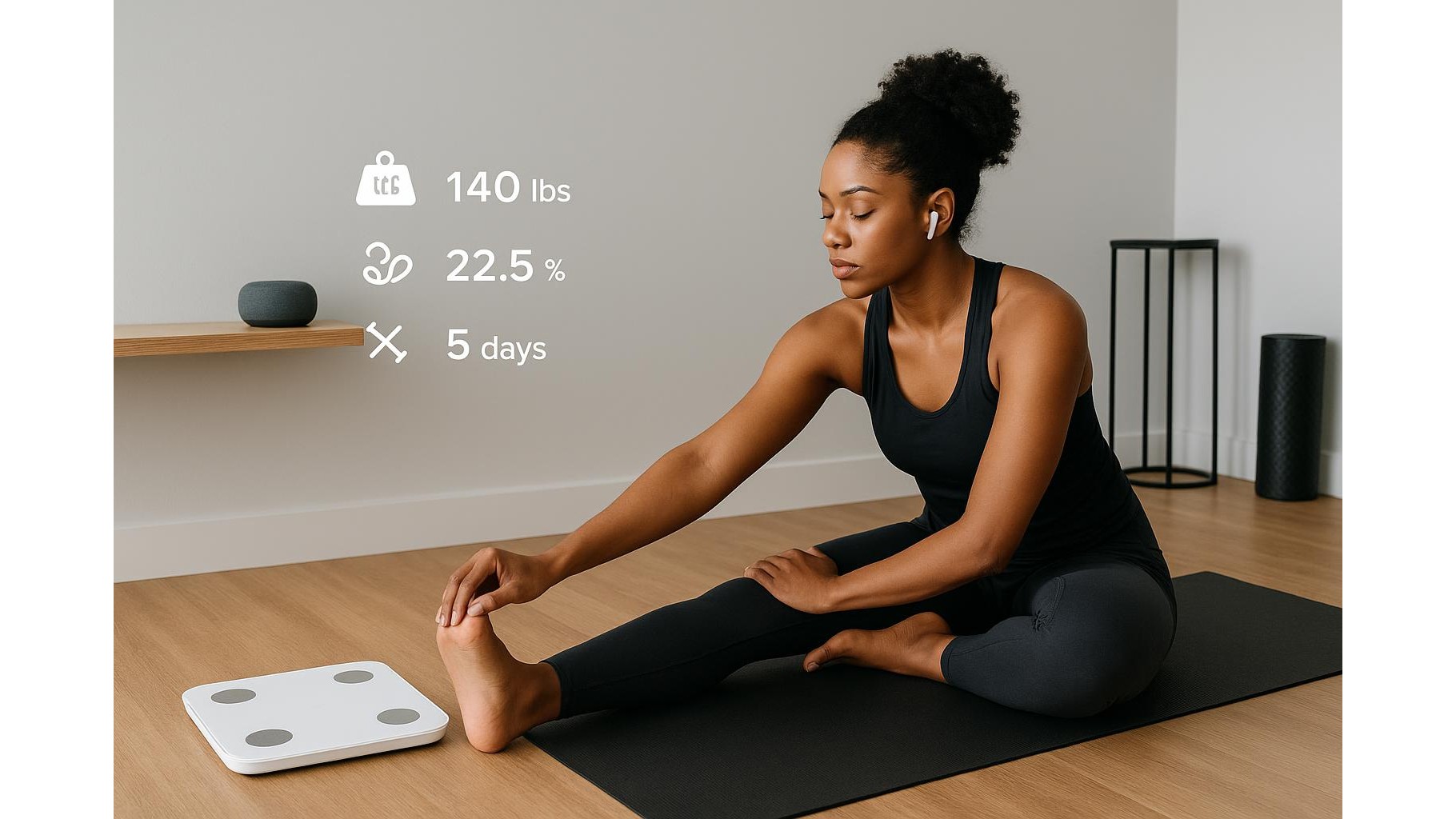
Building a consistent home training habit is easier when you can see progress, but constantly opening apps and scrolling through graphs gets old fast. By combining a smart scale, your favourite fitness apps and a voice assistant, you can turn raw data into simple spoken progress reports. Imagine getting a quick audio summary of your weight trend, body metrics and training streak while you make coffee, without touching a screen.
Why spoken progress beats staring at screens
Many people give up on home workouts not because they lack willpower, but because they lose sight of progress. A voice assistant can close that gap by serving as a kind of audio coach. Instead of obsessing over daily weigh-ins, you can ask for a weekly summary that focuses on trends: “Your average weight is slightly down, muscle mass is steady, and you logged four workouts.” This reduces the emotional rollercoaster of daily fluctuations and helps you focus on behaviours that matter, like hitting your training streak. Spoken summaries are also perfect for busy routines: you can listen while stretching, prepping breakfast or tidying your home gym, keeping your eyes free and your hands on what you’re doing.
Choosing the right smart scale and speaker combo
To build a reliable voice‑driven progress system, start with a Wi‑Fi or Bluetooth smart scale that syncs automatically with a robust app, and pair it with a responsive smart speaker. Look for scales that track multiple metrics (weight, body fat, muscle mass, maybe visceral fat and metabolic age) and that integrate with popular platforms like Apple Health, Google Fit or Samsung Health. On the voice side, a dedicated smart speaker in your workout area makes progress checks frictionless: you just speak a command and get your report. Make sure your chosen scale’s app can share data with the ecosystem your speaker uses, or that there’s an automation tool (like IFTTT or routines) to bridge the gap.
Linking apps, accounts and permissions
Once you’ve picked your hardware, the magic happens in the software. First, create an account in your smart scale app and enable cloud sync so your weigh‑ins are stored online. Then connect that account to your platform’s health hub (for example, Apple Health or Google Fit) so weight and body composition metrics can be read by other apps. Next, open your voice assistant app and link it to the same health or fitness services. This usually involves enabling a skill or permission, signing in with the same credentials, and confirming what data the assistant is allowed to access. Take a moment to review privacy settings: decide who else in your household can use the device and whether you want summaries spoken freely, only when you confirm a PIN, or with “brief mode” for more discreet reports.
Creating weekly spoken reports and routines
With connections in place, you can design your spoken reports. The simplest option is to ask on demand: “How much do I weigh?” or “What’s my activity this week?” For richer feedback, use routines or automation tools. Set a weekly summary to play every Sunday morning, combining data from your scale and training app: “Here is your progress report: your average weight versus last week, change in body fat percentage, steps or active minutes, and how many home workouts you completed.” You can also tag specific metrics, like muscle mass or bone density, if your scale tracks them. Consider pairing the summary with a motivational message or a reminder to plan the next week’s sessions, turning a passive report into an active planning moment.
Keeping numbers meaningful and motivation high
Spoken progress reports are powerful only if they stay simple and actionable. Avoid overwhelming yourself with every available metric. Instead, pick three to five key indicators: weight trend, body fat trend, training streak, weekly active minutes and maybe average sleep duration. Configure your routines to highlight trends, not daily spikes: “Up slightly but stable overall” is more helpful than “You are 0.1 kg heavier today.” Use positive framing: celebrate streaks, improvements or even consistency during busy weeks. If you share your home gym with a partner or housemate, set up individual profiles so each person gets personalised summaries. Over time, you’ll treat the voice assistant as a calm, objective narrator of your journey, not a judge of your body.
By thoughtfully combining a smart scale, your favourite fitness apps and a voice assistant, you can build a low‑friction feedback loop that fits your life. Instead of chasing numbers in multiple dashboards, you get clear spoken summaries that keep you informed without draining your attention. This makes it easier to adjust your training, stay consistent with your home workouts and focus on long‑term trends rather than daily noise. Set up your first weekly routine, test a few formats, and let your voice assistant become the narrator of your fitness progress.









