
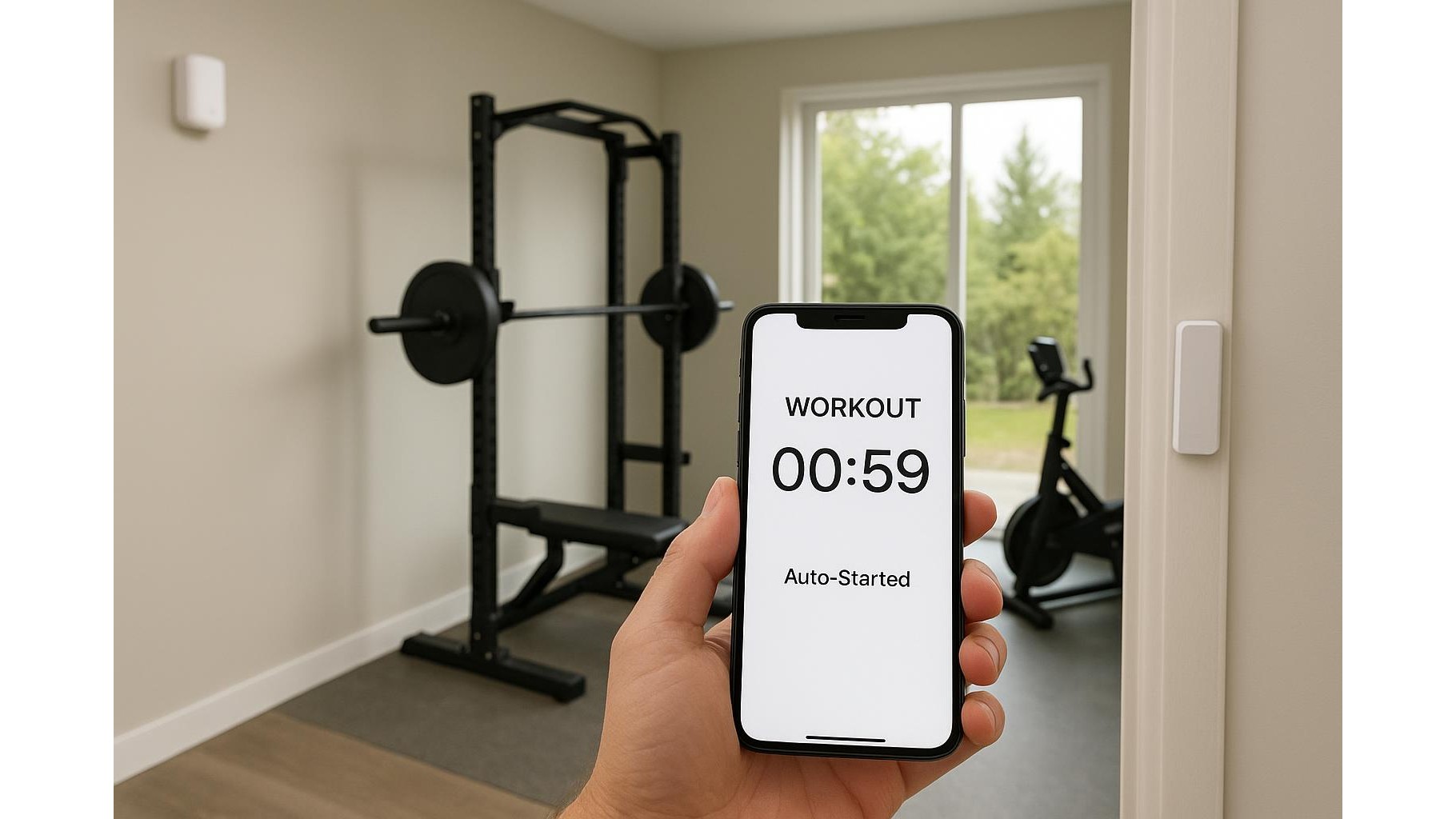
Turning your spare room into a smart home gym is no longer just about racks and dumbbells. With a couple of motion and door sensors, you can make your workouts start tracking automatically: walk into the gym, and your phone logs the session, your timer starts, and your playlist kicks in – all without touching a screen. In this guide, we’ll look at how to design this kind of setup using common smart-home devices and automation platforms so every workout is captured, consistent and distraction‑free.
Why automate your home workout tracking?
Automating workout tracking solves two big problems: forgetfulness and friction. It is easy to start a strength session and realise 20 minutes later that you never hit “start” on your fitness app or timer. By letting motion and door sensors act as the trigger, entering your gym becomes the signal to log a workout, while leaving can stop timers and save sessions. This makes data in apps like Apple Health, Google Fit or any strength‑logging app more complete, which is crucial if you are monitoring progress, recovery or calorie burn. It also keeps you in the training mindset: no fumbling with your phone, no social media detours, just step in and start lifting.
Choosing the right motion and door sensors
When you pick smart motion sensors and contact (door) sensors for a home gym, the key is reliability and platform support. Look for sensors that integrate with major ecosystems like Alexa, Google Home, HomeKit or a hub such as SmartThings or Home Assistant. Battery‑powered PIR motion sensors can cover the whole room and detect when you are present, while slim door/window sensors mount on the gym door to detect opens and closes. Make sure the sensors support fast reporting (minimal delay) so your workout timers and playlists start almost instantly as you walk in. If your gym is in a garage or basement, check wireless range and consider adding a hub or repeater so the signal is rock solid.
Linking sensors with automation platforms
To turn raw sensor data into actual fitness automation, you need an automation layer. Most people will use Alexa Routines, Google Home automations, Apple Shortcuts with HomeKit, or advanced tools like Home Assistant or IFTTT. The basic pattern is simple: “IF motion detected in Gym OR door opens, THEN run workout routine.” That routine can send a webhook or notification to your phone, which your fitness app or timer app interprets as a start command. Some apps support direct integrations or URL schemes (for example, opening a custom link that starts a specific workout template). By chaining these together, your gym sensors effectively become remote controls for your training apps, with no taps required.
Starting timers, playlists and workout logs automatically
Once your home gym sensors are visible to your automation platform, you can create layered routines that match how you actually train. A typical flow: the door sensor detects you entering the gym, which triggers a scene that (1) turns on lights, (2) launches your favourite workout playlist on a smart speaker, and (3) starts a workout timer or opens a specific workout in your tracking app. A second rule fires when no motion is detected for, say, 10–15 minutes or when the door closes for more than a minute; it stops the timer, pauses music and logs the session end. This creates clean session boundaries, which is especially useful for strength training with rest timers, high‑intensity interval training, or short accessory workouts during the day.
Best practices for reliable gym automations
To avoid accidental triggers and missed workouts, you need to tune your motion sensor and door sensor logic carefully. Use conditions like time of day (e.g. only run gym automations between 5am and 10pm) and room occupancy (e.g. only if motion is detected for at least 10 seconds) to prevent a pet or someone briefly opening the door from starting a workout routine. Place the motion sensor so it clearly “sees” your main training area, not the hallway outside. Consider using both motion AND door sensors together for more accurate presence detection. Finally, always build a manual override: a button on your phone, a smart button on the wall or a voice command that can force‑start or stop the workout in case the automation fails, so your tracking is never at the mercy of a single sensor.
Expanding your smart home gym over time
Once your basic workout tracking automation is running smoothly, it is easy to expand. You can add smart plugs to power on a treadmill or rower when motion is detected, or use heart‑rate data from a smartwatch as an extra condition to confirm that you are actually training, not just grabbing something from the gym. Advanced users can log every session to a spreadsheet or database via webhooks, building a long‑term record of sets, reps and duration alongside the data in their main fitness app. The goal is not to make things more complicated, but to let technology handle routine tasks in the background so you can put all your focus on good technique, progressive overload and consistent effort in your home gym.
With a few affordable motion and door sensors, plus a bit of smart‑home logic, you can turn entering your gym into a powerful automation trigger that starts timers, music and logs – and exiting into the signal that your workout is finished and saved. This hands‑free setup keeps your tracking consistent, your data clean and your training distraction‑free, giving you one less excuse to skip or short‑change your home workouts.









