
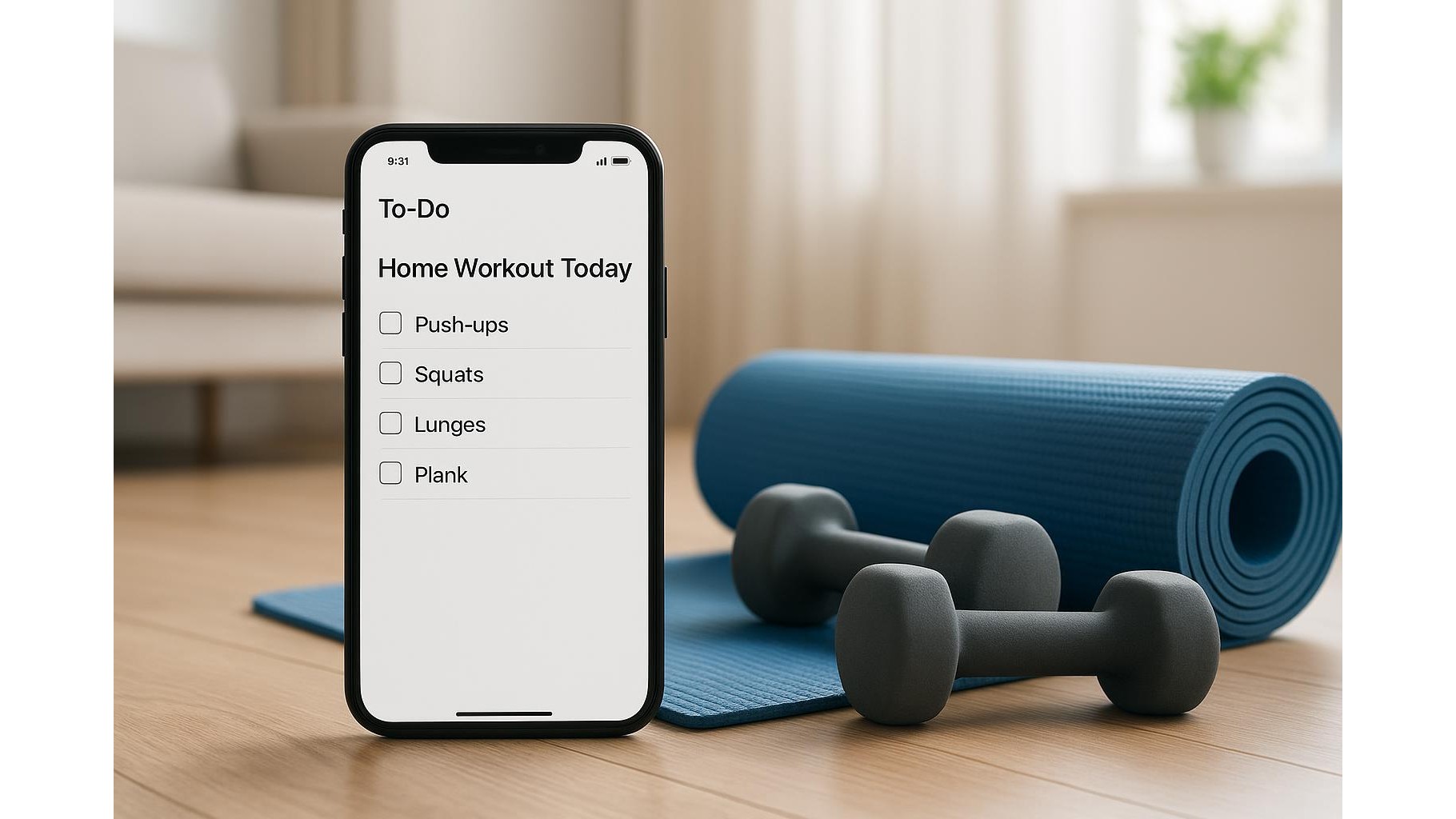
Turning a simple minimalist todo app into your personal home workout coach is easier than it seems. Instead of downloading yet another complex fitness platform, you can use the clean interface of a basic task manager to plan sessions, track habits, and review progress. With the right structure, lists and checkboxes become a powerful system for building consistency, especially when you train at home with limited space and equipment.
Why minimalist todo apps work so well for home training
A minimalist task manager removes clutter: no feeds, no endless stats, just today’s actions. This is perfect for home workouts, where distraction is your biggest enemy. Create a simple list called “Today’s Training” and fill it with 3–6 focused tasks: warm-up, main workout, core, mobility, cooldown. Checking each item gives you a small dopamine hit, reinforcing the habit. Unlike full-featured fitness apps, you can adapt todo lists to any style: bodyweight circuits, kettlebell sessions, or short mobility breaks between meetings.
Setting up your weekly workout planner inside a todo app
Start by building a weekly workout template using recurring tasks. For example, set “Upper body strength – 30 min” to repeat every Monday and Thursday, “Lower body & glutes – 30 min” on Tuesday and Friday, and “Mobility & core – 20 min” on Wednesday and Saturday. Inside each task, use the notes field to store your actual routine: sets, reps, and rest times. A minimalist todo app usually supports subtasks, so you can add items like “Push-ups 4×10”, “Squats 4×15”, “Plank 3×40s” and tick them off as you go. This way your planner and training log live in the same, ultra-simple interface.
Using lists and tags to track goals, equipment and difficulty
To turn a basic app into a fitness tracker, use separate lists or tags. Create one list for “Workouts”, one for “Habits” (water intake, steps, bedtime), and one for “Progress”. In the “Workouts” list, you might tag tasks with labels like “bodyweight”, “kettlebell”, or “resistance bands”. In “Progress”, add a recurring monthly task such as “Measure resting heart rate and bodyweight” with notes for your numbers. Over time, you can scroll back and see a clear story of your improvement without complex dashboards. The structure stays light, but the information is rich enough to guide serious home training.
Concrete home workout templates you can copy into your app
Here are two practical home workout templates you can paste straight into your todo app’s notes or subtasks and then adapt:
- Minimal full-body (20–25 min): 1) Warm-up 5 min (arm circles, hip circles, light jog in place); 2) Circuit 3–4 rounds: 12 squats, 10 push-ups (elevated if needed), 12 hip hinges, 20s side plank each side; 3) Cooldown 5 min (stretch quads, chest, hips).
- Strength & mobility (30 min): 1) Warm-up 5 min; 2) Strength block: 4×8–10 split squats, 4×8–10 push-ups, 3×30s glute bridge; 3) Mobility block: 2×1 min deep squat hold, 2×1 min thoracic spine rotations, 2×30s hamstring stretch per leg.
Each template becomes a single task in your app, with these items as subtasks you tick off one by one, mirroring a professional workout plan but in a minimalist format.
Combining habit tracking and workouts for real progress
Real change comes from consistent fitness habits, not just occasional hard sessions. Use your todo app to build a small habit stack around your workouts: “Lay out mat and clothes”, “Fill water bottle”, “Start 5-minute warm-up”. These micro-tasks lower friction and make training automatic. Add daily habits like “10 minutes walking”, “2 minutes breathing practice”, or “Lights out by 23:00” to support recovery. Over weeks, completed checkboxes translate into stronger routines, better sleep, and more energy for your home training.
Reviewing your week and adjusting your plan
Once a week, add a recurring task called “Training review & adjust”. Inside, list questions in the notes: “How many planned workouts did I complete?”, “Where did I skip and why?”, “What felt too easy or too hard?”. Use your answers to tweak next week’s tasks: shorten sessions if you struggle with time, or increase difficulty for exercises that feel too easy. This simple reflection loop turns your minimalist todo app into a genuine home workout coach that learns with you and keeps your progress visible and sustainable.
By structuring lists, subtasks, and recurring items with intention, a plain todo app becomes a powerful, distraction-free system for planning, tracking, and improving your home workouts.









