Turning your favourite home project management apps into powerful training planners is one of the simplest ways to bring order and consistency to your home gym. Instead of juggling multiple notebooks, screenshots and timers, you can manage your workout plans with the same clarity you use for work projects. By setting up Kanban-style boards in tools like Trello or Notion, and pairing them with a physical planner like the Wall Workout Planner 30 Days | Home Gym Fitness Planning Poster, you create a hybrid system that tracks sessions, progressions and deloads at a glance.
Table of contents
Why Kanban-style planning works for home workouts
Kanban boards break complex goals into visual steps. For training, that means each card represents a workout, exercise block or training week, and each column represents a phase like “Planned”, “In Progress”, “Completed”, or “Deload”. This mirrors how strength and hypertrophy cycles actually work: you plan, execute, recover, then repeat. A clear board reduces decision fatigue before your session — you just open the app, drag the next workout card into “Today”, and start lifting. Combined with a wall-based tool like the Wall Workout Planner 30 Days | Home Gym Fitness Planning Poster, which adds a big-picture monthly view, Kanban becomes a simple but robust system for consistent home training.
Setting up your first workout Kanban board
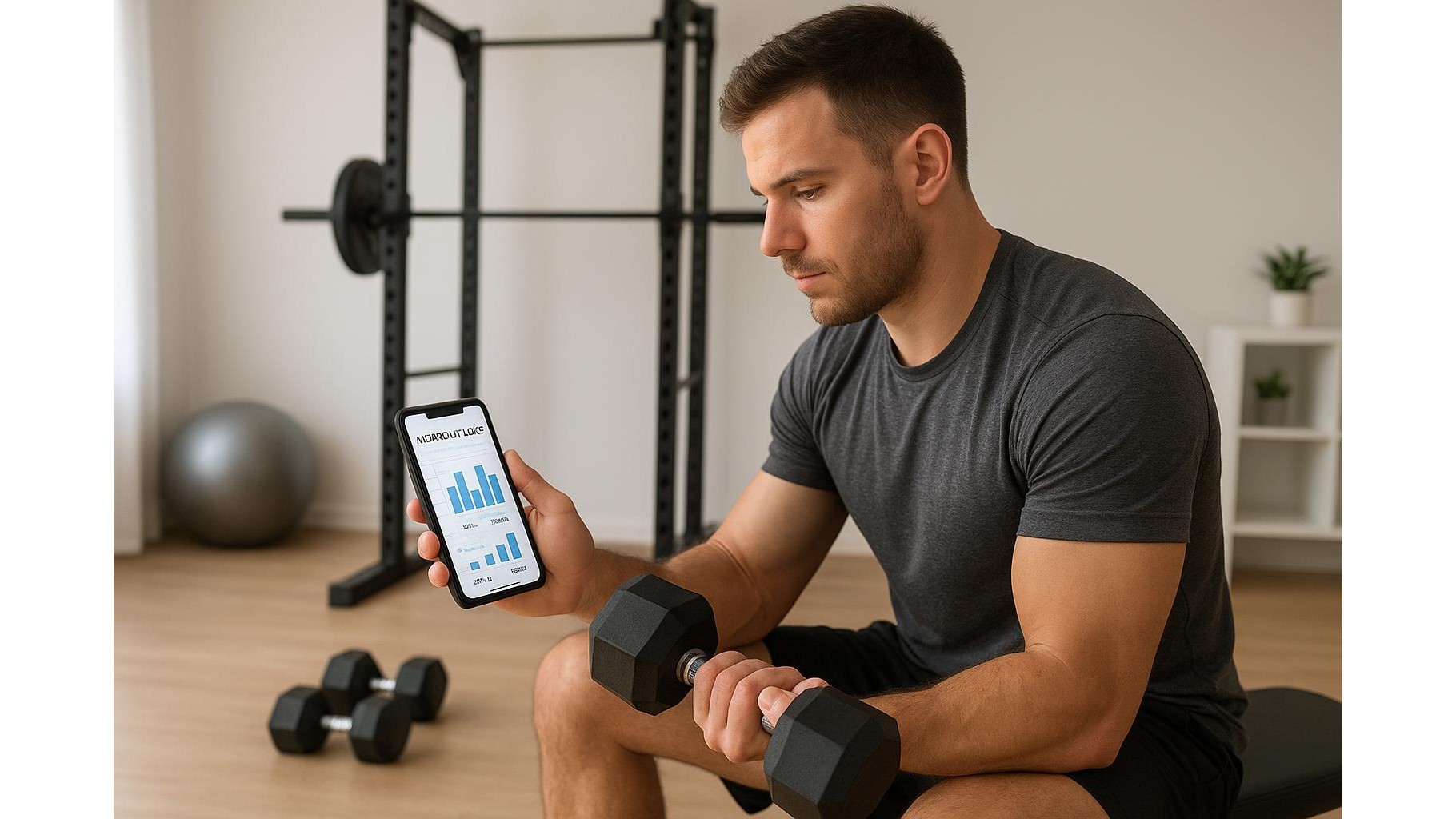
Start with three to five columns: Backlog (all possible workouts or programs), This Block (the current 4–6 week cycle), This Week, Today and Completed. In Trello or Notion, each card can hold your exercise list, sets and reps, target RPE, and notes about how it felt. Add labels for training focus such as “Strength”, “Hypertrophy”, “Conditioning” or “Mobility” so you can see balance across the week. At the start of each microcycle, move three to five sessions from “This Block” into “This Week”. After you train, drag the card to “Completed” and log small tweaks, like adding a set of squats or adjusting rest times.
Tracking progressions and deloads with boards and a wall planner
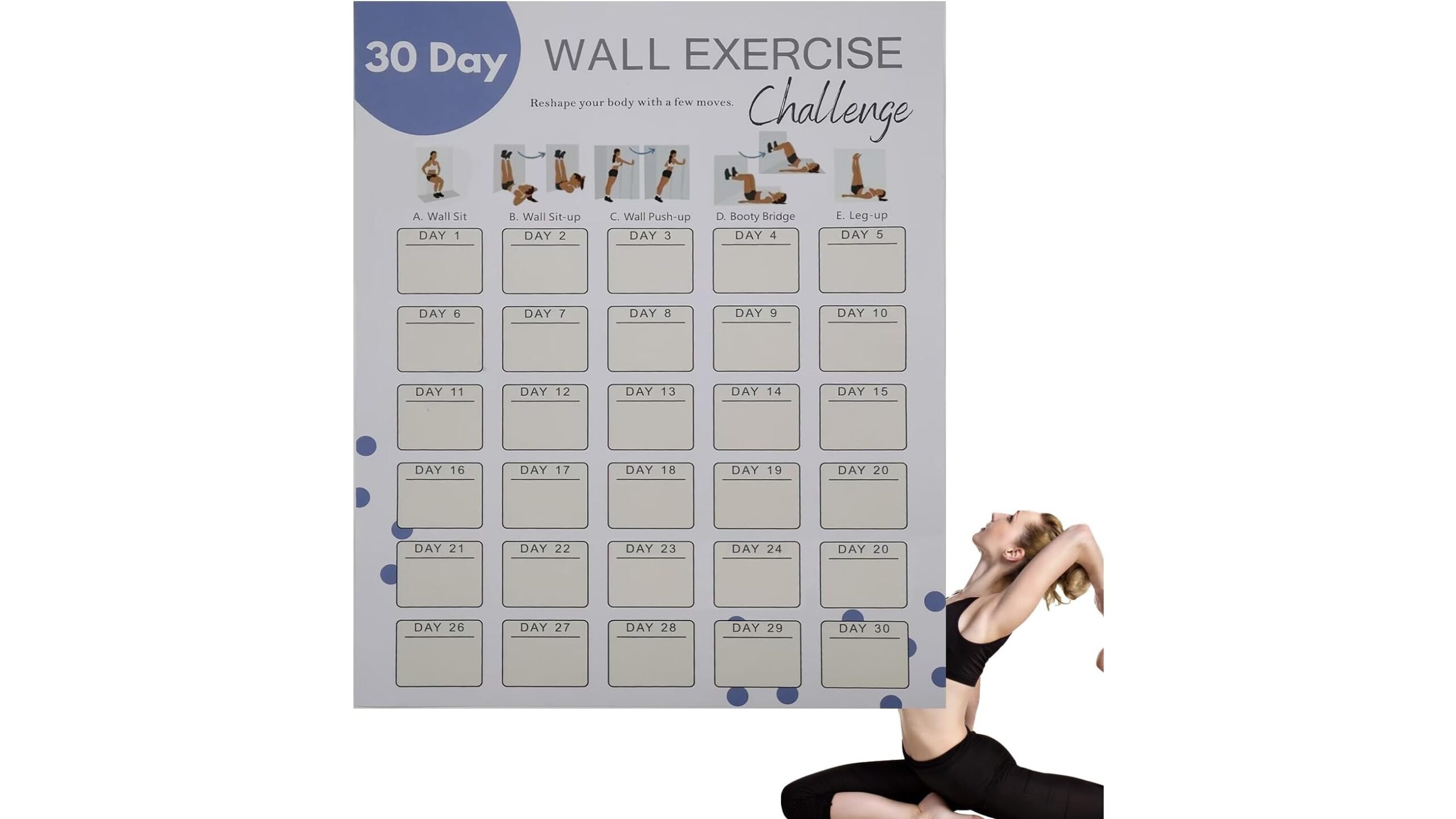
The real power of using project management apps for fitness is in tracking progressions and planned deload weeks. Create a template card for each key lift with a simple progression scheme (for example, add 2.5 kg every week until RPE 9, then deload). Each time you complete that workout, update the weight, reps and RPE fields. For deloads, add a dedicated column or tag “Deload” and pre-schedule lighter versions of your usual sessions. Pair this with the Wall Workout Planner 30 Days | Home Gym Fitness Planning Poster, a dry-erase 30-day fitness challenge poster that lets you visually tick off days. Its visual progress tracking system and 30-day layout help you see when a deload is coming and ensure you actually take it.
Blending digital structure with physical motivation
While apps handle data and structure, a physical board in your training space provides daily motivation. The Wall Workout Planner 30 Days | Home Gym Fitness Planning Poster (approx. 28×35.6 cm) acts as a quick schedule fitness tracker, ideal for a home office or garage gym wall. Use your Kanban app to define the exact session content, then use the poster as a simple “did I train today?” check-in: write the day’s focus (e.g. “Upper Strength” or “Mobility + Core”) and tick it off when done. This blend of digital and analog keeps you engaged even when you’re away from your phone during sets, but still gives you detailed logs to review over weeks and months.
Practical examples for different training goals
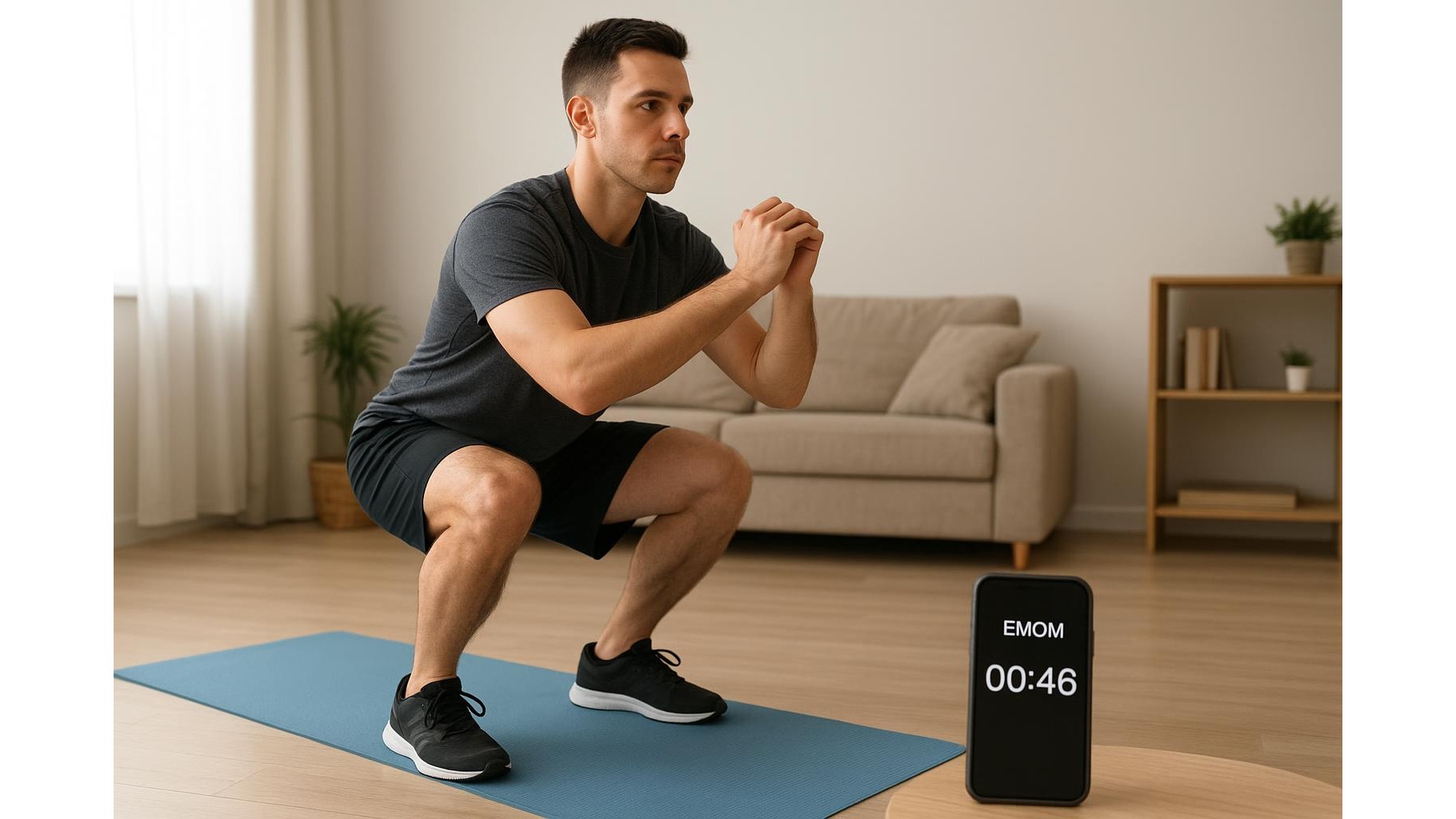
For a beginner strength program, create cards for three full-body sessions per week, each with squats, presses, pulls and carries. Use labels like “Beginner A”, “Beginner B” and track small weekly progressions. For a hypertrophy-focused home gym, cards can represent muscle groups: “Push”, “Pull”, “Legs”, “Arms/Delts”, each containing multiple exercise options you rotate through. For conditioning, cards could be intervals, EMOMs or circuit templates you mix and match. In every case, your Kanban board handles structure, while the Wall Workout Planner 30 Days | Home Gym Fitness Planning Poster tracks compliance over a 30-day challenge, encouraging consistency and habit formation.
By repurposing project management apps into home workout planners, and backing them up with a visual tool like the 30-day Wall Workout Planner, you create a clear, flexible and motivating system. Your Kanban board handles the details of progressions, blocks and deloads, while the wall planner keeps you honest day to day. This low-friction setup helps you train with intention, make measurable progress in your home gym, and actually stick to your plan over the long term.