
Turning a basic home treadmill into a smart running setup is easier than many people think. With a simple Bluetooth foot pod and the right app, you can track pace, cadence, distance and even run on virtual routes, all without needing a premium treadmill console. This guide walks you through how foot pods work indoors, how to pair them with popular apps, how to calibrate your data, and what to do to avoid annoying Bluetooth dropouts during key workouts.
What a Bluetooth foot pod actually does on a home treadmill
A Bluetooth foot pod is a tiny sensor that clips onto your laces or shoe and measures how your foot moves with every step. Instead of relying on a treadmill’s often inaccurate distance readout, the pod estimates your speed, stride length, cadence (steps per minute) and therefore your distance. Indoors, this is hugely valuable because GPS does not work on a treadmill. The foot pod sends live data to your phone, tablet or watch via Bluetooth, letting compatible training apps display and record your run. For a budget home setup, this is the fastest way to upgrade from “dumb” mileage guessing to a consistent, trackable training log that syncs with your favourite platforms.
Pairing your foot pod with apps: Zwift, training platforms and watches
Most modern Bluetooth foot pods are recognised as a run speed and cadence sensor by fitness apps. On platforms like Zwift, you simply open the pairing screen, select the pod under “Run Speed,” and start your treadmill. The app will then show your live speed and cadence as you run, unlocking virtual worlds and structured workouts even on the most basic treadmill. Other apps, such as general fitness trackers and running coach platforms, use the pod to log pace and distance for indoor runs that would otherwise appear as zero‑distance sessions. Many GPS watches can also pair to a foot pod, automatically switching to it for treadmill mode so your entire running history stays in one ecosystem, including those rainy‑day indoor sessions.
Calibration: getting accurate pace and distance indoors
Out of the box, a foot pod will estimate your stride length based on typical patterns, but each runner moves differently. To improve accuracy, use the calibration options in your app or watch. A simple method is to run a set distance on the treadmill at a steady pace, for example 1 km or 1 mile, and then compare what the app records to the treadmill display. If your app shows 0.9 km when the treadmill says 1.0 km, you know the pod is under‑reading by 10%, and most platforms let you adjust a calibration factor or manually set stride length. Repeat this process at both easy and moderate speeds; that way, your pace and distance readings stay believable across the full range of treadmill workouts, from recovery jogs to tempo runs.
Avoiding Bluetooth dropouts and unstable data
Nothing ruins a treadmill workout like your Bluetooth connection dropping right in the middle of a hard interval. To minimise this, keep the device running your app—phone, tablet or laptop—within a couple of metres of your treadmill and ideally in direct line of sight with the pod on your shoe. Avoid placing the device behind metal frames or thick walls that can interfere with signal. Close other Bluetooth‑heavy gadgets nearby, such as wireless speakers or multiple wearable devices that you are not using. Make sure your pod’s firmware is updated via the manufacturer’s app, and periodically check the battery level; a dying coin cell is a common cause of random disconnects and erratic cadence readings. A small amount of planning upfront can save you multiple frustrating sessions later on.
Building a simple, smart indoor running corner at home
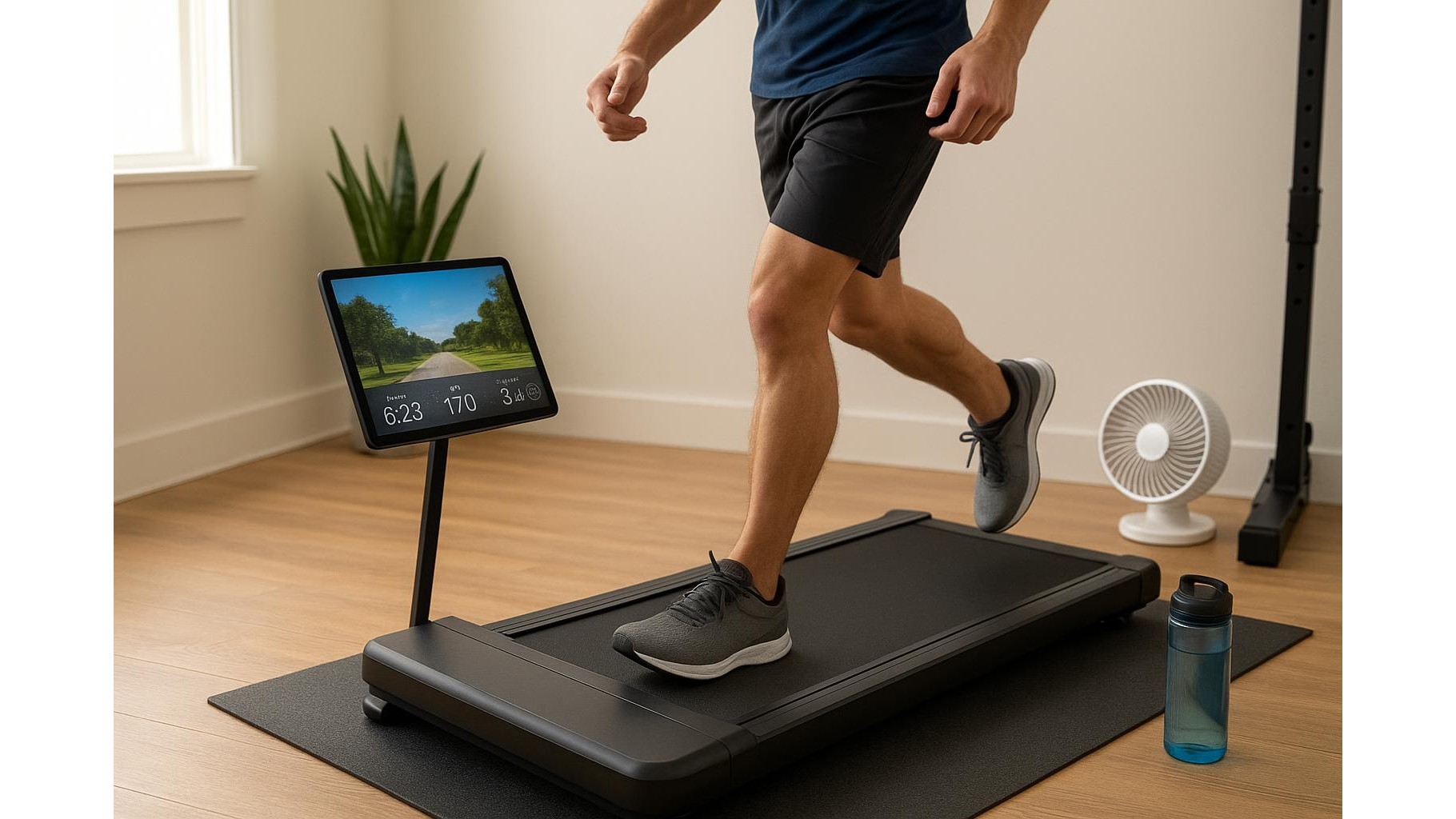
Once your Bluetooth foot pod is paired and calibrated, you can create a surprisingly powerful home running setup around even the most basic treadmill. Place a tablet or laptop on a stand in front of the belt to show your chosen training or virtual running app, and use a fan to keep you cool for longer runs. Save your favourite treadmill sessions—intervals, hill simulations, easy recovery days—within the app so you can repeat them and track your performance trends over weeks and months. With data on pace, distance and cadence for every session, you can better control intensity, avoid over‑striding and keep an eye on workload, all while staying indoors. For many home athletes, this simple combo of treadmill plus foot pod plus app is more than enough to train effectively for 5Ks, 10Ks and even half marathons.
Using a Bluetooth foot pod is one of the most cost‑effective ways to turn a basic home treadmill into a smart, data‑driven training tool. By pairing the pod with compatible apps, taking a few minutes to calibrate pace and distance, and optimising your setup to avoid Bluetooth dropouts, you gain reliable indoor metrics that sync seamlessly with your broader training log. The result is a more engaging treadmill experience, better control of your workouts and a clear view of your running progress, all from the comfort of your own home gym.









