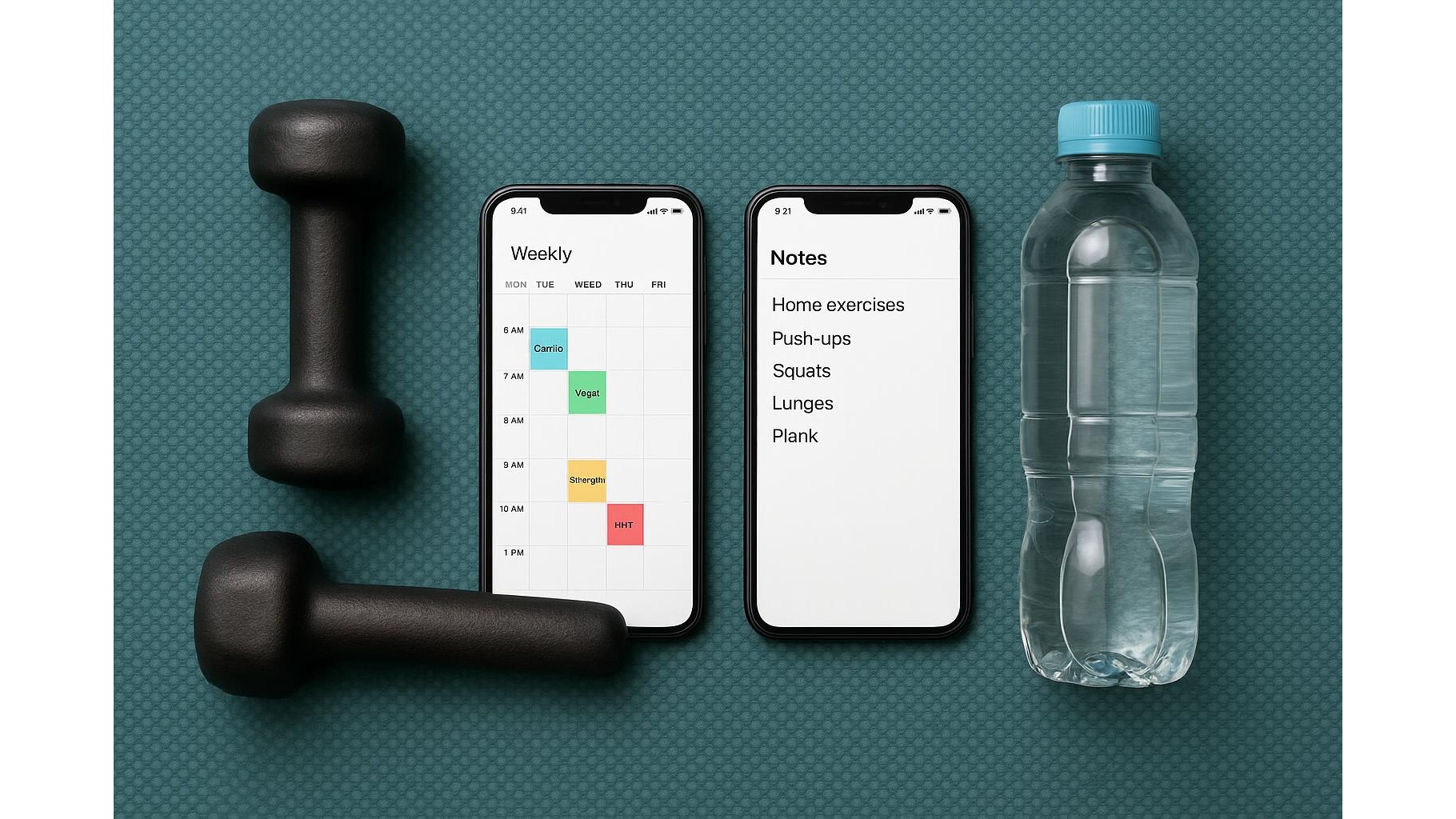
Staying consistent with home workouts is much easier when your training plan actually lives where you live every day: on your phone. Instead of paying for advanced fitness apps, you can combine your phone’s native notes and calendar apps to plan, log and review your sessions. This simple system keeps everything in sync, visible and editable in seconds, so your weekly routine becomes automatic instead of something you constantly have to rethink.
Set up a simple weekly workout note
Start by creating a single master note for your weekly home workout plan. Use the note title for your goal, for example “4-week strength and cardio plan”. Inside, break the week into sections: Monday to Sunday. Under each day, list your planned exercises, sets and reps, plus an approximate duration. For instance: “Push-ups 3×10, Squats 3×15, 20-min brisk walk.” Use bullet lists to keep things readable and add a short warm-up and cool-down under every day. This note becomes your control centre: you can duplicate it each week, adjust difficulty, and quickly see your whole training schedule at a glance without opening any specialised fitness software.
Turn workouts into calendar events
Next, move from intention to action by turning each planned session into a calendar event. Open your phone’s native calendar and create events such as “Home Workout – Strength A” or “Home Workout – Cardio”. Set the start time, duration, and a reminder 15–30 minutes before. In the notes field of the event, paste the relevant section from your weekly workout note so the exact routine is visible during the session. Colour-code workout events (for example, blue for strength, green for cardio) so your training stands out from other appointments. When you see workouts blocked off like meetings, you’re more likely to treat them as non‑negotiable commitments instead of “optional if I have time”.
Use your notes app as a training log
Planning is only half the job; logging makes the system powerful. Create a second note called “Workout Log – [Month]”. Each time you finish a session, add the date and quickly record what you actually did: sets, reps, weights used and how you felt (for example: “felt strong”, “low energy”, “knee a bit stiff”). Use simple bullet points or a mini table-style layout with exercise, volume and notes. Over time you build a clear history of your home training progress without needing spreadsheets or complex apps. This log also helps you spot patterns, like which days you tend to miss or when your energy is highest, so you can tweak your schedule accordingly.
Link notes and calendar for quick access
To make the system seamless, tighten the link between your notes and calendar. In your weekly workout note, add a short section at the top with your recurring schedule, such as “Mon/Wed/Fri – Strength, Tue/Thu – Cardio”. Then, in your calendar events, keep the title and structure consistent every week, simply duplicating existing events and updating the date. Some phones allow you to pin important notes to the top of your notes list or add them as widgets to your home screen; use this to keep your training plan one tap away. When a workout reminder pops up, you can open the event, tap through to the note, and start following your plan in seconds, cutting down friction and excuses.
Review your week and adjust the plan
Once a week, schedule a brief review session in your calendar, just 10–15 minutes. Open your workout log note and scroll through the last seven days. Ask yourself: Did I complete the sessions I planned? Which workouts felt too easy or too hard? Am I recovering well? Based on this review, edit next week’s master workout note: add an extra set where things felt light, reduce volume if you were overly sore, or shift sessions to days where you had more energy. This simple loop of plan → schedule → log → review keeps your home workout routine evolving with your real life, without any paid tools. Your notes and calendar become a minimalist but effective fitness dashboard.
In summary, combining your phone’s basic notes and calendar apps creates a powerful, low‑friction system for organising weekly home workouts. A master note lays out your plan, calendar events lock training into your schedule, and a simple log captures what you actually do. With a short weekly review, you can steadily refine your programme, stay accountable and progress toward your goals, all without subscriptions or complicated fitness platforms.