
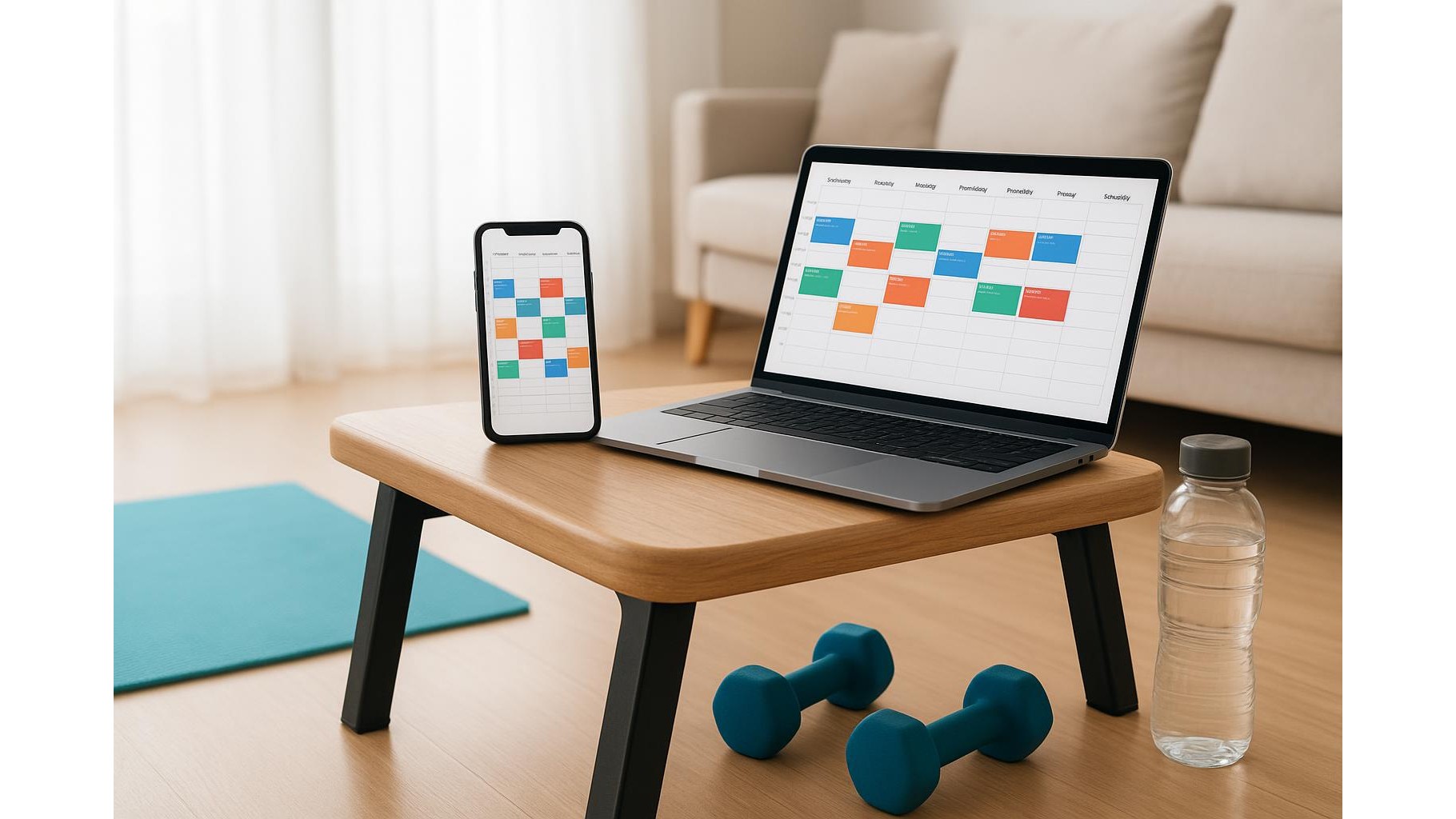
Turning your phone or laptop into a home workout accountability partner is easier than you think. You do not need premium coaching software or complex trackers. With a simple calendar app and a basic reminder app, you can build a light but powerful system that schedules, nudges, and tracks your home training sessions. The key is to design it like a personal coach would: clear plans, timely prompts, and simple records you can review each week.
Define your weekly training blueprint inside your calendar
Before touching your phone, decide what a realistic training week looks like. Pick the exact days, time windows, and session types you want: for example, Monday and Thursday strength, Saturday cardio. Then create recurring calendar events at those times and name them like mini-commands from a coach: “Home Strength – 30 min, dumbbells + core” or “Low-impact cardio – 20 min walk & mobility”. In the description field, paste a simple routine (for example a list of 5–6 exercises) so everything you need is right there. Treat these events like appointments, not suggestions; if it is in the calendar, it is your training slot.
Use reminders and notifications as gentle but firm nudges
Once your training blocks are in the calendar, make the reminder system work like a coach tapping you on the shoulder. Set multiple alerts for each workout: one the evening before (“Prepare clothes and space”), one 15 minutes before, and one at the start time. Customise alert text with action words such as “Start warm-up now – 5 minutes of dynamic moves” or “Last call: press play on your workout playlist”. If your calendar supports different notification tones, choose a distinctive sound only for workout events so your brain quickly associates that tone with movement. On desktop, enable on-screen notifications so you cannot miss the reminder while working from home.
Turn descriptions and notes into a light training log
Your calendar event descriptions can double as a simple training log. After each session, open the event and add a quick note at the bottom: “Completed 3 sets, increased weight”, “Stopped after 20 minutes, low energy”, or “Added extra stretching”. Over time this builds a day-by-day history you can scroll back through. At the end of the week, filter or view your calendar in week mode and quickly scan which sessions are marked as done and how they felt. This lightweight approach avoids complex spreadsheets but still gives you enough data to spot patterns like progress, plateaus, or repeatedly missed days.
Build habit strength with streaks, tags and visual cues
To make your home gym habits stick, lean on visual structure. Use a specific calendar colour for all workouts so your week view shows an obvious pattern of movement. Add a short tag like “#Done” or “#Skipped” at the start of each event title after the session, so your calendar view becomes a streak tracker at a glance. You can also create an extra all-day event called “Weekly review – training” on Sunday, where you quickly check how many sessions you completed and plan tweaks for the next week. These simple, visual cues keep your training visible and make it harder to quietly stop without noticing.
Sync across devices and protect your workout time
For home workouts to be consistent, your reminders must follow you everywhere. Ensure your calendar is synced across phone, tablet and desktop, and that workout calendars are visible on each device. Mark sessions as “busy” so colleagues and family can see those time slots are not available for calls or meetings. If your calendar supports shared events, consider sharing key sessions with a training buddy or partner so they can see when you are training and even join you. This social layer adds soft accountability on top of the automated reminders your apps provide.
By treating your everyday calendar and reminder apps like a light coaching system, you can schedule, nudge and track your home training sessions without buying any new tools. Clear recurring events act as your plan, notifications become your coach’s prompts, and short notes turn into a simple but effective training log. With a few deliberate settings and a weekly review, your devices quietly help you show up, move more, and stay consistent with your home gym routine.









