
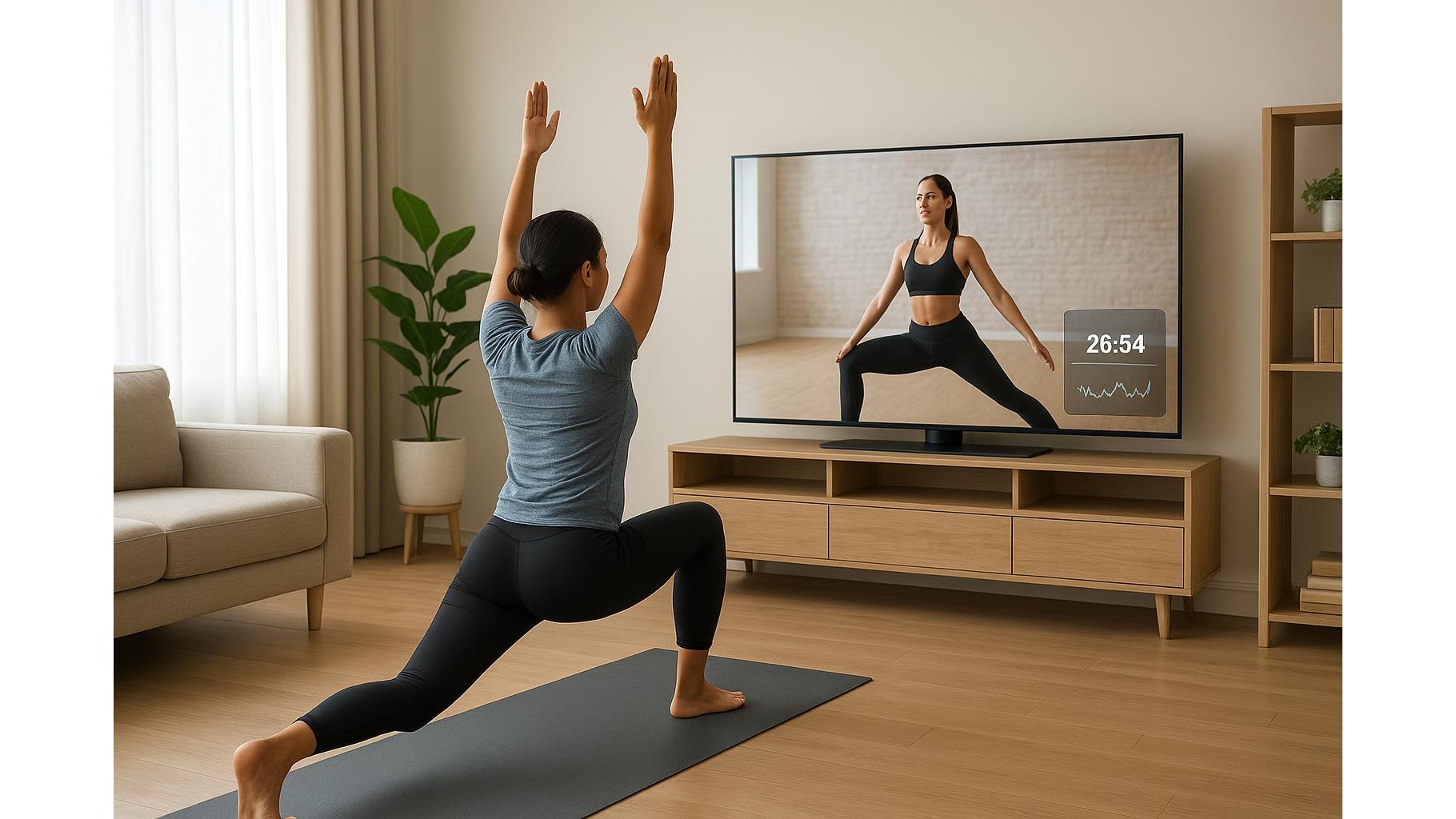
Modern smart TVs hide a surprisingly powerful feature for home training: picture-in-picture (PiP). With the right setup, you can watch a full workout class while keeping a small window open for heart rate tracking, interval timers or form reference clips. This turns your living room screen into a flexible home gym control centre, helping you train smarter without constantly checking your phone or watch.
Why picture-in-picture is a game changer for home workouts
When you follow online classes, your attention is always split between the instructor and your metrics or exercise notes. With picture-in-picture mode, your main window can show a YouTube strength class, a yoga app or a live spin session, while a smaller frame shows a timer, heart rate screen or demo of correct form. This reduces the need to pause, rewind or reach for your phone mid-set. You stay in the flow, keep better intensity, and are more likely to complete structured sessions like HIIT, EMOM or yoga flows as planned.
Basic PiP setup on popular smart TV brands
Most recent TVs from Samsung, LG, Sony and other brands support some version of PiP or multi-view. On many Samsung models, you can open Multi View from the remote, pick your main source (for example a workout video from YouTube) and then add a second source from HDMI or a mobile screen mirror. LG sets often offer “Multi View” or “Twin Picture” in the settings menu, while many Sony Google TVs let you combine an HDMI input with a streaming app. Check your user manual for the exact steps, and enable options like audio focus so the sound always comes from your main workout window. Once configured once, saving this layout as a preset makes future home sessions quick to start.
Strength training layouts: classes, timers and form checks
For strength workouts, the most effective layout is usually a large class video and a small utility window. Put your dumbbell or barbell class in the main screen, then use the PiP window for a workout timer (for example 40/20 intervals) or a static video that demonstrates perfect form for lifts like squats, rows and presses. Keep your phone or tablet connected via HDMI or casting so you can run a timer app there while the TV shows it in miniature. To protect your joints, choose a clear, slow demonstration clip and keep it on loop in the PiP window during sets you struggle with. This gives you constant visual feedback without stopping the session.
Cardio and HIIT: tracking heart rate and intervals
During HIIT, indoor cycling or treadmill sessions, PiP can help you maintain the right intensity zones. Make your main window a coached cardio class or scenic running route, and reserve the small window for a heart rate dashboard mirrored from your smartphone or watch app. Place your TV directly in front of your bike or treadmill, and set the PiP to the corner that is most visible at speed. Combine this with a clear interval timer so you can see remaining work and rest time without looking down at your wrist. Disable screen savers and notifications on the device feeding the PiP window so your metrics are always visible.
Yoga, mobility and low-impact sessions with reference clips
For yoga, Pilates and mobility training, PiP is perfect for combining a flowing class with detailed alignment tutorials. Use the main screen for your favourite instructor, then keep a small window open with a looped video that breaks down tricky poses like downward dog, warrior III or pigeon. Place your mat so you can glance at both views without twisting your neck. This is especially useful if you are working around old injuries and need constant reminders of safe knee or back positioning. You can also load a slow breathing visual in the PiP window for restorative sessions, helping you synchronise breath and movement more easily.
Used thoughtfully, picture-in-picture mode can turn any smart TV into a focused home workout hub. By combining live classes with timers, heart rate or form videos on a single screen, you stay more engaged, move with better technique and track your progress in real time. Experiment with different layouts for strength, cardio and yoga, save your favourites as presets, and your living room TV becomes one of the most powerful tools in your home gym.









