
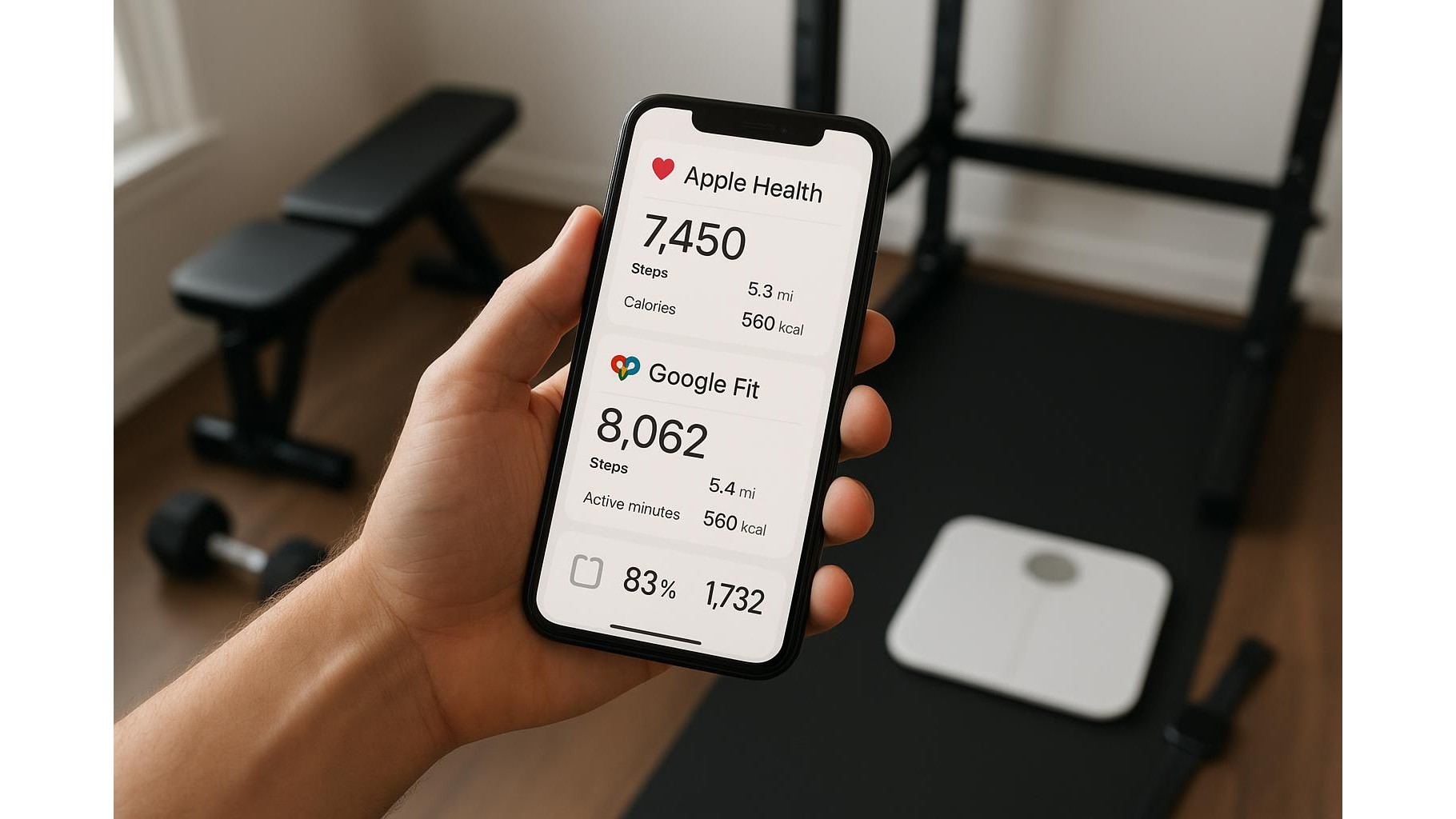
Getting all your home workout data into one place can transform how you train. When Apple Health or Google Fit shows your steps, strength sessions, heart rate and weight in a single timeline, it becomes much easier to spot progress and adjust your routine. The good news: you don’t need paid subscriptions or premium apps to make this happen. With a bit of setup, you can connect most wearables, smart scales, cardio machines and free tracking apps to your phone’s health platform and keep everything in sync automatically.
Start with your main health hub
The first step is choosing your primary health hub: either Apple Health on iOS or Google Fit on Android. This will be the central place where all your home gym metrics land. On iPhone, open the Health app, go to Summary → Edit to pick which metrics (like Active Energy, Steps, Workouts, Weight) you want to see. Then, in Health → Your Profile → Apps, you’ll later review which apps can read and write data. On Android, open Google Fit, sign in with your main Google account, and in Profile → Settings → Manage connected apps you’ll see everything that can sync. Deciding this hub early prevents confusion and stops you from chasing data across multiple services.
Connecting wearables, watches and bands
Most modern wearables can sync to Apple Health or Google Fit without extra paid apps. On iOS, the standard approach is to connect your fitness tracker (for example via Fitbit, Garmin Connect or Polar Flow) to Apple Health using the official companion app. Install the brand’s app, log in, then go to its Settings → Health / Apple Health section and enable sharing of steps, heart rate and workouts. On Android, some brands offer a direct link to Google Fit, while others sync via their own cloud accounts. Always set only one device as your primary step source (for example, your watch rather than your phone) to avoid inflated numbers. In Apple Health, you can manage this under Steps → Data Sources & Access, dragging your preferred device to the top.
Smart scales and body metrics at home
To keep your weight and body composition synced from home, look for a Bluetooth smart scale that supports Apple Health or Google Fit in its free companion app. The setup is usually simple: pair the scale with its mobile app, then in the app’s Settings → Data sharing section, enable syncing to your chosen health hub. Once connected, every weigh‑in at home is logged automatically alongside your workouts. Pay attention to which metrics your platform supports: some scales export weight only, while others can share body fat percentage and BMI. Disable notifications or social features you don’t need, and double‑check that only the hub app (not multiple third‑party apps) is allowed to write weight data, so you don’t end up with duplicate or conflicting entries.
Cardio machines and free tracking apps
Even if your treadmill, exercise bike or rower is not smart, you can still get accurate cardio data into Apple Health or Google Fit. Use free workout apps that support your health hub directly. On iOS, the built‑in Workout app with Apple Watch writes detailed metrics (time, calories, heart rate) to Apple Health. On Android, try free apps that connect to Google Fit to log running, cycling or indoor workouts. If your cardio machine broadcasts Bluetooth heart rate, pair it with your phone or watch to get more accurate calorie estimates. After each workout, you’ll see the session appear automatically in your hub without exporting files or paying for premium integrations.
Avoiding duplicates, conflicts and privacy issues
Once multiple devices are connected, the main challenge is avoiding duplicate data and protecting your privacy. In both Apple Health and Google Fit, review which apps can write each metric. Ideally, choose just one writer per category: one app for steps, one for workouts, and one for weight. Disable writing for any others, but allow them to read health data if they need it to personalise training plans. Regularly check your hub’s settings to remove old apps you no longer use. For privacy, turn off location or heart‑rate sharing in any social fitness platforms you’ve connected, and avoid granting full access to apps you don’t trust. Keeping a lean, well‑configured set of connections ensures your home training data is complete, accurate and securely stored.
When you treat Apple Health or Google Fit as the central hub for your home workouts, everything else becomes easier: wearables, smart scales, cardio sessions and basic tracking apps simply feed data into one trusted timeline. By carefully connecting only the necessary apps, choosing clear data sources and pruning old permissions, you can enjoy a unified view of your fitness progress without paying for extra services. A few minutes of setup now will give you months of effortless, automatic tracking that actually supports your training decisions.









