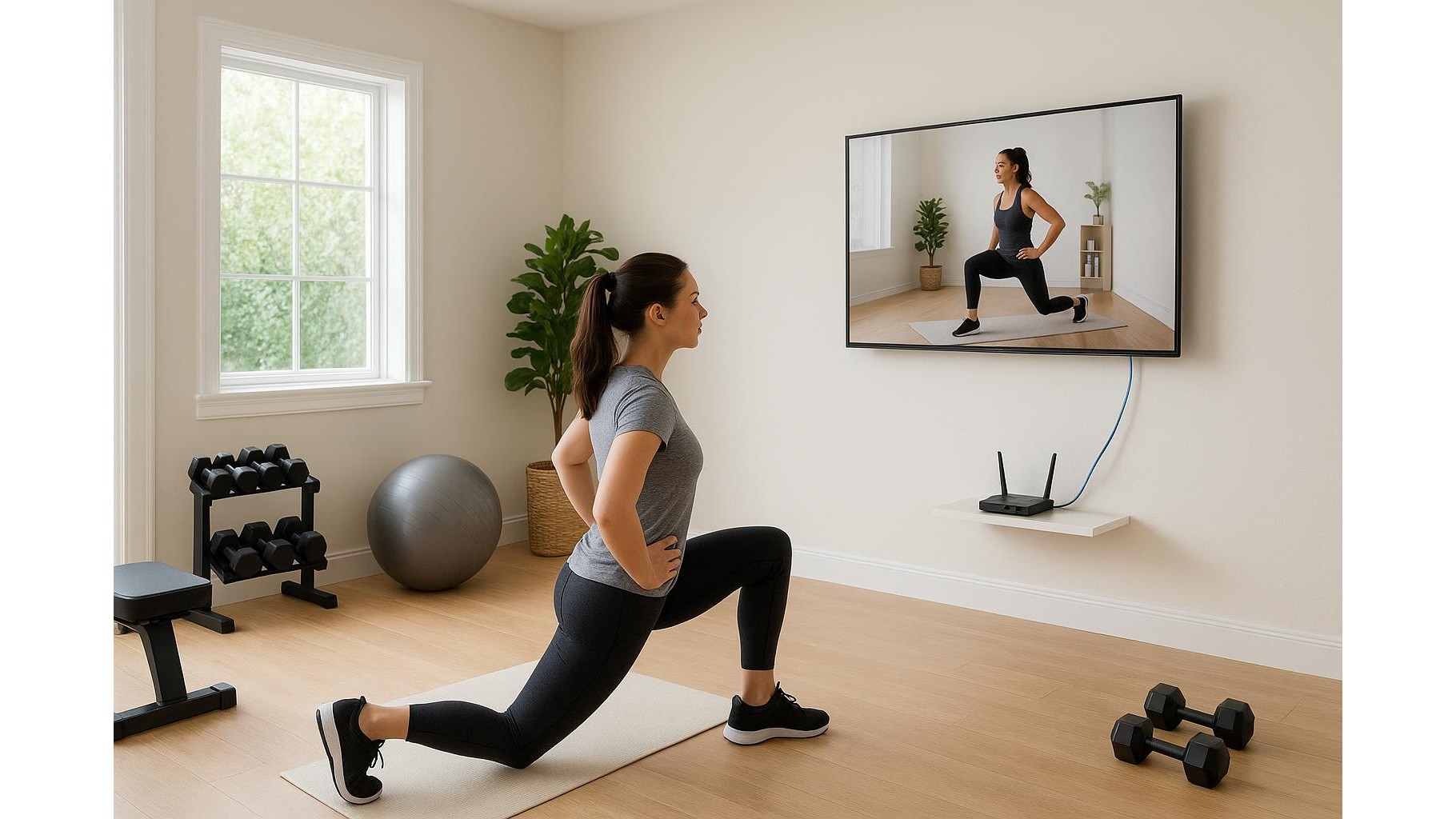
When you are deep into a tough AMRAP or following a live cycling class, nothing kills your focus faster than a frozen screen. Home workout platforms rely on a stable Wi‑Fi connection and a capable streaming device, yet many people train in garages, spare rooms or lofts where the signal is weakest. With a few smart tweaks to your router setup, bandwidth management and hardware, you can keep your home workout streaming smooth, even at peak times.
Optimise router placement for your home gym
The easiest win for better workout streaming is often your router’s position. Wi‑Fi hates obstacles, metal and thick walls, all of which are common between the living room and a garage gym. Wherever possible, move your router to a more central, elevated spot, away from cupboards and behind‑TV gaps. Aim for line of sight between router and your training space; even one fewer wall can be the difference between HD and a buffering mess. If your home gym is on another floor, try placing the router nearer to the stairwell or the wall closest to your gym. Avoid placing it next to microwaves, cordless phone bases or big fridges, which can introduce interference and weaken the signal right when you need your virtual coach most.
Free up bandwidth and prioritise your workouts
Even the best Wi‑Fi router struggles when every device in the house is trying to stream at once. Before an important live session, reduce background traffic: pause large downloads, shut down cloud backups and close streaming apps on idle TVs, tablets and consoles. Most modern routers include a Quality of Service (QoS) or traffic priority setting in their admin panel. Use this to prioritise the device you train with (smart TV, laptop, tablet or bike screen) or the apps you use most, such as YouTube, Netflix‑style fitness platforms or video‑conferencing for PT sessions. When possible, connect your primary workout screen to the 5 GHz band for higher speeds and leave smart home gadgets on 2.4 GHz. This simple separation often makes live and on‑demand classes feel instantly more responsive.
Use offline downloads and smart streaming settings
Most major fitness apps now offer offline workout downloads. If your Wi‑Fi is unreliable at certain times of day, pre‑download classes to your phone or tablet while the network is quiet (for example overnight) and then cast or connect via cable when you train. Inside app settings, cap the streaming quality to a level your connection can sustain; running at 1080p or 4K is pointless if it causes constant buffering. Many services allow you to set different quality for Wi‑Fi and mobile data – experiment with a slightly lower resolution and you may find the picture still looks crisp on a treadmill screen or tablet but runs much more smoothly. Turning off background app refresh and notifications during sessions can also keep your device’s processor focused on the workout video.
Stabilise your connection with cables and adapters
If your home gym is fixed in one spot, a wired link can be a game changer for stable streaming. An Ethernet cable from router to smart TV, laptop or streaming box bypasses Wi‑Fi interference completely and delivers the most consistent performance for live classes. When running a long cable is impractical, consider a powerline network adapter kit, which uses your existing electrical wiring to carry the signal to your garage or loft. Many users see huge improvements in video stability for rowing, cycling and HIIT platforms with this approach. For tablets and phones, inexpensive USB‑C or Lightning‑to‑HDMI adapters let you connect directly to a bigger screen, reducing reliance on wireless casting and the lag it can introduce mid‑set.
Give your devices and network a regular tune‑up
Over time, software clutter and outdated firmware can slow both your router and your workout devices. Schedule a monthly check‑up: restart your router, update its firmware through the admin page, and install the latest updates on your TV, streaming stick, bike console, phone or tablet. Clear unused apps and cached data on devices you use for training so they boot your fitness platform quickly and keep enough memory free for smooth playback. If your router is several years old and struggles with multiple users, upgrading to a modern dual‑band or Wi‑Fi 6 router is one of the most effective hardware investments you can make for a connected home gym, giving better coverage, higher capacity and improved handling of simultaneous streams.
Plan your setup so every rep runs smoothly
A reliable home workout streaming setup is less about chasing the fastest internet package and more about making smart choices with the gear you already own. By placing your router intelligently, managing bandwidth, leaning on offline downloads, using wired connections where you can and keeping both router and devices updated, you turn frustrating, stop‑start sessions into uninterrupted training blocks. Treat your digital setup with the same intention you give your programming and recovery, and your next live class will feel as smooth as your best set.