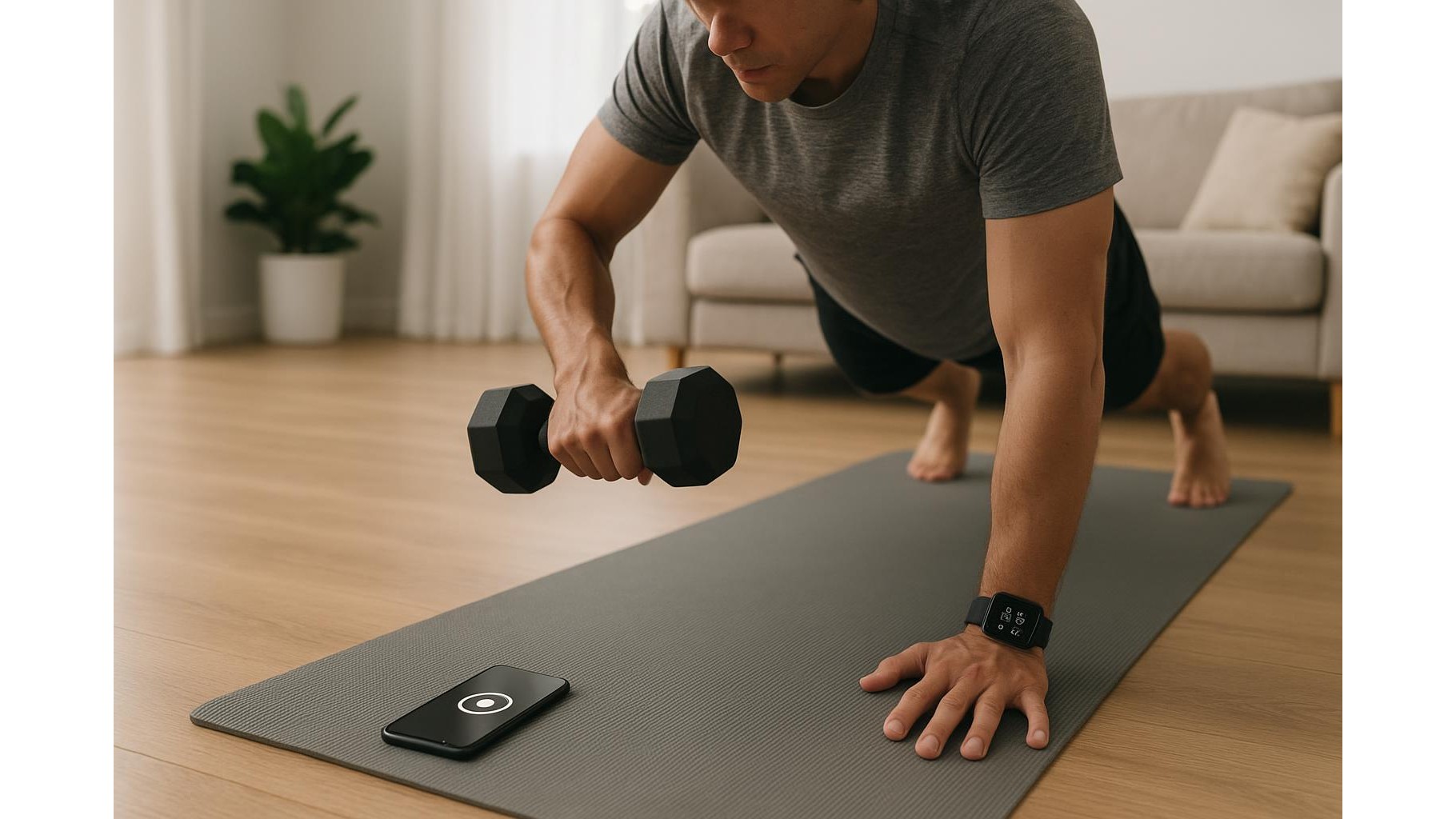
Turning your living room into a home gym is convenient, but constant pings from your phone and smartwatch can ruin focus, form and intensity. With the right focus modes, app limits and notification filters, your devices can actually support your training instead of interrupting it. Below you’ll find practical, step‑by‑step settings you can apply on most Android, iOS phones and modern smartwatches to keep your workouts distraction‑free.
Define your ideal distraction‑free workout window
Before touching any settings, decide what a perfect, focused home workout looks like for you. How long do you usually train – 20, 40 or 60 minutes? Which notifications are truly essential during that time (for example, calls from family members or delivery alerts) and which are optional (social media, email, work chats)? Write down a simple rule such as: “During workouts I only allow calls from favourites and calendar alerts, block everything else.” This clarity makes it easier to configure Do Not Disturb or Focus mode without second‑guessing every toggle. You’re not cutting yourself off from the world; you’re creating a temporary, protected block where progress is the only priority.
Use Focus / Do Not Disturb modes as your digital gym door
On iOS, create a dedicated Fitness Focus; on Android, set up a custom Do Not Disturb or Focus mode. Allow only critical contacts and apps: phone, messages from selected people, your timer, music or workout tracking app. Block social apps, email, games and shopping. Link this mode to your schedule so it activates automatically at your usual training time, or tie it to a trigger like connecting your Bluetooth headphones. On your smartwatch, mirror the same behaviour: enable Workout or Do Not Disturb during activity so you only see relevant alerts like heart‑rate warnings or set‑completion vibrations, not every single phone notification.
Set app limits and silence the noisiest offenders
Even with Focus modes, some apps fight for attention. Use screen‑time limits or digital wellbeing tools to restrict the worst offenders during your training window. For social media, news and messaging, schedule daily limits that end before your workout, or explicitly block them during your usual exercise hour. Go through notification settings app by app and disable promotions, reactions and marketing pushes, leaving only direct messages or critical alerts if necessary. This trims dozens of unnecessary vibrations and banners that would otherwise tempt you to break between sets, turning short rests into time‑wasting scroll sessions.
Optimise your smartwatch for training feedback, not chatter
Your smartwatch should behave like a coach, not a group chat on your wrist. Before each session, start a dedicated Workout mode (strength, HIIT, yoga, cycling) so the watch focuses on heart rate, time under tension, calories and interval tracking. In notification settings, disable previews and mute non‑fitness apps during workouts. Configure gentle haptics for useful cues such as set duration, rest intervals or step count, and turn off bright screen wake on every wrist raise if it distracts you mid‑rep. This way the watch becomes a silent guide, only tapping you when information affects your form, safety or performance, instead of echoing every ping from your phone.
Create an automated pre‑workout routine
To make distraction‑free training effortless, bundle your changes into an automatic pre‑workout routine. On many phones you can create a shortcut or automation that, with one tap, enables your Fitness Focus, starts a playlist, opens your workout app and puts the screen on low‑distraction mode. Tie this automation to time of day, location (when you’re at home) or accessory (when you connect your workout earbuds). Over a few sessions, this becomes a ritual: you activate the routine, your devices switch into training mode, and your brain follows. Consistency turns focus into habit, making it easier to enter the “no distraction” zone as soon as you touch your equipment.
Review, adjust and protect your progress
At the end of each week, quickly review how well your anti‑distraction setup worked. Did any non‑essential alerts still break your concentration? Add them to the block list. Did you miss an important call or message? Whitelist that contact or app inside your Focus settings. Over time you’ll build a personalised, balanced system where your phone and smartwatch deliver only the information that matters for your home workouts and wellbeing. By turning notifications from a default setting into a conscious choice, you protect your training time, improve consistency and make every session at home more productive and enjoyable.