
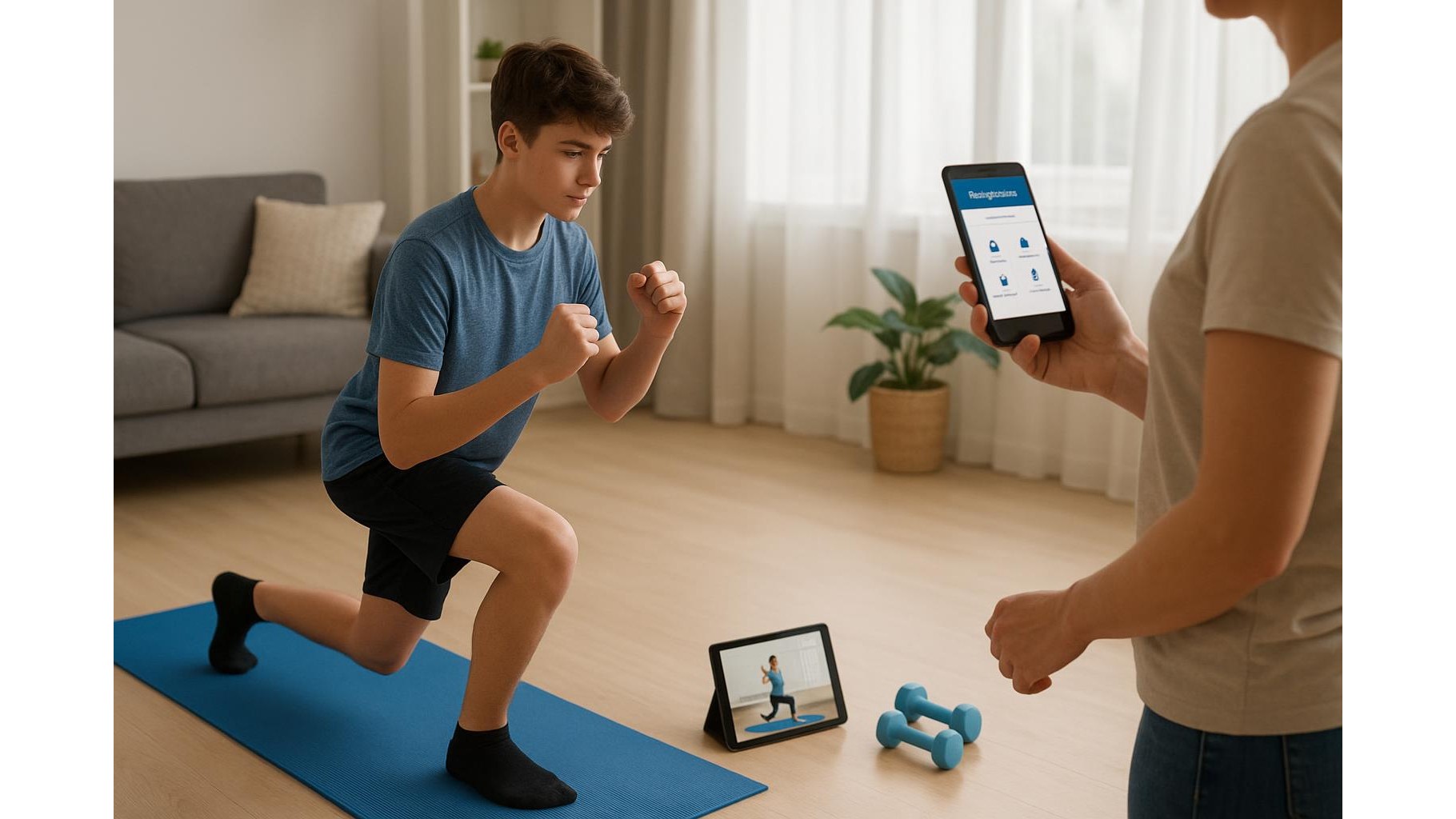
Home workouts are now part of everyday life for many families, and teens often lead the way when it comes to downloading new fitness apps and following online workouts. Yet behind the fun challenges and shiny progress charts there are important questions around parental controls, privacy and how data is collected and shared. This guide walks parents through practical steps to make home workouts safer for teens, from in‑app settings to device‑level protections and healthy digital habits.
Why privacy and controls matter in teen fitness apps
Most modern fitness apps and wearables are designed for adults who can consent to data collection, community features and targeted content. Teen users, however, can be exposed to location tracking, public profiles, messaging functions and intense body‑focused content that may not be appropriate. Popular platforms encourage sharing workout stats and photos, which can unintentionally reveal routines, school locations or home addresses. As a parent, treating a fitness app like any other social platform is essential: you should know what is collected (heart rate, sleep, GPS), where it is stored, and who can see it. Establishing boundaries early around what your teen shares, which features are switched on, and how long they use the app each day will reduce risks while preserving the motivational upside of digital training tools.
Setting up privacy, age limits and content filters
Start with the app’s account or settings section and look specifically for Privacy, Security or Parental controls. Whenever possible, register your teen with their actual age: this usually activates default protections, such as restricted messaging or limited data sharing. Disable public leaderboards, community posts and friend‑finding based on contacts or social media connections, and switch profiles to private so only approved friends can see activity. Turn off location sharing or restrict GPS data to “on device only” when the app allows it. Many platforms also let you opt out of personalised ads and third‑party data sharing; take a moment to untick these boxes. Finally, review in‑app notifications and challenges: disabling constant progress alerts and weight‑focused prompts can help keep your teen’s focus on health, not just numbers.
Using device‑level controls for safer home workouts
Beyond individual apps, your teen’s phone, tablet or console includes tools that can make home workouts safer. On most devices you can create a supervised child or teen account, set screen‑time limits, block in‑app purchases and restrict app downloads by age rating. Use these controls to schedule workout windows during the day and to prevent late‑night exercise that disrupts sleep. Turning off location permissions for all non‑essential apps and only enabling GPS for a chosen workout app reduces the overall data footprint. Require a PIN or biometric unlock for changing privacy settings, so your teen cannot accidentally undo protections. It is also wise to review app permissions every few months and uninstall platforms that your teen has stopped using—abandoned accounts can still hold sensitive data.
Protecting data while using trackers, cameras and smart TVs
Many teens follow workouts on smart TVs or laptops while wearing a fitness tracker or smartwatch. Treat each device as part of the same privacy chain. When you pair a tracker with its app, choose the minimal data‑sync options and decline social features unless you actively want them. If your teen uses video‑based coaching, disable automatic recording and check whether workout clips are stored locally or uploaded to the cloud. On smart TVs, review app‑store permissions and turn off voice or camera functions that are not necessary for training sessions. At home, agree some simple “data rules”: no posting screenshots that reveal full names, locations or school logos; no sharing heart‑rate or weight data publicly; and no accepting friend requests from strangers inside fitness communities. These habits reduce the chances of oversharing and help teens learn responsible digital behaviour.
Encouraging healthy, balanced app use for teens
Safety is not only about data; it is also about mental and physical balance. Fitness apps can motivate teens through streaks, badges and step goals, but they can also encourage over‑training or comparison with influencers and peers. Set shared expectations around healthy app use: workouts should support sleep, homework and social life, not replace them. Consider creating a simple family workout plan for the week, blending app‑guided sessions with offline activities such as walks or bike rides. Regularly ask your teen how the app makes them feel—energised, pressured, proud or anxious—and adjust settings or switch apps if the emphasis feels too competitive or body‑image focused. As a parent, model balanced behaviour by using your own fitness tools in a moderate, non‑obsessive way and talking openly about listening to your body instead of chasing perfect statistics.
Talking to teens and reviewing apps together
Technical settings work best when they are backed up by honest, ongoing conversations. Sit down with your teen and go through each fitness app together, explaining why you are turning off certain features or limiting data sharing. Invite them to share what they enjoy, what feels uncomfortable and which goals they care about. Make it clear that privacy controls are there to protect them, not to spy on them, and agree on a schedule for reviewing apps, permissions and goals every few months. Encourage your teen to come to you if they encounter inappropriate content, pressure from online communities or strange contact requests. By combining clear boundaries, thoughtful use of in‑app and device‑level controls, and open dialogue, you can make home workouts safer for teens while still allowing them to enjoy the motivation and structure that digital fitness tools provide.
In summary, the safest home fitness setup for teens blends careful configuration of privacy settings, sensible use of parental controls and a strong focus on healthy, balanced habits. By treating fitness platforms like social networks, minimising unnecessary data sharing and regularly reviewing apps together, families can keep the benefits of guided workouts and tracking while reducing exposure to privacy risks, online pressure and harmful content.









