
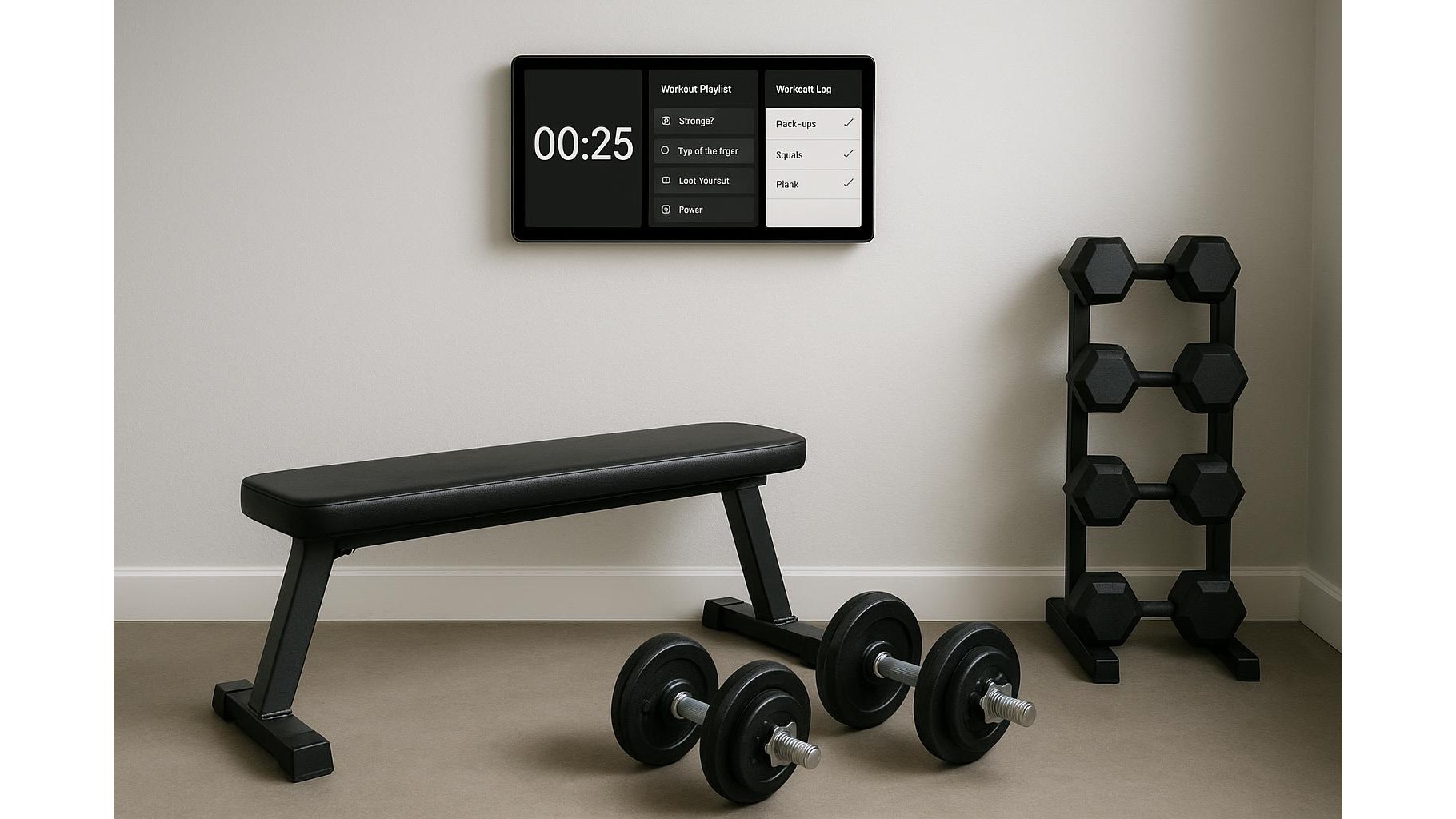
Building a home gym is not just about weights and mats. The real game-changer is having a single, simple control centre for your timers, music and workout logs. The good news: you don’t need an expensive smart display. A basic budget tablet plus a few free apps can turn into a powerful one-screen hub that keeps your sessions focused and distraction-free.
Choosing the right budget tablet for your home gym
You do not need a powerhouse device to run timer apps, Spotify playlists and note-taking tools. Any recent Android or iOS tablet with Wi‑Fi, Bluetooth and at least 32 GB of storage will work. Prioritise a screen size between 8–10 inches so you can read intervals and exercise notes from a distance. Look for features like decent battery life (4–6 hours of screen-on time), stable Wi‑Fi for streaming and a bright display for garage or basement gyms. Avoid ultra-cheap unknown brands without updates or support: your hub should be reliable enough to turn on, connect and run your core apps every single workout.
Essential apps: timer, music and workout logging
Once your tablet is ready, install three core categories of apps. First, a HIIT or interval timer with custom rounds, rest periods and clear visual cues; search for terms like “interval timer” or “AMRAP timer” in your app store and test which layout you read most easily mid-set. Second, a music or podcast streaming app so you can build playlists for strength days, cardio, or mobility sessions. Third, a workout log app or simple note-taking tool where you can track sets, reps, loads and session notes. Many lifters prefer minimalist note apps with checklists, while others enjoy structured strength-logging apps with built-in progress graphs. Keep your home screen clean: only pin these three categories so your gym tablet stays distraction-free.
Setting up your one-screen home dashboard
The key to a successful one-screen home gym hub is layout. Start by arranging your most-used apps on the main home screen in a simple left-to-right order: Timer, Music, Workout log. Turn on “Do Not Disturb” or equivalent focus mode so notifications will not interrupt your sets or music. Set the screen timeout longer than usual (for example 10–30 minutes) so it does not switch off mid-interval. Create dedicated playlists like “Heavy lifting”, “Zone 2 cardio” and “Warm-up” and save favourite timer presets for EMOM, Tabata or conditioning circuits. This way, every session starts with two taps: launch your timer preset, start your playlist, then open your log on the same device.
Optimising sound, visibility and mounting
To make the most of your tablet home gym hub, focus on placement and visibility. Use a basic stand or wall mount so the screen sits slightly above eye level when you are standing; that makes countdowns and rep notes easy to see during sets. Increase font size and contrast in accessibility settings so interval numbers and exercise names pop clearly across the room. For sound, pair the tablet via Bluetooth to a simple speaker or to your existing soundbar: this keeps your phone free and ensures consistent audio every workout. If you train early or late, keep brightness high but enable a blue-light filter to reduce eye strain in darker spaces.
Keeping everything synced and backed up
Even with a cheap device, you can keep your workout data safe and portable. Sign in with a cloud account (Google, Apple or similar) and enable sync for your note-taking and logging apps. Many timer apps allow you to back up presets to the cloud as well. This means that if you replace the tablet later, your favourite routines, playlists and training logs will reappear with a single login. Consider exporting key training blocks—like 12-week strength cycles—as PDF or text files and storing them in a cloud folder so you can review progress on any device. With this setup, your budget tablet becomes a flexible yet low-stress control hub that keeps your gym organised and your progress documented.
Turning a modest tablet into a one-screen home gym control centre is mainly about clarity and simplicity, not specs. Choose a reliable mid-range device, install a focused trio of apps—timer, music, logging—then arrange them on a clean home screen with strong visibility and sound. Add cloud sync and basic mounting, and you have a low-cost, powerful hub that supports consistent, distraction-free training for years.









