
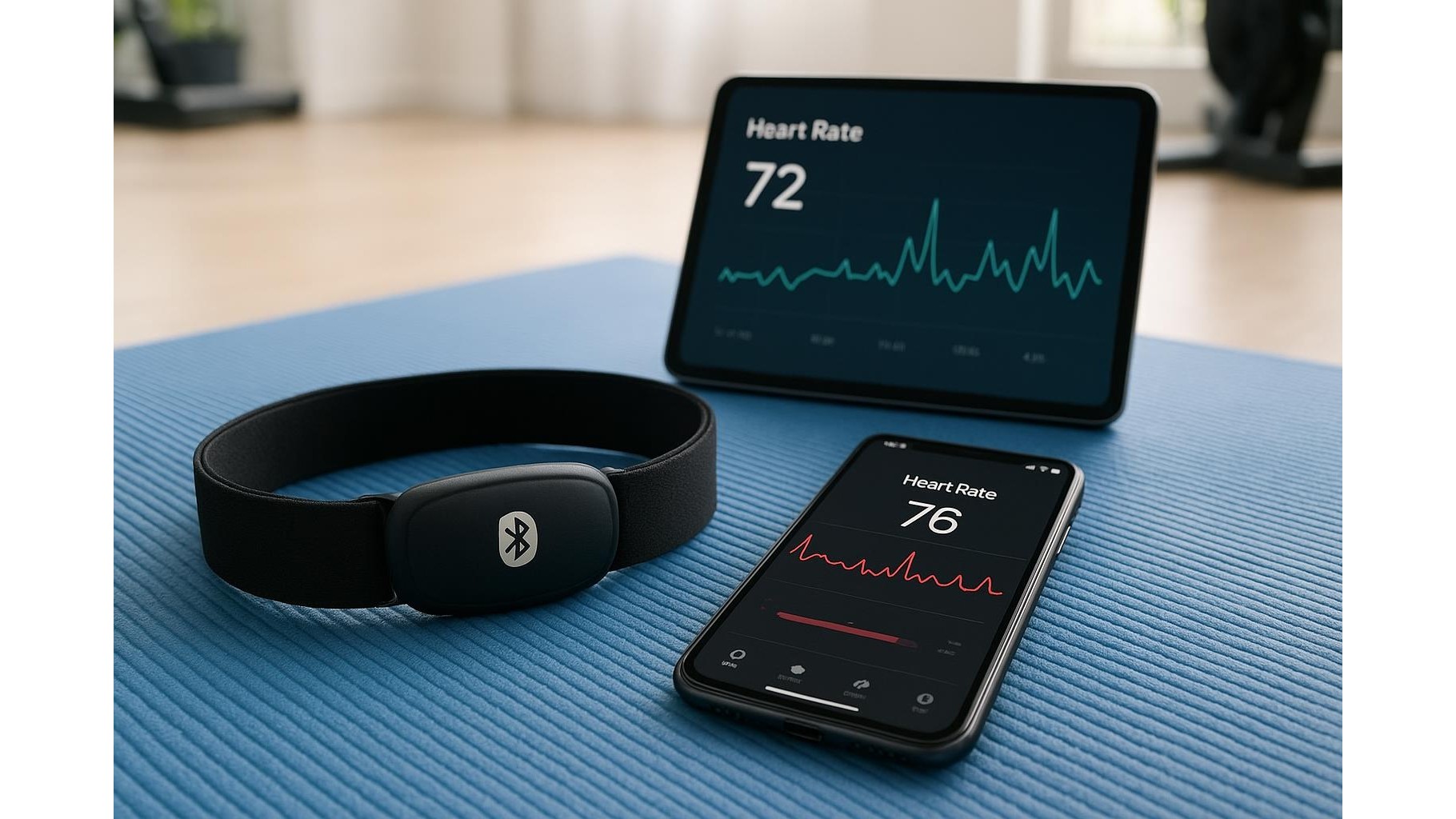
Connecting a single Bluetooth heart rate strap to multiple home workout apps can feel confusing, especially when each platform has its own pairing rules and data screens. With a bit of planning, though, you can turn one strap into the central sensor for your entire home gym, from cycling and rowing to yoga and HIIT. This guide explains how to pair smartly, avoid connection conflicts, manage battery life and understand basic privacy settings so your heart rate data works for you instead of against you.
Choosing a versatile Bluetooth heart rate strap
The key to multi‑app use is picking a strap that supports Bluetooth and ideally multi‑channel connections. Look for models that clearly state support for more than one Bluetooth connection at the same time, plus compatibility with popular training apps. A good strap should have a soft, washable chest belt, replaceable coin battery and an official app for firmware updates. Before you buy, check that your favourite platforms (like indoor cycling, running or strength apps) support generic Bluetooth heart rate monitors and do not lock you into their own ecosystem. Versatility at the hardware level is what allows one strap to power several workouts across the week.
Smart pairing strategies across multiple apps
To avoid chaos, create a clear pairing strategy. First, decide which device will be the primary hub for your strap: usually a smartphone or tablet. Pair the strap in each fitness app’s internal settings, not in the phone’s global Bluetooth menu, so the apps can manage the connection directly. For secondary devices, such as a smart TV, bike computer or rowing machine, pair them one by one and test before a workout. Many straps support simultaneous connections to, for example, a bike computer and a tablet app; others can only talk to one device at a time. If a new app cannot see the strap, disconnect it from any other open app and toggle Bluetooth off and on to refresh the connection.
Preventing data conflicts and double‑tracking
When one strap is broadcasting to many platforms, it is easy to end up with duplicate workouts or inconsistent calorie numbers. To minimise conflict, pick a single platform as your master log where all workouts are stored, then allow other apps to sync to that account when possible. Disable automatic workout detection in secondary apps if they are only being used as displays during a session. During each workout, start and stop tracking in the master app first, then in any secondary apps, to keep timestamps aligned. After training, review your logs and delete obvious duplicates. This disciplined workflow helps ensure your training load, heart rate zones and recovery metrics stay accurate over time.
Battery care and reliability in daily home use
A chest strap is only useful if it connects reliably every time you train. Most models use a small coin cell battery; heavy multi‑device use can drain it faster than expected. Watch for signs such as random disconnections, unstable heart rate spikes at rest or difficulty being discovered by apps – all classic low‑battery symptoms. Replace the battery proactively every few months if you train daily. After each session, rinse the strap (not the pod) with water to remove sweat, which can otherwise affect conductivity. Store the strap dry and flat, and when you take a break from training, unclip the sensor pod from the fabric belt to avoid tiny standby drains. These habits keep your signal quality strong and pairing frustration low.
Privacy basics when sharing heart rate data
Using one strap across many apps means your biometric data is spread across multiple services. Take time to open each app’s privacy or account section and review how heart rate and workout data are used. Turn off unnecessary social sharing or public leaderboards if you only train at home. Limit connections to third‑party services you actually use, and regularly prune old integrations. If an app offers data export, consider keeping a local backup of your training history on your computer or cloud drive. Finally, if you retire a platform, delete your account or revoke its access to your master log service so outdated apps do not remain quietly connected to your live heart rate stream.
Managing one Bluetooth heart rate strap across several home workout apps is a matter of smart hardware choice, clear pairing routines, and a bit of care for both battery and privacy. By setting a primary logging platform, avoiding unnecessary duplicate connections and paying attention to each app’s data policies, you can enjoy accurate, consistent heart rate monitoring through every ride, run and strength session in your home gym. The result is a cleaner data history, fewer sync headaches, and more focus on the quality of your training instead of the quirks of your technology.









