
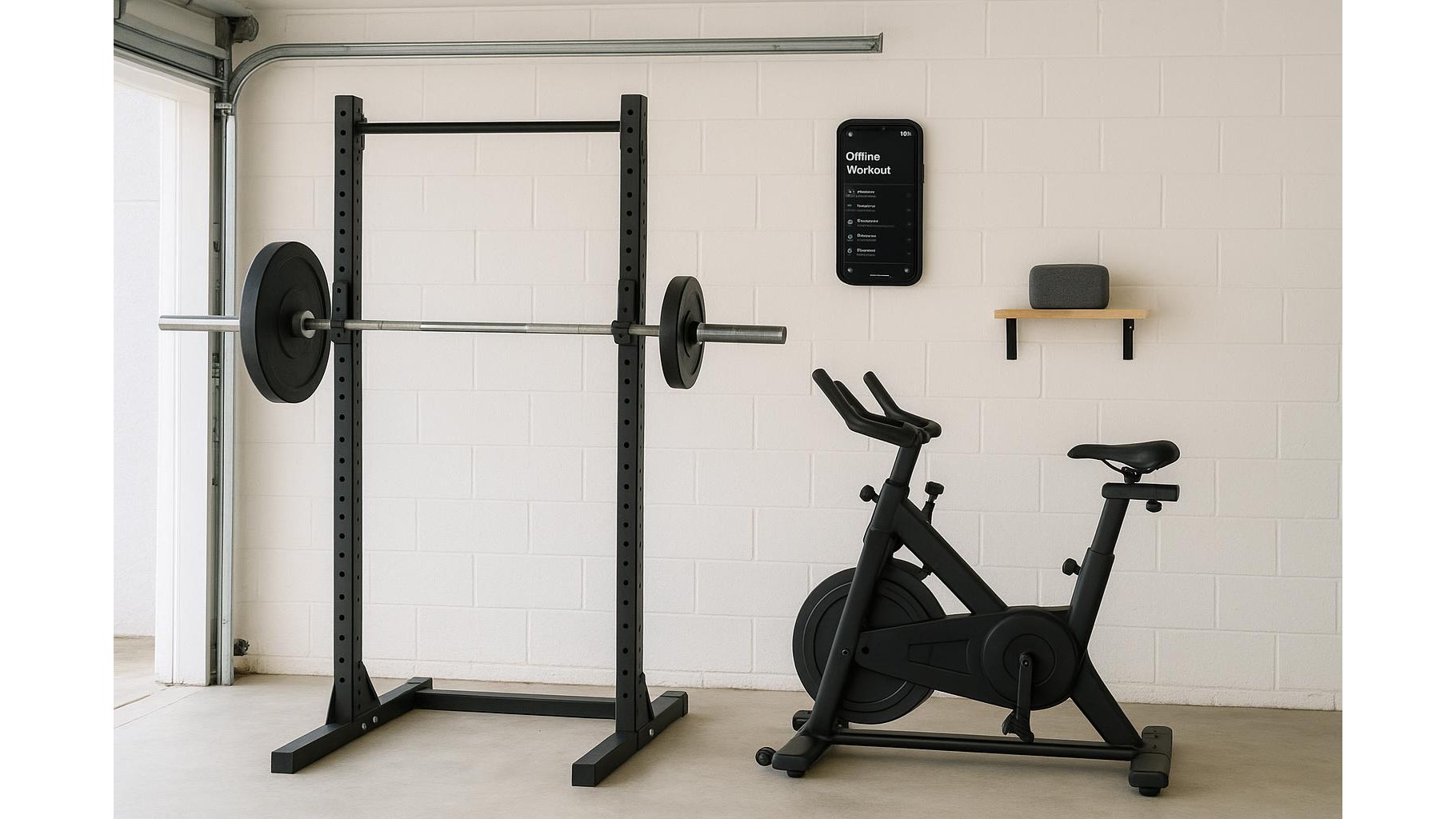
When your home internet is unreliable, streaming music can drop right in the middle of your hardest set. Building offline workout playlists solves that problem, giving you consistent motivation whether your Wi‑Fi is strong, weak or completely down. With a bit of planning you can download tracks on your favourite apps, organise them by workout type and intensity, and play them seamlessly across phones, tablets and smart speakers in your home gym.
Why offline playlists matter for home workouts
Buffering is more than an annoyance: it breaks training focus, kills your rhythm and can even shorten your sessions. Relying only on streaming in a garage gym, basement or concrete‑walled flat is risky because those spaces often have the worst signal. By switching to offline music, you ensure that your warm‑up, working sets and cooldown all run on rails, without gaps. Offline playlists also protect you from data caps if you tether from your phone. Instead of hoping your connection holds, you design a predictable audio environment that supports strength work, cardio and mobility every single time you train.
How to download music on major apps
Most big music apps include an offline mode, but the steps and limits differ. On Spotify, Apple Music, YouTube Music and Amazon Music you need a paid subscription to download. Once subscribed, simply tap the Download toggle on an album or playlist while you are on a solid connection; tracks are stored on your device so they keep playing even when Wi‑Fi drops to zero. Check each app’s settings for options like “Download on Wi‑Fi only” or “Audio quality” to balance sound and storage. If you like to own your files, you can still buy MP3 albums, then use your phone’s native music app to keep a permanent offline library that never disappears when a subscription ends.
Organising playlists by workout type and intensity
To get the most from your home gym playlists, organise them around how you train, not just by artist or genre. Create separate lists for heavy lifting, steady‑state cardio, HIIT, mobility and recovery. For strength sessions, choose mid‑tempo tracks with strong, driving beats that help you own each rep; for cardio, string together slightly faster songs that keep your cadence up. Within each playlist, order tracks to match session structure: gentle songs for warm‑up, high‑energy bangers for the middle, and calmer tracks for cooldown. Add descriptive names like “Garage Gym – Push Day – High Intensity” so it’s obvious what to tap as soon as you step under the bar or onto the bike.
Syncing music across phones, tablets and smart speakers
In many home gyms, your phone is the controller but the sound comes from a Bluetooth speaker or smart display. To keep everything working when the router drops, prioritise local connections over cloud features. Pair your phone or tablet directly to your speaker via Bluetooth and start playback from the device’s downloaded library, not from a cloud casting option that may require internet. If you train with a tablet for workout apps, mirror the same offline playlists on both tablet and phone so either can take over if the battery dies. Periodically open your music apps at home on good Wi‑Fi so they can refresh licences and keep downloaded tracks authorised for offline playback.
Managing storage, updates and backup options
Offline music uses storage, so it pays to manage it like any other piece of home gym equipment. In your app’s download settings, opt for standard audio quality unless you are using high‑end headphones; this saves space without ruining motivation. Review your offline playlists monthly, deleting albums you no longer train to and adding fresh tracks to avoid music fatigue. Consider dedicating an older phone or small tablet as a “gym jukebox” with plenty of storage and all playlists pinned offline, so your main phone stays free. As a final backup, keep one or two long MP3 mixes stored locally in your default music app; even if subscriptions lapse or apps glitch, you still have a reliable soundtrack for a full‑length workout.
Building smart, offline workout playlists turns flaky home internet from a training liability into a non‑issue. By downloading tracks on your favourite apps, structuring playlists around workout types and intensities, and setting up simple Bluetooth connections between your phone, tablet and speakers, you guarantee consistent energy for every session. With a little one‑time setup and occasional maintenance, your music will be as dependable as your barbell, helping you stay focused, push harder and enjoy your home gym more.









