
Keeping your home workouts consistent is hard enough; throw in an unreliable router and many people give up on structured training. The good news is that several offline-friendly fitness apps and devices let you follow clear plans, track progress and sync your data later, without needing a rock‑solid connection. Here is how to choose the right tools, set them up for offline training and keep your home gym sessions organised even when the internet drops.
Choosing fitness apps that really work offline
The first step is picking fitness apps with true offline support, not just minimal functionality. Look for platforms that allow downloading workout videos, saving full training plans to your device and logging sets, reps and metrics without being online. Many popular apps cache only a few screens and then freeze as soon as Wi‑Fi cuts out. Before committing, check the app description for terms like “offline mode”, “downloadable content” or “sync when connected”. Test by switching your phone to airplane mode during a workout: if timers, instructions and logging all still work, you are on the right track.
Downloading workout videos and training plans in advance
For structured home sessions, offline workout videos and downloadable training plans are essential. Many strength, HIIT and yoga apps let you pre‑download full programmes or individual classes while you are on a stable connection. Create a weekly plan, then download everything you need for that period so you are not stuck buffering halfway through a circuit. Prioritise sessions with clear on‑screen timers and rep counts, so you do not need to stream anything in real time. Organise your videos into playlists by training day (e.g., “Upper body push”, “Mobility”) to keep your offline home gym workflow smooth and predictable.
Using an offline-capable fitness tracker to log your sessions
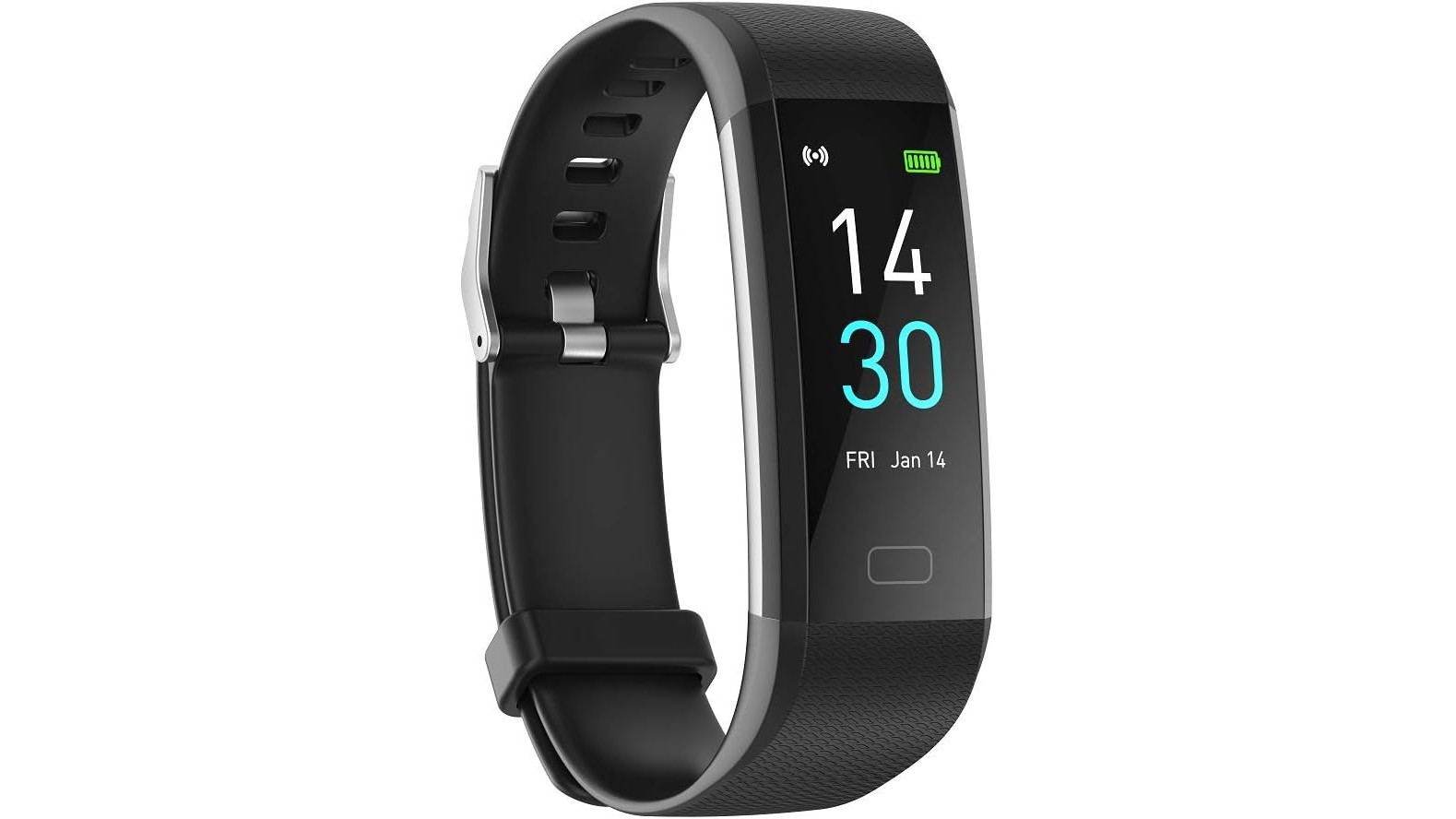
Pairing your apps with a simple wearable that stores data locally is one of the best ways to keep your home workouts structured without a constant connection. An example is the Activity Tracker Fitness Trackers Smart Watch with Body Temperature Heart Rate Blood Pressure Monitor. This budget‑friendly tracker records all‑day activity such as steps, distance, calories and sleep, and supports 16 sport modes including walk, run, treadmill, workout, yoga and more. Because it stores data on the watch and syncs later to the Runmefit app via Bluetooth, you can track heart rate, body temperature and even blood pressure during offline sessions, then upload everything once your phone reconnects. Its IP68 waterproof rating and up to 5 days of usage per charge make it a practical choice for everyday home training without worrying about battery or Wi‑Fi.
Setting up simple data sync and backups
Once you have an offline-capable app and tracker, configure them for delayed syncing rather than constant streaming. In your fitness app’s settings, enable automatic sync only on Wi‑Fi, and allow the app to store a reasonable history of workouts locally. With wearables like the HOUAN Activity Tracker, make a habit of syncing once or twice a week when you have a stable connection so your stats, sleep data and heart‑rate logs are safely backed up. This approach protects your progress history, lets you review long‑term trends and prevents frustrating data loss if your phone or watch is ever reset.
Practical tips to structure offline home workouts
To make the most of your offline fitness setup, combine digital tools with old‑school organisation. At the start of the week, write down your training split and select corresponding offline workouts or videos in your apps. Use your smartwatch’s sport modes to label sessions accurately (for example, “Work out” for strength, “Yoga” for mobility days) so your logs stay clear. Keep a simple notebook or notes app as a backup log for key numbers like working weights, rep ranges and rest times. This way, even if technology fails, your home gym routine remains structured and progressive. Over time, you will have a reliable hybrid system where offline apps guide your sessions and your tracker captures objective data.
Even with patchy Wi‑Fi, you can maintain a professional‑feeling, structured home workout routine by choosing apps with strong offline features, downloading content in advance and using an offline-capable fitness tracker like the HOUAN Activity Tracker Smart Watch. With smart syncing habits and a bit of planning, your home gym stays productive, your progress is logged accurately and your training does not depend on your internet connection.









