When you train at home, it’s easy to lose track of what you did last time, how many reps you hit, or whether you’re actually progressing. Instead of juggling multiple apps or complicated spreadsheets, you can turn a simple notes app on your phone into a complete home workout log. With a few smart templates and habits, that basic note becomes a powerful tool for tracking sets, reps, and progress without the usual data overload.
Table of contents
Why a simple notes app beats complex trackers
A minimal workout tracking system works so well at home because it removes friction. Any default notes app on your phone (Apple Notes, Google Keep, Samsung Notes, or similar) opens in seconds, works offline, and doesn’t distract you with social feeds or ads. You don’t have to learn a new interface or pay for premium features just to log sets and reps. Instead, you can type exactly what matters for your training, in your own words. This flexibility makes it easier to stay consistent, which is ultimately what drives strength and muscle progress in a home gym environment.
Setting up your master workout log note
Start by creating one main note called something like Home Workout Log. At the top, add a simple index of your main training days, for example: “Day A – Upper”, “Day B – Lower”, “Full Body”, or “Quick 20-min session”. Under each heading, list the core exercises you use most often: push-ups, dumbbell rows, goblet squats, hip thrusts, band pull-aparts, etc. This master note acts as your template library. Whenever you start a new training cycle, simply duplicate the relevant section or copy-paste it into a new daily log note. Keeping everything in one place reduces the chance that you’ll forget movements or lose track of your favourite home workouts.
Simple templates for sets, reps, and load
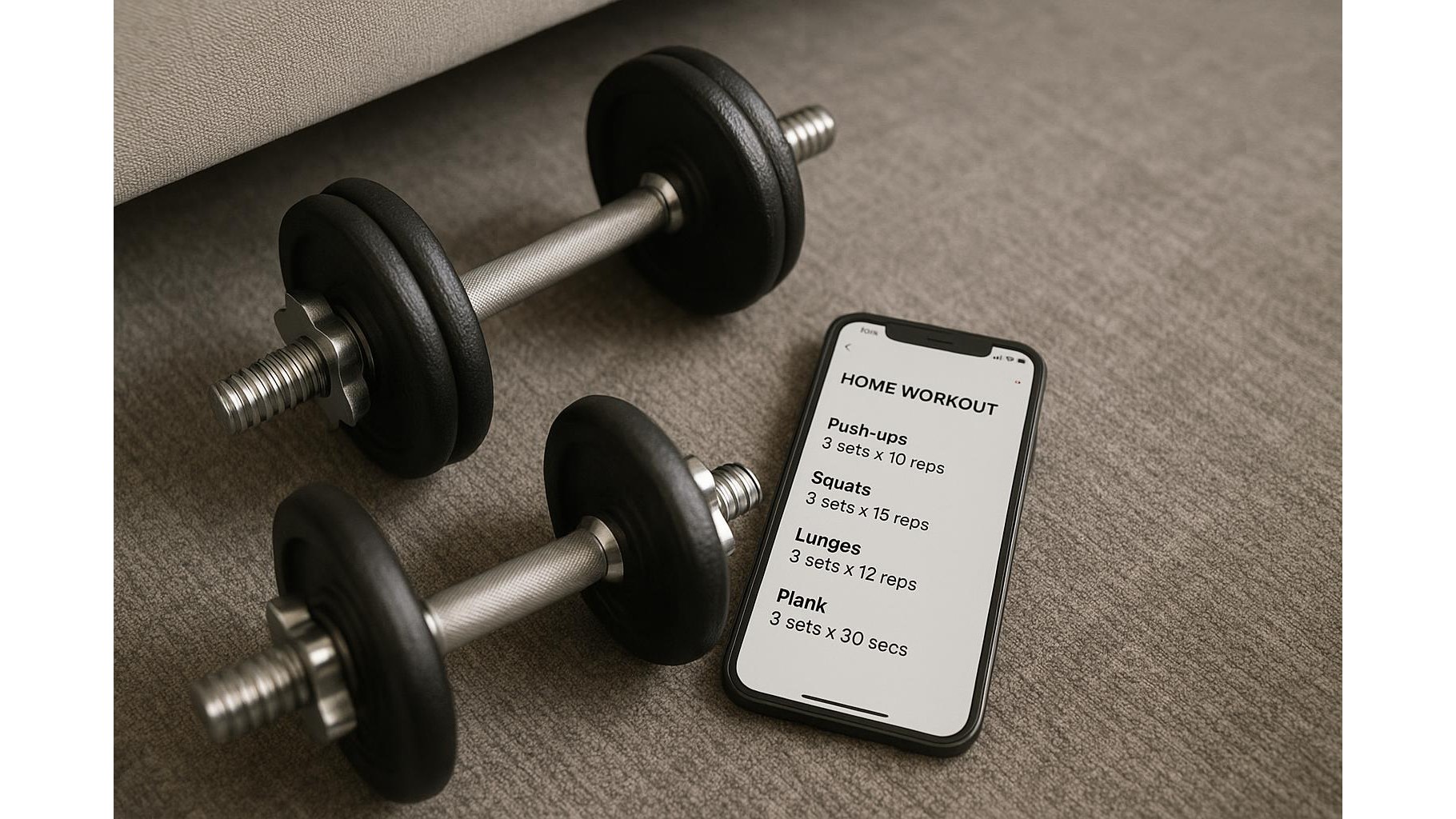
The key to minimalist workout templates is using a compact format that’s fast to write and easy to read later. A reliable pattern is: Exercise – sets x reps @ load. For example: “Push-ups – 4 x 10 @ bodyweight” or “Dumbbell rows – 3 x 12 @ 12.5 kg”. You can also note progression with arrows: “3 x 10 → 3 x 12” to show you added reps. If you train with time-based sets, write “Plank – 3 x 40s”. Keep everything in short, consistent lines so you can quickly scan what you did last week. Over time, flipping through these clean entries makes it obvious when you’re ready to add a set, increase weight, or push for an extra rep without needing graphs or advanced analytics.
Tracking progress without data overload
To avoid turning your note into a cluttered mess, focus on logging only what drives long-term progress. For each workout, record the date, the main exercises, and one or two quick comments, such as “felt strong”, “short on time”, or “increase weight next week”. Once per week, add a short summary at the end of your note like: “Week 3 – added 1–2 reps on most upper body lifts”. This gives you a clear sense of direction without obsessing over every small fluctuation. If you want extra detail, you can use simple bullet lists for goals or issues to fix, but avoid tracking sleep, mood, steps, and nutrition all in the same place unless you truly use that information to change your training.
Practical tips to stay consistent at home
Consistency with your home workout log comes from making logging feel as natural as picking up a dumbbell. Keep your phone nearby, but in do not disturb mode, and log each set immediately after you finish it. Use the same abbreviations every time so you don’t have to think (e.g., “PU” for push-ups, “SQ” for squats, “DB” for dumbbell). Store frequently used warm-up or mobility routines in the same note so you can scroll up and follow them quickly. At the end of each month, skim your note to see which exercises improved and which stalled. This quick review helps you adjust your home training plan without needing extra apps or spreadsheets.
By turning a single notes app into your full home training log, you get the benefits of structured tracking with almost zero complexity. A clean master note, simple sets-and-reps templates, and brief weekly summaries are enough to show steady progress while preventing data overload. The more friction you remove from logging, the more energy you can put into actually training—transforming your minimal setup into a highly effective home gym routine.