Building a powerful home workout routine does not require more screens or fancy apps. In fact, going “audio-only” can remove distractions and help you focus on movement quality and consistency. By using simple voice recorders or basic memo apps as your personal trainer, you can create structured sessions with cues, timing and motivation, all without staring at a display.
Table of contents
Why voice-only coaching boosts focus
Video workouts can be inspiring, but they also tempt you to check the screen, pause, scroll or compare yourself to others. A voice-only coaching setup simplifies everything: you press play, listen and move. Audio prompts keep your eyes free to focus on form and breathing, while your mind stays on the exercise instead of on the interface. This low-distraction environment is ideal for a minimalist home gym, especially in small spaces or for people who get easily overwhelmed by notifications, pop-ups and visual clutter.
Choosing a simple recorder or memo app
You do not need a complex device to build your audio coach. A basic digital voice recorder or the memo app on your smartphone is enough. Look for features like one-touch recording, clear playback volume and enough storage to save several routines. Many modern memo apps let you rename files by workout type (for example, “Full Body 20 min” or “Mobility Morning”). The key is reliability: a device or app you can start instantly, without menus or loading times, so that pressing play becomes your pre-workout ritual.
Designing cue scripts for your sessions
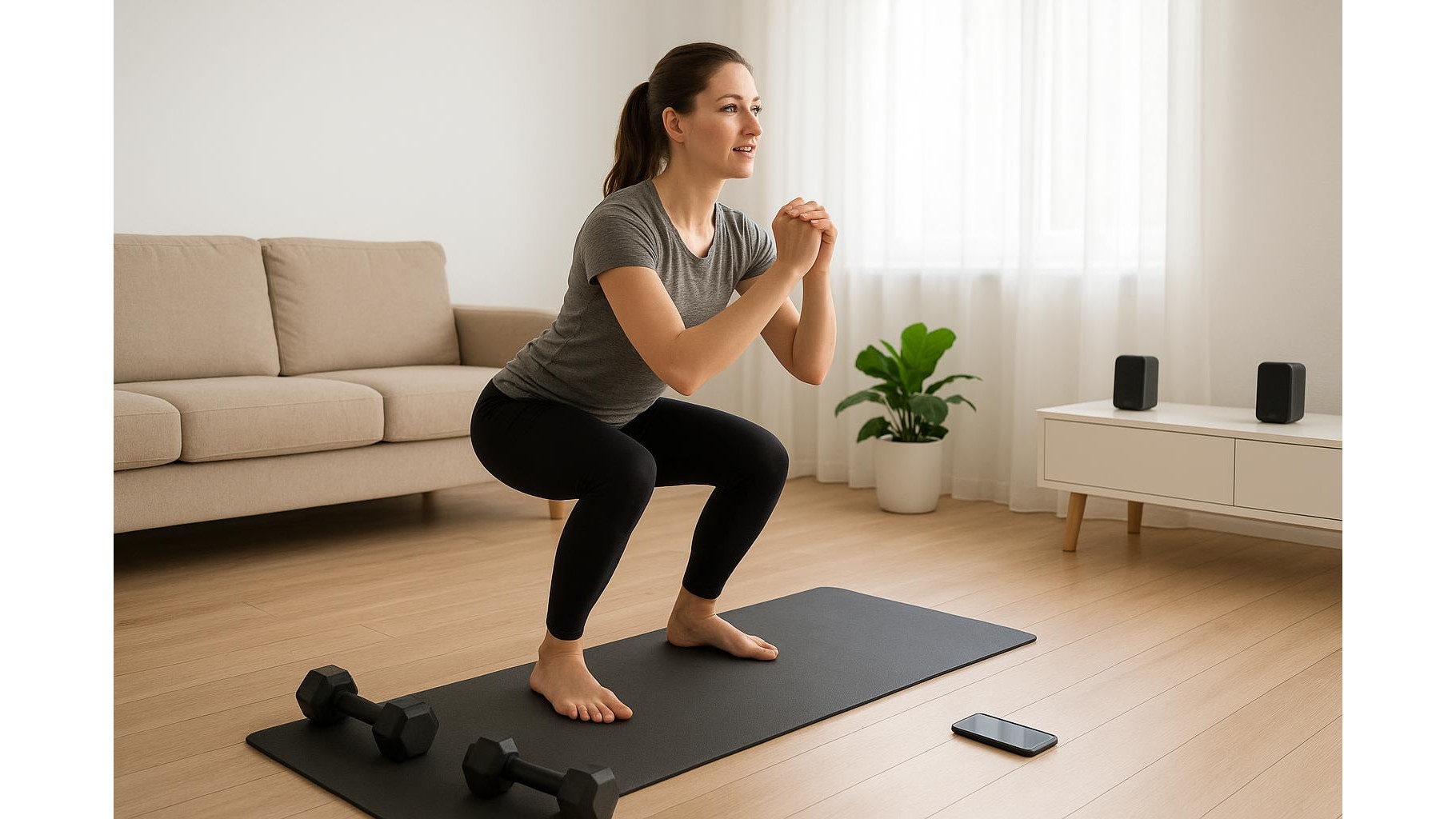
The heart of this system is your cue script — what your “audio coach” actually says. Start by writing a simple structure: warm-up, main block, finisher and cool-down. For each exercise, record yourself saying the name, the duration or reps, and a few form cues. Example: “Bodyweight squats, forty seconds. Chest up, knees tracking over toes, drive through your heels.” Leave a few seconds of silence between cues so you can adjust. Over time, you can create different scripts: strength-focused, HIIT, mobility or low-impact routines, all triggered by a single tap on your recorder or memo file.
Using timers and progress reminders
To simulate a true personal trainer, include progress reminders and time markers in your recordings. For interval training, record countdowns like “Twenty seconds left, stay with it” or “Last round, make it your best.” For progressive overload, add reminders such as “If this feels easy this week, add two reps or slow down the tempo.” These small prompts guide you to adjust intensity without any spreadsheet. You can also create monthly check-in tracks that say “Today, retest your push-ups and plank time,” turning your recorder into an accountability partner.
Real-time prompts without screens
Because you are not watching a screen, it is crucial that your real-time audio prompts are clear and well paced. Use simple language and repeat key form cues at strategic moments: at the start of the set, halfway through, and in the final push. For example: “Halfway, keep your core tight,” or “Last ten seconds, stay tall.” If you train in a shared space, use a small Bluetooth speaker to make the audio easier to hear over background noise while still keeping the setup minimal. The goal is to feel like a coach is in the room, guiding you rep by rep, with nothing visual to distract you.
By turning basic voice recorders or memo apps into a personal audio coach, you create a focused, repeatable and low-tech training system for your home gym. With well-designed cue scripts, built-in progress reminders and clear real-time prompts, you can train harder and more consistently while completely unplugging from screens. Press play, listen, move — and let your own voice become the coach that keeps you on track.