
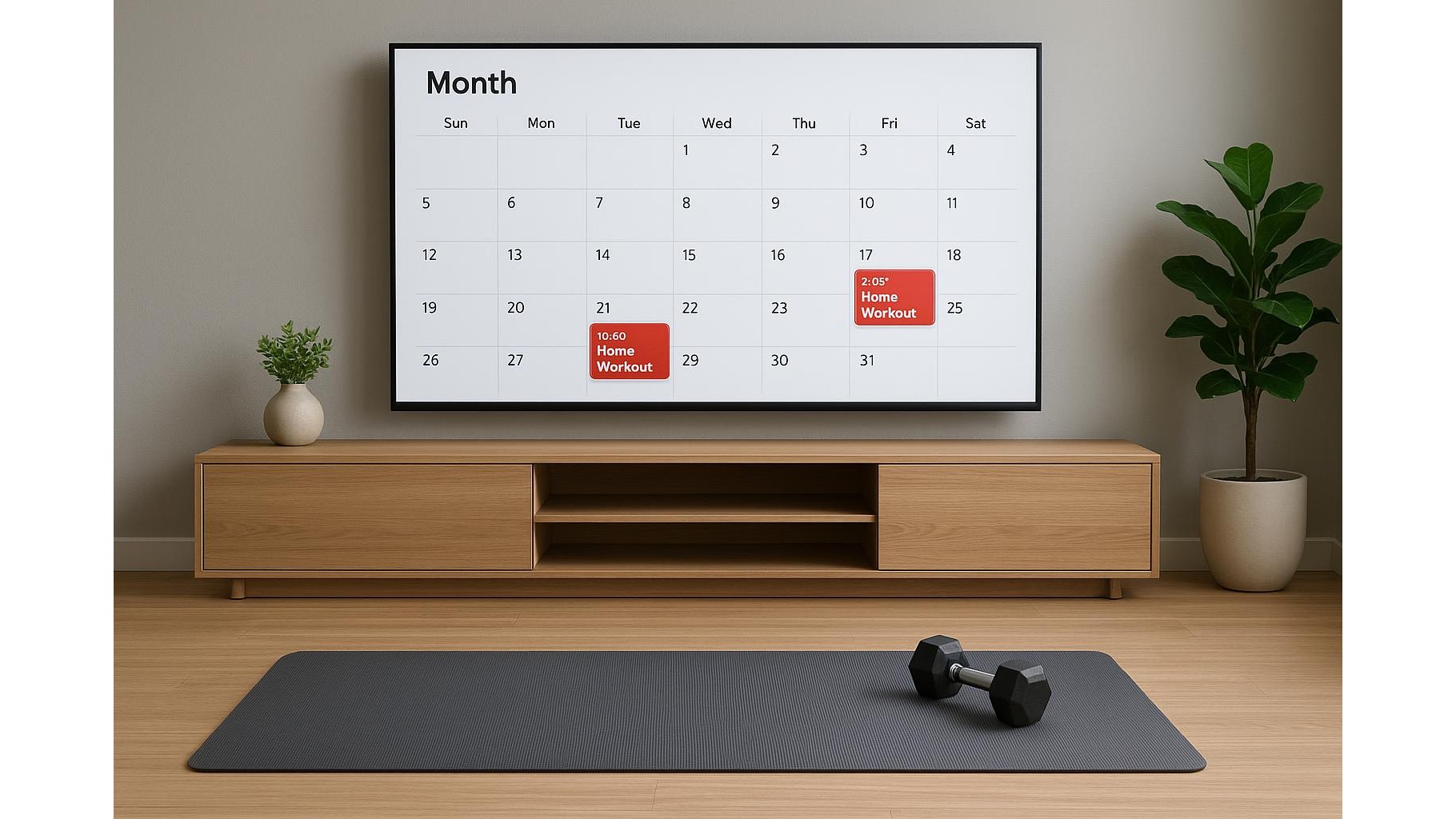
Turning your smart TV into a visual fitness dashboard is one of the easiest ways to keep your home workouts on track. Instead of hiding your training plan in a phone app, you can use the calendar widget or agenda view on your TV as a big, constant reminder in the room where you actually train. In this guide, you will learn how to set up recurring sessions, add checklists and sync reminders so that every time you power on the TV, your next workout is impossible to ignore.
Why your smart TV is a powerful workout reminder
Your smart TV sits in the heart of your living space, which makes it a perfect habit trigger for exercise. Every time you switch it on for streaming, gaming or music, a calendar widget on the home screen can show today’s training plan: “20‑minute HIIT”, “Full‑body dumbbell workout” or “Yoga & mobility”. This visual cue reduces the mental effort needed to remember your routine. Unlike a phone, which is easy to ignore or mute, the TV’s large screen turns your fitness schedule into a kind of digital whiteboard. When you combine that with simple equipment like a yoga mat and adjustable dumbbells stored nearby, you’ve created a friction‑free home gym environment that actively nudges you to move.
Setting up recurring workout events on your TV calendar
Most modern smart TVs either have a built‑in calendar app or can display one via integration with Google Calendar, Apple Calendar or similar services. Start by creating a dedicated “Home Workout” calendar on your phone or laptop. Add recurring events such as “Strength training – 30 min” on Monday, Wednesday and Friday, and “Core & mobility – 20 min” on Tuesday and Saturday. Set clear start times that match your lifestyle (for example 7:00–7:30 AM before work, or 18:30–19:00 after work). Then connect this calendar to your smart TV – often through your Google account or the TV’s companion app – and enable the agenda widget or “upcoming events” panel on the home screen. Now, every time the TV is idle or on the main menu, your next workout block is right there in front of you.
Turning agenda entries into simple workout checklists
To make the calendar view more actionable, turn each event into a mini workout checklist. In the event description field, add bullet‑style lines such as: “Warm‑up: 5 min marching + arm circles”, “Main: 3 x 10 squats, 3 x 10 push‑ups, 3 x 20s plank”, “Cool‑down: 5 min stretching”. During your session, you can keep the agenda view open in a corner of the screen while you play music or a workout video. As you complete each item, mentally tick it off or quickly edit the description on your phone to mark it done. Over time, you can copy and paste your favourite routines into future events, gradually building a personal home training library right inside your calendar, instead of relying on separate apps or paper notes.
Using notifications and routines to stay consistent
A TV calendar widget becomes truly effective when combined with notifications and daily routines. Enable alerts on both your phone and TV for 10–15 minutes before each session, so you have time to change clothes and set up your home gym equipment. Pair the start of your workout with an existing habit: for example, “After I turn on the TV at 7 PM, I check the calendar widget and start my 20‑minute workout”. Keep a small kit ready next to the TV – a yoga mat, a pair of dumbbells and a resistance band – so there is no setup friction. If your TV allows it, set a routine that automatically opens a fitness app or music playlist when a specific calendar event begins, turning the reminder into an immediate cue for action instead of something you dismiss.
Adapting your calendar board to different training goals
The beauty of using a smart TV calendar as a training board is how easily it adapts to different fitness goals. If you are focusing on strength training, colour‑code your events (for example, blue for upper body, red for lower body, green for core) and note the main exercises in the title, such as “Legs – squats & lunges”. For cardio and fat loss, schedule short, frequent blocks like “15‑min bodyweight HIIT” throughout the week, and include target heart‑rate zones in the description. If mobility or recovery is your priority, add “Evening stretch – 10 min” events that appear on your TV in the late evening. Review the agenda view once a week and make small adjustments, so the board always reflects your current training phase and energy levels.
Keeping your home workout plan visible and motivating
Visibility is one of the most underrated tools in fitness adherence. By turning your TV’s calendar widget into a live training board, you ensure your home workouts are never an afterthought. Every time you power on the TV, you are reminded of the commitments you made to yourself. Combine clear, recurring events, simple checklists and supportive notifications with an inviting workout corner and you transform your living room into a habit‑friendly home gym. Over weeks and months, that constant, gentle nudge from your TV can be the difference between “I’ll start tomorrow” and a consistent, sustainable training routine that actually sticks.









