Turning your living room into a true home gym is much easier when you harness smart mirrors, TVs and large screens. With the right setup, you can follow virtual classes that feel almost like being in a boutique studio: you see the trainer clearly, hear every cue, and still have enough space to move and watch your own form. This guide explains how to choose and position screens, pick the best apps, and optimise camera and audio so your home workouts become more immersive and effective.
Table of contents
Choosing between smart mirrors, TVs and large monitors
When it comes to following workouts at home, your first decision is whether to use a smart fitness mirror, a large smart TV or a monitor. Smart mirrors combine a reflective surface with a built‑in screen, letting you see both the trainer and your reflection, which is ideal for form checks in strength, Pilates or yoga. A 4K smart TV offers a bigger image and often better colours, perfect for high‑energy HIIT or dance classes, and can easily run fitness apps via built‑in platforms or streaming devices. Large monitors are a strong budget option for smaller rooms or desk‑to‑gym spaces. Whatever you pick, aim for at least a 40–55 inch screen and a sharp HD or 4K resolution so you can clearly see technique details and timing cues.
Screen placement for studio‑like immersion
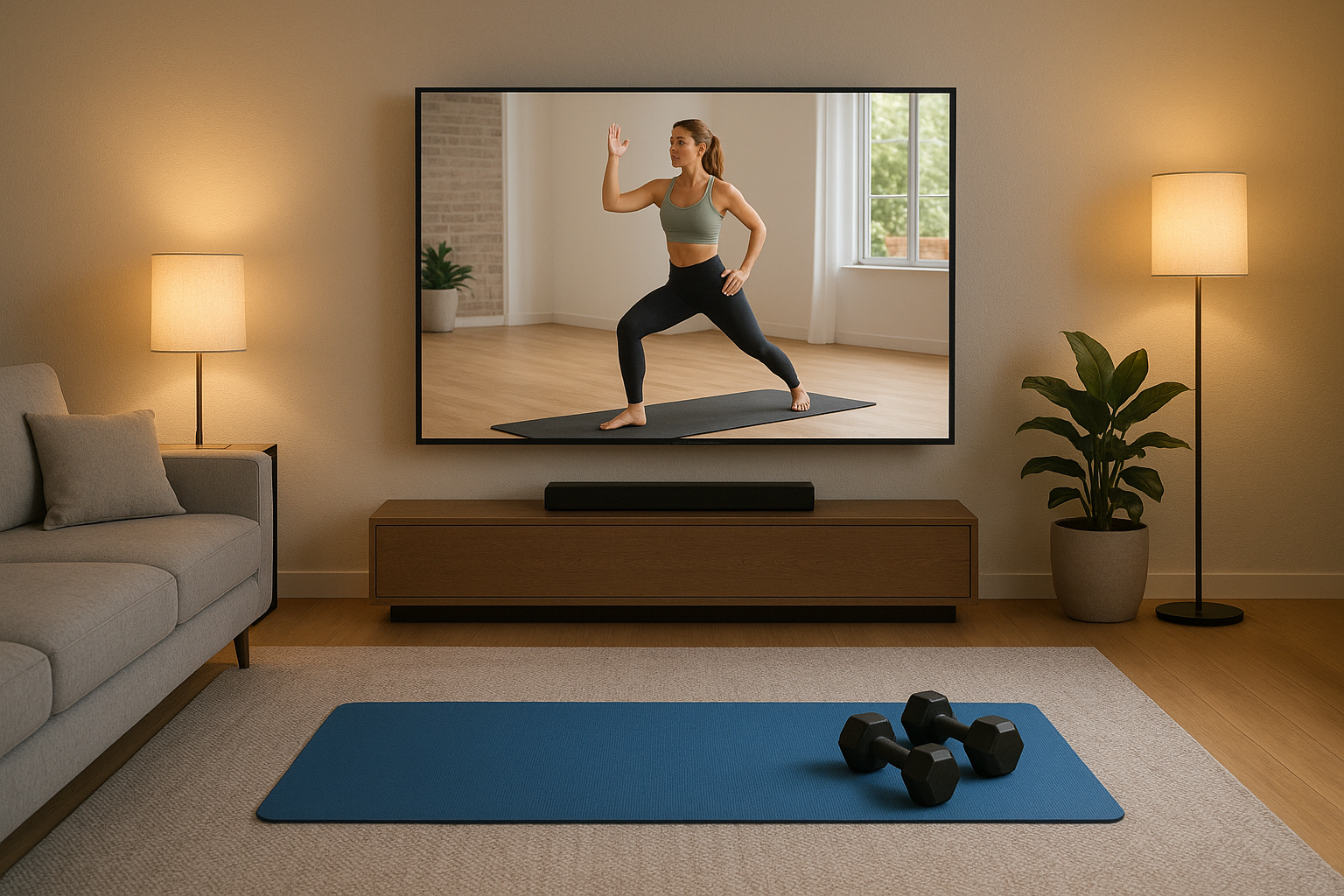
Correct screen placement is crucial to making home workouts feel like studio sessions. Position your TV or monitor at roughly eye level when you are standing in your main training spot, and ensure there is 2–3 metres of clear floor space in front of it. Angle the screen slightly downwards if you do a lot of floor work, so you can still see the trainer from a mat without craning your neck. Avoid placing the screen opposite strong windows or lights, as glare will obscure movement details; instead, use soft side lighting. If you are using a smart mirror, check that you can see your full body from head to toe at your usual workout distance. Mounting your screen on a swivelling wall bracket can help you adjust the angle for different workout styles, from strength training with weights to yoga flows.
Optimising camera setup for live and on‑demand classes
A good camera setup helps you get more from live coaching and feedback‑driven apps. If your smart mirror includes an integrated camera, stand far enough back that your entire body is visible when you reach overhead or step sideways. For TVs and monitors, an external webcam placed above or below the screen gives the most natural angle, mimicking the viewpoint of a studio instructor. Use a stable tripod or TV mount rather than balancing the camera on books or furniture. Make sure the background behind you is uncluttered so your movements are easy to see, and test framing with a quick recording before joining live sessions. Consistent, even lighting is as important as camera quality: use a lamp in front of you rather than a bright light behind you to avoid silhouettes during workouts.
Getting high‑quality audio for clear coaching cues
Audio can completely change how immersive a home workout feels. Built‑in TV speakers are often thin and lack the punch needed for motivating music and clear voice instructions. A dedicated soundbar or compact speaker system placed just under the screen can dramatically improve clarity and bass, making it easier to follow tempo‑based drills and count reps. If you train early in the morning or late at night, a pair of wireless headphones can keep things quiet for neighbours while still delivering crisp sound. Look for devices that support Bluetooth or the same casting protocol as your TV or tablet to reduce cables across your workout area. Always test volume levels before starting an intense session, and prioritise clear coaching cues over very loud music so you do not miss safety reminders or form corrections.
Best apps and class formats for large‑screen training
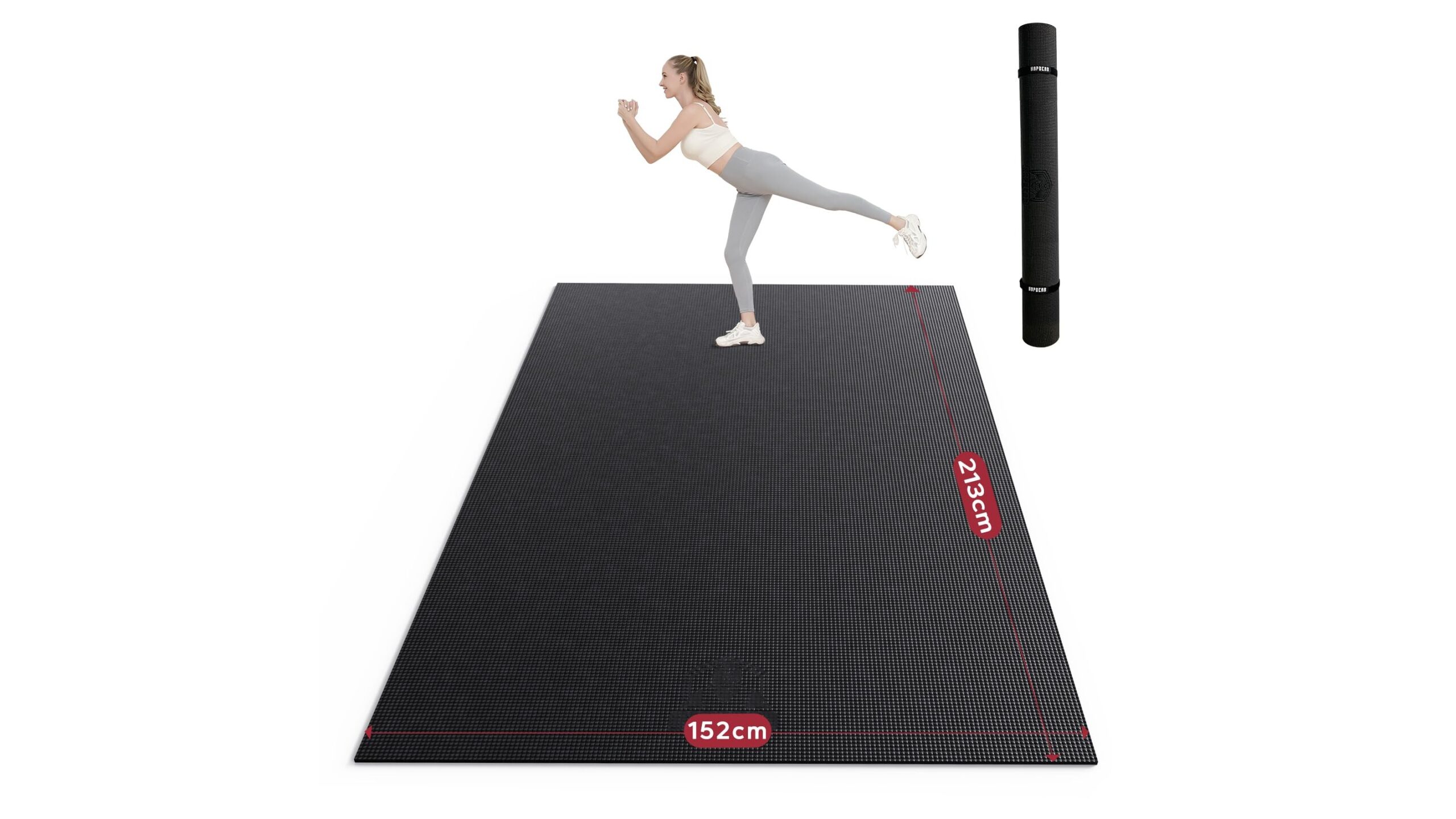
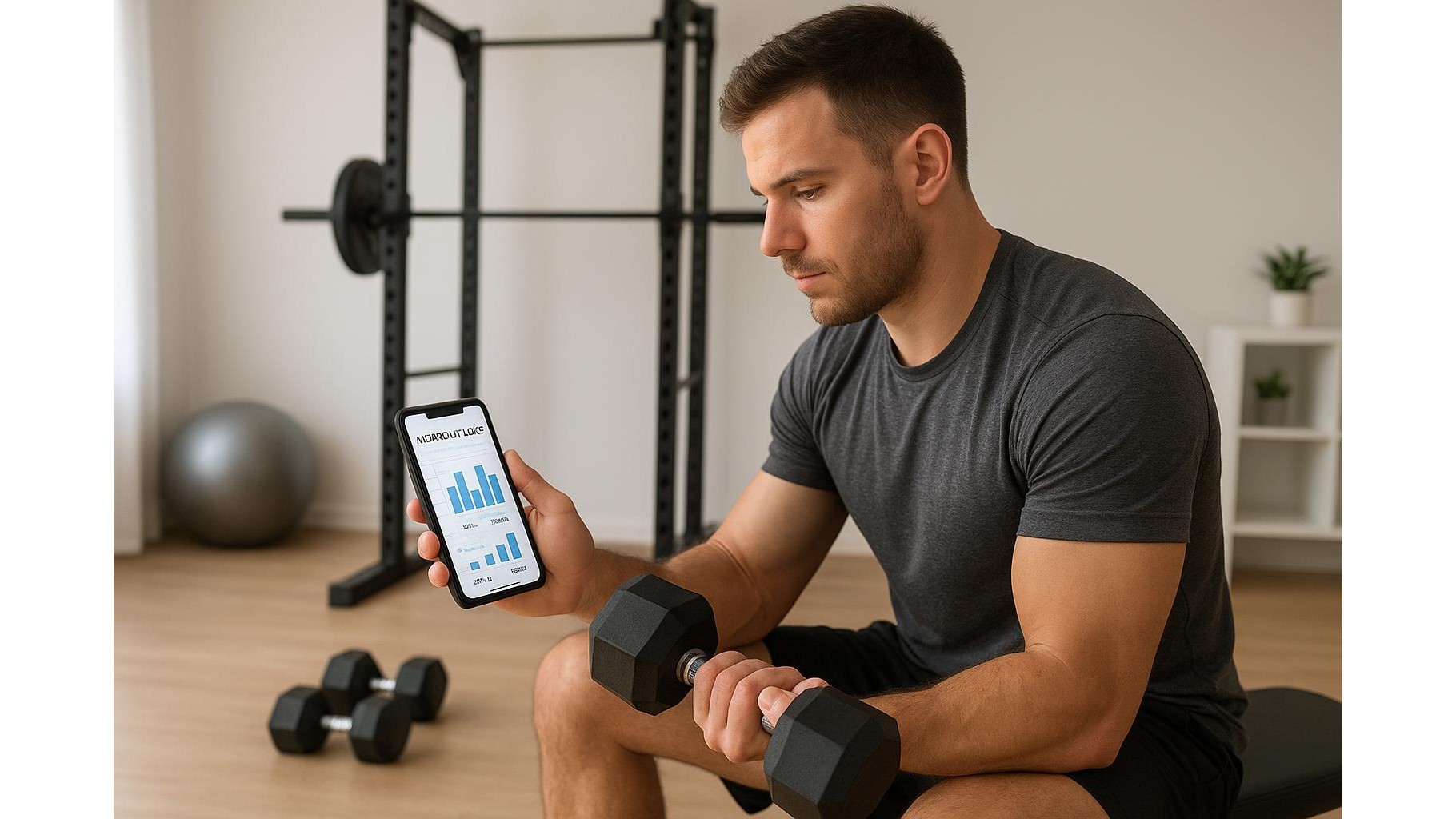
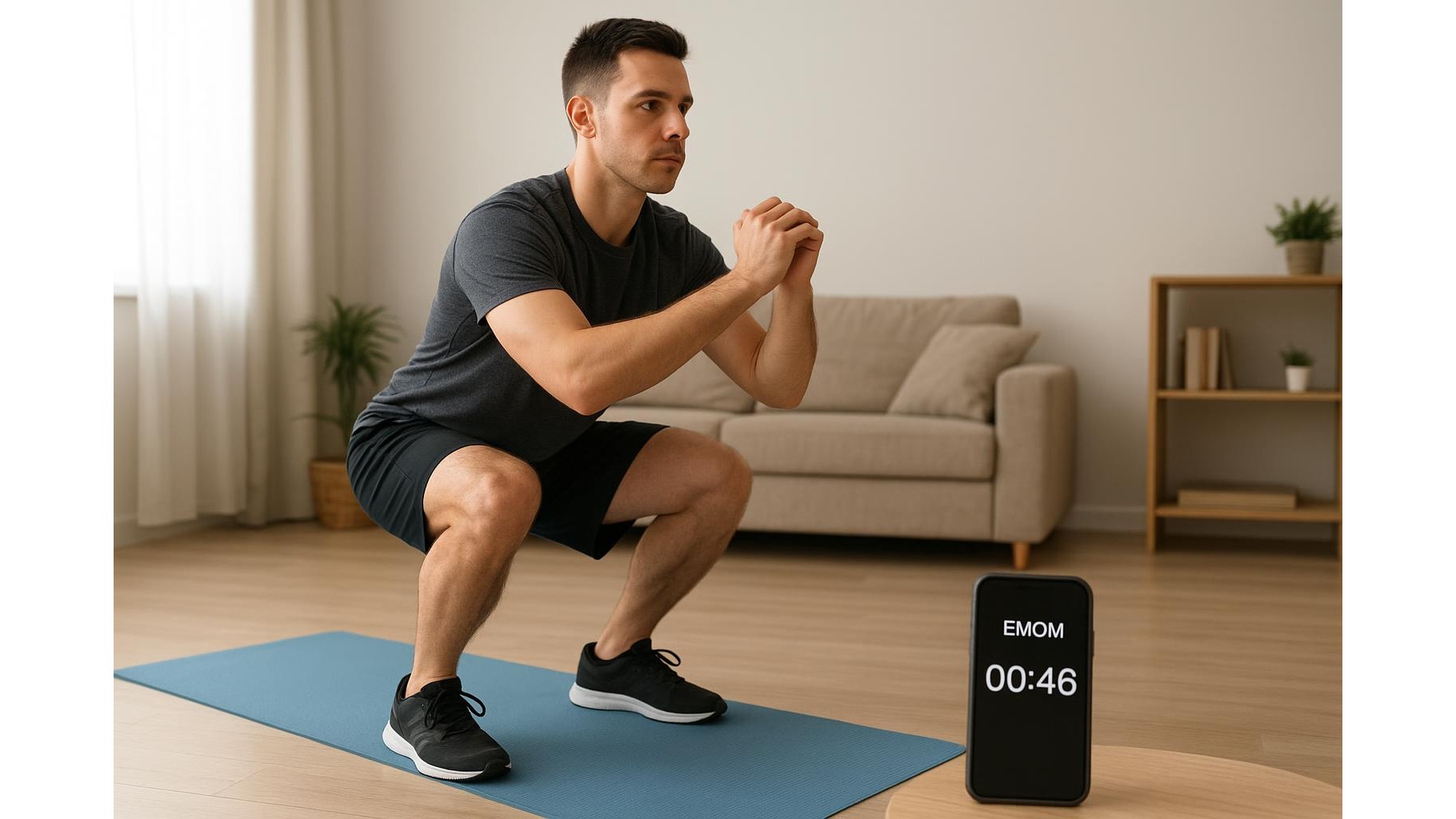
To get the most from your large screen or smart mirror, choose apps designed with big displays in mind. Look for platforms that offer clear on‑screen timers, rep counters and mirrored video so movements are easy to follow from a distance. Many leading fitness apps include dedicated TV or console versions, letting you stream HIIT, strength, cycling and yoga classes directly in high resolution. When possible, select workouts that show multiple camera angles or close‑ups of key movements, just like a studio instructor demonstrating from different viewpoints. For progressive results, use programmes that track your sessions and display progress on the main screen, keeping you accountable. Combine this with a simple workout mat, a set of adjustable dumbbells and good lighting, and your living room can genuinely rival the feel and focus of a boutique fitness studio.
By taking a little time to optimise your screens, camera, and audio, you can transform ordinary streaming into truly immersive home workouts. Whether you prefer a sleek smart mirror, a big‑screen TV or a flexible monitor, the right setup will make trainers feel present in the room, help you see and correct your form, and keep you motivated through every rep. With thoughtful placement, carefully chosen apps and a comfortable, clutter‑free training zone, exercising at home can be every bit as engaging and effective as attending classes in a professional fitness studio.