
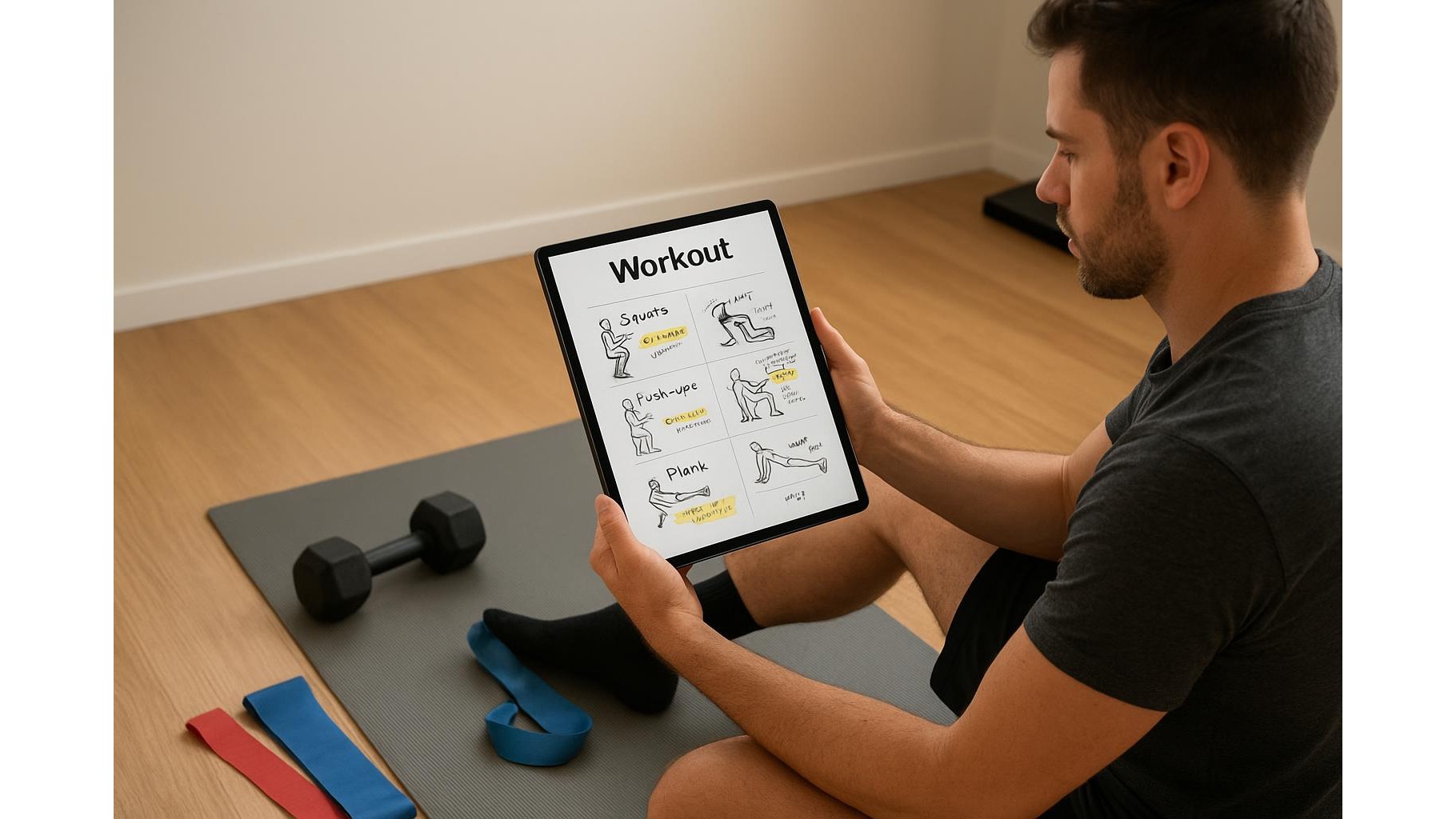
Building a consistent home workout routine often starts with a static PDF: a plan you downloaded from a coach, a program from an ebook, or a simple table of exercises. Instead of printing and losing sheets of paper, you can turn those files into living, editable documents using PDF annotation apps on your phone or tablet. With a few simple habits, your PDFs become interactive home programs where you log sets, reps, notes and progress in real time.
Why annotate workout PDFs instead of printing them
Static PDFs are easy to store but hard to use in daily training. By annotating directly on the file, you keep everything in one place: the original plan, your sets and reps, and adjustments over time. Unlike paper, you can zoom in on tiny text, duplicate pages for new training blocks, and search through old sessions. Annotated PDFs sync across devices, so the session you edited on your tablet can be checked later on your phone. This approach is ideal for a home gym where you may train in tight spaces and don’t want loose sheets near sweat, chalk or equipment.
Choosing and preparing your PDFs for annotation
Start by collecting all your workout plans in one folder: strength templates, mobility routines, cardio intervals and deload weeks. Make sure files are in PDF format, then give them clear names such as “Full Body Dumbbell – 3 Days” or “12 Week Hypertrophy Cycle”. Before you open them in a PDF app, think about how you like to track training: will you write RPE, rest times, or just load and reps? Leave some white space in your templates so there is room to write. If a PDF is too crowded, duplicate it and delete unnecessary sections, or create a blank “log page” you can reuse each week as a digital training diary.
Highlighting key exercises and structure for clarity
Once your plan is open in a PDF annotation app, the first step is to make it visually readable. Use the highlighter to mark main movement patterns: for example, highlight all squats in one colour, presses in another, and pulling exercises in a third. This makes it easier to scan during a session and balance your weekly training. You can also underline tempo prescriptions, rest intervals and progressions. If your PDF contains text-heavy explanations, highlight only the core cues (e.g. “chest up”, “brace core”, “slow eccentric”) and ignore fluff. Over time, your highlighted PDFs become a quick-reference guide that you can open mid-set without hunting for information.
Logging sets, reps and load directly on the file
The biggest upgrade from paper to digital is the ability to log your workouts directly on the PDF and keep that history forever. Use the text tool to create small editable boxes next to each exercise where you type sets, reps and load (e.g. “3 x 8 @ 40 kg”). Some apps let you duplicate these boxes quickly for each week or training block. If you prefer handwriting, use a stylus or your finger to scribble numbers in the margins, just like on a printed sheet, but without printing anything. At the end of each session, you simply save the file or create a dated copy, building a digital training log that documents your progress in your home gym.
Adding form notes, cues and progression ideas
Beyond numbers, the most valuable data you can capture are your form notes and training insights. Use comment bubbles or sticky notes to record how an exercise felt: “knee pain at depth”, “need longer warm‑up”, or “great pump, increase weight next week”. Add cues such as “push floor away”, “elbows under bar”, or “brace before each rep”. These annotations turn a generic program into a personalised coaching tool. When you revisit the same PDF later, you see exactly what worked and what didn’t, allowing you to tweak volume, exercise selection and intensity for your current home workout setup.
Building a reusable digital library of home workouts
Over weeks and months, your annotated PDFs evolve into a structured library of home workouts. Organise files into folders such as “Beginner Full Body”, “Kettlebell Only”, “Resistance Bands”, “Mobility & Recovery”, and “Conditioning”. Within each folder, keep both a clean master template and your logged versions. This way, whenever you want to restart a phase, you duplicate the master and begin fresh without losing past data. Sync this library with cloud storage so it’s accessible on your phone, tablet and laptop. Your PDF annotation workflow becomes a low‑friction system: open today’s plan, log the session, add notes, save and close—no extra apps, no scattered notebooks, just a clear, reusable structure for your home training.
By combining simple PDF annotation tools with thoughtful organisation, you can turn any static workout document into an interactive program tailored to your home gym. Highlighting exercises for clarity, logging sets and reps in place, and adding form notes transforms PDF plans into a long‑term training archive. This digital approach keeps your routines tidy, searchable and always up to date, helping you stay consistent and track real progress without printing a single page.









