Keeping a home workout routine going is less about motivation and more about daily visibility. Simple habit-tracking widgets and reminders on your phone can quietly nudge you to move, log your sessions and stay consistent without adding complexity. In this guide, you’ll learn how to turn the tools you already have on your smartphone into a lightweight system that keeps your home fitness on track.
Table of contents
Why your phone is the perfect accountability partner
Your phone is always with you, which makes it ideal for workout accountability. Instead of downloading a dozen complex apps, you can use built‑in calendar reminders, basic note widgets and simple to‑do lists on your home screen. Seeing a tiny tile that says “Workout: 20 minutes” every time you unlock your device keeps your training goal top of mind. This constant visual cue helps bridge the gap between intention and action, especially for short home gym sessions you might otherwise skip. The key is to keep the system frictionless so you can record or check your habit in seconds, not minutes.
Design a simple weekly home workout plan first
Before you build widgets, you need a clear and realistic weekly training plan. Decide on 2–5 core workouts you can repeat: for example, “Full‑body strength”, “Core and mobility” and “Cardio intervals”. Assign them to specific days and times, matching your real schedule, not your ideal one. Keep the workouts short (15–30 minutes) so they fit into a busy day and are easy to tick off. Once this structure is decided, you can translate it into named habits such as “Mon – Strength”, “Wed – Core”, “Fri – Cardio” that will appear in your home screen widgets, making each day’s task obvious the moment you pick up your phone.
Turn basic widgets into a visual habit dashboard
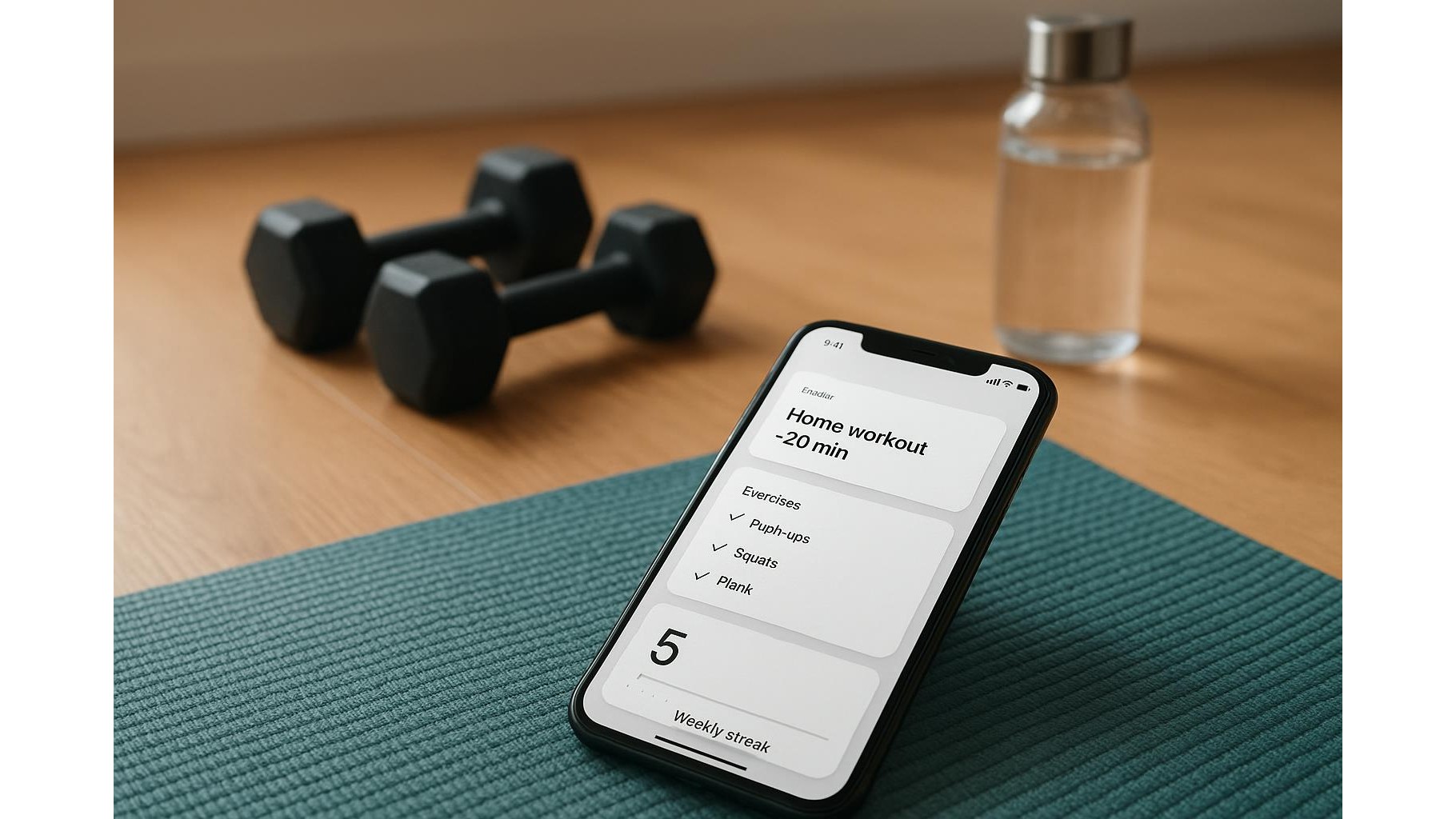
Most smartphones let you pin calendar events, reminders or notes as widgets. Use a calendar widget that shows today’s events and create recurring entries like “Home workout – 20 min” at your preferred time. Add a notes or to‑do list widget labelled “Today’s Movement”, with simple checkboxes for your planned exercises. Each time you complete a session, check it off directly from the home screen. This transforms your phone into a small habit dashboard: no opening apps, no scrolling, just a quick glance to see if you’ve moved yet. Over time, the satisfaction of seeing daily checkmarks builds a powerful streak mentality that supports long‑term consistency.
Use reminders and alarms as gentle prompts, not pressure
Notifications can be annoying, but a few well‑placed workout reminders can be incredibly effective. Set one alarm at your typical training time with a specific label like “15‑minute living room workout” instead of a vague “Exercise”. If your phone supports it, use repeating reminders that stay on screen until you interact with them, so you must consciously snooze or mark as done. Keep sounds subtle or use vibration only to avoid stress. The goal is to make reminders feel like friendly nudges rather than judgments. Over weeks, your body will start to associate that time of day with movement, and you’ll rely less on the alarm and more on your internal rhythm to maintain home workout consistency.
Track streaks and reflections in a minimalist way
To stay consistent, you need proof that your efforts are adding up. Use a simple note or checklist widget titled “This Week’s Workouts” where you log a one‑line summary after each session: date, duration and main focus (e.g., “Tue – 20 min – bodyweight strength”). At the end of the week, review your entries and jot down a brief reflection: what worked, what didn’t, and one adjustment for next week. This lightweight workout log can live right on your home screen, giving you an at‑a‑glance sense of momentum without the pressure of detailed tracking. The more you see those lines accumulate, the more you’ll want to keep the chain of workouts unbroken.
Adapt your widget system as your home routine evolves
Your life and energy levels change, so your habit‑tracking widgets should evolve too. If you notice you’re constantly snoozing a reminder, move the scheduled time or shorten the planned session. If a weekly view feels overwhelming, switch to a “Today only” widget that shows just the next action. As your home fitness improves, you can tweak labels from “5‑minute stretch” to “25‑minute strength circuit”, gradually increasing commitment. The beauty of a widget‑based system is its flexibility: you can redesign your digital environment in seconds to support your current season of life, all while keeping the core principle intact—making your workouts visible, simple and easy to start.
In summary, you don’t need advanced apps to stay accountable with your home workouts. By designing a realistic weekly plan, turning your home screen into a visual habit dashboard and using gentle reminders plus minimalist logging, your phone becomes a quiet coach in your pocket. Small tweaks to your widgets can dramatically improve consistency, helping you show up for yourself day after day and transform home training from a vague goal into a stable, long‑term habit.