
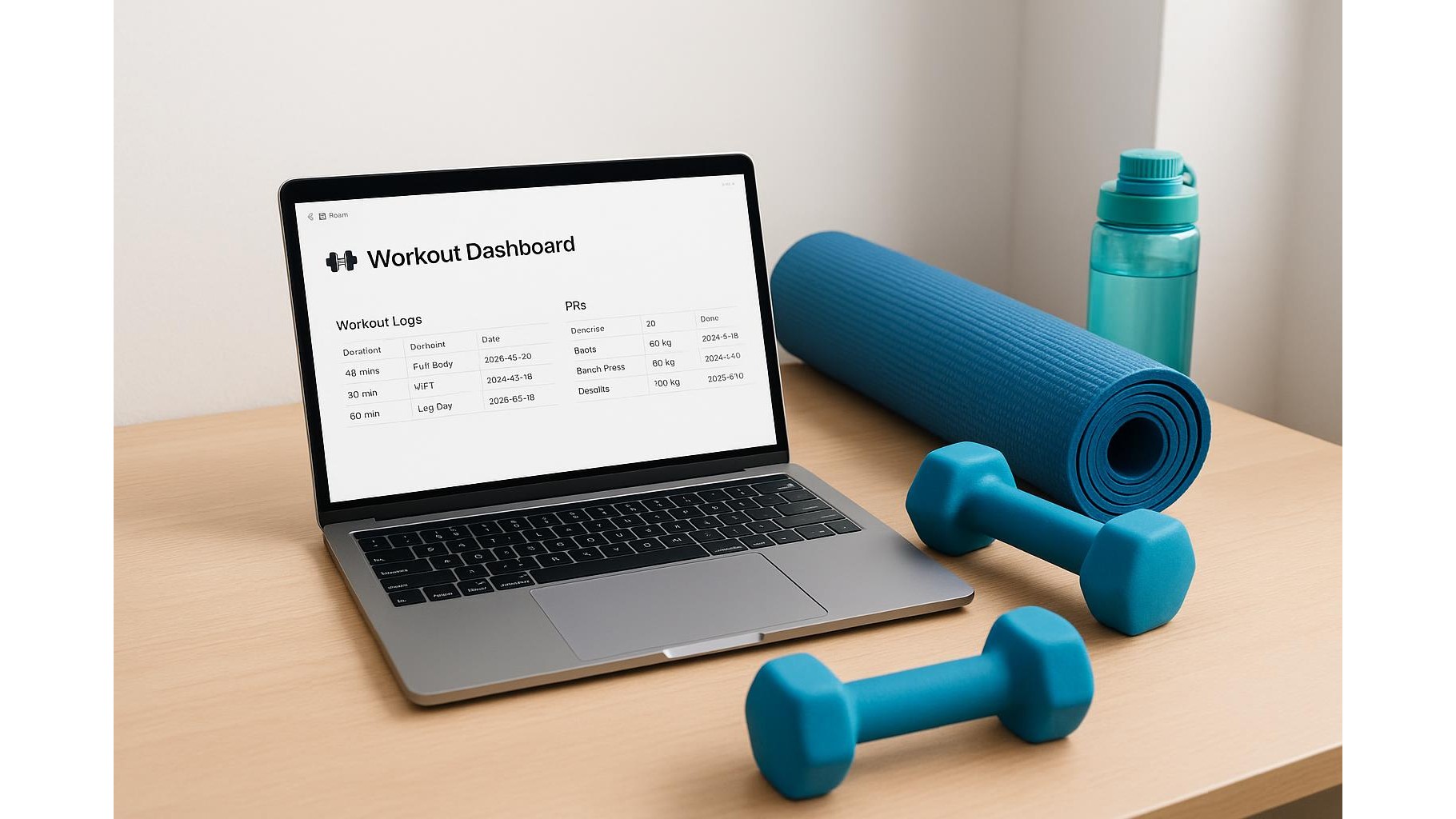
Building a consistent home workout routine is much easier when everything lives in one place: your programs, logs, PRs, recovery notes and even links to follow‑along videos. Notion is perfect for this. With a bit of structure, you can turn it into an all‑in‑one home workout planner and training log that works across laptop, tablet and phone, keeping you accountable and organised.
Designing your home workout hub in Notion
Start by creating a single page called something like Home Training Hub. Inside it, add a database (table view) named Workout Log. Give it properties such as Date, Workout Type (strength, mobility, conditioning), Muscle Group, Planned Duration, and Status (planned, done, skipped). Each row becomes one workout session, and each session opens into its own page where you can log sets, reps and notes. Add linked views below the main table for different filters: for example, only show upper‑body days or only finished workouts. This immediately turns Notion into a clean, visual dashboard of your home training.
Creating reusable home workout programs and blocks
Once your hub is in place, build templates for your favourite programs so you can reuse them. In your Workout Log database, create a new template called “Full‑Body Dumbbell Session” or “Bodyweight Strength A”. Inside the template page, structure your session with headings like Warm‑up, Main Lifts, Accessories and Finisher. Under each heading, use bullet lists for exercises and leave placeholders for sets, reps, load and RPE. When you want to train, just hit “New” and choose the template instead of starting from scratch. Over time, you can create templates for 4‑week blocks, deload weeks and mobility circuits so your home workouts stay periodised and intentional instead of random.
Tracking PRs, volume and progress over time
To make Notion a real training log, set up a separate database called Exercise Library. Each entry is one exercise (e.g. Push‑up, Goblet Squat, Single‑Arm Row) with properties for Category, Equipment, and your current PR (best set, heaviest weight or longest hold). You can also include an average weekly volume target in sets or total reps. In your Workout Log pages, use a relation property to link each session to the exercises you performed. Over time, this lets you see which movements are driving your progress and which are being neglected. Add a board or calendar view to visualise how often you hit each muscle group and whether you’re slowly pushing up volume and intensity from week to week.
Using Notion for recovery, mobility and habit tracking
Home training progress depends on more than just sets and reps. Add a database called Recovery & Wellness with properties like Sleep Quality, Stress Level, Steps and Mobility Minutes. Create a daily entry where you rate each factor and jot down short notes about soreness, tight spots or aches. Link these entries to your Workout Log sessions so you can spot patterns: maybe your best strength sessions follow nights of good sleep, or your knees feel better on weeks when you hit three mobility sessions. You can also build simple habit trackers with checkboxes for water intake, walk breaks and stretching, all living on the same Notion home page.
Syncing Notion with your home environment and devices
To truly make Notion your home fitness hub, connect it to the tools you already use. Embed links to your favourite follow‑along YouTube workouts next to your conditioning templates so you can launch videos directly from the page. Create a lightweight equipment inventory table listing what you own (dumbbells, resistance bands, pull‑up bar, yoga mat), where it’s stored and ideas for how to use it. On mobile, add your Workout Log to favourites so it’s one tap away when you walk into your home gym corner. You can even use Notion’s reminders to nudge you about training times or recovery practices like evening stretching, keeping everything integrated instead of scattered across apps.
Used this way, Notion becomes far more than a note‑taking app: it’s a flexible home workout planner and training log that adapts as your goals change. By centralising programs, daily logs, PR tracking and recovery notes in one system, you remove friction and make it easier to show up and train consistently. Start with a simple hub and one or two templates, then refine your setup as you discover what helps you stay motivated and progressing at home.









