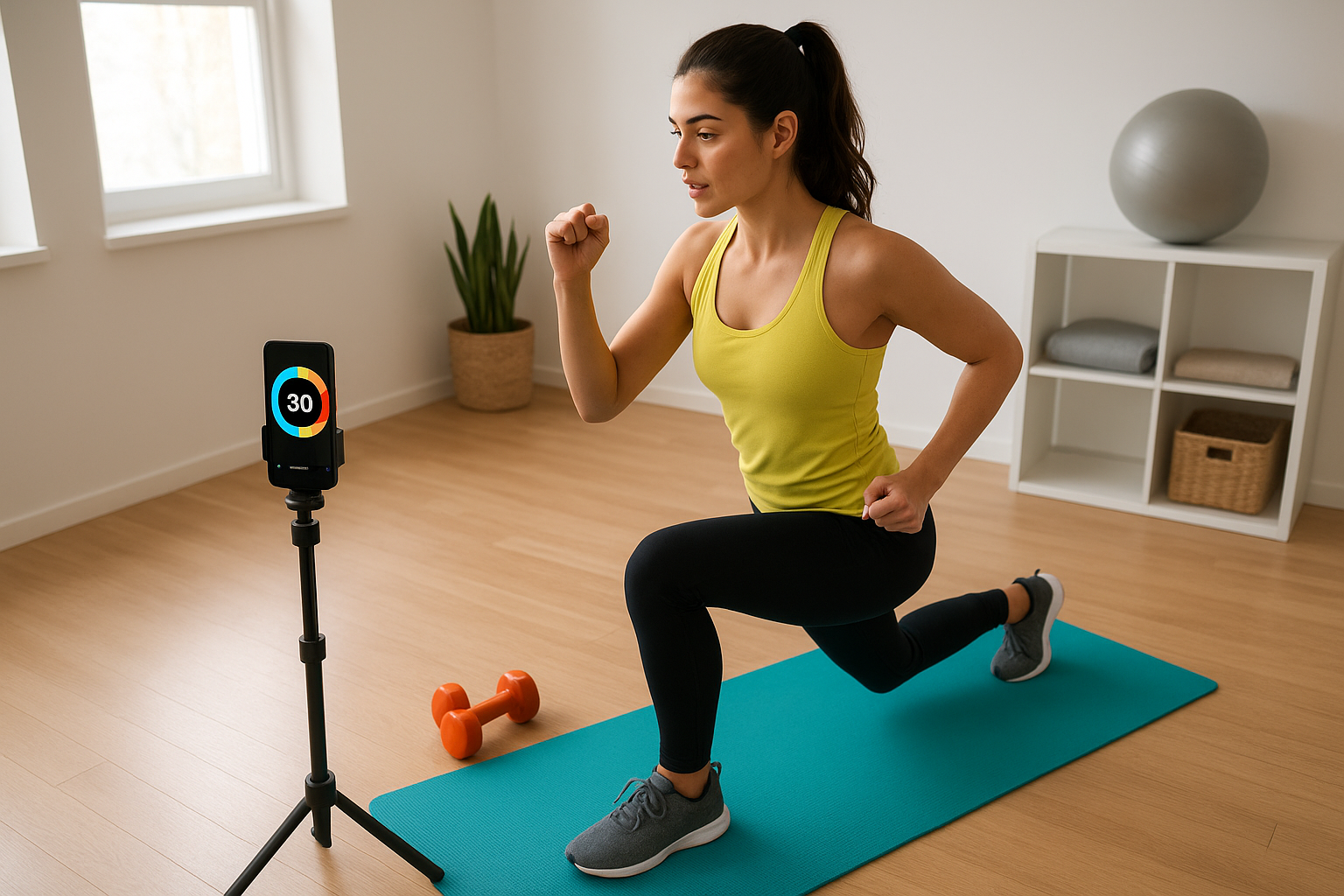
Structured HIIT workouts at home become far easier when you let free timer and interval apps guide you. Instead of counting in your head or losing track of sets, the right app will cue every work and rest block so you can focus on form, breathing and safety. With a bit of setup, you can turn your phone or tablet into a smart coach that keeps your home HIIT sessions clear, efficient and surprisingly motivating.
Table of contents
Clarify your HIIT structure before opening an app
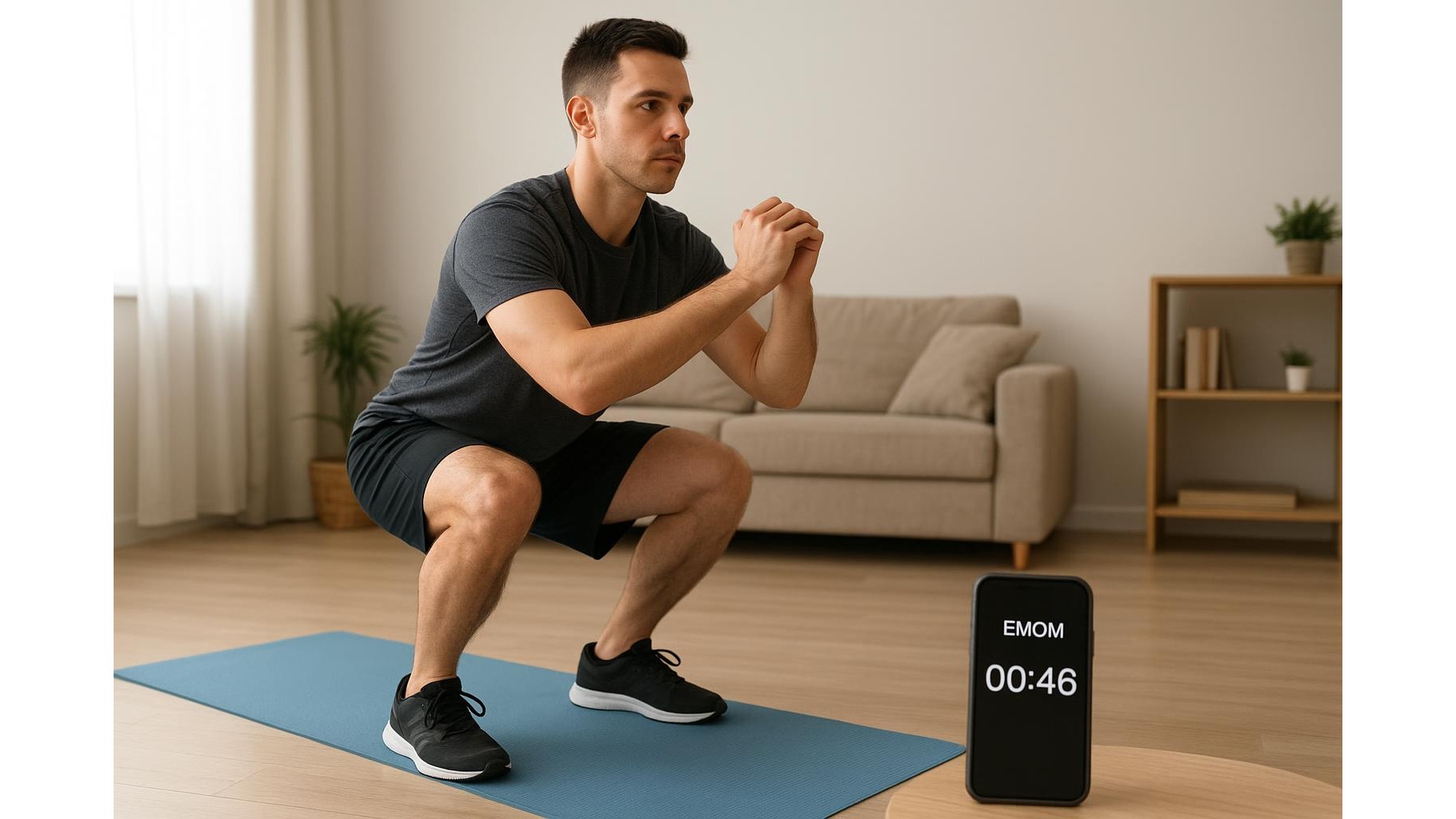
Before downloading any free interval timer, decide how you want your session to look. A classic beginner structure is 30 seconds of work and 30 seconds of rest for 10–15 rounds. More advanced users might prefer 40/20 or Tabata (20 seconds on, 10 seconds off). Write down your exercises, the total number of rounds and any longer breaks you want every few sets. Having this framework ready makes it much easier to program your HIIT timer app and prevents confusion once the clock starts.
Choose a free timer app that matches your needs
In the app store, search for terms like HIIT timer, interval timer or Tabata timer. Look for apps that allow fully custom work and rest durations, multiple rounds, and warm‑up and cool‑down blocks. Many free apps also offer voice prompts, vibration alerts and colour changes on screen to signal the next phase. Pay attention to reviews that mention ease of use and reliability; an app that crashes mid‑set ruins focus. Start simple: an app that clearly shows remaining time and next interval is more useful than one overloaded with complex analytics.
Set up clear intervals, warm‑ups and rest blocks
Once you have chosen your interval timer app, use its custom workout feature to build your session. Create a short warm‑up interval of 3–5 minutes with gentle cardio and mobility. Then program your main HIIT rounds, ensuring the work and rest times match your fitness level. Add a slightly longer recovery interval every 3–5 rounds to reset breathing and technique. Finally, include a 3–5 minute cool‑down block. Save this as a template so you can quickly adjust only the number of rounds or work duration as you progress.
Pair your app with a visible and audible timer device
If you do not want to keep checking your phone screen, using a physical timer can help. A popular option is a compact digital gym timer that mirrors app cues with bright LEDs and beeps. For example, a product like the portable LED interval gym timer you can find on Amazon UK can sit on a shelf or hang on a wall, showing large countdown digits that are easy to see during burpees or lunges. Look for features such as programmable intervals, clear sound alerts and battery or USB power. Combining a free app for planning with a visible timer for execution keeps your home HIIT flow smooth and distraction‑free.
Use app features to boost motivation and safety
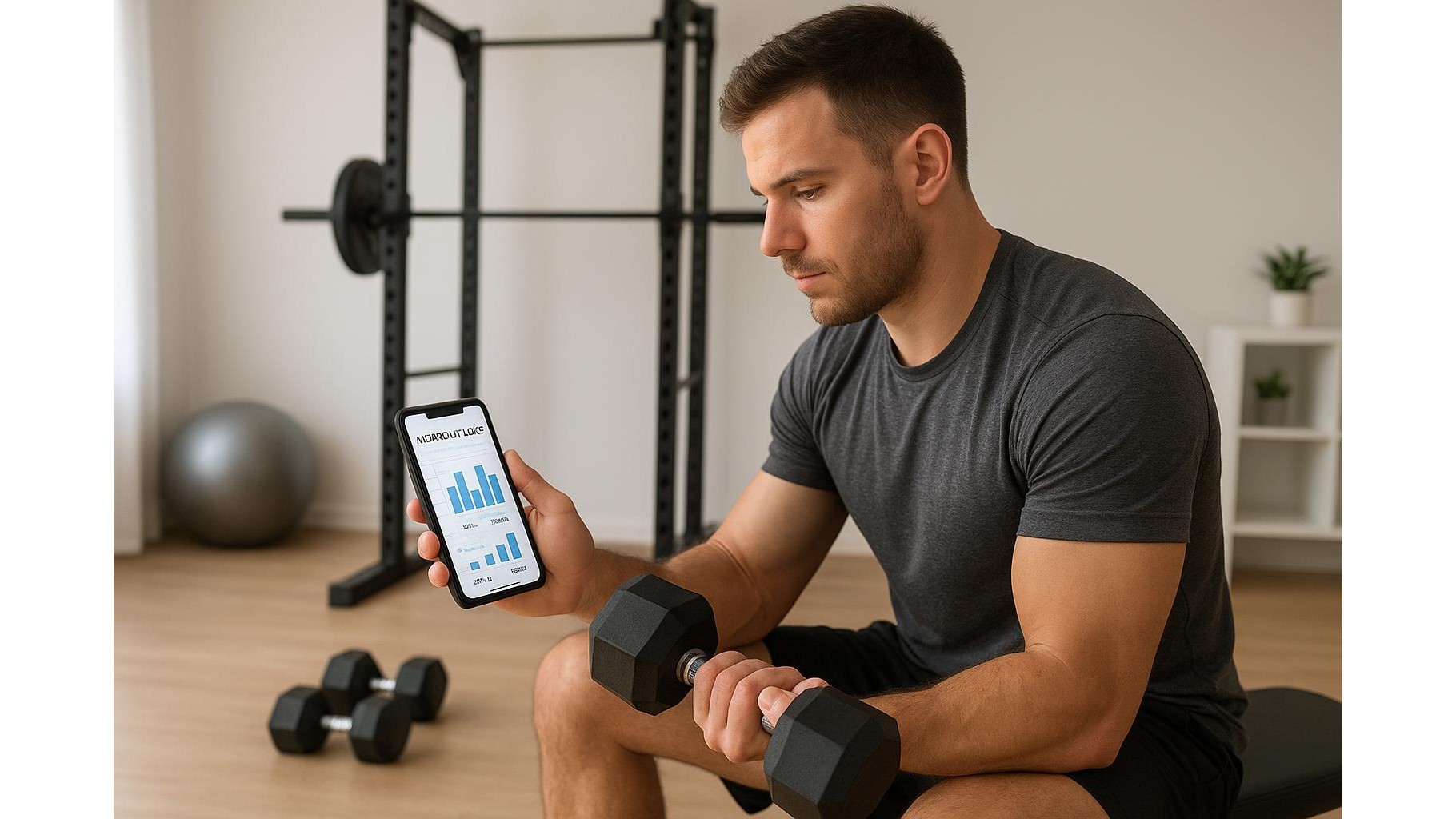
Most free HIIT timer apps offer small tools that make a big difference. Sound cues and spoken countdowns reduce the urge to stare at the screen, keeping your neck in a safer, neutral position. Vibrations are useful if you train early and need quiet signals. Some apps log completed workouts, helping you gradually increase total work time or reduce rest. Use notes fields to record how each interval felt and where form started to break down. This lets you adjust future timers—shortening work intervals or lengthening rest—so your training stays challenging but still safe and sustainable.
Adjust and progress your intervals over time
As your fitness improves, your timer setup should evolve. Every few weeks, use your app to tweak one variable: slightly longer work periods, slightly shorter rests or one extra interval per session. Avoid changing everything at once; let the timer guide gradual, measurable progress. If you notice technique slipping or breathlessness becoming overwhelming, dial settings back in the app. By regularly refining your intervals instead of guessing, you turn free timers and apps into a long‑term training partner that supports consistent, enjoyable home HIIT workouts.
By clarifying your session structure, selecting a simple but flexible interval timer app and using features like voice cues and saved templates, you can transform your phone into an effective HIIT coach. Pairing it with a visible timer device, if desired, keeps every round clear without breaking focus. With a few minutes of careful setup and occasional adjustments, your home HIIT sessions will become clearer, safer and more motivating—without spending anything on software.