Turning your phone or laptop into a full-featured home training log is easier than you think. With free note apps and cloud documents, you can track sets, reps, loads, progress pictures and notes in one place, synced across all your devices. No need for paid fitness apps: a few smart templates and habits can turn Google Docs, Google Sheets, Apple Notes, Notion or Microsoft OneNote into a powerful home workout log that actually makes you more consistent.
Table of contents
Why a digital training log beats paper at home
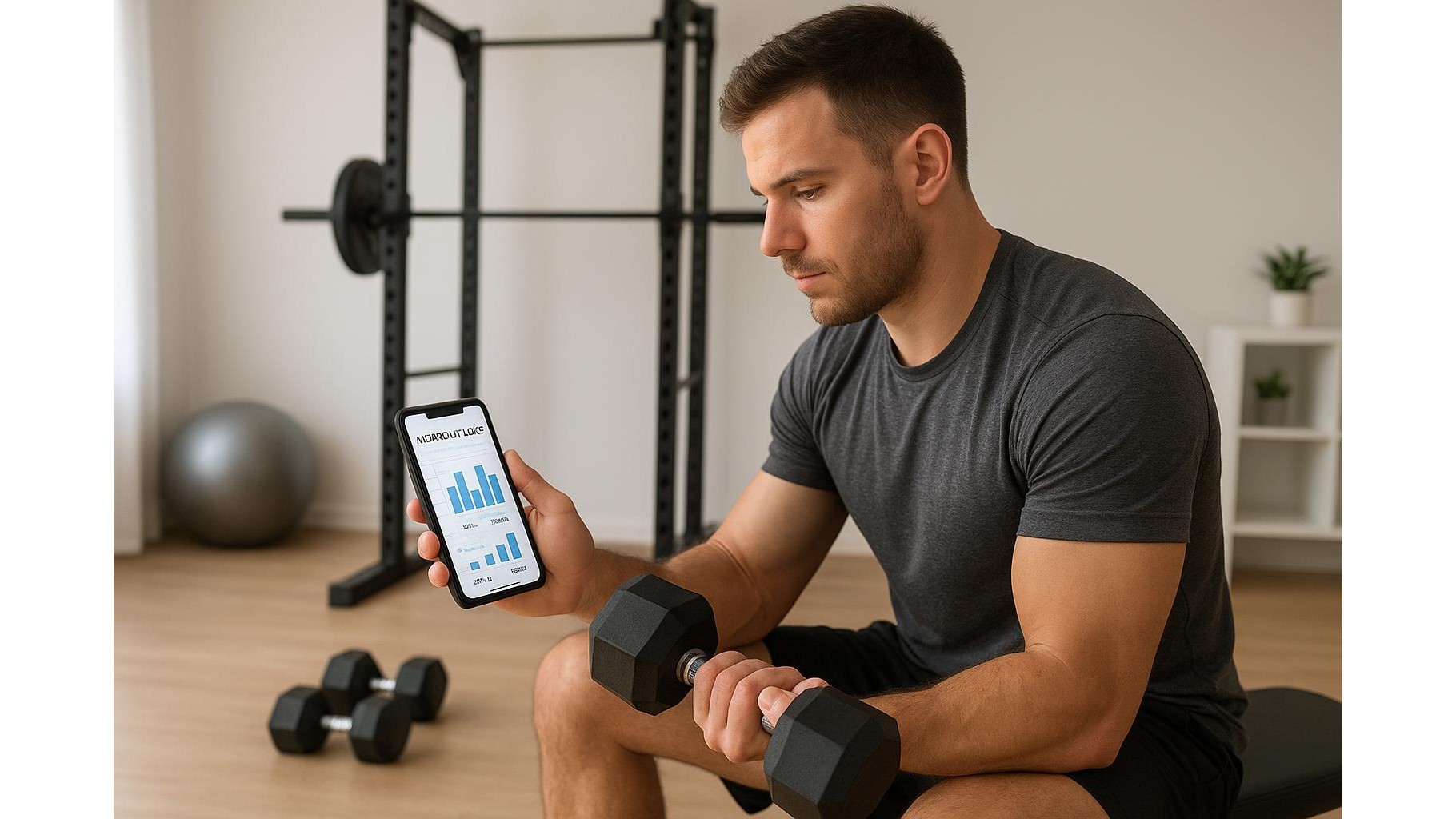
When you train in a home gym, your phone or tablet is almost always nearby. A digital log in a cloud-based note app means your data is automatically saved, searchable and backed up. You can quickly duplicate past workouts, compare old numbers, and add links or photos without clutter. Unlike a paper notebook, a cloud training log lets you filter by exercise (e.g. all your squats), search for “knee pain notes”, or instantly see what you lifted last week. And because it’s device-agnostic, you can plan workouts on your laptop and then execute and record them on your phone in the garage or living room.
Choosing the best free apps for a home workout log
You don’t need anything fancy to build a home training log. A simple stack works best: a note-taking app (like Google Keep, Apple Notes, or OneNote) for quick thoughts and session summaries, plus a cloud document or spreadsheet (Google Docs or Sheets) for structured tracking of sets and loads. Docs are ideal for template-style workout plans, while Sheets shine when you want automatic calculations, volume totals and weekly progress summaries. Notion can combine both approaches with databases and rich notes, but even the most basic free tools can handle sets, reps, loads and RPE if you design them intelligently.
Building simple templates for sets, reps and loads
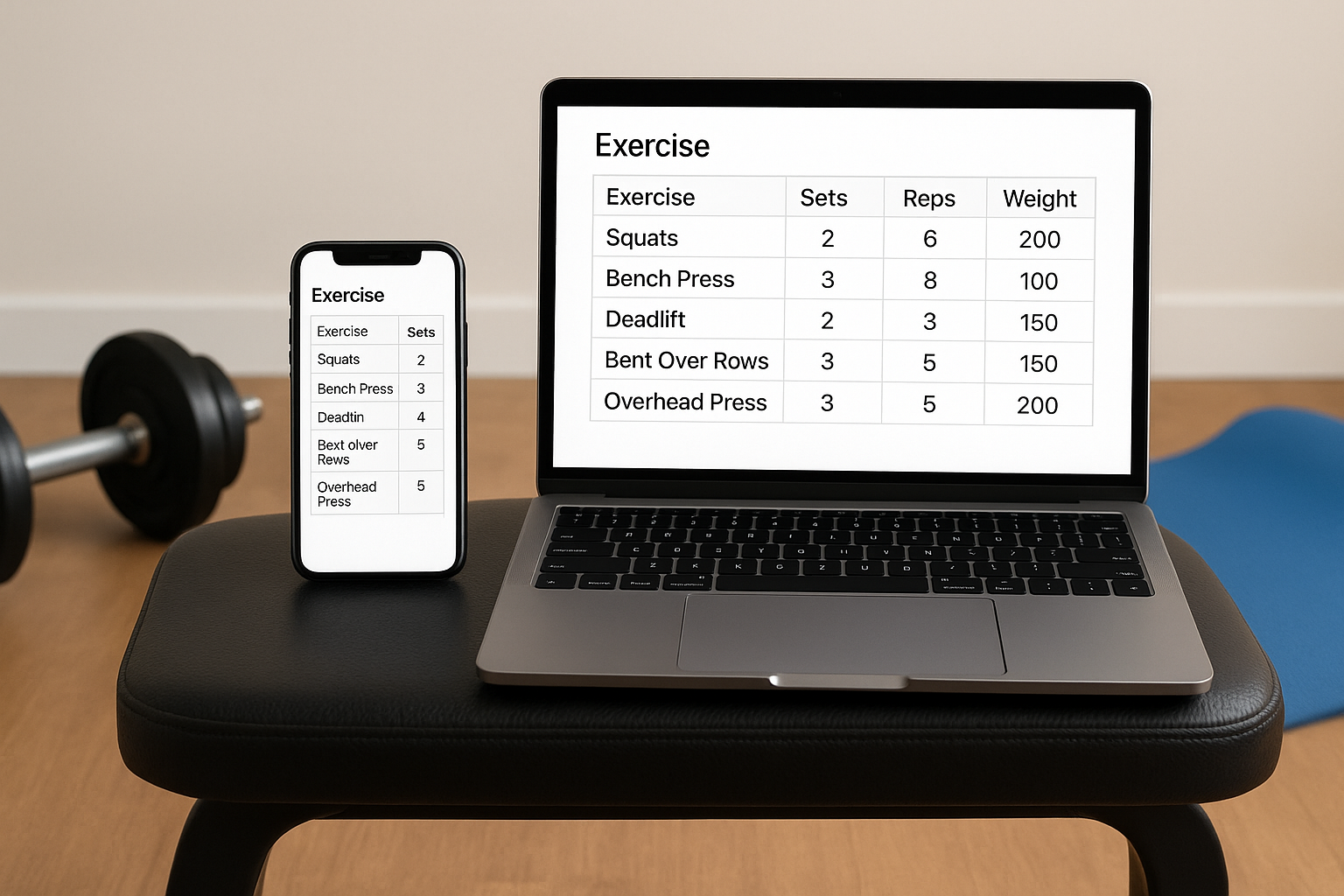
Start by creating a master workout template in your chosen app. In a cloud doc, you might use a simple table: columns for Exercise, Set, Reps, Weight, RPE and Notes. In a spreadsheet, do the same but add formulas to total training volume (sets × reps × weight) for each exercise and each session. Save this as “Home Workout Template” and duplicate it for each day you train. Over time, create separate templates for upper body, lower body, full-body or conditioning days. Keep it lean: too many fields make logging a chore, but the right few columns make it easy to see progressive overload from week to week.
Organising weeks, blocks and programs in the cloud
To turn scattered notes into a real training program, you need structure. Create a main folder in your cloud drive called “Home Training Log”. Inside, add subfolders like “2026 Block 1 – Strength” or “2026 Block 2 – Hypertrophy”. Each subfolder holds one doc or sheet per training week. Name files consistently: “Week 01 – Home Strength” and so on. In your note app, pin a “Current Plan” note that links directly to this week’s doc or sheet. This simple hierarchy makes it effortless to look back at previous blocks, see how your sets and loads evolved, and reuse successful programs later.
Tracking progress pictures and subjective data
A powerful home workout log goes beyond numbers. Create a dedicated cloud doc or note titled “Progress Log” with monthly sections (January, February, etc.). Under each month, add space for progress pictures, body measurements and quick check-ins on sleep, stress and energy. Most note and cloud apps let you paste images or upload photos taken with your phone, so you can store front, side and back photos directly in the same ecosystem as your training data. Use short tags like “#low_energy” or “#great_pump” in your notes; later you can search them to see how lifestyle factors affected performance and recovery.
Making logging a habit you’ll actually keep
The best digital training log is the one you actually use, so prioritise speed and simplicity. Before each session, open your weekly doc or sheet and write the exercises and planned sets and reps. During training, only fill in the actual reps and weights; leave detailed notes for the end. Set a recurring reminder on your phone to review your log once a week, looking for patterns: are loads going up, are sessions getting easier at the same weight, are you more consistent on certain days? Over time, your collection of cloud docs and notes becomes a personalised training history that helps you make smarter decisions, adjust your home program and stay motivated by visible progress.
By combining free note-taking apps with structured cloud documents, you can build a robust home training log that rivals paid fitness software. Templates for sets, reps, loads and progress pictures, clear folder organisation and a simple review routine turn everyday tools into a real performance engine for your home gym. Keep it minimal, stay consistent, and let your data guide smarter, stronger training over the long term.