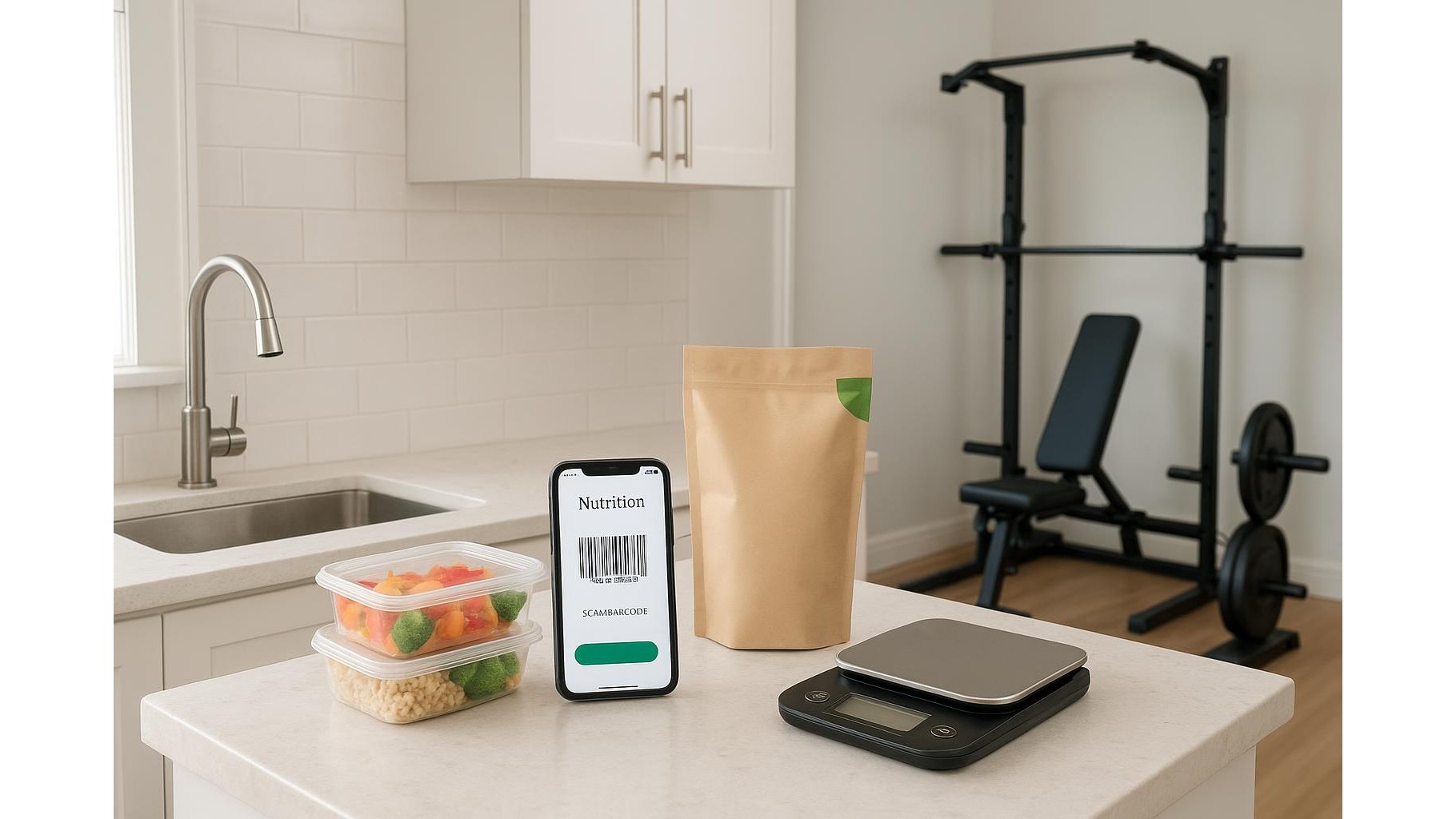
Tracking macros at home can be incredibly effective for body recomposition, but manually typing every ingredient into an app quickly becomes tiring. Modern nutrition apps with barcode scanners solve this by letting you scan food packages in seconds, automatically pulling calories, protein, carbs and fats into your log. In this tutorial we’ll see how to set them up, when a dedicated barcode scanner can be useful in a home gym or kitchen, and how to avoid the most common logging mistakes so you can stay consistent with your goals.
Why barcode scanning is a game changer for home macro tracking
Most athletes fail at nutrition tracking not because they don’t know what to eat, but because the process is slow and annoying. Typing full product names into an app several times per day increases friction and leads to skipped entries. With barcode scanning, you just point your phone or a handheld scanner at the package code and the app fills in the food entry instantly. This dramatically reduces tracking time and data entry errors. For home athletes juggling work, family and training, this is the difference between giving up after two weeks and building a long-term logging habit that actually supports strength, fat loss or muscle gain goals.
Setting up barcode scanning in popular nutrition apps
Most leading nutrition tracking apps such as MyFitnessPal, Lifesum, Cronometer and many others include a barcode scan button directly inside the “Add food” screen. After creating your account and setting macro targets, open a new meal, tap the barcode icon and give the app camera permission the first time it asks. Position the code inside the frame and wait for a vibration or confirmation. If the product is in the database, all nutritional values will appear automatically and you can adjust the serving size to match what you actually eat. If the item is missing, many apps allow you to manually add the food, save it and then reuse the same barcode entry in the future, turning the initial effort into long‑term time savings.
When to use your phone vs a dedicated barcode scanner
For most people, the phone camera is enough: it’s always with you and works well for occasional scans. However, if you prep many meals at once, manage a family’s nutrition or run a small home gym kitchen, a dedicated barcode scanner can speed things up even more. USB or Bluetooth handheld scanners can connect to a computer or tablet running a web-based food diary, sending the barcode numbers as if you were typing them on a keyboard. This lets you scan multiple items in a row without constantly picking up and unlocking your phone. It’s especially useful if you already have a workstation in your kitchen or near your home gym where you plan training, track workouts and log meals.
Reducing tracking errors when you scan your food
Barcode scanning is fast, but it’s not magic. To keep your macro tracking accurate, always double-check the serving size that the app selects after you scan. Many foods default to 100 g while you might be eating 30 g or 250 g, which can dramatically distort your calorie intake. Use a kitchen scale when you can, especially for calorie‑dense foods such as oils, nuts and cereal. Also verify that the entry matches your product’s label – sometimes different flavours or regional versions share similar barcodes but have slightly different macros. Creating your own verified entries for staple foods you eat every week ensures consistency and makes future logging even faster.
Building a fast, sustainable home tracking routine
A powerful way to get the most from nutrition apps with barcode scanners is to design a simple routine. Keep barcoded staples – yoghurt, oats, frozen vegetables, protein snacks – in regular rotation so you can log a full meal in under a minute. Scan and save your favourite meals as app “recipes” so you can re-add them with a single tap. Combine this with weekly meal prep: scan ingredients once when cooking, portion them out, and simply duplicate entries on the days you eat them. By batching scanning and using saved meals, you move from chaotic, last‑minute logging to a streamlined system that supports your home training and body composition targets without dominating your day.
Using barcode scanners in nutrition apps transforms macro tracking from a chore into a quick, almost automatic habit. By learning how to set up scanning correctly, choosing between your phone and a dedicated scanner where appropriate, and double‑checking key details like serving sizes, you can massively reduce tracking friction while keeping your data accurate. This consistency provides the real edge: clear feedback on whether your nutrition plan matches your training goals, so you can adjust intelligently and keep progressing in your home gym over the long term.