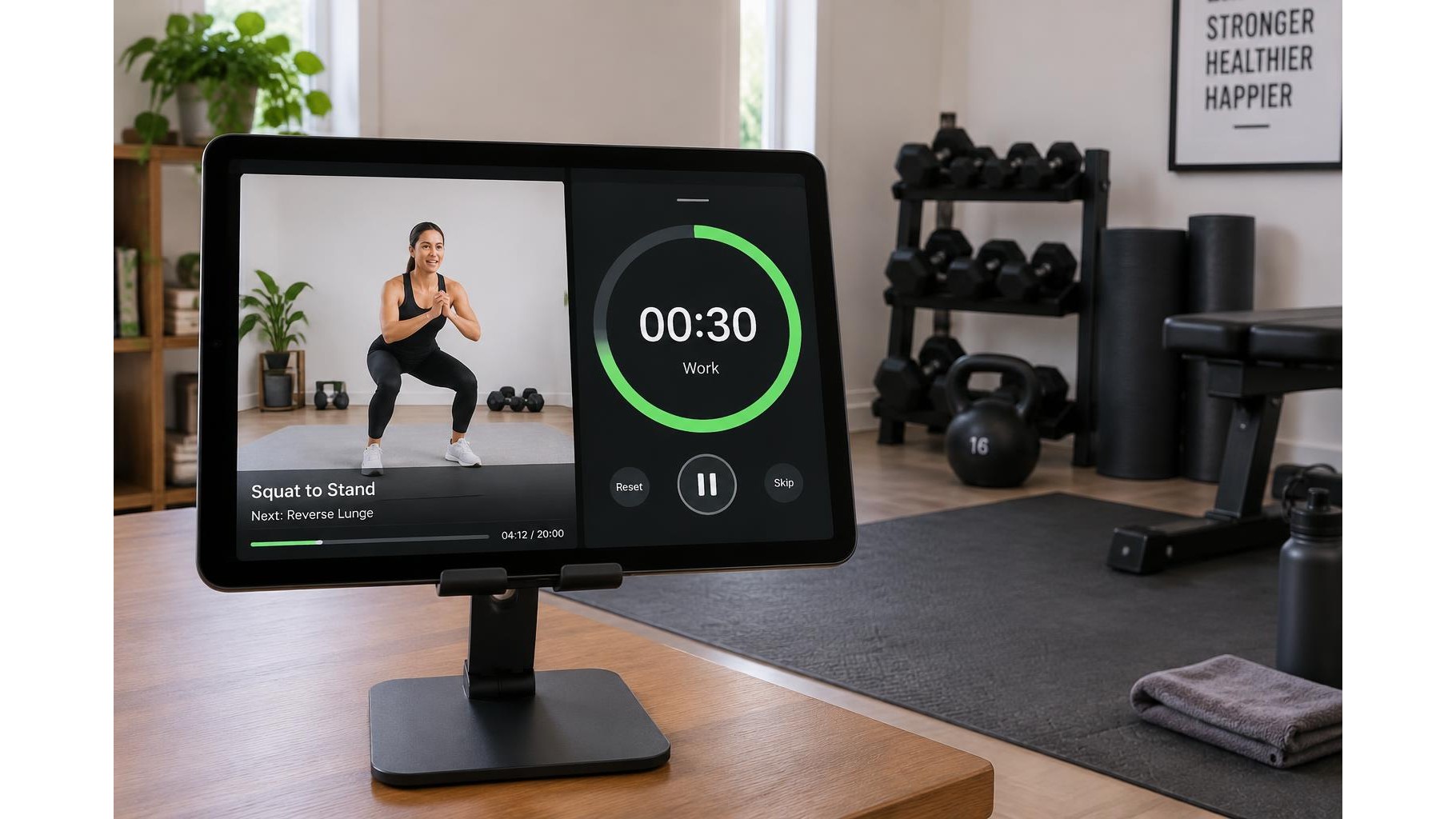
A tablet can make a home workout easier to follow by keeping a coaching video and your training information visible at the same time. With split-screen mode, you can watch demonstrations while checking a timer, exercise list or workout log, without repeatedly switching apps. A little preparation matters: choose a stable viewing position, make the text easy to read and keep the device clear of moving equipment.
Choose a useful two-app layout
Start by opening the video app and the timer or notes app, then activate your tablet’s split-screen feature using its app switcher or multitasking controls. The exact gesture varies by operating system and model. Give the video the larger portion of the display if technique cues are important; choose a more even division when you need to read detailed notes. If your tablet supports a floating window, test it before training, but avoid placing it over the coach’s movements. Keep both apps open and confirm that playback continues when you interact with the second app.
Make workout information readable at a glance
Keep the supporting panel simple. A timer should show only the interval, rest period or countdown you need, while a workout log can list the next movement, target repetitions and a short cue. Use large text, strong contrast and concise wording so you can read it from your exercise position. Set the screen brightness before starting, accounting for daylight and glare, and use landscape or portrait orientation according to the shape of the video and the app layout. Avoid tiny spreadsheet-style logs that demand close inspection between sets.
Position the tablet outside the movement zone
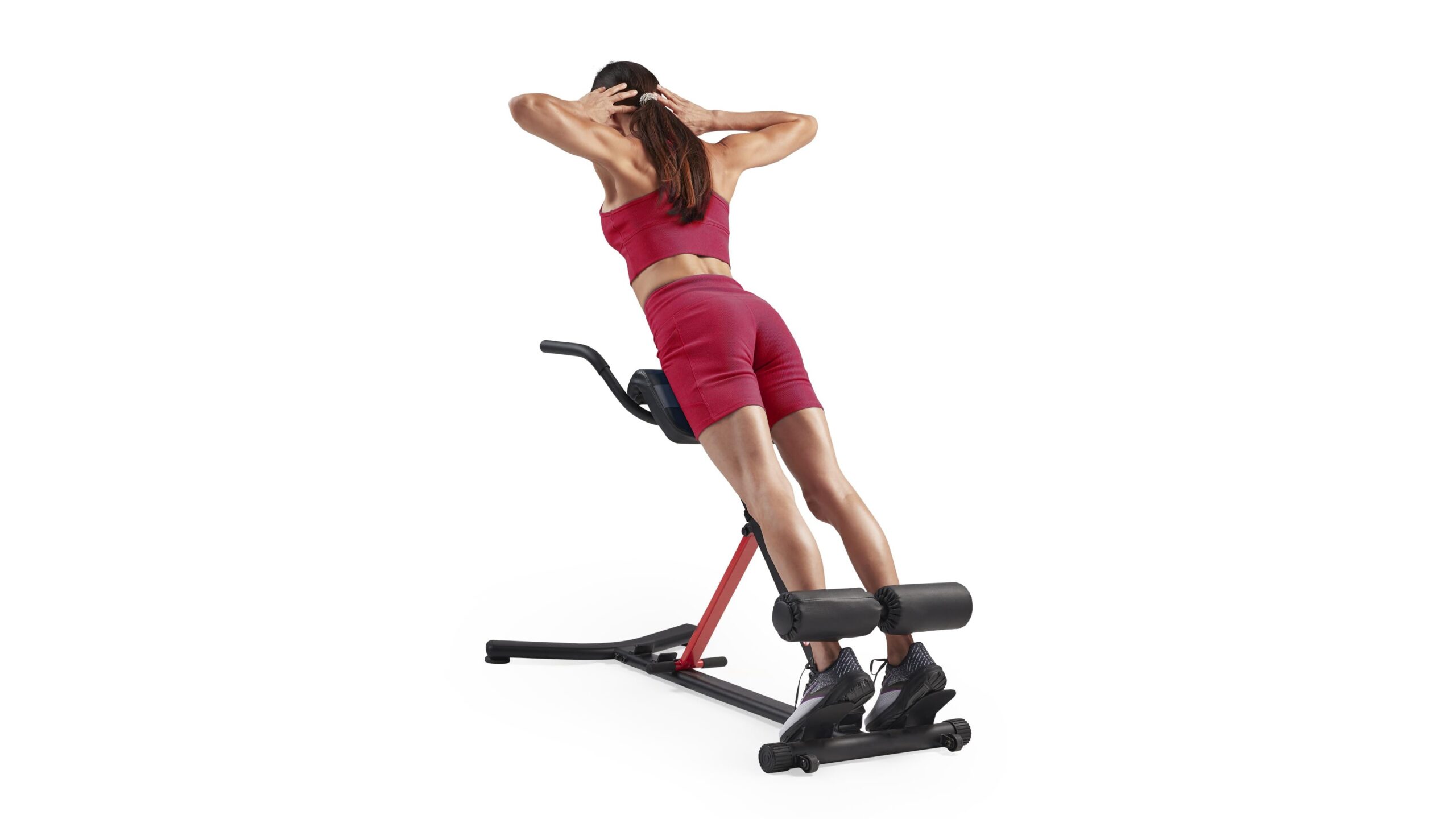
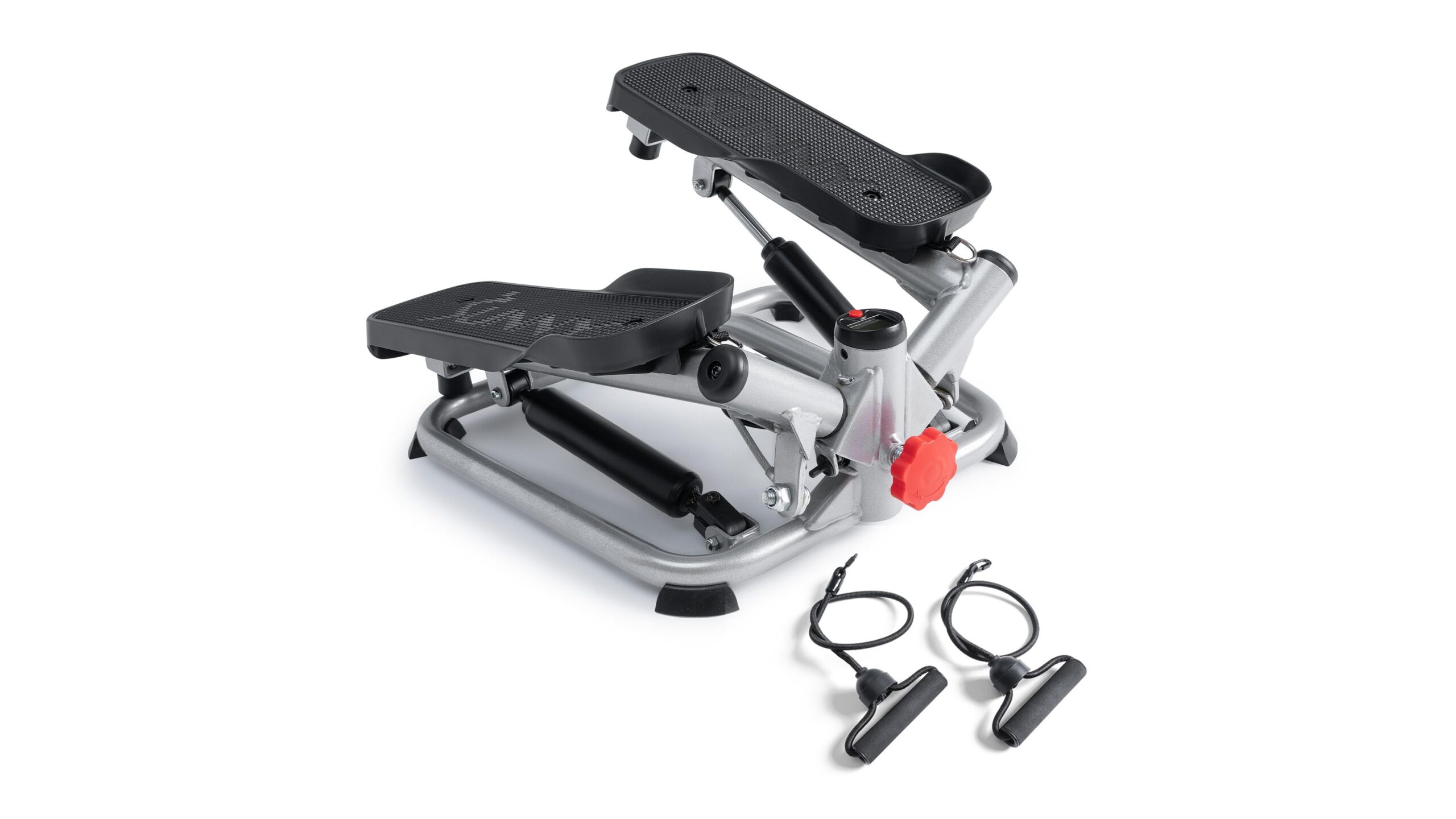
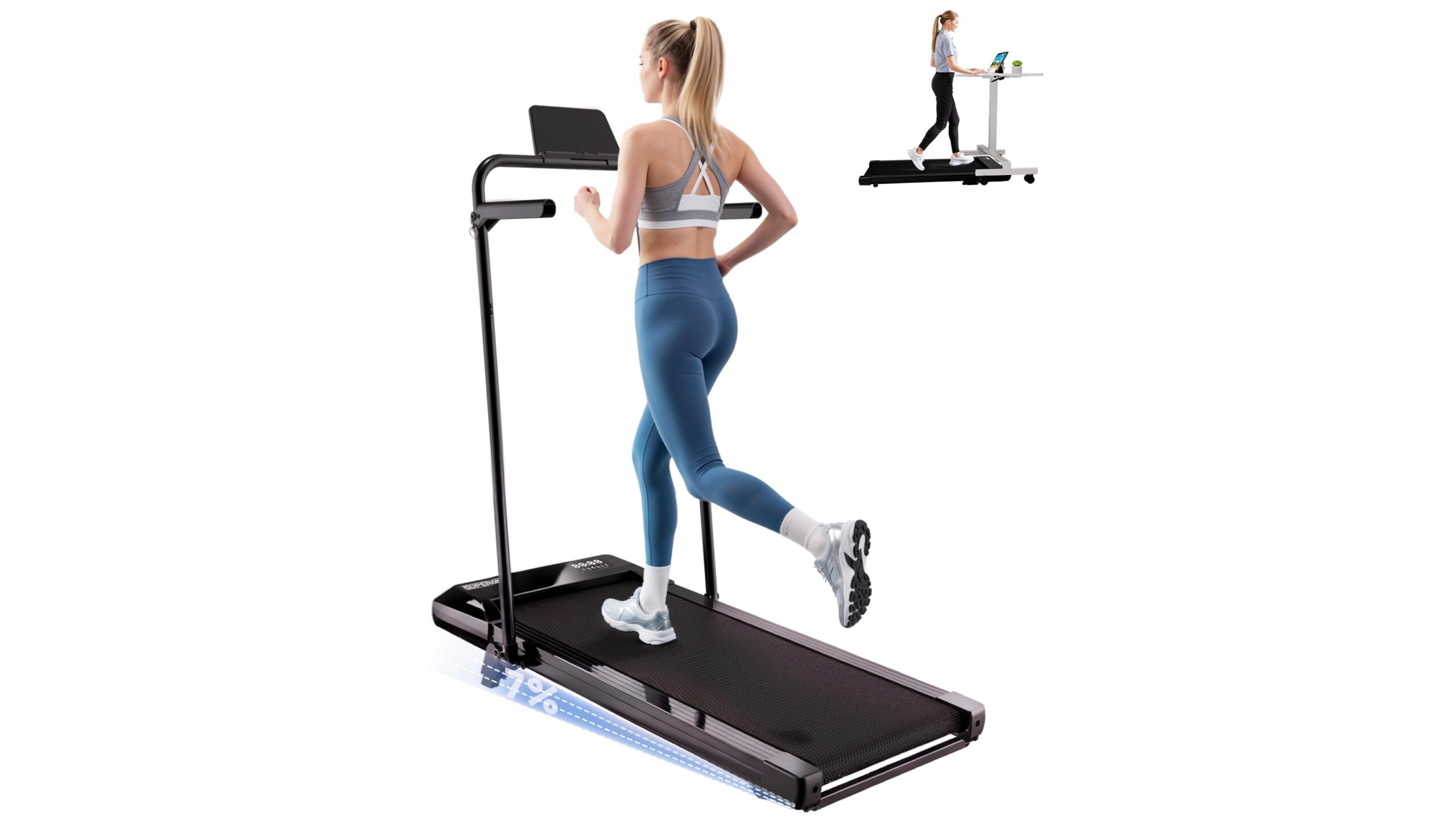
Place the device on a stable stand, shelf or secure mount where it is visible without forcing you to turn your head sharply. Keep it away from moving equipment, including treadmill belts, cycling pedals, swinging weights, resistance bands and the path of a barbell. Never balance a tablet on a weight stack or on an unstable surface. Check that cables cannot snag or create a trip hazard, and leave enough clearance for your full range of motion. Before the workout, rehearse the movement without weights and confirm that you cannot collide with the stand.
Test visibility before the first set
From the place where you will exercise, check that the coach’s body and key on-screen cues are visible. Adjust the stand rather than stretching or leaning to see the display. For floor exercises, position the tablet at a low, secure angle; for standing work, raise it to a comfortable eye line if the stand permits. Test the setup during a light warm-up, then make small adjustments. If the screen is difficult to see, simplify the notes or pause between sets to check them instead of moving the device closer to a hazard.
Reduce distractions and protect the device
Turn on Do Not Disturb or a focus mode, silence non-essential notifications and close unrelated apps. Prepare your video, playlist and workout plan in advance so you are not browsing during a set. Use a screen lock or guided-access feature if accidental touches disrupt playback. Keep the device dry and out of reach of sweat, water bottles and loose equipment. If you need to change an exercise or log a set, do so only when you are safely resting, never while handling a moving or loaded weight.
Split-screen works best when the video is prominent, the supporting information is brief and the tablet stays securely outside your training path. Set up and test the layout before exercising, mute interruptions, and check that you can see the display without compromising posture or equipment clearance. A practical home workout tablet setup should support your session—not compete with your attention or movement.