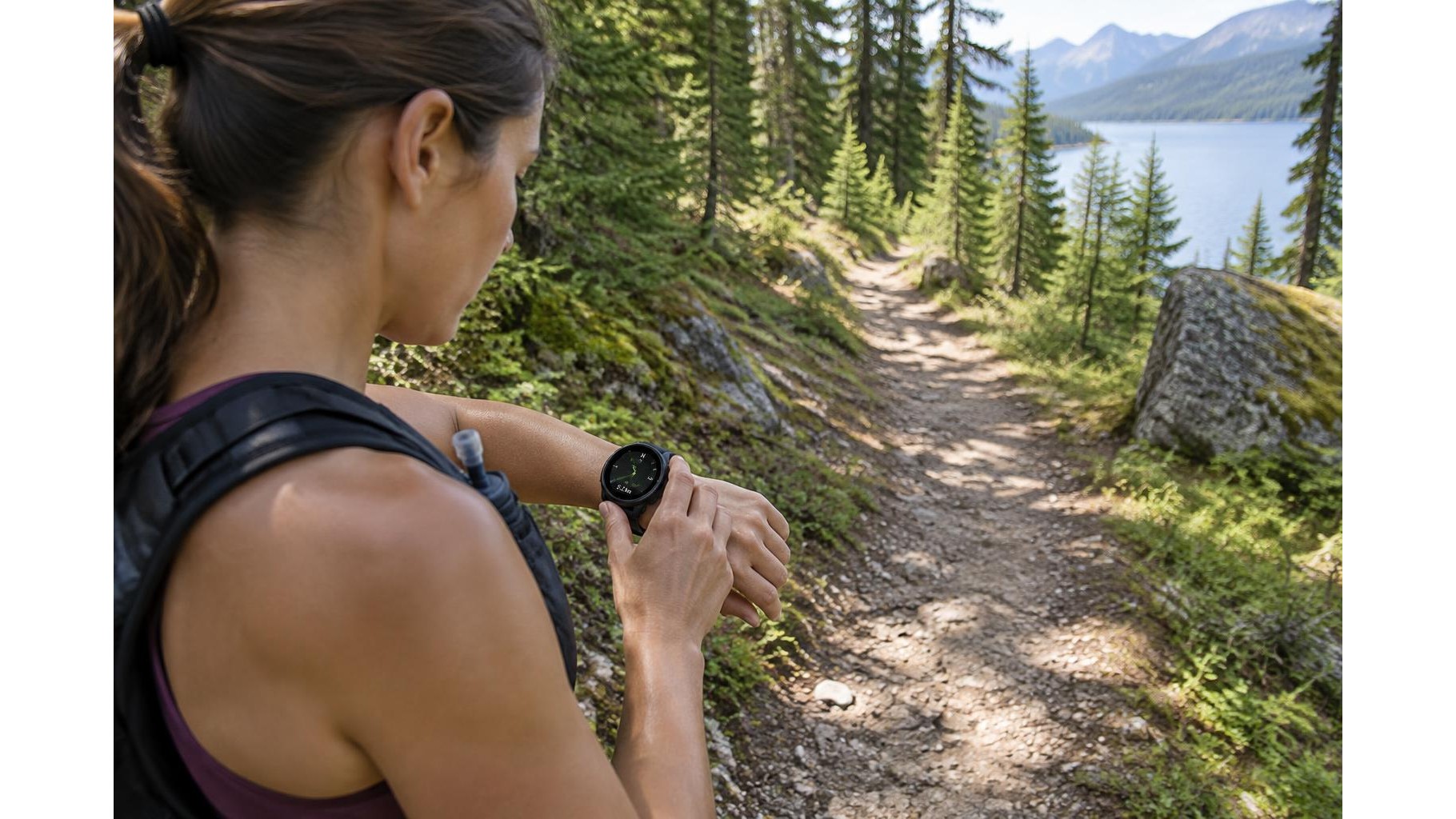
Taking a workout outdoors can make familiar training feel fresh, but an unfamiliar path calls for more than good shoes. A smartwatch’s GPS can record your position and movement, while its compass can help you keep a sense of direction. Used together, these tools can support route planning, navigation and post-workout review. They are useful aids, not substitutes for preparation: satellite reception, battery life and local conditions can all affect what your watch can do.
Plan a route before you leave
Choose a route that suits your session, fitness and the conditions. Many watch apps let you create or import a course, view distance and elevation, and send the route to your wrist. Check the map for road crossings, trail junctions and places where you can shorten the workout. If you are heading somewhere remote, save an offline map on your phone or watch when available and tell someone where you are going. A planned course gives you a target without forcing you to follow it if weather, fatigue or safety concerns change your plans.
Use GPS to follow your progress
Start the activity outdoors and wait for the watch to acquire a GPS signal before moving. Starting under a roof or between tall buildings may delay the lock or reduce accuracy. During the workout, the GPS track estimates where you are and can provide pace, distance and turn guidance, depending on the device and app. Treat these readings as estimates rather than exact measurements. Dense tree cover, steep terrain, tunnels and urban canyons can weaken reception or cause the recorded line to drift. If guidance disappears, keep to safe, familiar paths and consult a map rather than relying on a shaky signal.
Read the compass correctly
A digital compass can help you orient yourself at a junction or check that you are heading in the intended direction. Hold your wrist level and still, and follow your watch’s instructions for calibration if the heading seems inconsistent. Magnetic objects, metal structures and some electronic devices can interfere with compass readings. Remember that a compass shows direction, not your location: it cannot tell you whether a trail is open or where a turn leads. Use it alongside route cues and visible landmarks, and avoid making a risky detour just to match a displayed bearing.
Manage battery and signal limits
Continuous GPS tracking usually uses more power than ordinary timekeeping. Before a long session, charge the watch and check its estimated battery life in the selected GPS mode. Some devices offer less frequent location sampling, multi-band positioning or battery-saving settings; these can change track detail or running time. Adjust screen brightness and turn off features you do not need, but keep enough charge for navigation and an emergency reserve. In cold weather, batteries may drain faster. For a long outing, consider carrying a phone, a portable charger and a paper or downloaded backup map.
Review routes and protect your data
After training, review the route map, distance, elevation and pace to understand how the session went. GPS errors can inflate distance or make a track look as if it crossed a building, so compare the record with known landmarks and treat small differences sensibly. Keep useful routes clearly named, remove duplicates and note surface, conditions or effort if your app allows it. Route histories can reveal home, work and regular habits. Check privacy controls, limit public sharing, hide start and finish areas where possible, and review who can see your activities before posting them.
Smartwatch GPS and compass features can make outdoor workouts easier to plan, follow and learn from. For best results, prepare the route, wait for a reliable signal, use the compass as a directional aid, and account for battery and reception limits. Review recordings with a critical eye and choose privacy settings deliberately. A watch can support good decisions, but sound judgement, suitable preparation and a backup plan remain essential beyond the home gym.