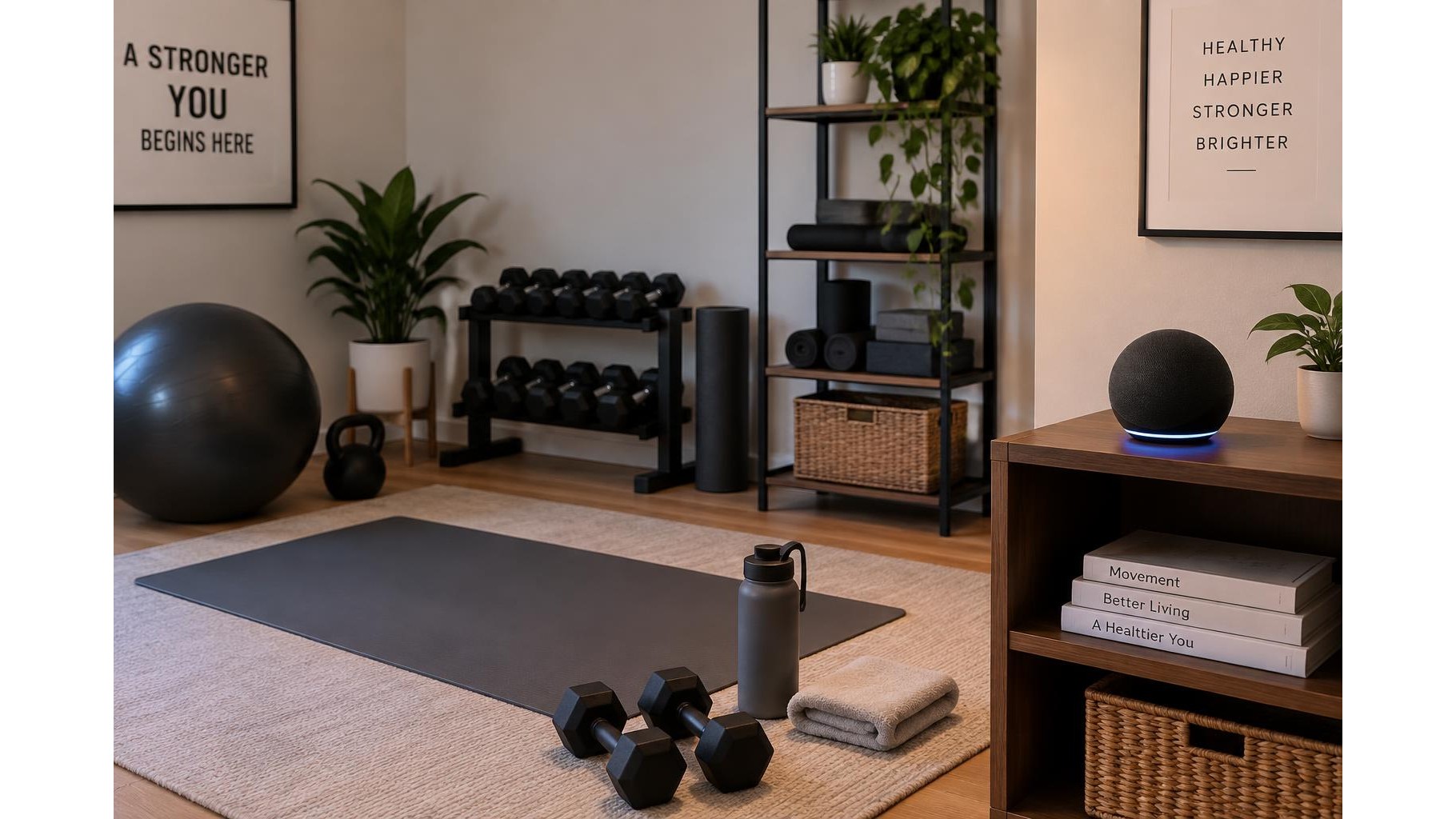
A home workout can lose momentum before it begins if you have to stop and start music, adjust the lights and check the clock. A smart speaker can take care of those small tasks with a voice-activated routine: one phrase can cue your space, start a timer or play a training playlist. The aim is to make setup easier, not to add another screen or device to manage. A little planning helps keep your routine reliable, safe and focused on the workout.
Choose a simple starting phrase
Begin with a phrase that feels natural and is unlikely to be triggered by everyday conversation, such as “start my workout”. In your speaker’s companion app, create a routine and assign that phrase as its voice trigger. Keep the first version short: you might have it announce that training is starting, set the room lights to a comfortable level and play a chosen playlist. Menu names vary between platforms, so check the app’s current routine or automation settings. Test the phrase from the place where you usually train, including at the volume you expect to use.
Build a useful sequence
Think of the routine as a brief pre-workout checklist rather than an elaborate show. A practical sequence could turn on compatible lights, set a timer or announce your planned session, then begin music. If your ecosystem supports it, group lights or other devices by room so the command only affects your training area. Add actions one at a time and test after each change. This makes it easier to spot an unsupported action, a slow device or a step that runs in the wrong order. Avoid relying on a routine to operate equipment that could create a safety risk.
Use timers and commands that suit training
Voice control is especially handy when your hands are occupied, but clear commands matter. Try asking the speaker to set a rest timer, pause music, lower the volume or tell you the time remaining. For intervals, use a timer length you have already checked rather than improvising while exercising. Some speakers can run multiple timers, while others may need a more specific request; learn how yours behaves before a demanding session. Keep the speaker far enough from weights, water and moving equipment, and choose a volume that is audible without masking important sounds around you.
Connect lights and audio thoughtfully
Compatible smart lights can make a training area ready without requiring a trip across the room. Choose a steady, comfortable brightness that lets you see the floor, equipment and your surroundings clearly. Do not use colour effects or flashing settings if they distract you or make the space harder to navigate. A speaker can start music or an audio workout, but it should not drown out alarms, household sounds or coaching cues. If devices sometimes fail to respond, check that they are connected to the same account or home setup and that their names are easy for the assistant to recognise.
Protect privacy and prepare a backup
Review the speaker’s microphone controls, voice-recording history and privacy options in its app. Use the physical mute control when you prefer the microphone to be off, remembering that voice commands will not work while muted. You can also delete saved voice recordings or adjust retention settings where available. Keep a manual fallback: a phone timer, a written interval plan, a wall switch and downloaded music can cover a Wi-Fi outage, app change or speaker failure. Test that backup occasionally so it is ready when needed.
A well-designed workout routine removes a few small barriers between you and training. Start with one dependable voice trigger, add only useful timers and compatible devices, then check privacy and keep a simple manual alternative. When the setup is quiet, predictable and easy to override, your smart speaker can support a focused session instead of becoming the main event.