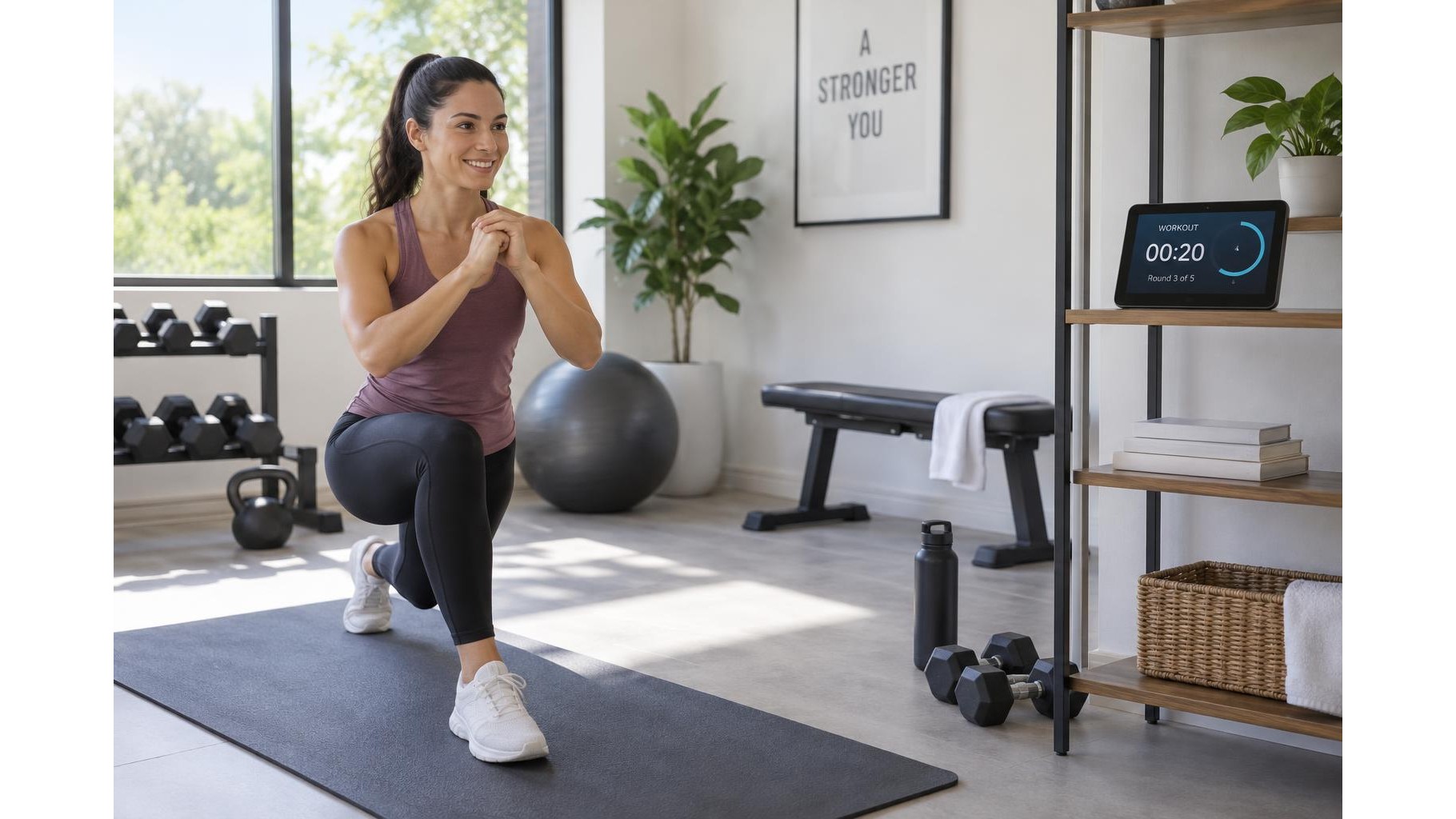
A smart display can act as a hands-free workout companion, keeping exercise instructions and timers close by while you move. With a little preparation, voice commands can help you start a session, manage intervals and pause between sets without touching the screen. The key is to make commands simple, position the device where it can hear you, and have a backup plan for noisy or demanding workouts.
Prepare your workout before you begin
Choose a routine and decide which tasks you want the voice assistant to handle: starting a timer, playing spoken instructions, setting a rest interval or pausing audio. Try commands such as “set a timer for 40 seconds” or “pause” before your workout, since the exact wording and available features can vary by assistant. For a sequence of exercises, write down the order and duration so you can give short, consistent commands instead of trying to plan while exercising. If you use an Echo Show smart display, check its current voice-assistant and timer features in the device settings before relying on them.
Choose commands that work mid-exercise
Keep each request brief and distinct. A timer command should include the duration, while playback commands should name the audio, routine or service you want when possible. For interval training, set a timer for one work period and another for rest, or use a supported interval routine if your assistant offers one. Test whether “stop,” “pause” and “resume” behave as expected with your chosen audio source. Avoid depending on a long chain of voice instructions; a single missed command can disrupt the flow, so keep the next step easy to remember.
Place the display where it can hear you
Set the screen on a stable surface at a safe distance from weights, water and moving equipment. Aim to keep the microphone unobstructed and the display within your line of sight, but outside your workout path. A position around chest or shoulder height can make spoken guidance easier to hear without forcing you to look down. Fans, loud music and room echo can interfere with recognition, so test a few commands from the spot where you will exercise. Increase the assistant’s volume only as much as needed to hear instructions clearly.
Review privacy and microphone controls
Before enabling voice features, review the device’s privacy settings. Check whether voice recordings are saved, how to review or delete them, and which controls disable the microphone. Many smart displays provide a physical microphone mute button; learn where it is and what indicator shows that the microphone is off. You can mute the device when the workout is over or whenever you do not want it listening for a wake word. Also consider whether spoken notifications or personal information could be heard by others in the room.
Have a simple backup ready
Voice recognition may fail when you are out of breath, the room is noisy or the microphone is too far away. Keep the display’s touch controls accessible for pausing audio or starting a timer manually. A phone timer, a basic stopwatch or a written interval plan can serve as a fallback; place it somewhere stable and easy to reach without crossing your exercise area. If a command is misunderstood, stop moving before repeating it, use fewer words and speak clearly. Do not approach a screen or device while carrying heavy equipment or balancing.
Make the assistant support—not run—your session
Test your setup during a short, low-intensity workout before using it for demanding intervals. Confirm that timers are audible, instructions are understandable and mute controls work as intended. Keep commands simple, protect the display from sweat and impact, and use a manual backup whenever timing matters. With thoughtful placement, sensible privacy choices and a reliable fallback, a smart display can make a home workout easier to follow while letting you focus on safe movement.