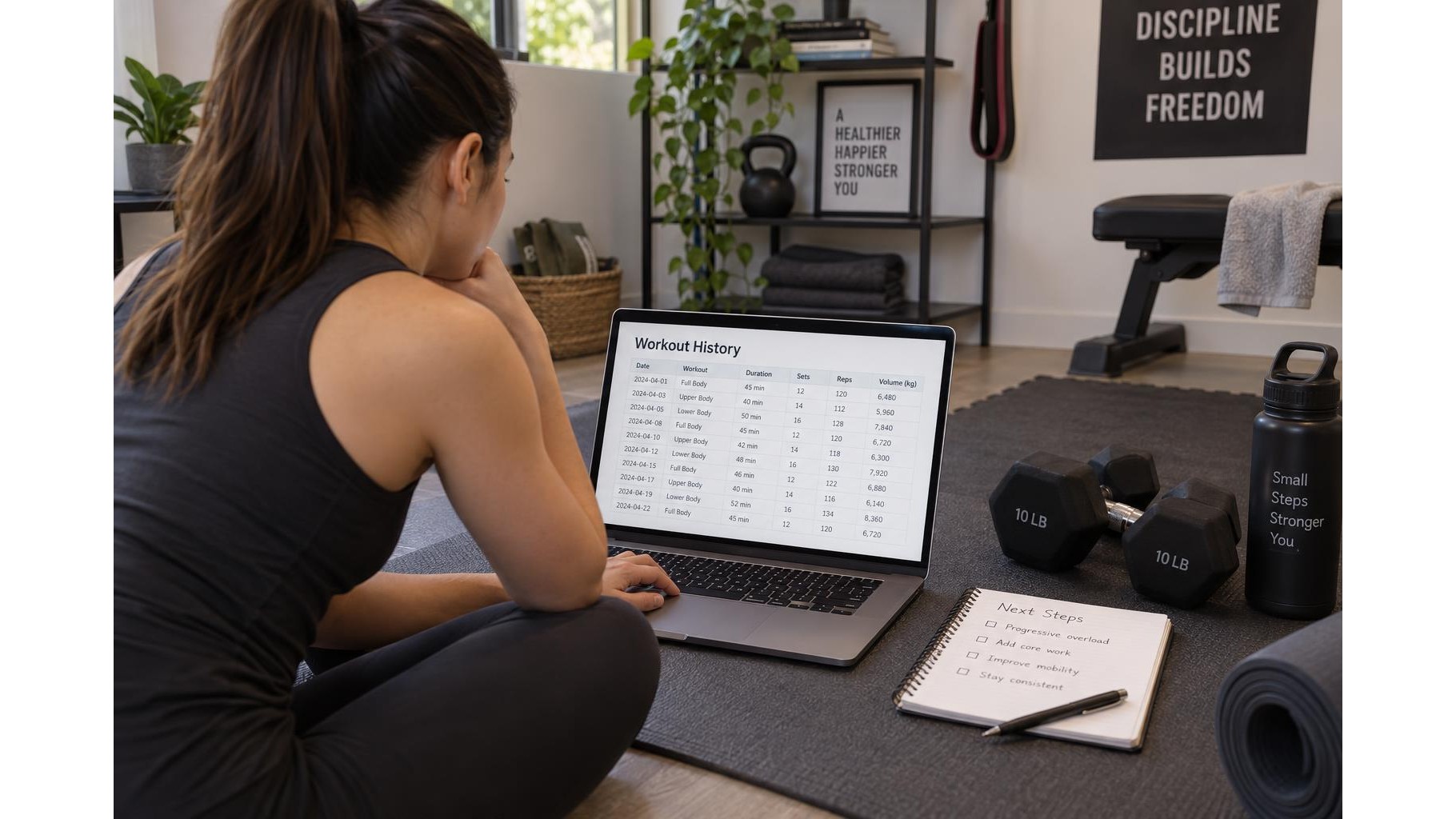
Your workout history is more than a record of completed sessions: it can help you track progress, adjust training and pick up where you left off if you change apps. A little preparation makes it easier to keep that information safe and usable. Follow these steps to find your app’s export options, save a copy and protect your personal data.
Find the export settings
Start in your fitness app’s profile, account or settings area and look for labels such as Export data, Download your information or Privacy. If you cannot find an export option, check the app’s help centre or account page in a web browser; some services provide downloads only on their websites. Review the available date range and data categories before starting. Depending on the app, your archive may include workouts, exercises, sets, repetitions, weights, notes, body measurements and personal details. Choose the broadest useful workout history, but avoid requesting information you do not need. If export is unavailable, contact support and ask whether your training records can be provided in a standard format.
Choose a format you can reuse
Exports commonly arrive as CSV, JSON or a compressed ZIP archive containing several files. CSV is a practical choice for workout tables because spreadsheet programs can open it; check that dates, decimal values and exercise names appear correctly. JSON can preserve more detailed or nested information, but may need a compatible app or a little technical know-how to read. ZIP is a container rather than a workout format, so extract a copy before inspecting its contents. Keep the original download unchanged, even if you also create a cleaned-up spreadsheet. That original may retain fields or structure that a future service can import.
Check the export before relying on it
Open the downloaded files and confirm that the archive covers the dates you expected. Look for a few familiar sessions and compare their exercises, sets, repetitions, loads and timestamps with what the app displays. Watch for missing notes, duplicate entries, unfamiliar time zones or numbers changed by spreadsheet software. If the download contains separate files for different data types, keep them together and read any included instructions or data dictionary. When possible, repeat the export after a short test and compare the result. Do not delete your account or uninstall the app until you have verified that the backup is complete and readable.
Store a safe, organised backup
Save one copy in a clearly named folder, using a date in the folder or filename, such as “Workout export 2025-03-08”. Keep a second copy somewhere separate, for example on an external drive or in a reputable cloud storage account. This simple two-copy approach reduces the risk of losing everything if a device fails. Use a strong password and enable multifactor authentication for cloud accounts. Workout records can reveal routines, health-related details and habits, so limit access, avoid public links and consider encrypting sensitive archives. Check occasionally that files still open and refresh the backup after meaningful training periods.
Move platforms without losing context
Before switching apps, check whether the new service supports importing your export format. Review its import guidance and, if possible, test with a small copy or a short date range first. Map exercise names carefully: two apps may use different labels for the same movement, while similarly named exercises may not be equivalent. Preserve the original archive alongside any converted files, and keep a simple note of the export date, source app and any changes you made. If direct import is not supported, a spreadsheet can still preserve a searchable log of dates, movements and training details. Avoid manually editing the only copy of your data.
In summary, find the export tool, choose a useful format, verify the contents and store secure copies in separate places. Keep the untouched original and test imports before moving platforms. A small, repeatable backup routine helps protect your home workout history and makes it easier to continue tracking progress wherever you train.