A comfortable home gym helps you focus on training instead of feeling too hot or cold. A Bluetooth thermometer can show how the room changes before and during a workout, helping you make practical adjustments to airflow, clothing and timing. It measures the room—not your body—so treat it as a useful guide rather than a safety monitor.
Choose a representative sensor position
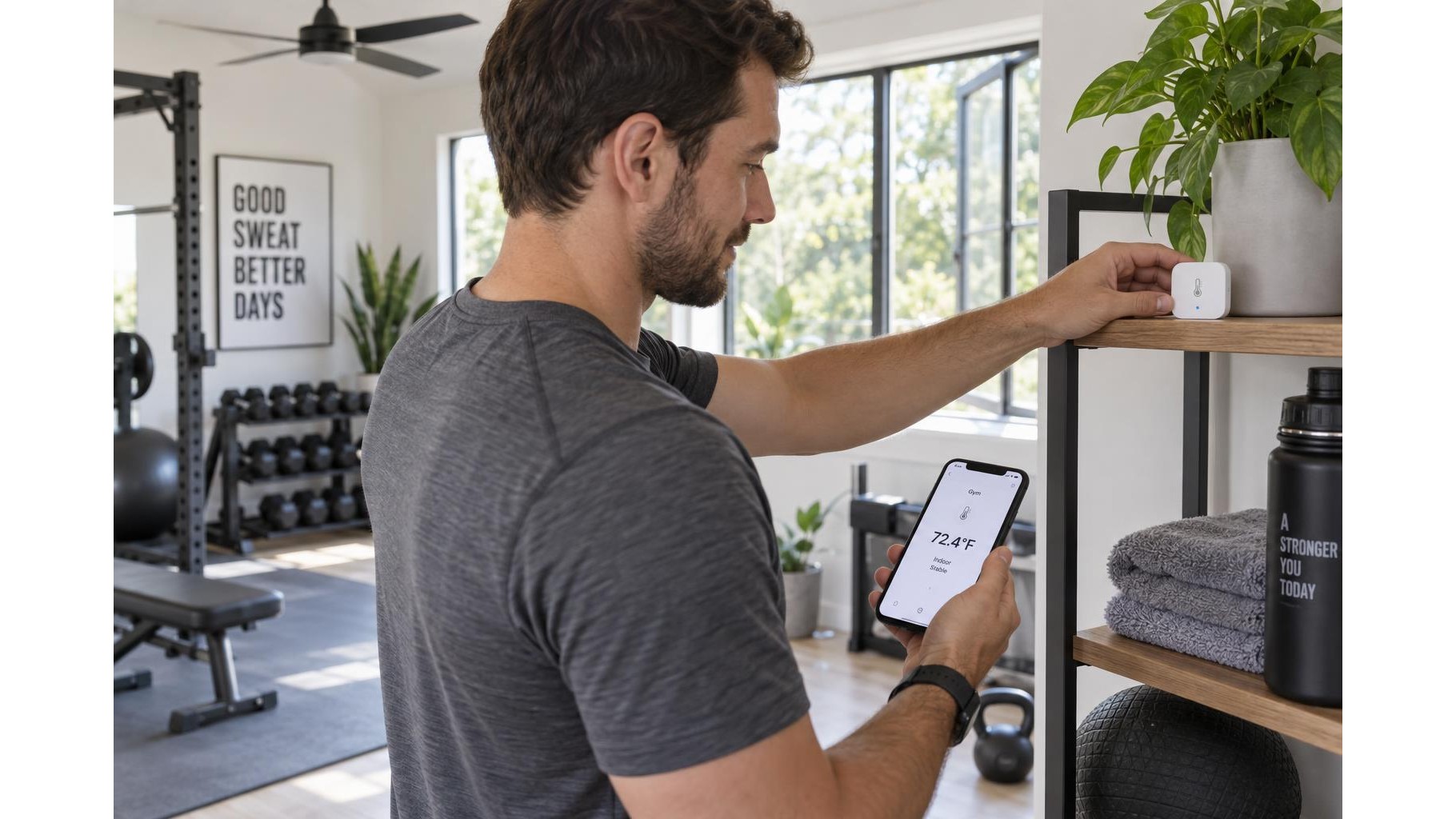
Place a Bluetooth room thermometer around chest height, near the area where you exercise, but away from direct sunlight, heaters, air-conditioning vents and open windows. Those locations can distort readings or reflect a local draught rather than the room’s general conditions. Keep it clear of sweat, water and moving equipment, and follow the maker’s instructions for pairing and app placement. Allow the sensor time to settle after moving it, then check that its readings update reliably on your phone.
Interpret readings as a trend
There is no single temperature that feels right for everyone: humidity, airflow, clothing, exercise intensity and personal preference all matter. Use the thermometer to learn what conditions feel comfortable during your usual sessions. Compare readings before, during and after similar workouts, and note when the room starts to feel stuffy or chilly. A steady rise can signal that heat is accumulating, while a sudden change may reflect an open door or ventilation switching on. If the device also measures humidity, consider that alongside temperature, since humid air can make cooling through sweat less effective.
Set alerts you can act on
Use the app’s alerts to flag conditions that are outside your own comfortable range, rather than treating a particular number as a universal medical limit. Start with a modest high-temperature alert based on the conditions at which you usually begin to feel uncomfortable, then adjust it after a few sessions. A lower alert can help in a cold garage or spare room. Keep notifications practical: an alert should prompt you to check the room, not interrupt every small fluctuation. Test that Bluetooth connectivity and phone notifications work where you train.
Adjust airflow and clothing
If the room is warming, improve ventilation before increasing effort: open a window or door when safe, use an appropriate fan, and leave clear space around airflow paths. A fan moves air but does not necessarily lower room temperature, so avoid assuming that it makes an excessively hot space safe. Choose breathable layers you can remove as you warm up, and keep a towel and water accessible. In cooler conditions, warm up gradually and add a light layer between sets rather than starting in bulky clothing that may become uncomfortable.
Use readings to plan workout timing
Track the room at different times of day for several sessions. If a sun-facing room becomes warm in late afternoon, move strenuous training to the morning or a cooler part of the evening. Where scheduling is fixed, shorten or reduce the intensity of a session when the room feels oppressive, and take breaks in a cooler area. Readings are most useful when paired with your own notes on comfort, workout type and ventilation; they help reveal patterns, not predict exactly how your body will respond.
Know when to stop
Temperature tracking is not a substitute for recognizing heat illness. Stop exercising and seek a cooler place if you feel unwell. Confusion, fainting, severe weakness, nausea, headache, or hot skin are warning signs that need prompt attention; call emergency services for severe symptoms or suspected heatstroke. Do not wait for a sensor alert, and do not rely on a comfortable room reading to rule out a problem. Use the thermometer as one small part of a sensible home-gym routine.
In short, place the sensor carefully, watch patterns rather than fixating on one number, and set alerts that prompt useful adjustments. Combine readings with ventilation, suitable clothing, sensible workout timing and attention to how you feel. A Bluetooth thermometer can make your training space more comfortable, but your wellbeing always comes first.