Training by heart rate zones at home does not have to mean buying a smart bike, a premium smartwatch and an expensive monthly subscription. With a simple chest strap heart rate monitor, a free app and, if you like, a basic screen, you can build a reliable and budget-friendly heart rate monitoring system that works across your whole home gym. This guide walks you through the essentials, using affordable devices you can find on Amazon and pairing them with no‑cost or low‑cost software so you can start training smarter today.
Table of contents
Choosing a budget chest strap heart rate monitor
The core of your system is a Bluetooth / ANT+ chest strap, which is generally more accurate than wrist‑based sensors, especially for high‑intensity home workouts. A solid low‑cost option is the COOSPO H6 Heart Rate Monitor Chest Strap, which offers dual Bluetooth and ANT+ connectivity, IP67 water resistance and up to 300 hours of battery life from a CR2032 cell. Another affordable pick is the moofit HR8 Heart Rate Monitor Chest Strap, designed for low‑energy, accurate HR tracking with Bluetooth 5.0 and ANT+ plus an adjustable, breathable strap. For a slightly higher budget but robust build, the Powr Labs Heart Rate Monitor Chest Strap offers athlete‑tested reliability and strong water and sweat proofing. All three deliver accurate, zone‑ready data without premium price tags.
Connecting your strap to apps and devices
Once you have your strap, the next step is pairing it with a simple, free fitness app or existing home equipment. The COOSPO H6 connects via Bluetooth 4.0 and ANT+ to smartphones, tablets, sports watches and bike computers, and is compatible with popular apps like Wahoo Fitness, Zwift, Runkeeper, Strava and DDP Yoga. The moofit HR8 uses Bluetooth 5.0 and ANT+ to talk to apps such as CoospoRide, Zwift, TrainerRoad, Rouvy and Nike Run Club, and can also connect to supported smartwatches and bike computers. The Powr Labs strap similarly pairs with smartphones and GPS devices over Bluetooth and ANT+, working with Endomondo, Elite HRV, iCardio, Map My Ride/Run, Zwift and Peloton. In most cases, you pair the strap inside the app, not via your phone’s standard Bluetooth menu, and you must wear and slightly moisten the contact points before the sensor will broadcast properly.
Setting up heart rate zones on a budget
To actually train by heart rate zones, you need to configure zones in your chosen app. Many free apps estimate your max heart rate from age, but you can refine this by observing hard efforts over time. Once set, the app will divide your HR into zones such as easy / recovery, fat‑burning and high‑intensity. Users of the COOSPO H6 often pair it with apps like Wahoo or Strava to monitor spin sessions and stay in the fat‑burning zone, while moofit HR8 owners report consistent readings compared with more expensive brands when running and cycling. Whatever strap you choose, look for apps that display your current zone in real time, log average HR and time in zone, and allow simple post‑workout analysis so you can build structured home workouts without any paid coaching platform.
Affordable screens and viewing options for home workouts
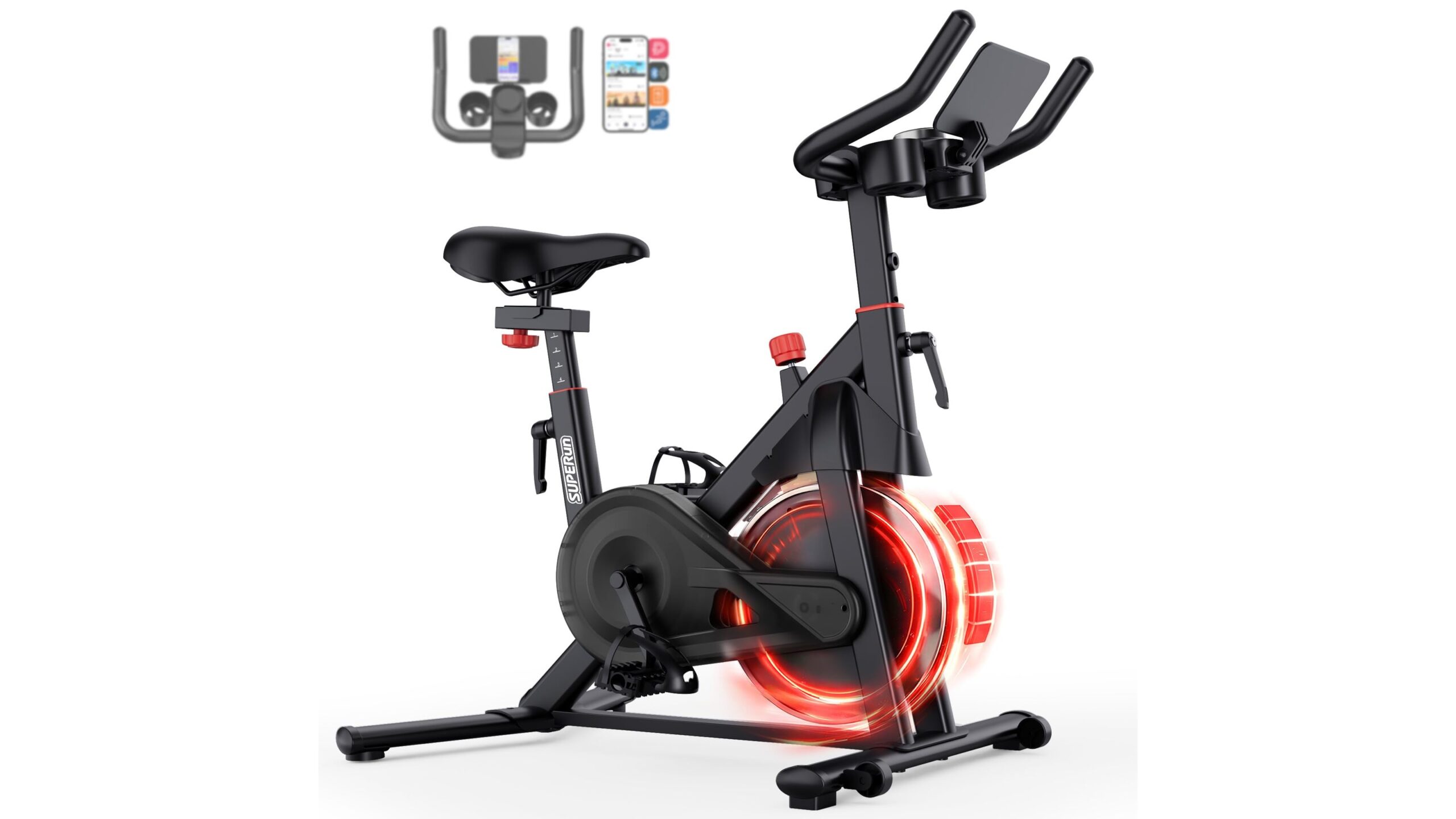
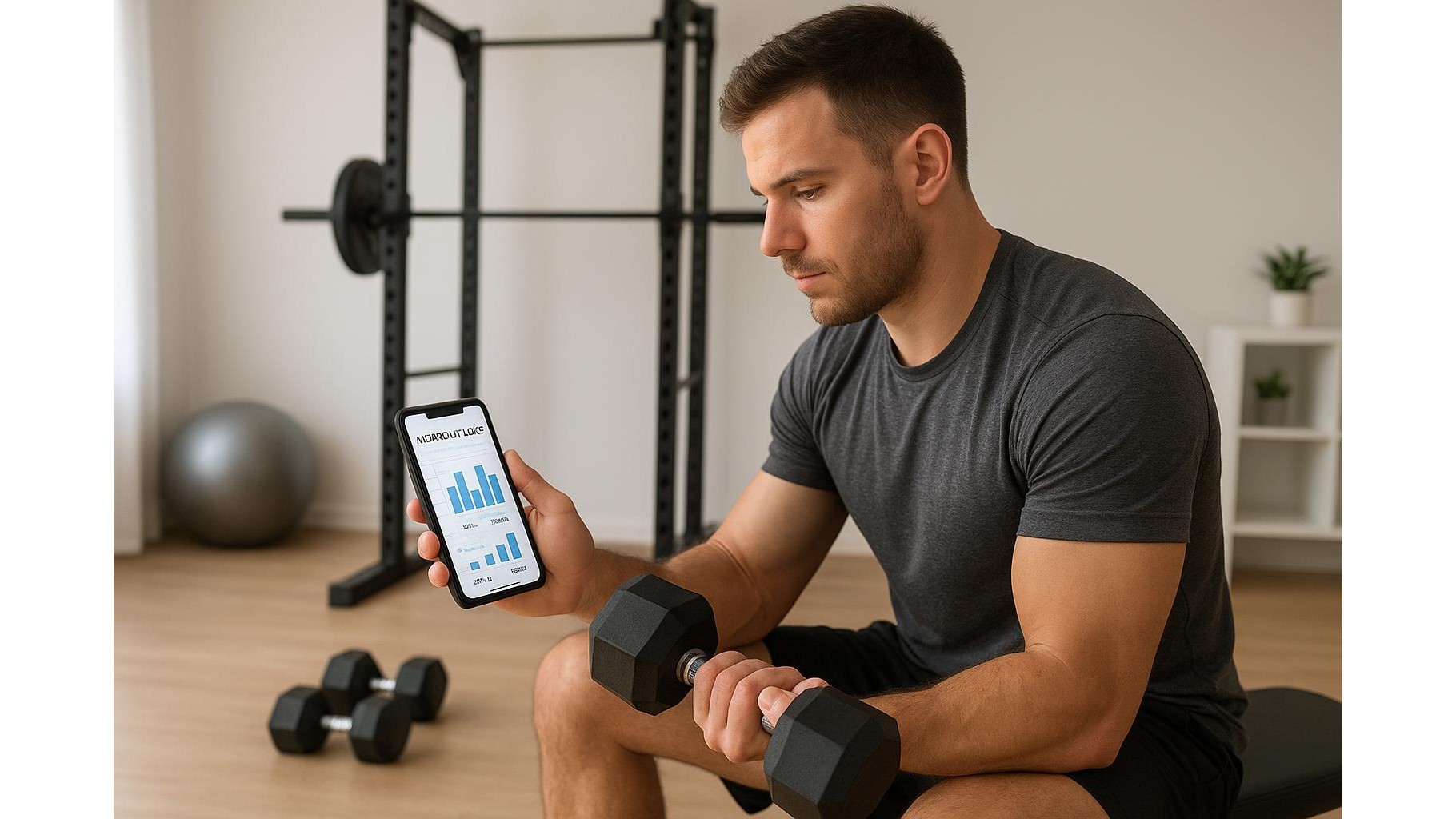
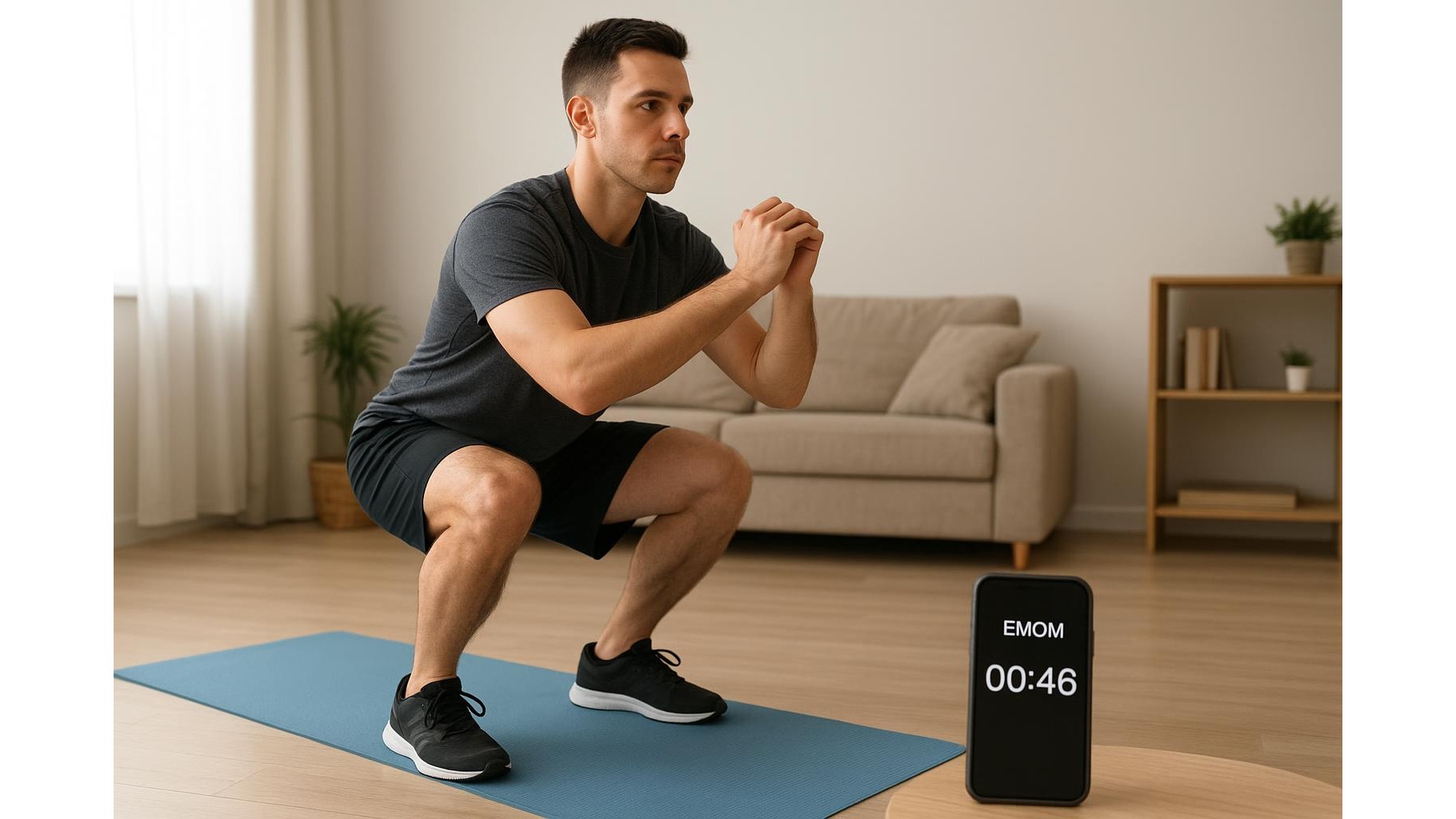
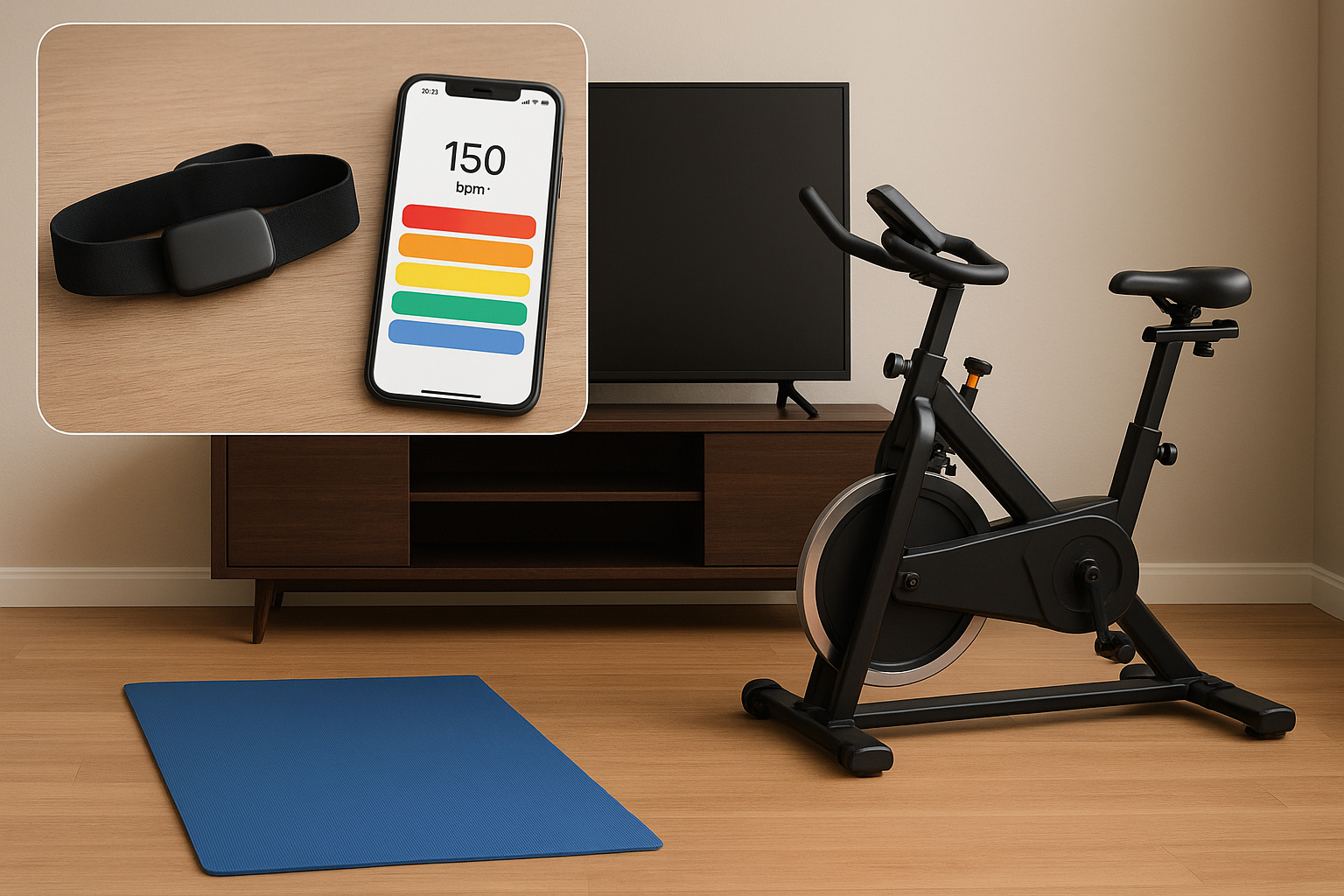
You do not need a smart bike or high‑end treadmill to see your heart rate during workouts. With Bluetooth/ANT+ straps like the COOSPO H6, moofit HR8 or Powr Labs, you can use a smartphone, tablet or basic sports watch as your main display. Mount a phone on your spin bike handlebars, prop a tablet in front of your yoga mat or place a small GPS bike computer on your rower. Many budget‑friendly bike computers and entry‑level watches support external HR sensors, letting you see your current zone, average HR and calories in real time. If you already own home cardio machines with ANT+ or Bluetooth receiver capability, you may be able to broadcast directly to their built‑in consoles, effectively upgrading your existing kit without replacing it.
Practical tips for accuracy, comfort and longevity
To keep your home heart rate monitoring system accurate and hassle‑free, a few habits make a big difference. Always moisten the electrodes on the chest strap (water or gel) before you start; this improves signal quality and reduces dropouts. Position the strap just under the chest muscles and tighten it enough that it stays in place during burpees, running or cycling, as users report with the COOSPO H6 and moofit HR8. After each workout, detach the sensor pod and wipe down the strap with a damp cloth; occasional hand‑washing extends its life. Keep spare CR2032 or compatible batteries on hand so a dead battery never cancels a session. Finally, periodically compare readings against another device or your perceived exertion so you know your zones remain realistic and you are getting the fitness benefits you expect from structured training.
With a modest investment in a reliable chest strap heart rate monitor, a free or low‑cost app and any screen you already own, you can build a budget-friendly heart rate monitoring system for home workouts that rivals far more expensive ecosystems. Devices like the COOSPO H6, moofit HR8 and Powr Labs straps provide accurate, stable data across a wide range of apps and equipment, allowing you to train by zones, track progress and fine‑tune your sessions without subscriptions or premium hardware. Set it up once, maintain it well and you will have a powerful, low‑cost tool for making every home workout more effective.