
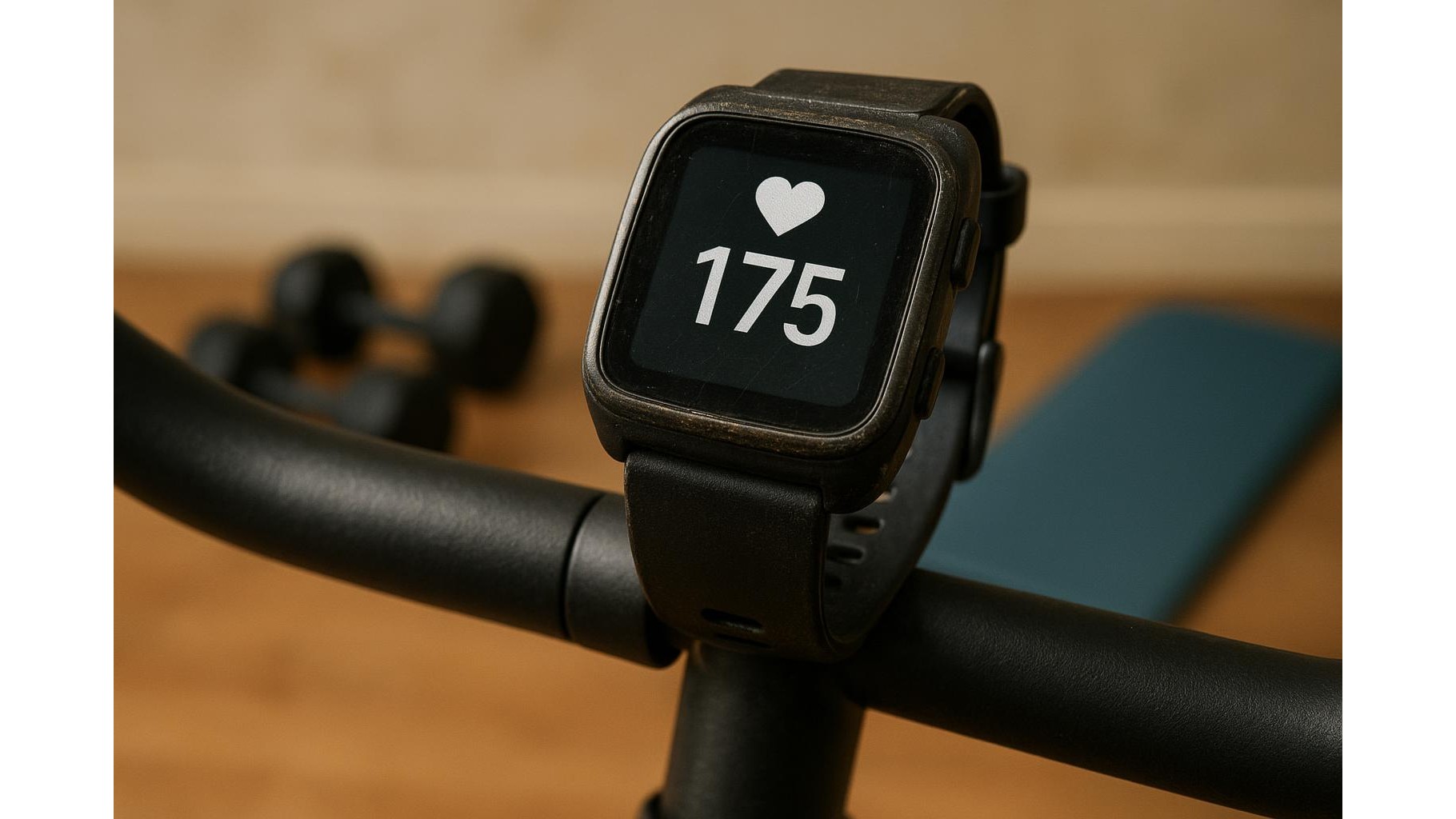
Turning an old smartwatch into a dedicated heart rate monitor is a smart way to upgrade your home gym without spending extra money. Instead of letting it gather dust in a drawer, you can set it up as a permanent display that tracks your effort during HIIT, steady-state cardio or strength training. With a few simple tweaks, the right apps and some battery-saving tricks, your retired wearable can become a reliable training partner mounted on your rack, bike or treadmill.
Choosing the right old smartwatch to repurpose
Almost any older smartwatch with an optical heart rate sensor and Bluetooth connectivity can be repurposed as a gym monitor. Models like an older Apple Watch, Samsung Galaxy Watch or Wear OS device usually work well, as long as the screen is still bright and the battery lasts at least 45–60 minutes. The key requirements are: continuous heart rate tracking, the ability to keep the screen awake (or easy to wake with a tap), and compatibility with your smartphone’s fitness apps. Before you start, perform a factory reset, remove old accounts and check that the strap or case is still secure enough to stay in place during intense workouts.
Setting up the smartwatch as a dedicated heart rate display
To convert your old device into a permanent training display, dedicate it to a single user profile and a single purpose: tracking workouts. Disable unnecessary notifications such as emails, social media alerts and calls so that the watch is not constantly waking and vibrating. Then, install or activate the built‑in workout or fitness app and set it to show heart rate as the main metric. On many watches you can choose a data screen with large, easy‑to‑read numbers that stay visible even from a few metres away. Pair the watch to your phone once, confirm that heart rate is updating in real time, and then avoid logging in with extra accounts that might slow the device down.
Best apps and software options for real-time tracking
The ideal setup uses apps that provide continuous heart rate, basic zone tracking and simple, bold visuals. On Apple Watch, the native Workout app or third‑party tools like generic cardio trackers usually give a clear HR readout and coloured zones. On Wear OS or Android‑based smartwatches, you can rely on Google Fit or brand‑specific fitness apps to display live heart rate during a session. If you prefer to keep your phone nearby, many apps let the watch act as a sensor while the phone shows the main dashboard on a bigger screen. This is useful if you want to mirror your phone to a TV in your home gym and keep the watch purely as the body‑worn sensor.
Mounting options and visibility in your home gym
Once your old smartwatch is configured, think about positioning for maximum visibility. You can wear it traditionally on your wrist, but for a dedicated display it often works better attached to your indoor bike handlebars, power rack upright or treadmill console. Simple accessories like universal phone or watch mounts, Velcro straps or silicone cases can hold the watch in place where you naturally look during sets or intervals. Aim to keep the screen at eye level or just below, at a distance where you can read your heart rate and zones without interrupting your movement. If your watch offers an always‑on mode, combine it with a moderate brightness setting so you can see it clearly under your gym lighting.
Battery-saving tactics to extend workout time
Because older devices often have weaker batteries, optimising battery life is crucial. Start by reducing screen brightness to the lowest comfortable level and, if available, shortening the screen timeout while enabling a quick wake gesture. Turn off Wi‑Fi, GPS (unless you need it for running outside), music playback and any unused sensors. Use a simple monochrome or minimalist watch face when you are not in a workout, and close background apps that are not needed. Keep a short charging routine in your gym: plug the watch in immediately after your session so it is always ready for the next one. Over time, reserving the device only for workouts minimises wear on the battery compared with full‑time smartwatch use.
Safety, data tracking and when to upgrade
Even as a repurposed device, your old smartwatch can still offer valuable data trends, especially for monitoring resting heart rate changes, recovery between sets and your typical training zones. However, remember that wrist‑based sensors can be less accurate than chest straps during very high‑intensity or heavy lifting. If you notice highly erratic readings or frequent dropouts, it may be time to consider a dedicated heart rate strap or a more recent wearable. Still, using an old smartwatch as a specialised home gym heart rate monitor is a smart, budget‑friendly way to stay more intentional with your training and build better awareness of how hard you are truly working.









