
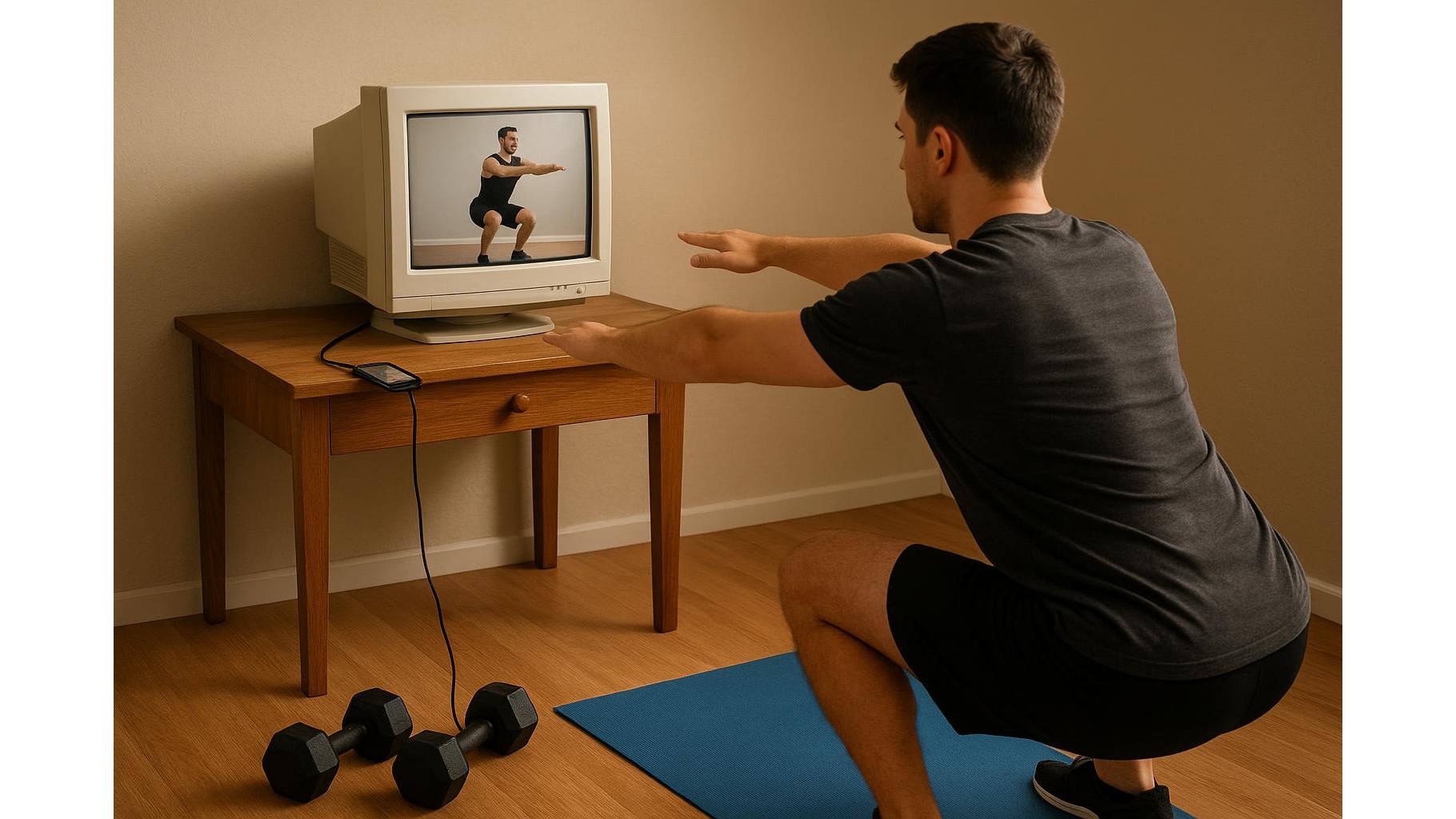
Turning a spare PC screen into a big display for workout apps is one of the easiest upgrades for your home gym. Instead of squinting at a tiny phone, you can follow yoga flows, strength classes or HIIT timers on a full-size monitor you already own. In this guide, we’ll walk through simple cable and wireless options to mirror your phone to an old monitor, explain what you need for iPhone and Android, and share some practical tips to get the best viewing experience while you train.
Check your old monitor and phone connections
Before you buy any accessory, look at the ports on the back of your monitor. Most older computer screens have HDMI, DVI or VGA inputs. HDMI is ideal because nearly all modern adapters and streaming devices support it. Next, check your phone: iPhones use a Lightning or USB‑C port, while Androids usually use USB‑C. If you own a very recent Android or iPhone model, many monitors and TVs can connect directly over USB‑C to HDMI with the right cable. Knowing exactly which ports you have on both sides helps you choose the simplest and cheapest way to get your workout apps on a bigger screen.
Use a wired adapter for the most stable connection
For most people, the most reliable setup is a wired HDMI adapter from phone to monitor. A typical solution for iPhone is a Lightning to HDMI adapter, while Android users can opt for a USB‑C to HDMI cable. Cabled connections minimise lag and random disconnects, which is important during fast‑paced HIIT classes or when you’re closely following form cues. Once connected, your phone screen usually mirrors automatically, so you can open your favourite fitness apps, full‑screen the video and place the monitor at eye level. This is a great option if your home gym is in a fixed spot and you don’t mind a cable running from your training area to the monitor.
Try wireless casting for more flexibility
If you prefer fewer cables around your squat rack or yoga mat, wireless casting is the way to go. Devices like streaming sticks or casting dongles plug into the HDMI port of your old monitor (you may need speakers or a monitor with built‑in audio to hear the workout). Once set up on your Wi‑Fi network, you can cast your phone’s screen or send workout videos directly from compatible apps. This keeps your phone free in your hand for tracking reps, changing playlists or adjusting timers while your coach or class remains on the big screen. Just remember that wireless solutions depend on strong Wi‑Fi, so place your router nearby for smooth, lag‑free streaming.
Optimise picture, sound and workout area
After you connect your phone, spend a few minutes optimising the viewing experience. On the monitor, tweak brightness and contrast so workout scenes are clear but not blinding during early‑morning or late‑night sessions. On your phone, disable auto‑lock so the screen doesn’t go dark mid‑set, and activate Do Not Disturb to block notifications. If your monitor has weak audio or no speakers, add a small Bluetooth speaker paired to your phone to hear cues and music better. Finally, position the monitor roughly at eye level and two to three metres away, with enough space for your full body to stay in view as you follow along with mobility flows, yoga or strength sessions.
Battery, safety and daily usability tips
When you mirror workout apps to a monitor, your phone’s screen and connection remain active, which can drain the battery quickly. To avoid mid‑workout shutdowns, plug your phone into power whenever you train, especially with power‑hungry casting. Secure all cables along walls or under mats so you don’t trip during lunges or burpees. If your monitor sits on a desk, ensure it’s stable and can’t tip during dynamic moves. Create shortcuts by saving your favourite training apps on the home screen and keeping your adapter permanently plugged into the monitor, so starting a session becomes as easy as connecting your phone and hitting play. With a tidy, safe setup, your old monitor turns into a dependable, large workout display you’ll actually use every day.
Repurposing an old monitor as a home gym screen is an affordable way to make digital training more immersive and comfortable. By matching the right adapter or wireless casting device to your phone and monitor, optimising picture and sound, and keeping cables safe and power sorted, you can transform tiny‑screen classes into a studio‑like experience. Whether you’re following strength programs, yoga flows or cardio intervals, mirroring your phone workout apps to a bigger screen helps you see form cues clearly, stay engaged and get more from every session.









