
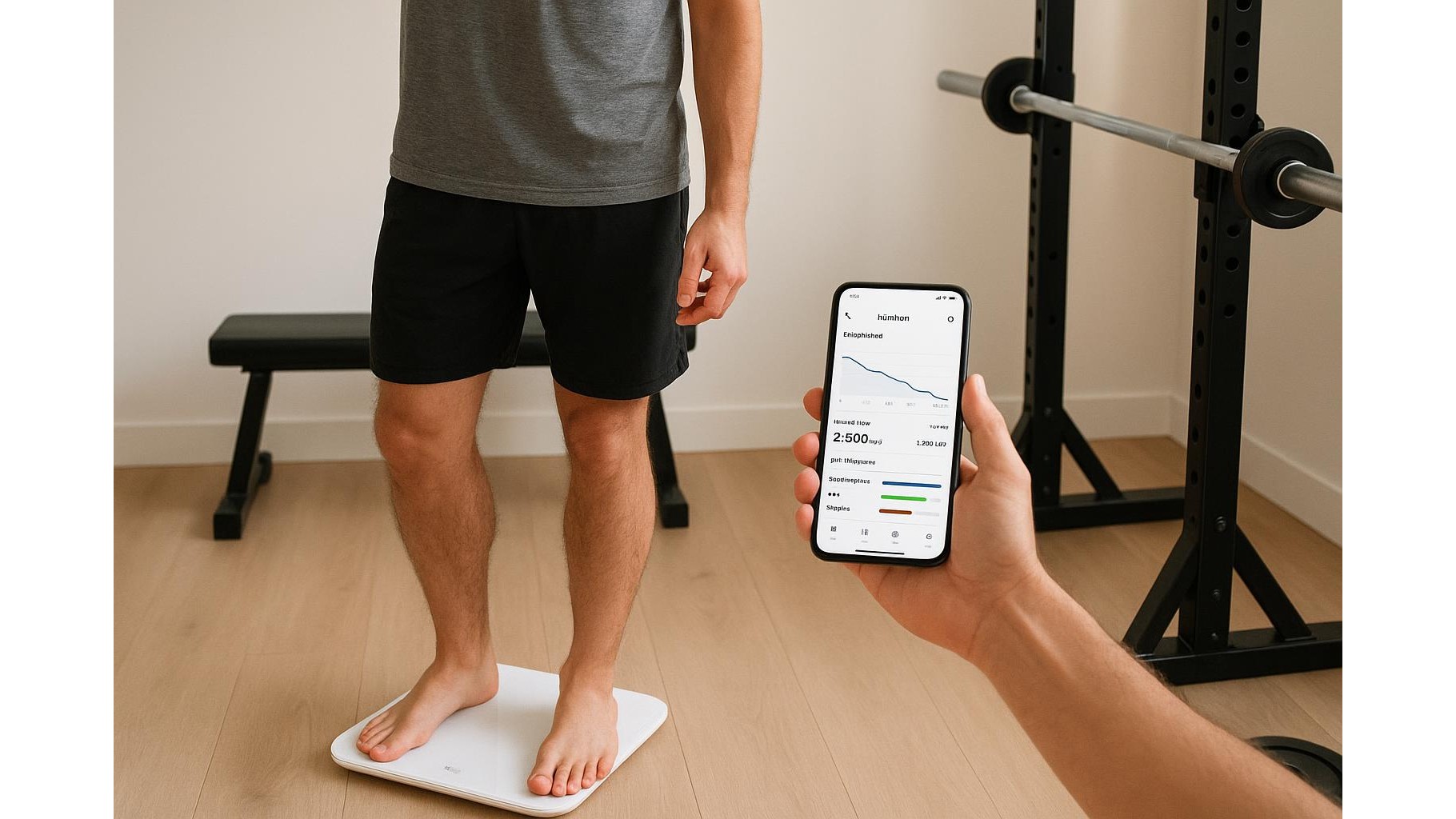
Managing calories and macros at home is much easier when your devices talk to each other. By connecting a smart scale to your favourite nutrition app, you can use real-time bodyweight trends and activity data to automatically adjust your calorie and macro targets. This creates a closed feedback loop: you train in your home gym, log your meals, step on the scale, and your targets evolve with your progress instead of staying static.
Choosing a smart scale that works with your nutrition apps
Before you automate anything, you need a compatible smart scale. Look for models that sync via Bluetooth or Wi‑Fi and clearly list support for apps such as MyFitnessPal, Fitbit, Apple Health, or Google Fit. Most modern scales track weight, body fat percentage, and sometimes muscle mass, which helps refine calorie estimates for home athletes. Even if your preferred nutrition app is not listed, check whether the scale syncs with a major hub app (for example Apple Health), which can then pass data on. The key is ensuring automatic, daily syncing so you do not rely on manual entries.
Linking your scale to a central health hub
The simplest way to connect everything is to use a central health hub app. On iOS, that is usually Apple Health; on Android, typically Google Fit or a brand ecosystem app. First, install your smart scale’s companion app and complete the initial setup: create a profile, pair the scale via Bluetooth or Wi‑Fi, and confirm that weigh-ins appear in the app. Next, in the scale app’s settings, enable sharing with Apple Health or Google Fit. Then open the health hub app and grant permissions for weight, body fat, and related metrics. This way, every time you step on the scale in your home gym, updated data is pushed to a single, consistent source.
Connecting the hub to your calorie and macro tracking apps
Once your health hub receives weigh-ins, connect it to your calorie-tracking app. In MyFitnessPal, Cronometer, and similar tools, go to Settings → Apps & Devices and look for Apple Health, Google Fit, or your scale brand. Authorise the connection and confirm that weight data is imported automatically. Some apps may import only bodyweight, while others also read body fat, which can fine-tune your BMR and calorie estimates. After the first sync, compare your weight in the nutrition app with the reading on your scale to make sure they match; if not, check date, units (kg vs lb), and profile settings to avoid skewing your targets.
Using weight trends and activity data to auto-adjust targets
With automated weigh-ins in place, you can use weight trends instead of single measurements. Many apps calculate a rolling average to smooth out daily fluctuations from water and glycogen. Combine this with your activity data from a smartwatch or step counter—most health hubs can merge the two. If your trend is rising faster than planned during a bulking phase, the app can reduce your calorie surplus; if you are stalling in a cut, it can gently lower calories or increase your activity target. Some advanced macros calculators allow you to set a desired weekly rate of gain or loss (for example 0.25–0.5 kg per week) and then adjust protein, carbs, and fats automatically around that goal.
Practical tips for home gym users and common pitfalls
To get reliable automated adjustments in a home gym context, keep your weighing routine consistent: same scale position, similar time of day, minimal clothing, and after using the bathroom. Log your home workouts accurately—strength sessions, circuits, and indoor cardio—so activity estimates are realistic. Avoid creating duplicate profiles in different apps, which can cause conflicting data and double-counted calories. If your app allows manual overrides, use them sparingly and let the system learn from your actual responses to calorie changes. Finally, review your macro split regularly to match your training: higher protein for strength and hypertrophy phases, slightly more carbs around intense sessions, and enough fats for hormone health while cutting.
By integrating your smart scale, health hub, and nutrition app, you build an automated feedback loop that continuously fine-tunes your calorie and macro targets. For people who mostly train at home, this means less guesswork, fewer manual entries, and more attention on your actual workouts. Step on the scale, train hard, eat according to your updated plan, and let the connected ecosystem handle the calculations in the background.









