
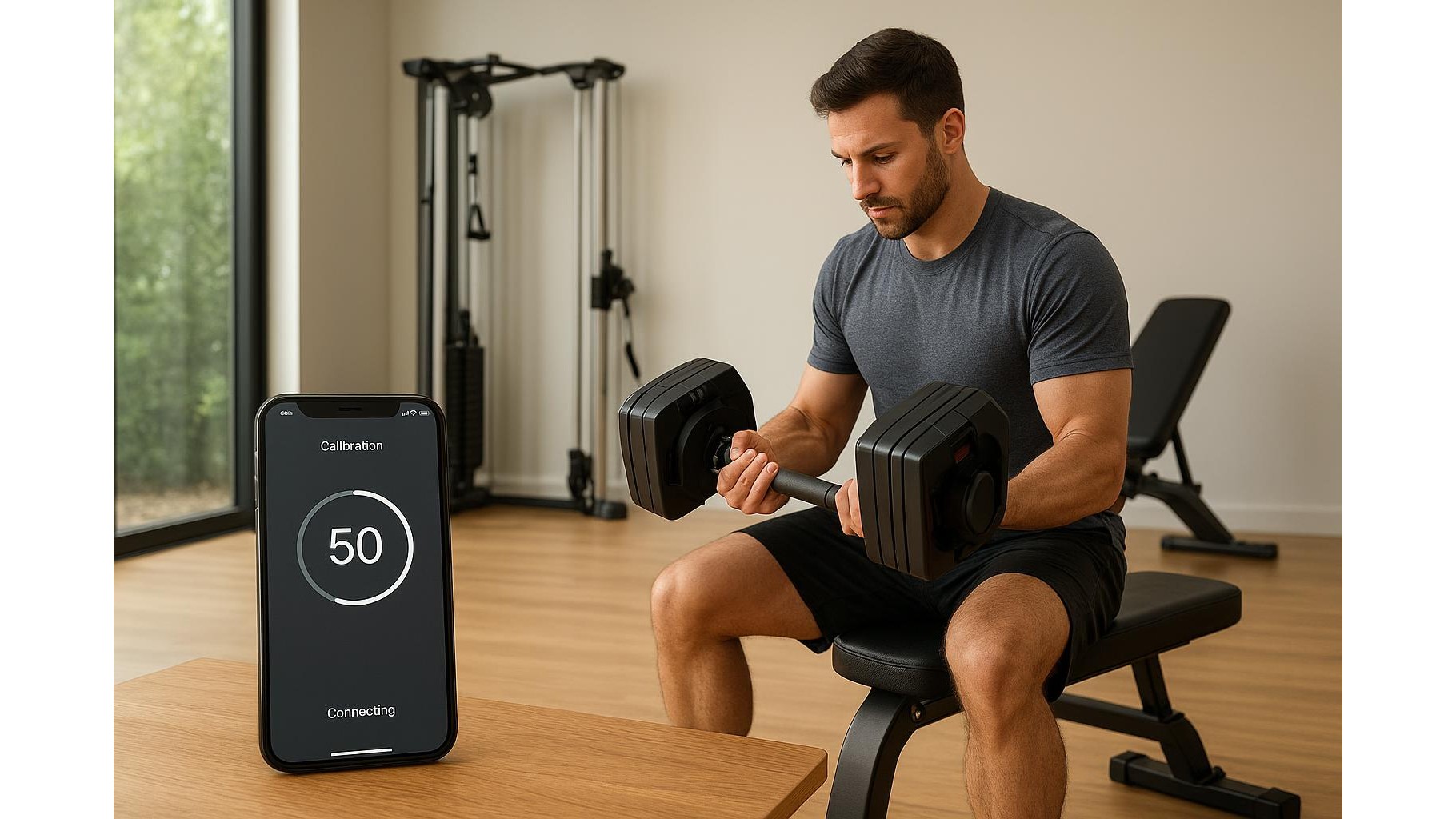
Getting serious about a smart home gym means trusting that the numbers in your app match the real load in your hands. If your smart dumbbells, connected benches or cable machines are even a little off, your progress tracking, 1RM estimates and calorie burn stats quickly become unreliable. This guide walks you through how to set up, test and recalibrate your connected gear so the on‑screen data reflects the true weight you are lifting.
Why calibration matters for smart home gym gear
Every connected system – from Bluetooth dumbbells to sensor‑equipped benches and digital cable stations – relies on internal electronics to estimate load. Small manufacturing tolerances, floor unevenness and wear over time can cause readings to drift. The result is a 10 kg set showing as 9.2 kg in the app, or a heavy cable row logged as lighter than it truly is. Proper calibration ensures your training volume, progressive overload and PRs are based on reality, not guesses, and lets you compare sessions objectively across weeks and months.
How to calibrate smart dumbbells using known weights
Most smart dumbbells with built‑in sensors or plates that report to an app include a calibration or setup wizard in their companion software. Start by placing the dumbbells on a stable, level surface, away from vibrations. If the app supports it, first perform a zero calibration with the handles empty so the system knows what “no load” is. Next, use known reference weights – for example, traditional iron plates or a mechanical kitchen scale that you trust – to confirm each increment. Select a programmed weight in the app, weigh the actual load externally, and note any differences. If the app offers a manual adjustment or “fine tune” option, enter the offset so that 10 kg on screen equals the 10 kg you measured in real life.
Dialling in connected benches and racks
Connected benches and racks often include force sensors under the feet or in the hooks that estimate barbell load and force output. To calibrate them, clear the area and follow the manufacturer’s sequence step by step. Place the empty bar on the hooks and let the system zero itself. Then, add calibrated plates – for example 5 kg, 10 kg, 20 kg – and record what the app reports at each step. Ideally, the displayed number should match within a small tolerance (e.g. ±0.25 kg). If it does not, check for uneven flooring, loose bolts or soft mats under one foot of the bench, all of which skew readings. Where supported, adjust the sensitivity or load table inside the app to match your test results and repeat the process every few months or after moving the bench.
Getting accurate numbers from smart cable and pulley systems
Smart cable machines bring their own complexity because pulleys change the effective load you feel compared with the weight stack or digital resistance. Some systems calculate resistance digitally rather than by physical plates, which makes initial calibration crucial. Begin by checking that the cables run smoothly and are not catching or rubbing. Select a low reference weight in the app and compare it against a known dumbbell or kettlebell by performing the same movement and judging effort. Many advanced systems have a “calibrate pulley” function: you attach a specific test weight, run the cable through a full range of motion and let the software map tension across the path. Repeat this for a few different loads so that the on‑screen resistance curve realistically mirrors what you feel at every angle.
Periodic recalibration and troubleshooting drift
Even well‑set‑up connected home gym gear can drift over time due to sensor fatigue, firmware updates or simply moving equipment around the room. Build a habit of recalibrating every 3–6 months, and always after relocating, changing flooring or noticing odd stats in your training logs. Keep a small set of trustworthy reference weights – such as standard plates or a single fixed dumbbell – and run a quick spot check: if the app is off by more than about 2–3%, schedule a full calibration. Also update your apps regularly, as brands often refine load algorithms. Finally, log any manual offsets you apply so you can revert or compare in future and maintain confidence that your workout data truly reflects your performance.
Calibrating your smart dumbbells, connected benches and cable systems takes a little extra time, but it pays off in accurate progress tracking and safer programming. By treating calibration as part of normal gym maintenance – just like checking bolts and cleaning sweat off pads – you ensure that every rep, set and PR in your app corresponds to the real‑world load you lifted. That accuracy keeps your home gym data‑driven, your goals clear and your long‑term gains much easier to measure.









