
Building a reliable, offline home workout video library means you can train hard in your home gym without worrying about Wi‑Fi drops, buffering, or subscription changes. By setting up a simple local media server and storing your favourite workout classes, mobility routines, and form tutorials, you control when and how you access your content. This guide walks you through the basic tech pieces you need and how they fit together, keeping things simple even if you are not a tech expert.
Why an offline workout library beats streaming
Streaming platforms are convenient, but they tie your training to internet speed, app updates and paid memberships. An offline workout library stored on your own drive or small server means every video loads instantly, even in a garage or basement gym where Wi‑Fi is weak. You can keep a curated collection of follow‑along strength sessions, interval timers, yoga flows and technique breakdowns that never disappear because a platform loses rights or changes plans. It is also easier to repeat specific programmes, track progress, and avoid the distraction of recommended videos and ads while you train.
Choosing where to store your videos
The heart of the system is your storage. For most home gyms, a simple USB external hard drive connected to a PC or media box is enough. Aim for at least 2–4 TB so you can keep high‑quality video files without constantly deleting old programmes. If you already have a desktop in another room, you can turn it into a basic media server and share the drive over your home network. More advanced users might prefer a small NAS (Network Attached Storage) box that stays on 24/7 and serves videos to any device in the house. Whatever you choose, organise your folders clearly (e.g. Strength, Mobility, Conditioning, Warm‑ups) to make finding the right session fast when you are ready to train.
Setting up a simple media server app
Once your storage is in place, a media server application makes browsing your workout library feel like using a streaming app. Popular options such as Plex, Jellyfin or Emby scan your folders and present your videos with covers, titles and playlists. Install the server app on the computer or NAS that holds your files, then point it to your workout folders. Create playlists like “Full‑body dumbbell circuits”, “Shoulder prehab” or “10‑minute warm‑ups” so you can start a structured session in seconds. Most of these apps also offer offline sync to a phone or tablet, so you can copy key workouts onto a device and play them completely offline in your gym or when travelling.
Getting videos from the web into your library
To fill your library, combine personal recordings with saved content from platforms you already use. You can film your own exercise demos or full sessions with a smartphone, then copy the files to your media folders. For online videos, always respect copyright and the terms of service: look for legally downloadable classes, creator‑offered files or programmes you have purchased that include offline access. Some services allow downloads to a computer or direct saves to a drive; others let you export content you have bought. Whatever the source, keep file names descriptive (for example, “45min_kettlebell_strength_level2.mp4”) and tag them by difficulty and equipment so you can quickly filter sessions that match your available time and energy.
Playing videos in your home gym
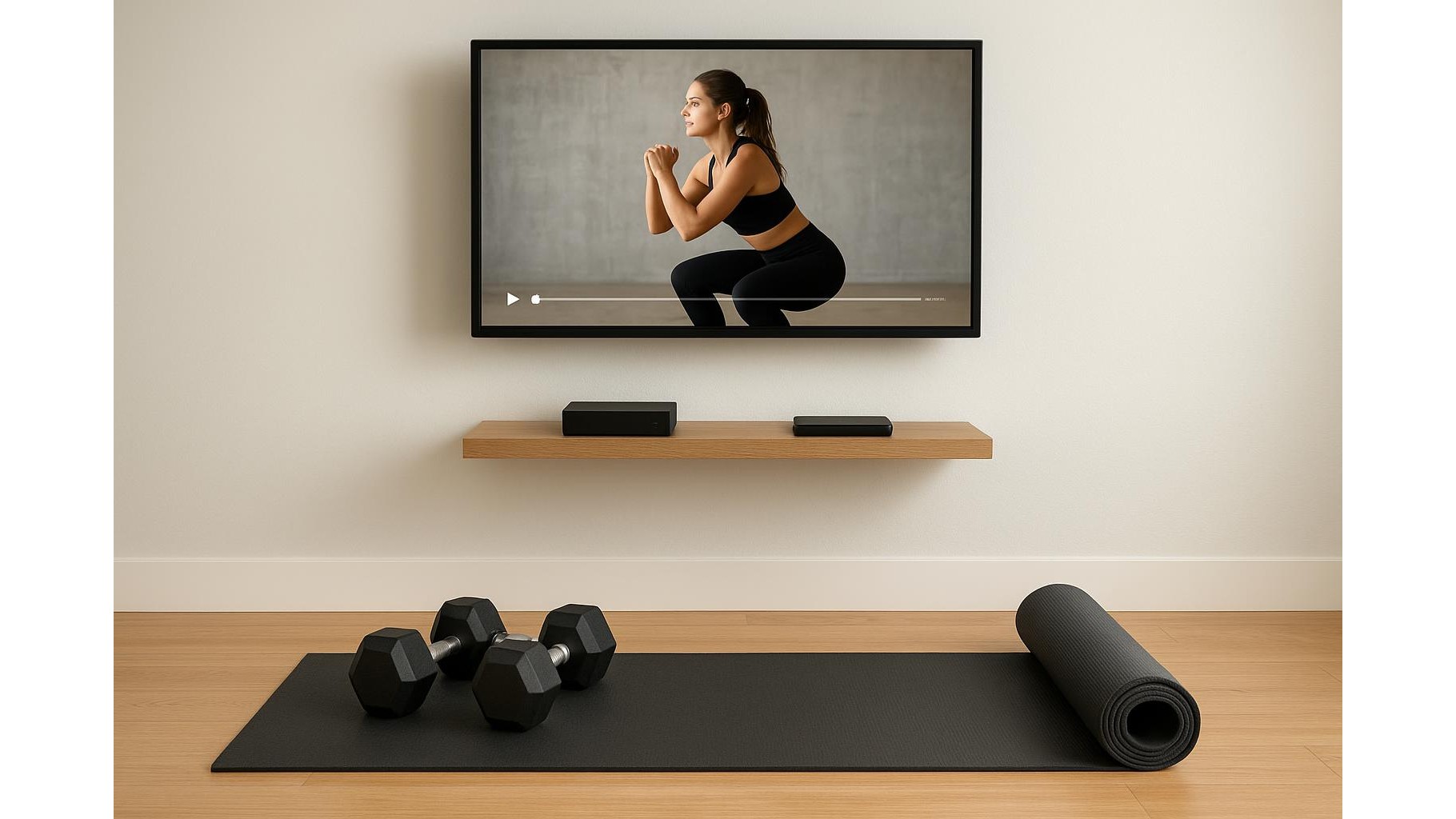
The final step is making your workouts easy to watch in the gym space itself. Connect a small TV or monitor to a media device such as a laptop, mini PC or streaming box that can access your server over the network. If your gym is far from the router and you cannot rely on Wi‑Fi, copy key sessions directly onto a USB stick or the device’s internal storage so they play fully offline. Many media server apps offer client apps for smart TVs, but you can also simply plug in a laptop via HDMI and use a wireless keyboard or remote to control playback. Position the screen at eye level where you perform most movements, and test audio levels so cues remain clear over the sound of plates, fans and music.
By combining a bit of inexpensive storage, a simple media server setup and a well‑organised collection of workout videos, you can build a reliable offline training library tailored to your goals. You are no longer limited by streaming apps, connection issues or shifting subscription models. Instead, you walk into your home gym, choose a session that fits your equipment and schedule, press play and focus entirely on moving well and getting stronger.









